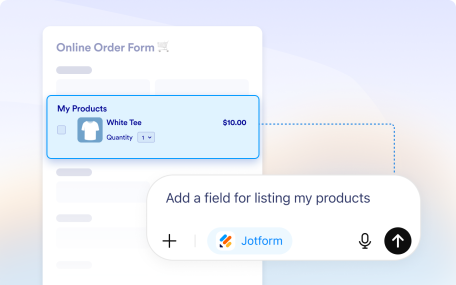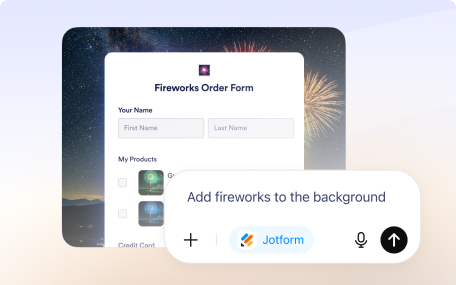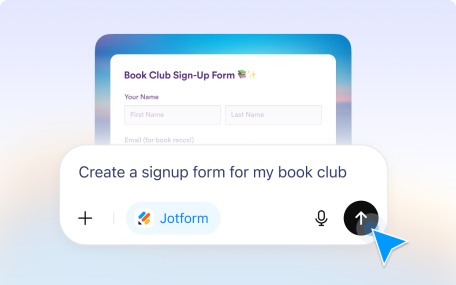
Create forms instantly in the Jotform ChatGPT app by describing what you need, uploading files or images, or importing a form from a URL.
Build and manage your forms simply by telling the Jotform ChatGPT app what you want to do.
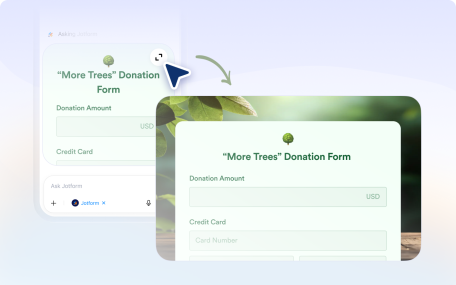
Style forms in the Jotform ChatGPT app. Generate themes by describing your idea or using images, and sync site colors for a cohesive look in seconds.
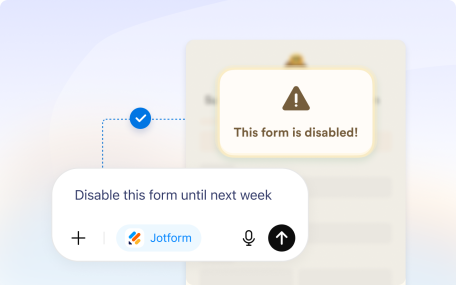
Manage form settings in the Jotform ChatGPT app. Update titles, control availability, conditionally disable or enable your form, and let users save and continue later.
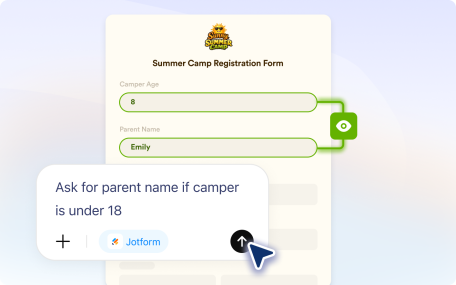
Use simple prompts in the Jotform ChatGPT app to create advanced form logic. Show or hide fields, skip pages, route emails, and customize thank you pages.
The Jotform ChatGPT app lets you preview your form and create test submissions instantly, so you can verify how it works before sharing it with real users.
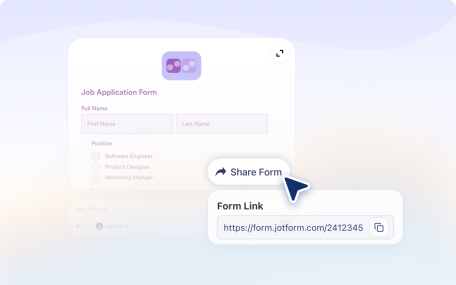
Easily share your forms and control access with the Jotform ChatGPT app. Manage permissions, set visibility, and invite collaborators in seconds.
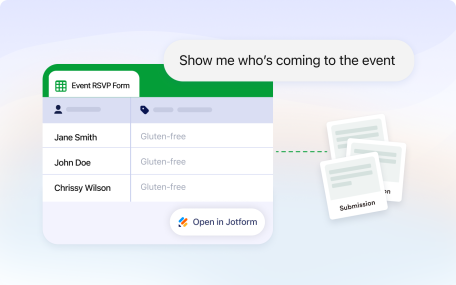
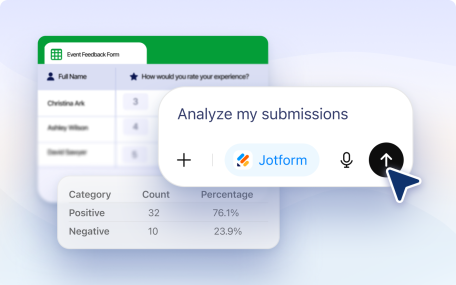
View submissions for any form and filter responses easily with the Jotform ChatGPT app.
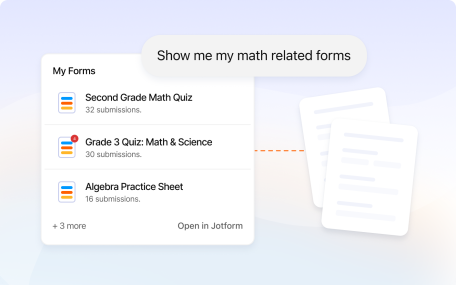
Search, list, and sort forms easily with the Jotform ChatGPT app. Rename, delete, or archive forms in seconds.
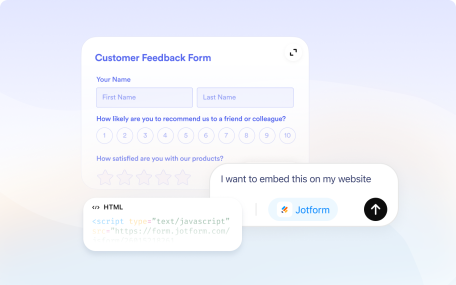
Generate JavaScript, iFrame, WordPress, lightbox, and popup embed codes with the Jotform ChatGPT app, so you can add your form anywhere in seconds.
Access advanced features designed for large organizations, including multiuser management, white labeling, and custom domains.
Jotform has always been committed to safeguarding your data. We implement the same security features for AI Agents.