

View Form Submissions
View submissions for your Jotform forms directly inside the Jotform Claude app.
View Submissions
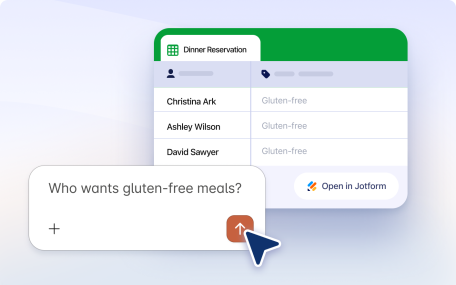
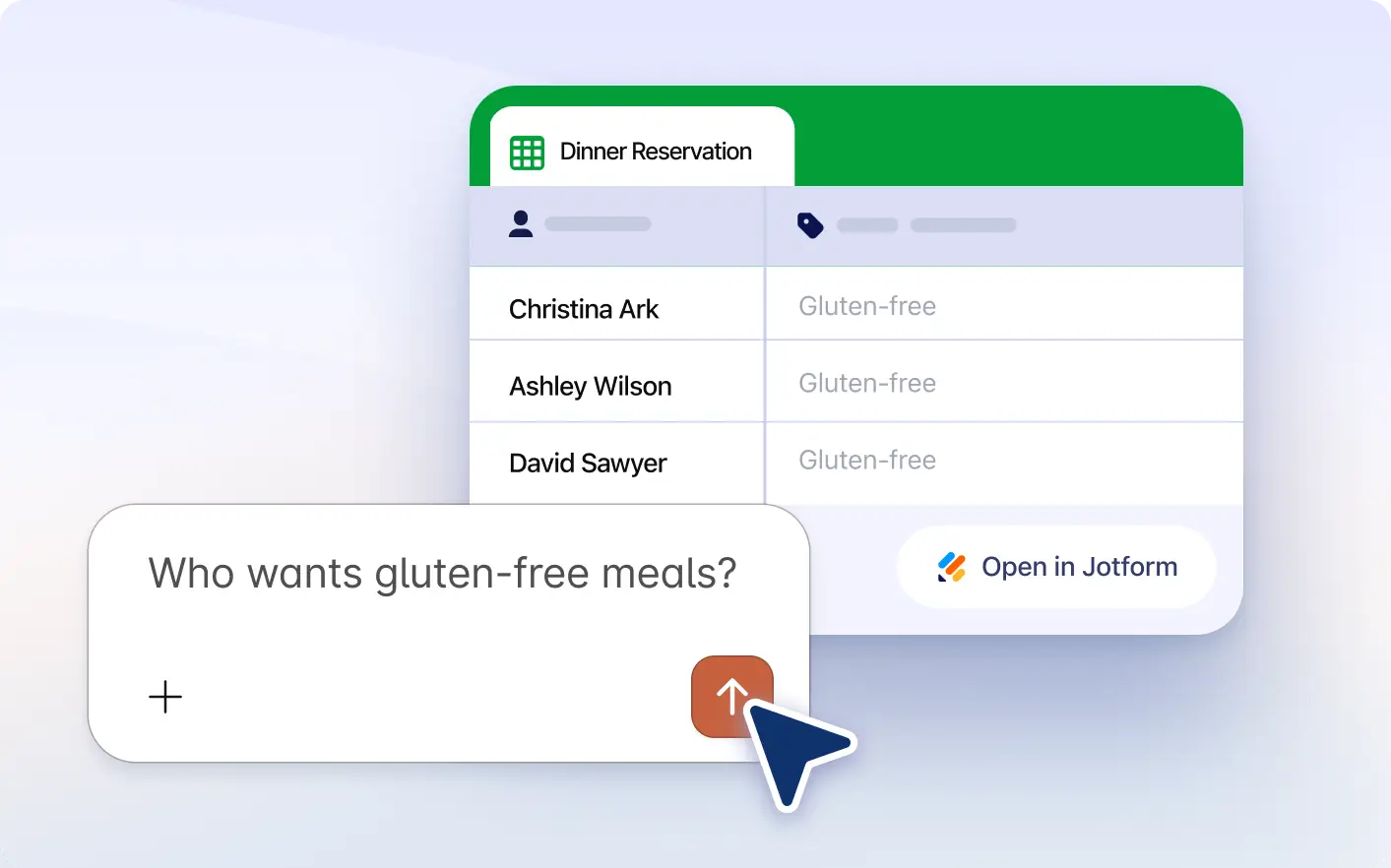
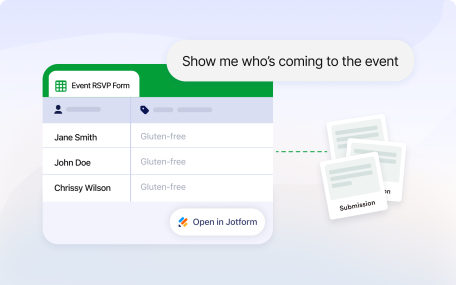
View submissions for any form and filter responses easily with the Jotform Claude app.
Skip manual searching through entries. Use simple prompts to filter submissions by names, dates, answers, status, and more.
Type what you need to see and Jotform will automatically filter your submissions, helping you review only the most relevant entries faster inside Jotform Tables with clear results.
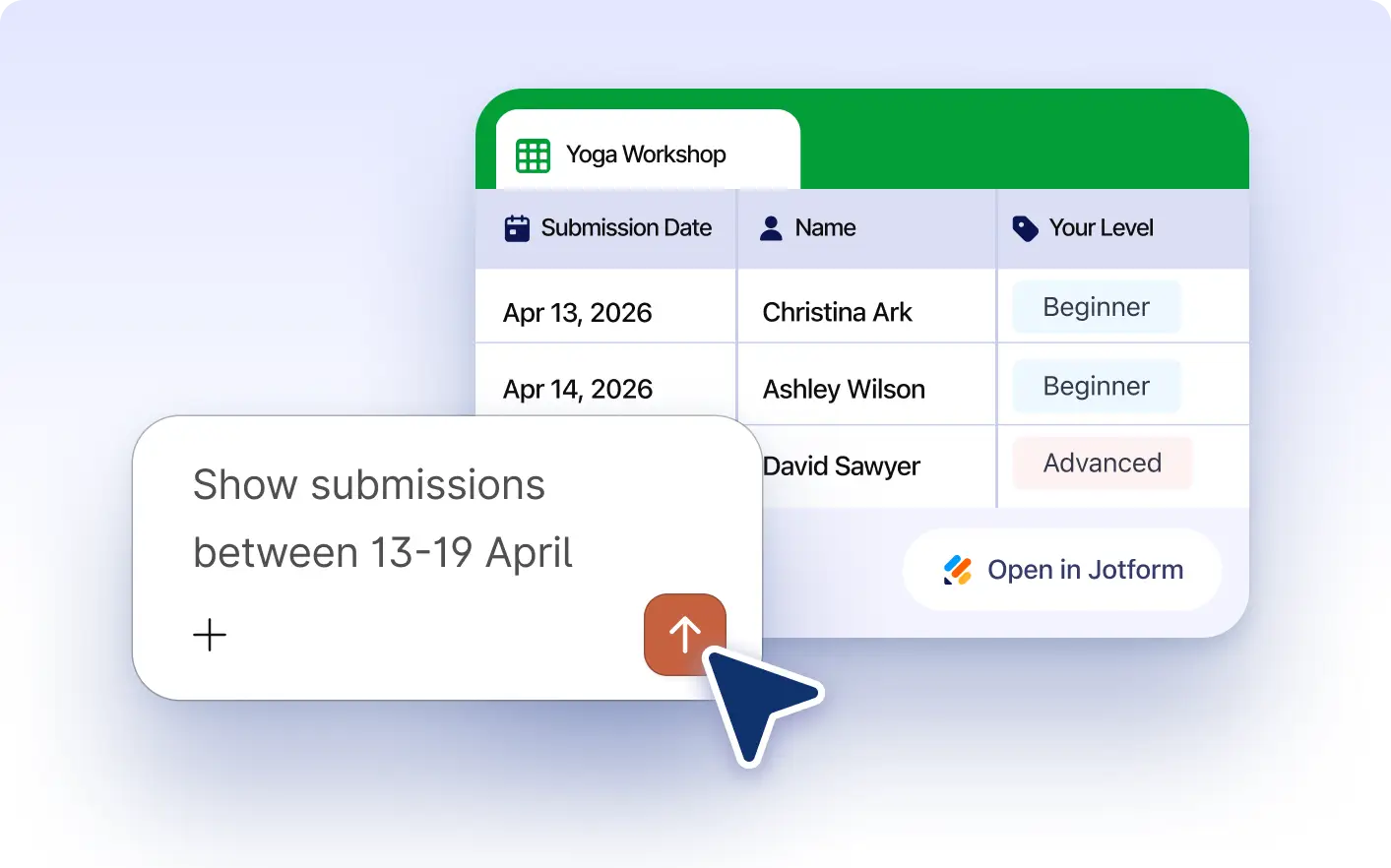
Use everyday language to find matching submissions. Ask for entries by keyword, date range, selected answers, or custom conditions.
Have questions about this feature? Explore the FAQs below for quick answers.
Simply ask for submissions that match your criteria, such as specific names, dates, answers, or statuses, and Jotform will show filtered results.
You can filter by keywords, date ranges, selected responses, names, statuses, and other form field values depending on your form data.
Yes. You can filter submissions for forms connected to your Jotform account directly inside the Claude app.