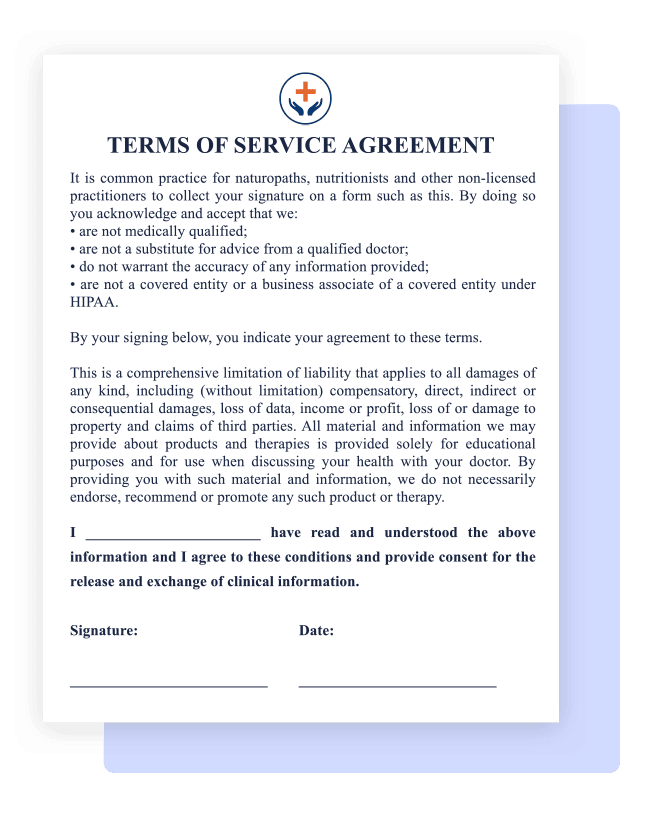
UPLOAD your PDF form
Smart PDF Forms
Convert your PDF to HTML Web Forms
Filling out PDF forms shouldn’t be complicated. Turn your PDF forms into powerful online forms that are easy to fill out from any device with Jotform Smart PDF Forms — and give your users a seamless online form-filling experience.
Make your PDF forms interactive
Tired of waiting for users to print, fill out, scan, and send your PDF forms manually? Turn your PDF forms into mobile-friendly online forms without any coding to get submissions instantly.
1
2
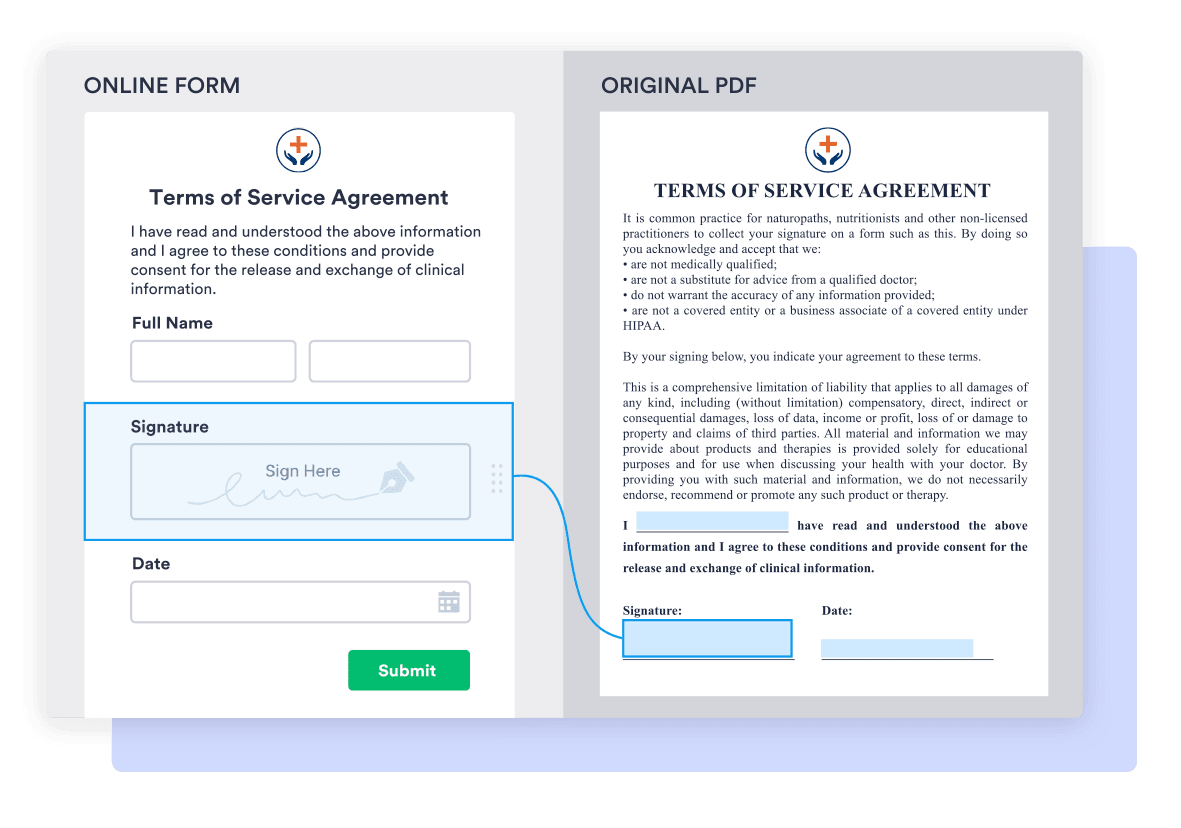
CONVERT to HTML web form
3
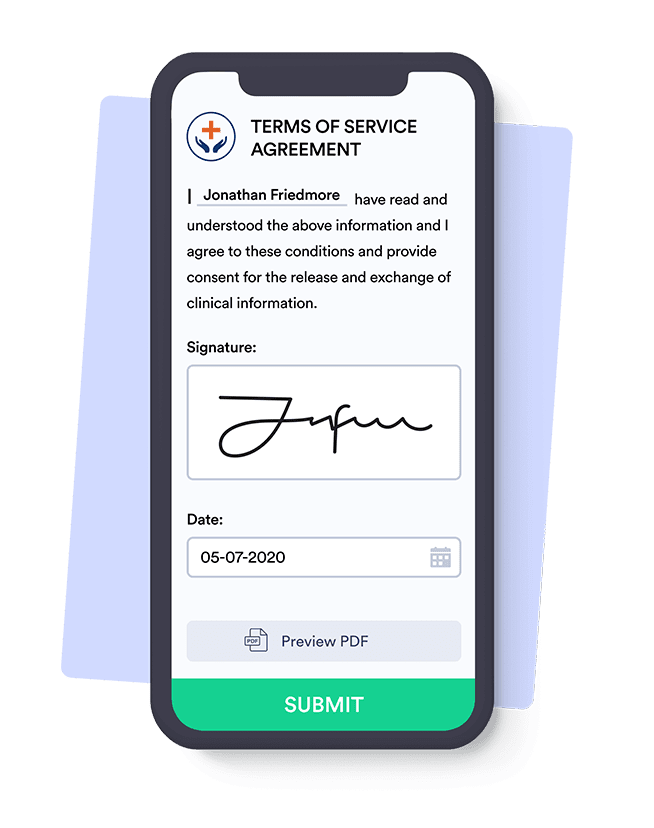
COLLECT responses from others
4
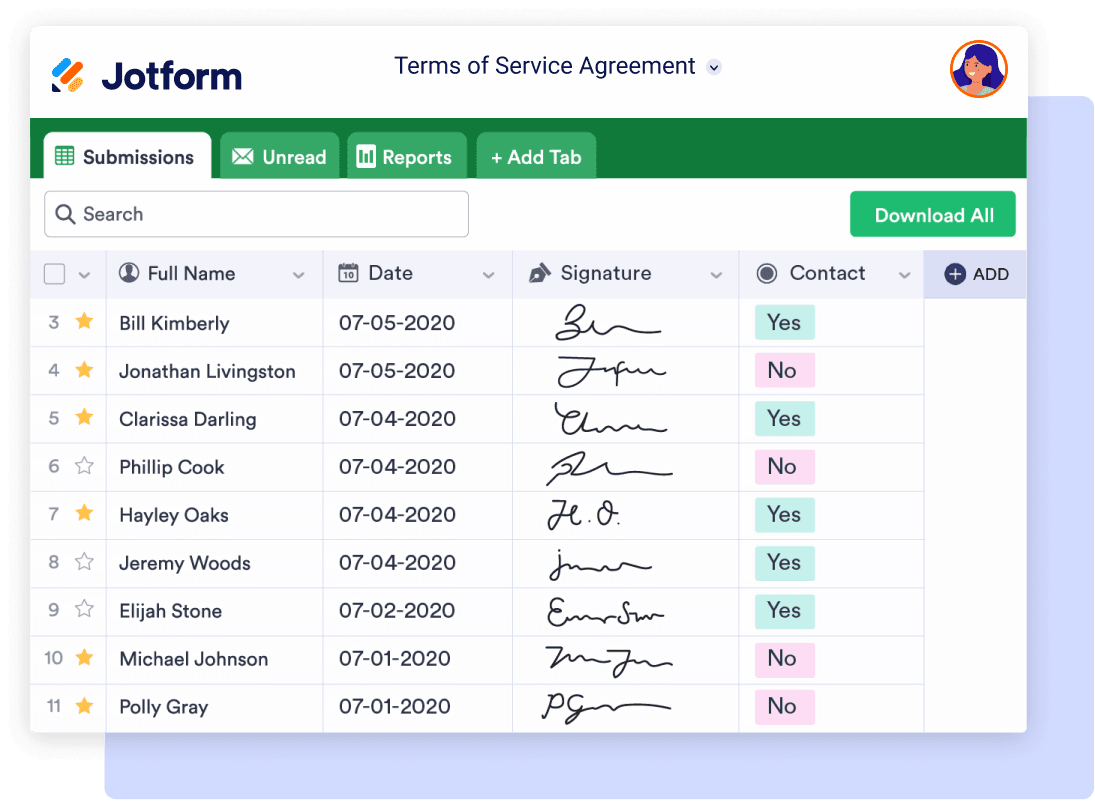
MANAGE all responses in one place
5
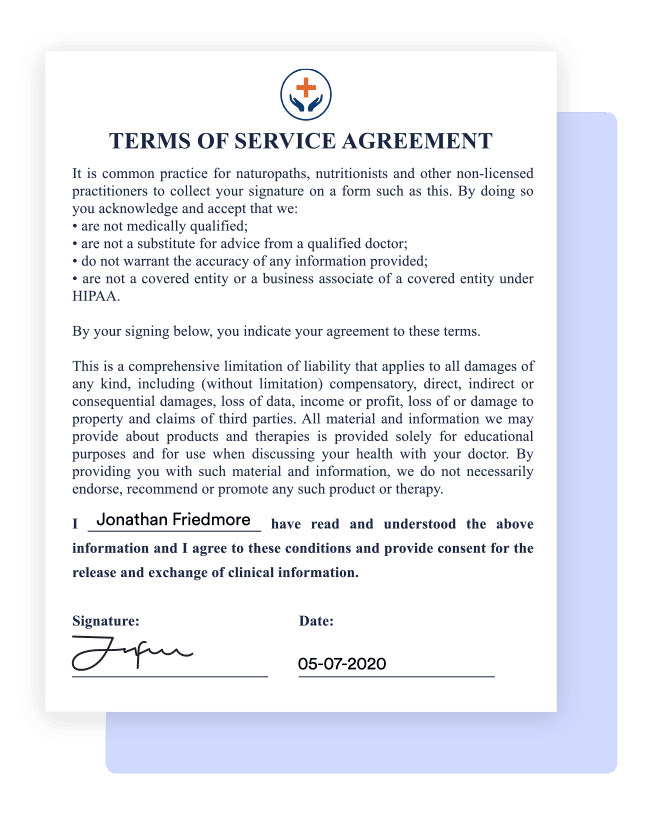
KEEP your original PDF layout
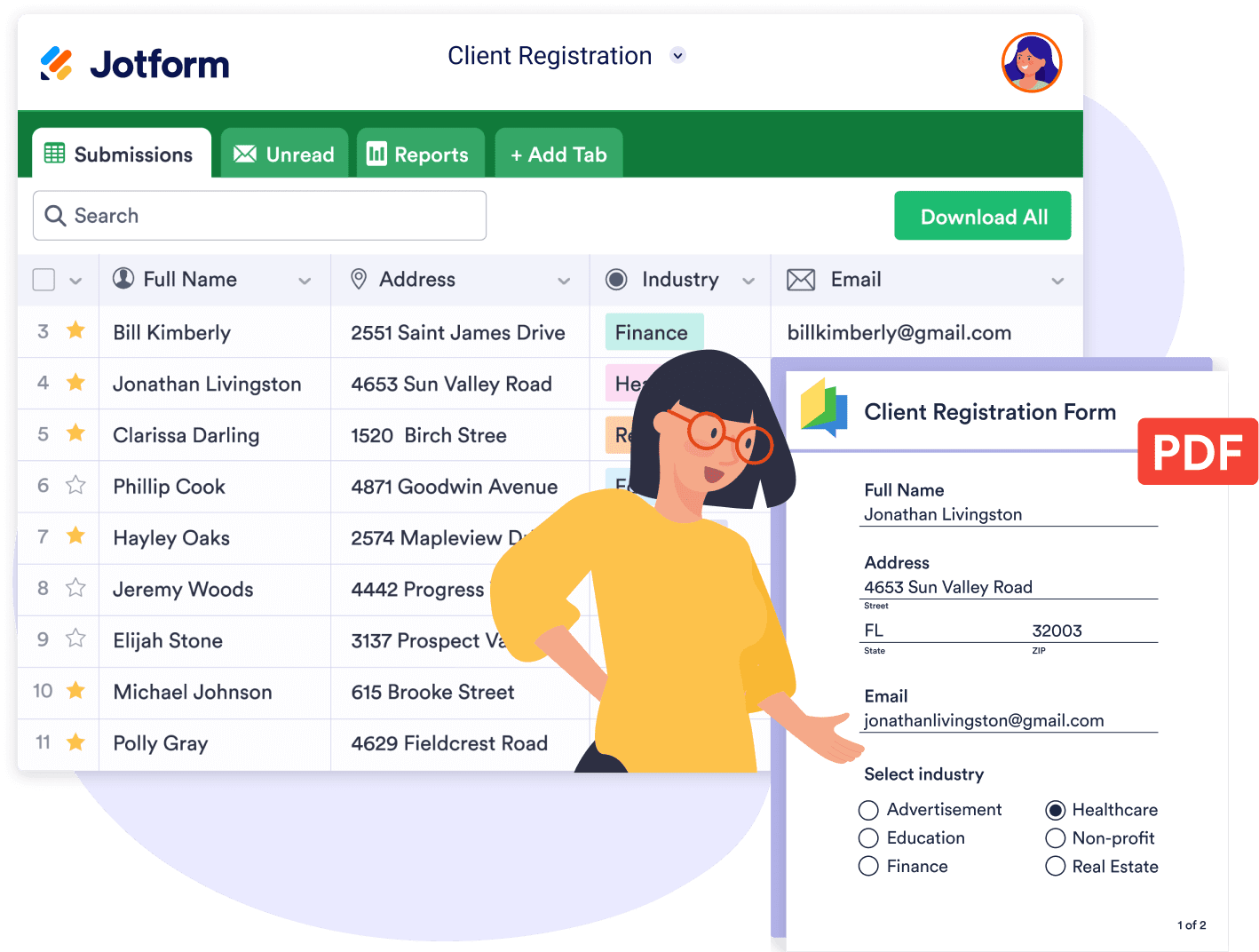
Receive responses instantly

Speed up the process for users
Increase conversion rates with advanced form features that simplify your form design, like conditional logic.

Share in seconds
Embed your online form in your website, or send the form link directly to the people you work with.
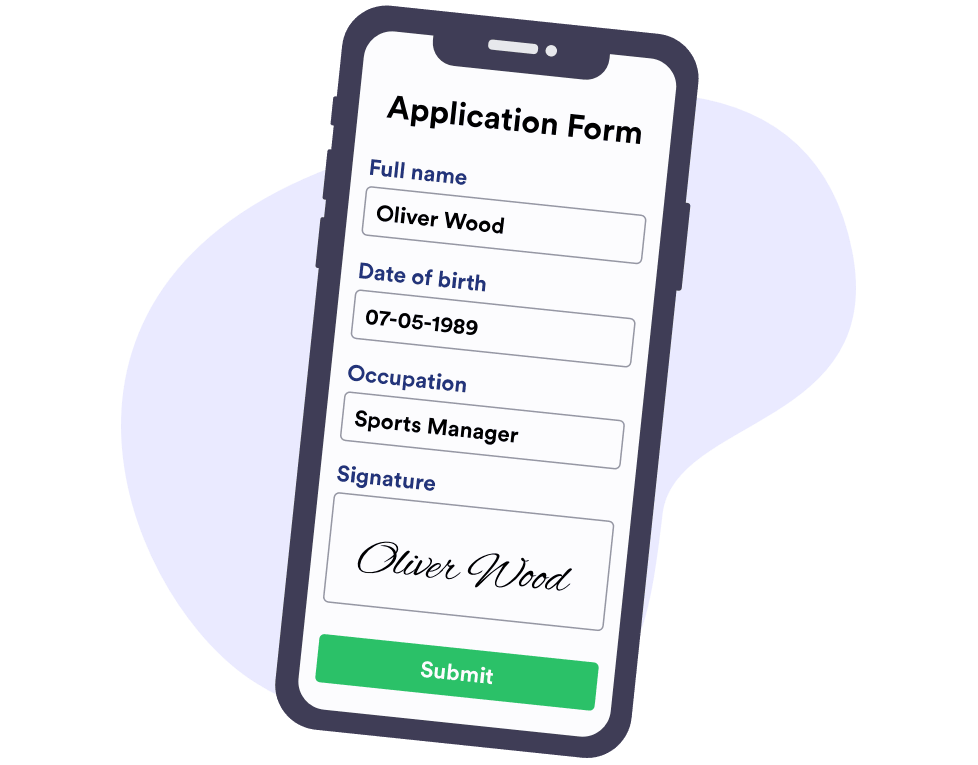
Works on any device
Provide an easier form-filling experience with mobile-friendly forms that work seamlessly on any computer, smartphone, or tablet.
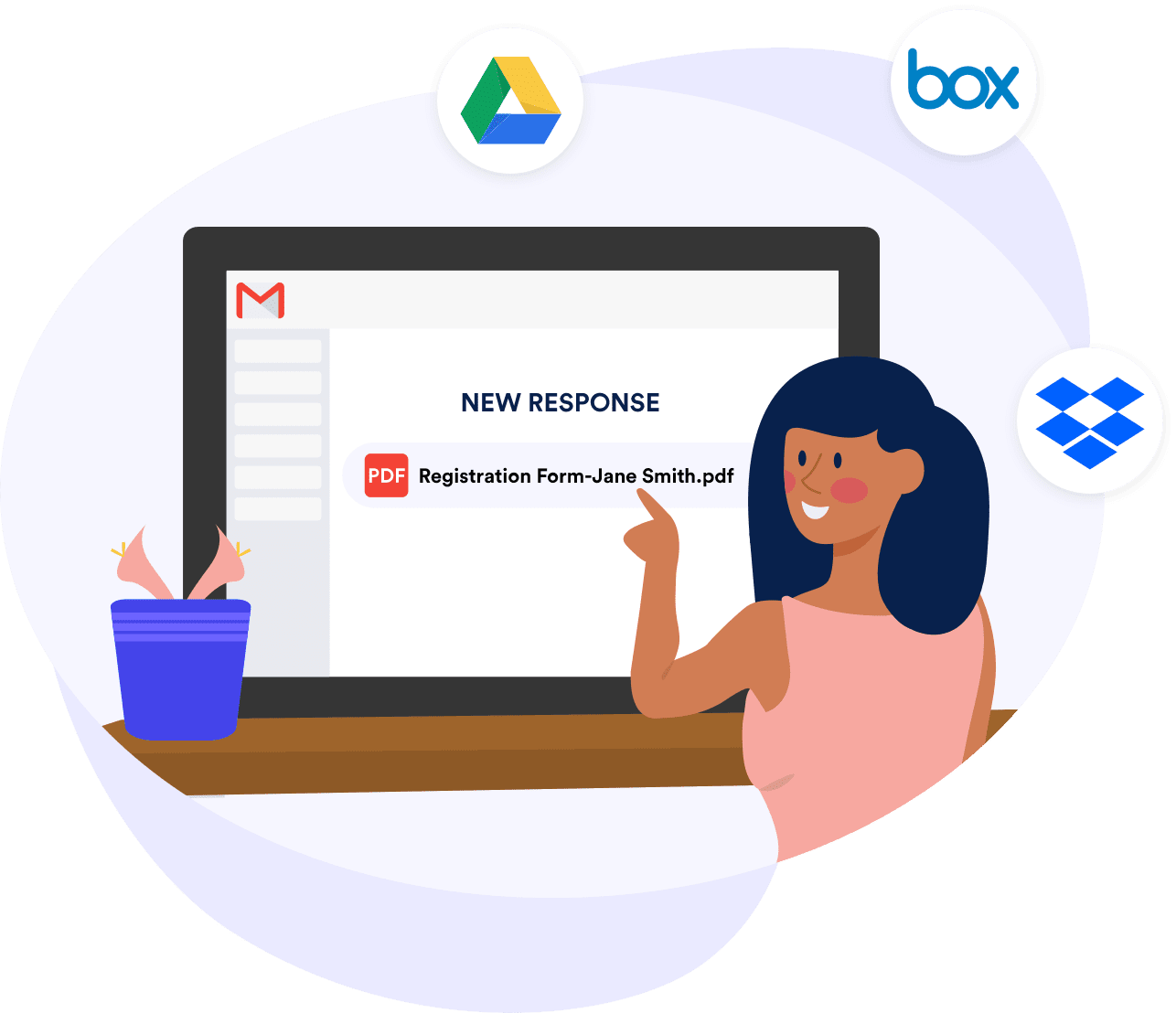
Receive, store, and share completed PDFs
Power up your PDFs with Jotform Smart PDF Forms
Collect PDF responses with all the advanced features of online forms
| Empty Table Header Row | Traditional PDF Forms | Jotform Smart PDF Forms |
|---|---|---|
| BUSINESS AUTOMATION BENEFITS | ||
| Retain original PDF layout | Yes | Yes |
| Download data as Excel and CSV | No | Yes |
| Search and filter responses | No | Yes |
| Send PDFs as emails automatically | No | Yes |
| Send PDF to other services | No | Yes |
| ONLINE FORM BENEFITS | ||
| Conditional logic | No | Yes |
| Input validation to minimize incorrect data entry | No | Yes |
| Smooth form filling experience | No | Yes |
| Mobile-friendly | No | Yes |
| Fill PDF with API | No | Yes |
| Integrations | No | Yes |
| Payment processing | No | Yes |
Transform your PDF forms into online forms in seconds
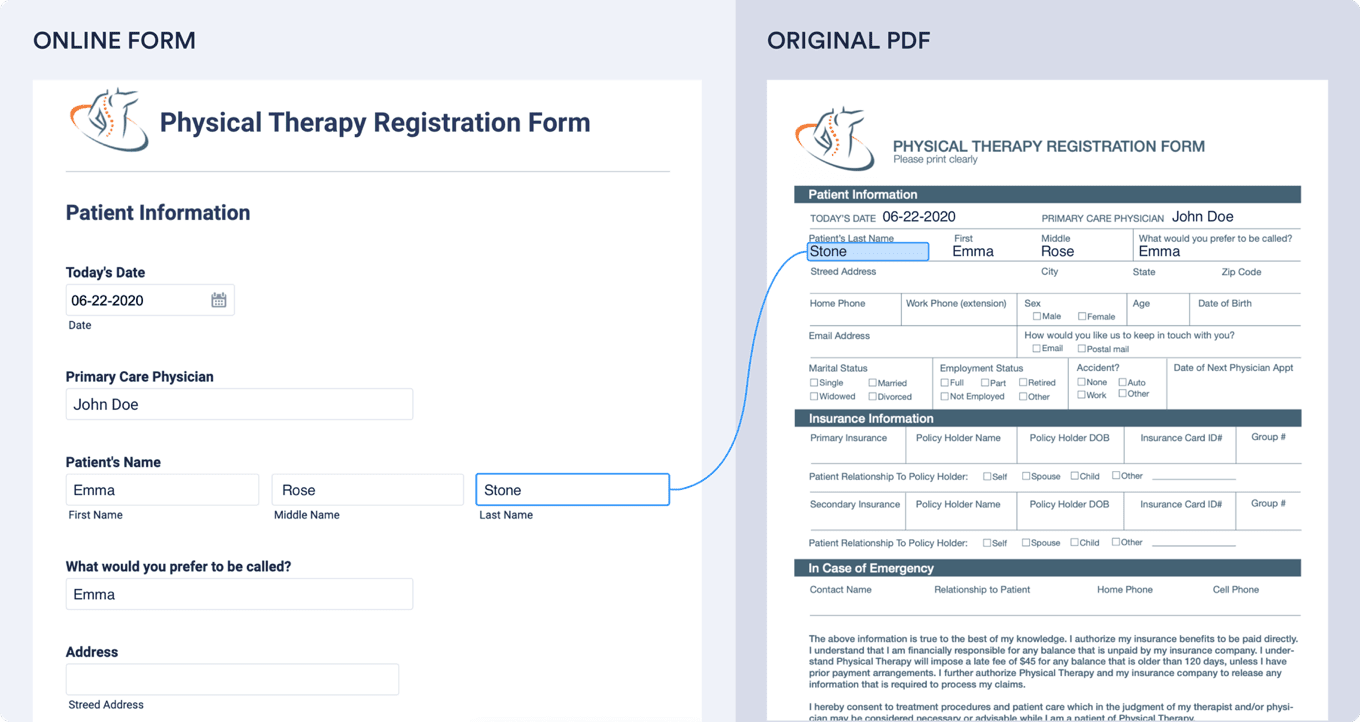
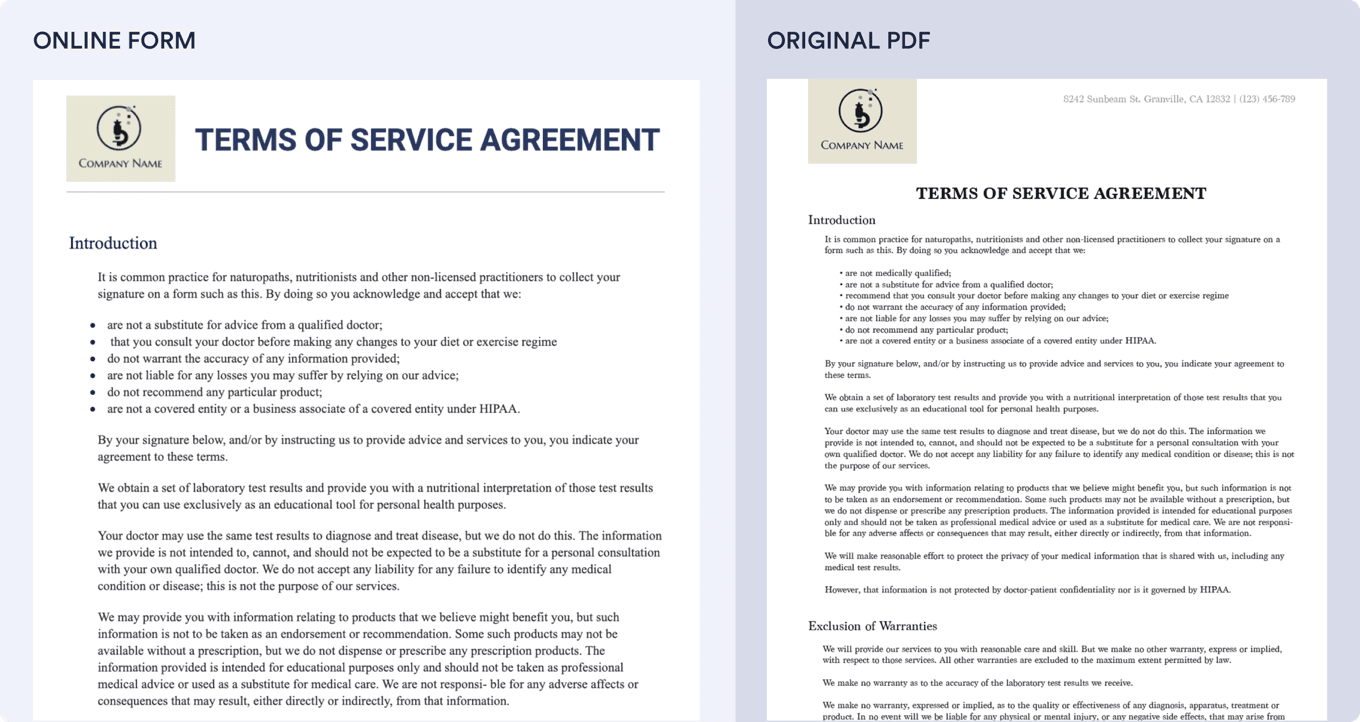
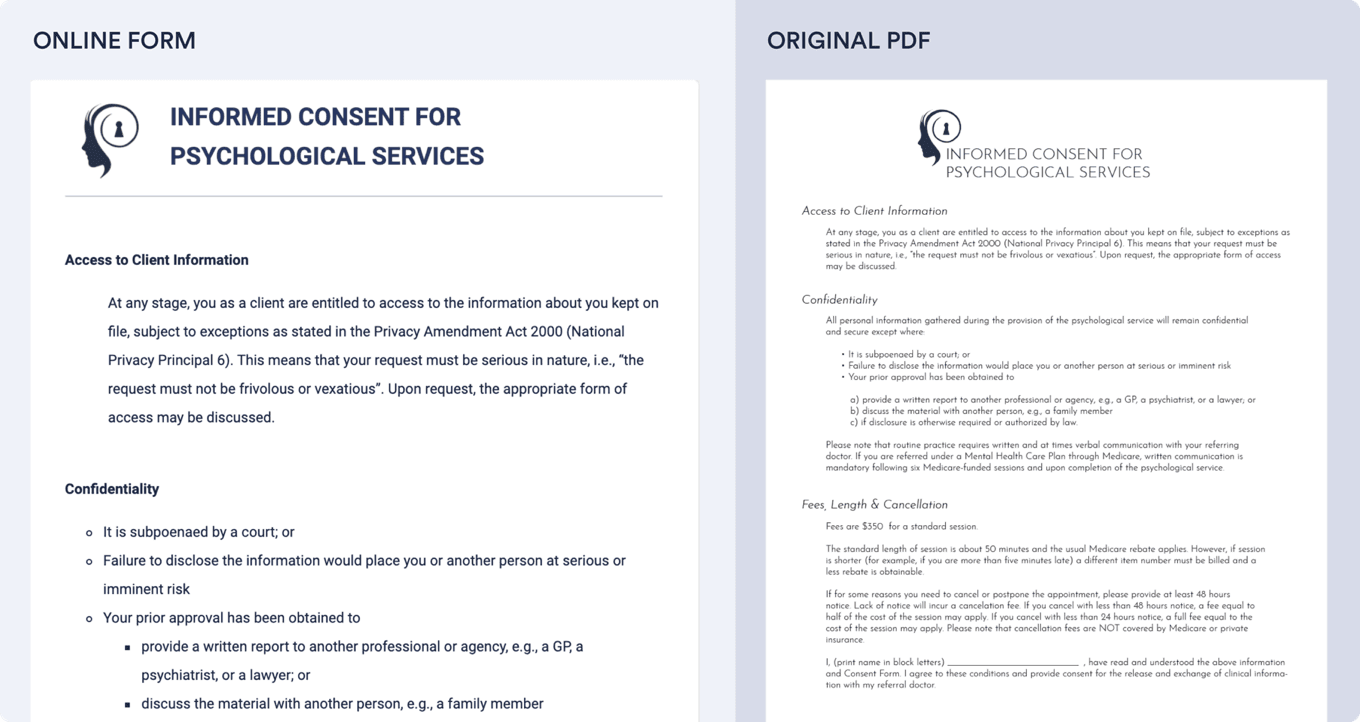
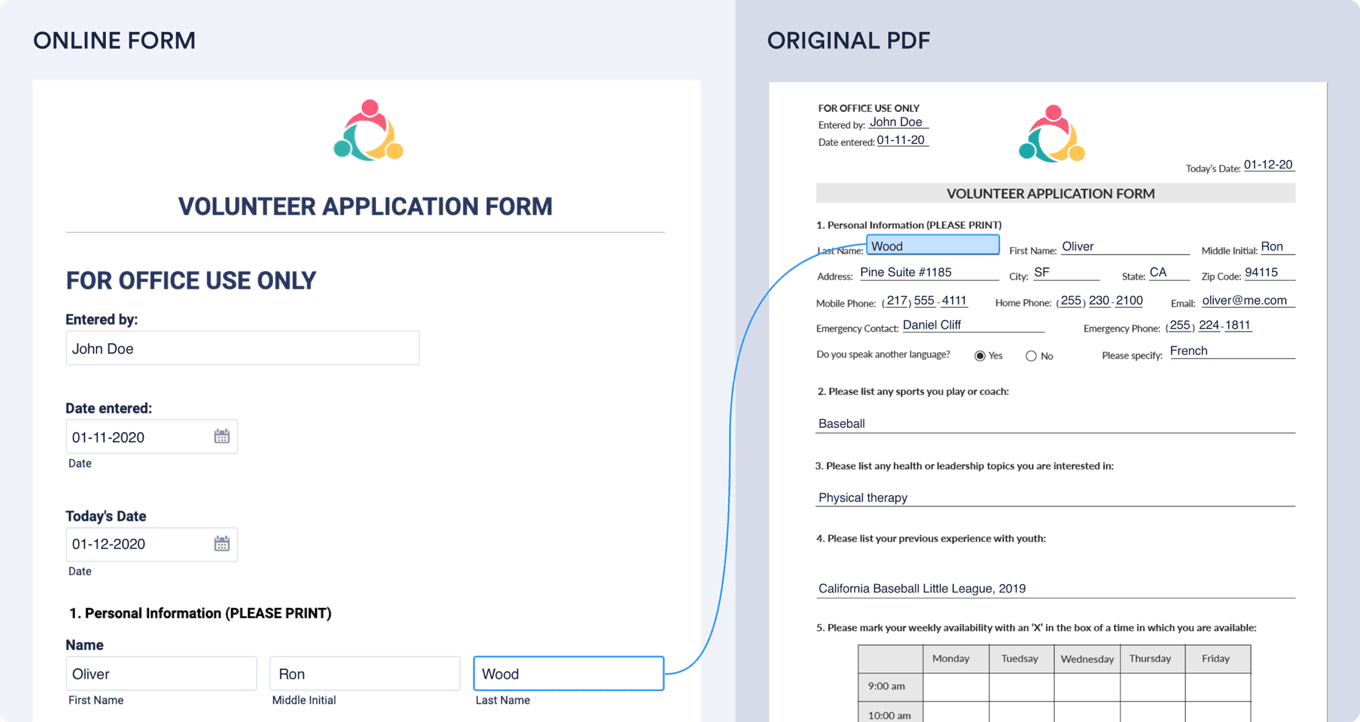
See for yourself how easy it is to turn your PDF form into a professional online form without altering the original PDF’s layout.
TESTIMONIALS
What our users say about Jotform Smart PDF Forms
“The Smart PDF Forms feature is unlike anything I’ve ever seen on any other form builder. It allows my business to convert a collection of confusing boxes into a user-friendly text box form for my clients. The information goes directly into the PDF and once completed a copy goes to our clients and another to us. The unique form link is also something we find very useful. It allows up to have customers access our form directly from our website. I couldn’t be happier with Jotform and it can only get better.”

Jose Perez
CEO of Loften
“Jotform has been a game-changer for us. We utilize Jotform for a myriad of different forms for different divisions of our company where multiple paper forms are condensed into one Jotform. Before in a paper form system, the user would have to enter their information separately on each form, we have streamlined all of those entries and signatures down to a handful of required fields and it fills in each form accordingly.”

Matt Abbott
Marketing Manager
“Jotform offers capabilities that are not available on other platforms at a price that is fair for nonprofits and smaller operations. Jotform is an indispensable service at our organization offering features that no other services can.”

Sam Sipe
Sailing Coach
Turn your PDFs into powerful web forms
Smart PDF Forms FAQ
An interactive PDF form allows users to interact with the form, including viewing videos and GIFs and completing form fields.