

Formulir TI
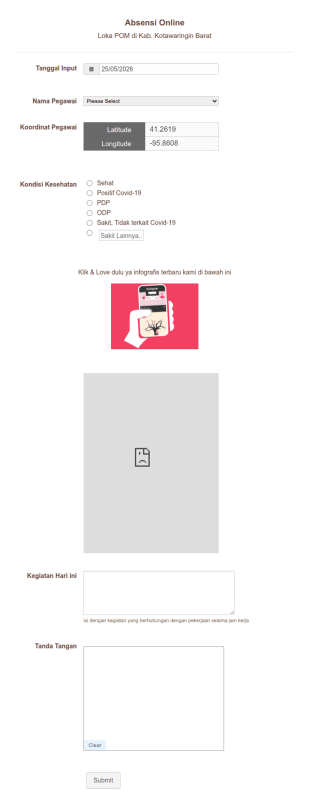
Absensi Online
A Absensi Online adalah template formulir yang memudahkan perusahaan dalam mengelola absensi karyawan secara online. Solusi praktis untuk masalah pelacakan jam kerja dan pengelolaan kehadiran tim secara efisien. Coba sekarang!
Buka Kategori:Formulir TI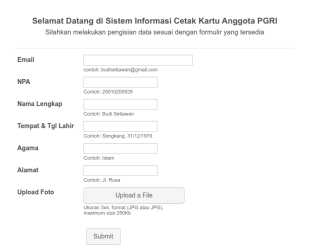

Instrumen Monitoring
A Instrumen Monitoring adalah template formulir yang memungkinkan Anda untuk melacak dan memantau data kinerja perangkat lunak Anda dengan mudah. Selesaikan masalah Anda dalam mengelola alat monitoring dengan mudah menggunakan template ini!
Buka Kategori:Formulir TI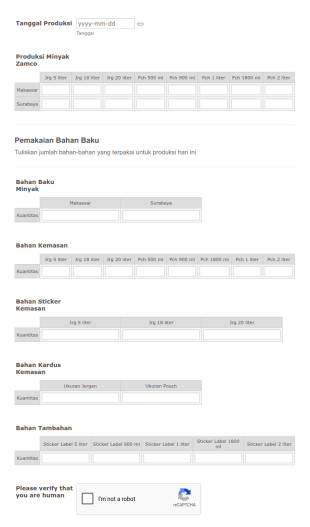
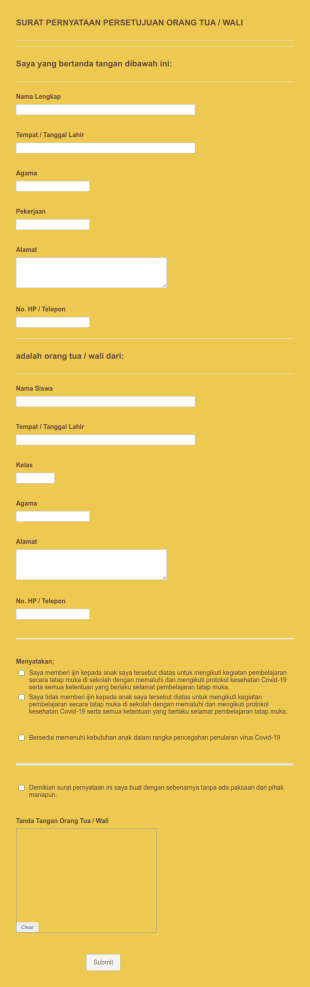
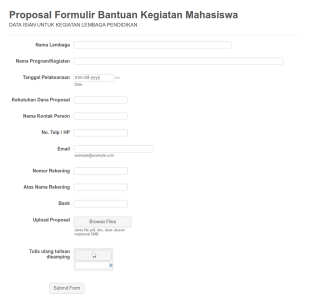
Formulir Bantuan Proposal Yayasan Hadji Kalla
Formulir Bantuan Proposal - Yayasan Hadji Kalla
Buka Kategori:Formulir TI
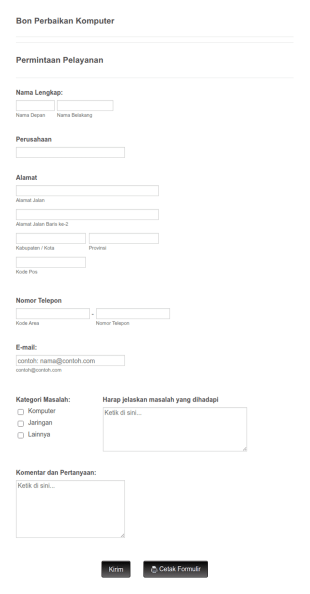
Formulir 2 Permintaan Layanan TI
Formulir Permintaan Layanan TI memungkinkan pelanggan Anda untuk melaporkan masalah dan membuat permintaan terkait perbaikan dengan memberikan informasi kontak mereka, memilih kategori masalah yang mereka hadapi, memberikan penjelasan dan komentar lebih lanjut mengenai masalah tersebut jika ada. Anda dapat menggunakan formulir ini sebagai dasar dan membuat formulir Anda sendiri melalui berbagai widget yang dapat disesuaikan dan menyematkannya ke situs web Anda atau menggunakannya sebagai formulir mandiri. Gunakan Pembuatan Formulir kami untuk mengubah Formulir Permintaan Layanan TI sesuai dengan kebutuhan Anda. Anda juga dapat menyinkronkan kiriman tanggapan dan unggahan ke akun Anda yang lain secara otomatis dengan 100+ integrasi formulir gratis kami, seperti Google Drive, Dropbox, Slack, dan banyak lainnya. Salin formulir ini dan segera gunakan di Jotform!
Buka Kategori:Formulir TI
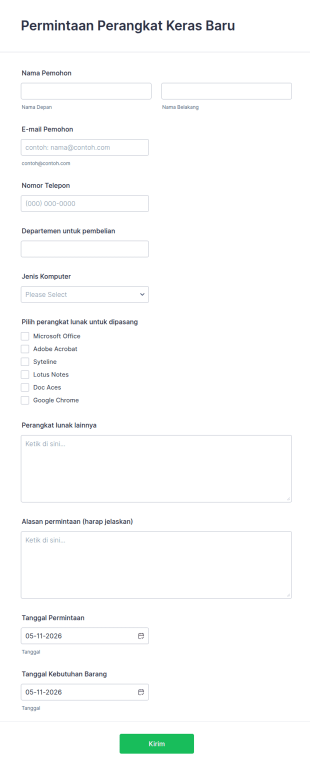
Permintaan Perangkat Keras Baru
Permintaan Perangkat Keras Baru ini digunakan oleh departemen TI untuk mengelola permintaan perangkat keras / perangkat lunak. Templat formulir permintaan perangkat keras komputer ini memungkinkan menentukan jenis peralatan, perangkat lunak, alasan permintaan. Contoh formulir permintaan perangkat keras ini mencakup nama, email, nomor telepon, informasi tanggal permintaan dan tanggal kebutuhan barang. Gunakan Pembuat Formulir seret dan lepas kami untuk mengubah Formulir Permintaan Perangkat Keras Baru sesuai dengan kebutuhan Anda. Anda juga dapat menyinkronkan kiriman tanggapan dan unggahan dengan akun Anda yang lain secara otomatis dengan 100+ integrasi formulir gratis kami, seperti Google Drive, Dropbox, Slack, dan banyak lainnya. Salin formulir ini dan segera gunakan di Jotform!
Buka Kategori:Formulir TI
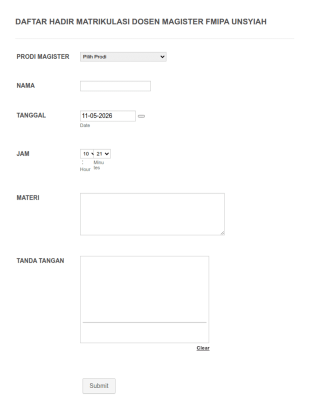
Daftar Hadir Matrikulasi Dosen Magister Fmipa Unsyiah
DAFTAR HADIR MATRIKULASI DOSEN MAGISTER FMIPA UNSYIAH
Buka Kategori:Formulir TI
Formulir Survei Software
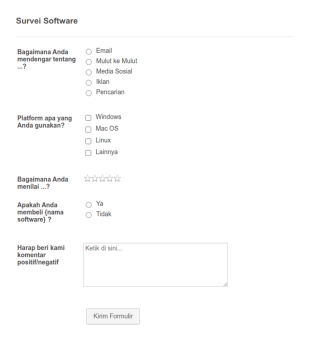
Survei Software adalah kuesioner yang umumnya digunakan oleh perusahaan software untuk mengumpulkan umpan balik dari penggunanya. Jika Anda bekerja di bidang software, gunakan Formulir Survei Software gratis dari kami ini untuk berbicara dengan pelanggan Anda dan mencari tahu lebih banyak tentang bagaimana mereka menggunakan produk Anda! Formulir ini ideal untuk merancang fitur perangkat lunak baru, memecahkan masalah bug, dan meningkatkan aplikasi Anda secara keseluruhan. Tambahkan logo dan merek Anda ke tamplat Formulir Survei Software, pilih desain yang cocok dengan fitur baru Anda, dan sesuaikan formulir dengan mudah untuk mengumpulkan informasi yang Anda butuhkan. Jotform 100% gratis - jadi jika Anda mencari alat survei online tanpa biaya tersembunyi, Anda telah menemukannya. Integrasikan kiriman tanggapan dan unggahan formulir Anda dengan 100+ aplikasi lain di App Marketplace kami untutk menyempurnakan Formulir Survei Software Anda. Kemudian, gunakan alat visualisasi data Jotform untuk menganalisis dan menyajikannya dalam laporan yang indah. Anda juga dapat membuat survei online kustom Anda sendiri dari awal dengan Pembuat Formulir seret dan lepas kami - tanpa perlu pengkodean.
Buka Kategori:Formulir TI
Formulir Permintaan Pengguna Baru
Formulir Permintaan Pengguna Baru ini untuk administrator server atau situs web yang menangani banyak pengguna pada operasi sehari-hari. Jika Anda mengelola permintaan pengguna baru atau menangani pengguna yang ada yang ingin memperbarui informasi mereka, formulir ini akan membantu pengguna dengan izin akun mereka seperti mengubah akses direktori, memperbarui hak konsol web dan administratif, juga menerima permintaan dukungan untuk pengguna. Gunakan Pembuat Formulir seret dan lepas kami untuk mengubah Formulir Permintaan Pengguna Baru sesuai dengan kebutuhan Anda. Anda juga dapat menyinkronkan kiriman tanggapan dan unggahan Anda secara otomatis dengan 100+ integrasi formulir gratis kami, seperti Google Drive, Dropbox, Slack, dan banyak lainnya. Salin formulir ini dan segera gunakan di Jotform!
Buka Kategori:Formulir TI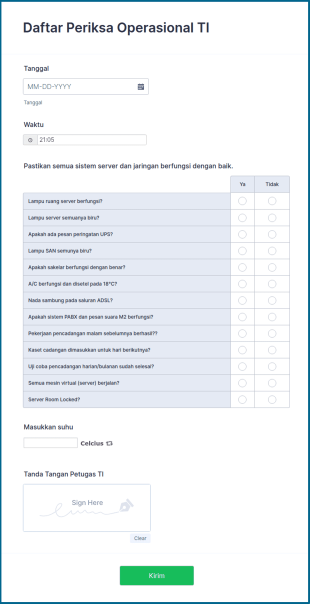
Daftar Periksa Operasional TI
Daftar Periksa Operasional TI digunakan oleh tim dukungan teknis untuk menentukan status komputer, server, atau jaringan.
Buka Kategori:Formulir TI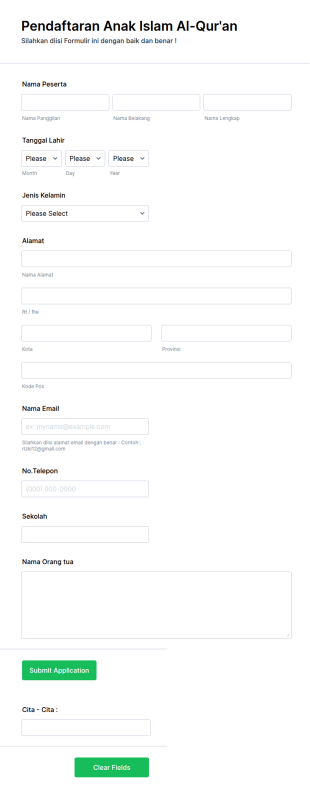
Pendaftaran Anak Islam Al Qur'an
Assalamu'alaikum. Pendaftaran Anak Islam Al-Qur'an sudah selesai
Buka Kategori:Formulir TI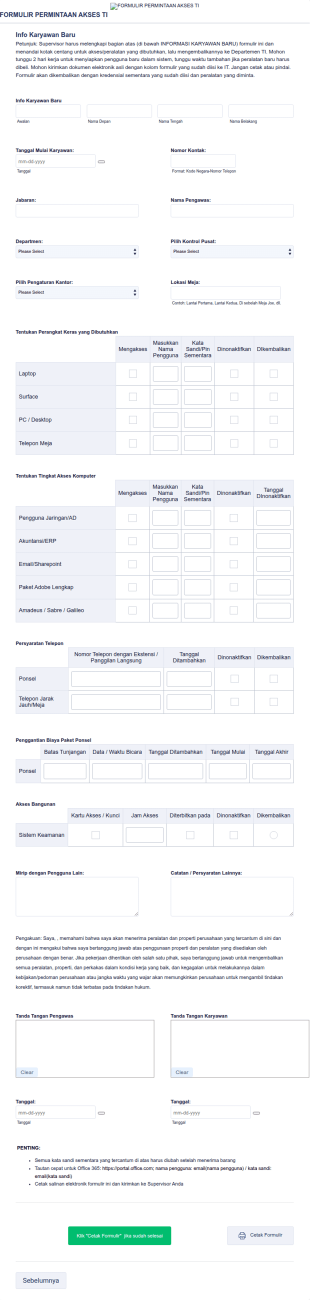
Formulir Permintaan Akses TI V2
Formulir Permintaan Akses TI V2 adalah templat formulir yang dirancang untuk menyederhanakan proses pelacakan dan pemberian izin bagi karyawan untuk mengakses sistem TI.
Buka Kategori:Formulir TI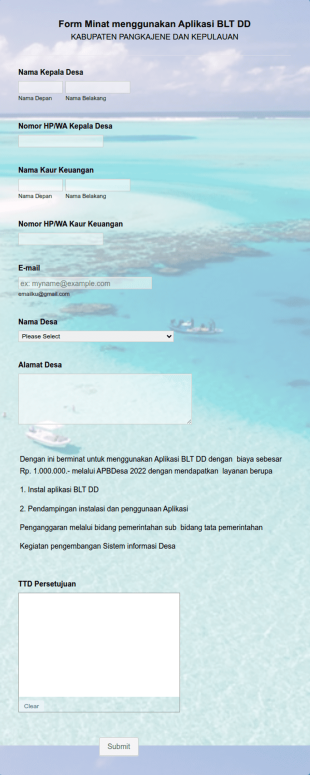
Form Minat Menggunakan Aplikasi BLT DD
Form Minat menggunakan Aplikasi BLT DD
Buka Kategori:Formulir TI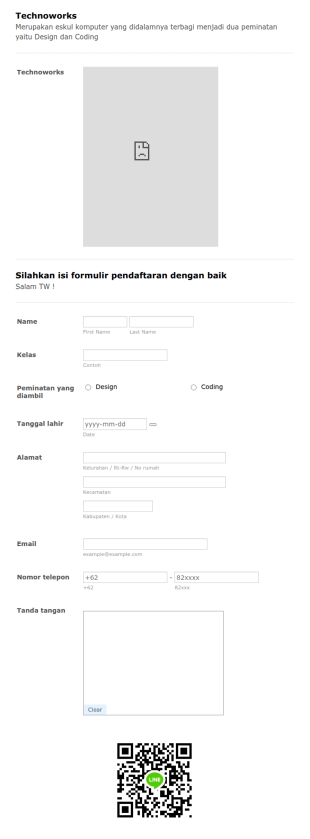
Pendaftaran Technoworks 2020/2021
Pendaftaran eksul technoworks telah dibuka ! Pada tanggal 09 Desember 2020 Password Form : twsanmar2020/2021
Buka Kategori:Formulir TI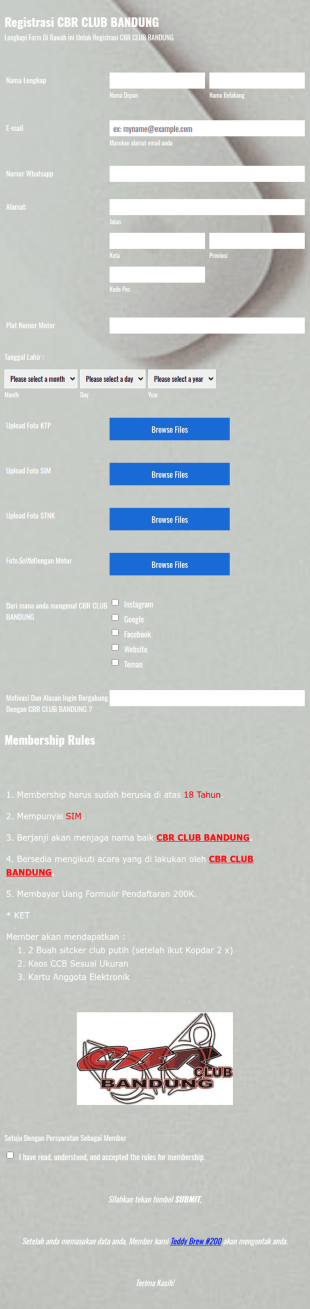
Registrasi Cbr Club Bandung
this template used for registration the club member
Buka Kategori:Formulir TITentang Formulir TI
Pantau terus permintaan layanan dan rekrut pakar baru untuk tim dukungan teknis Anda. Formulir TI gratis kami akan membantu Anda mengelola departemen TI tanpa menghabiskan keterampilan teknis Anda. Dengan menggunakan Pembuat Formulir seret dan lepas kami, Anda dapat dengan mudah menyesuaikan setiap template formulir TI kami untuk melacak bug, mengumpulkan lamaran kerja, dan mengumpulkan umpan balik perangkat lunak. Integrasikan formulir Anda dengan aplikasi manajemen tugas untuk mengotomatiskan tugas yang berulang. Sederhanakan alur kerja Anda dan buat formulir TI sekarang!
Jotform stands out as the premier online form builder for IT Forms, offering a robust platform that caters to the unique needs of IT professionals. With Jotform, users can easily customize forms to suit specific requirements and automate the data collection process to minimize manual efforts. Furthermore, Jotform’s centralized data management system, facilitated by Jotform Tables, allows IT teams to organize and access their data seamlessly, ensuring that information is always up-to-date and readily available. This combination of customization, automation, and data management positions Jotform as an indispensable tool for IT departments looking to optimize their workflows.
Why Use IT Forms?
- IT Forms offer unparalleled accuracy in data collection, reducing the risk of errors that often occur with manual data entry. By leveraging digital forms, IT departments can ensure that the information captured is complete and precise, leading to more reliable data-driven decisions.
- Speed is a critical factor in the IT industry, and IT Forms significantly enhance the speed at which data is collected and processed. With features like conditional logic, forms can dynamically adapt to user input, streamlining the completion process and reducing the time required to gather information.
- Professional data handling is paramount in IT operations, and IT Forms provide a secure and structured method for managing sensitive information. By utilizing secure data management practices, such as those offered through Jotform Tables, IT teams can safeguard data integrity and confidentiality.
- The ability to integrate with over 100 third-party applications ensures that IT Forms can seamlessly fit into existing workflows. Whether it's updating a database in Salesforce or sending a notification via Slack, these integrations enhance operational connectivity and efficiency.
- Customization is key in addressing the specific requirements of IT operations, and Jotform’s Drag-and-Drop Form Builder allows for extensive customization of IT Forms. Users can tailor forms to match their organizational processes, ensuring that each form serves its intended purpose without unnecessary elements.
Common Problems Solved by IT Forms
- Manual paperwork can be cumbersome and prone to errors, but IT Forms eliminate the need for physical documents by providing a digital alternative. This transition not only reduces paper waste but also ensures that data is captured accurately and stored efficiently.
- Data entry errors are a prevalent issue in IT operations, often leading to incorrect information and operational inefficiencies. IT Forms address this by utilizing electronic data capture, which minimizes human error and ensures higher data accuracy.
- Lost or misplaced data poses significant challenges, particularly when dealing with critical IT information. By centralizing data storage within Jotform Tables, IT Forms ensure that all collected data is easily retrievable and protected against loss.
- The time-consuming nature of traditional data collection methods can hinder IT productivity. IT Forms streamline this process by automating data entry and processing, allowing IT teams to focus on more strategic tasks rather than administrative duties.
Matching Use Cases to Features
- For IT service request management, the Conditional Logic feature can be employed to create dynamic forms that adjust based on user input, ensuring that only relevant questions are presented, thus speeding up the process and improving user experience.
- The need for secure transactions in IT procurement can be addressed by integrating one of the 30+ Payment Gateways such as Stripe or PayPal, allowing for direct and secure payments through the forms.
- When conducting IT equipment audits, Jotform's Report Builder can be utilized to generate comprehensive reports from the collected data, providing insights and helping to maintain accurate inventory records.
- Electronic Signatures, facilitated by Jotform Sign, are essential for authorizing IT-related documents, ensuring that all necessary approvals are captured digitally and stored securely.
- Offline Data Collection, available through Jotform Mobile Forms, is crucial for IT teams working in environments with limited internet connectivity, enabling them to gather data in the field and sync it once online.
- The PDF Editor feature can automate the generation of formatted PDF documents from form submissions, transforming raw data into professional reports or records that can be easily shared and archived.
- Integration with Google Sheets helps maintain real-time updates of form submissions, ensuring that IT teams have access to the latest data without manual input, thereby enhancing data accuracy and accessibility.
How to Create a IT Form
- Begin by browsing the Template List for an ITs template or start from a blank form to tailor it to your specific needs.
- Customize the design and fields of your form using the intuitive Drag-and-Drop Form Builder to ensure it aligns with your operational requirements.
- Publish and share your form via Direct Link, Email, or Website Embed to reach your intended audience and begin collecting data immediately.
Top Use Cases for IT Forms
- For Managers: IT Forms are invaluable for managers seeking to streamline operations and enhance oversight within their departments. By providing a centralized platform for data collection and analysis, managers can easily monitor IT processes, track performance metrics, and ensure compliance with organizational policies. This enables them to make informed decisions and implement strategic improvements that drive efficiency and productivity.
- For Teams: For IT teams, these forms simplify everyday tasks by automating routine data entry and processing. Whether it’s submitting service requests, reporting issues, or conducting equipment audits, IT Forms reduce the administrative burden on team members, allowing them to focus on more technical and strategic initiatives. This not only improves workflow efficiency but also boosts team morale by eliminating repetitive tasks.
- For Customers: Customers benefit from IT Forms through improved service delivery and communication. By using digital forms for service requests, feedback, or troubleshooting, customers experience a streamlined process that is both user-friendly and efficient. This enhances customer satisfaction and helps build trust in the IT department’s ability to respond swiftly and effectively to their needs.
Summarizing IT Forms
In summary, IT Forms, created with Jotform, offer a comprehensive solution for optimizing data collection and management within the IT sector. By facilitating accurate, efficient, and secure data handling, these forms empower IT departments to enhance their operational workflows and deliver superior service. With features like customization, automation, and integration, IT Forms provide the flexibility needed to address diverse use cases, making them an essential component of modern IT strategies.
Tanya Jawab
1. Apa itu formulir IT?
Formulir IT adalah dokumen online yang digunakan untuk mengumpulkan, melacak, dan mengelola informasi terkait proses teknologi informasi, seperti permintaan dukungan, manajemen aset, atau akses sistem.
2. Mengapa formulir IT penting bagi organisasi?
Formulir IT membantu menstandarkan pengumpulan data, menyederhanakan alur kerja, dan memastikan bahwa semua informasi yang diperlukan dikumpulkan untuk penyelesaian masalah yang efisien dan kepatuhan.
3. Informasi apa yang biasanya dikumpulkan dalam formulir IT?
No coding knowledge is required to build an IT Form with Jotform. The platform's Drag-and-Drop Form Builder makes it easy for anyone to create and customize forms without technical expertise.
4. Apakah ada berbagai jenis formulir IT?
Ya, formulir IT dapat mencakup tiket dukungan, formulir inventaris aset, permintaan akses, laporan bug, daftar periksa orientasi, dan lainnya, masing-masing disesuaikan dengan proses IT tertentu.
5. Siapa yang harus menggunakan formulir IT?
Profesional IT, administrator sistem, tim HR, dan karyawan mana pun yang perlu mengirimkan atau mengelola permintaan terkait teknologi dapat memanfaatkan formulir IT.
6. Bagaimana formulir IT meningkatkan efisiensi alur kerja?
Dengan mengotomatiskan pengumpulan data, perutean, dan notifikasi, formulir IT mengurangi upaya manual, meminimalkan kesalahan, dan mempercepat waktu respons.
7. Apakah formulir IT aman dan privat?
Certainly, IT Forms can be integrated with existing IT infrastructure through Jotform's 100+ third-party integrations, including platforms like Google Sheets, Salesforce, and Slack.
8. Dapatkah formulir IT diintegrasikan dengan alat lain?
Ya, formulir IT Jotform dapat diintegrasikan dengan manajemen proyek, help desk, dan alat komunikasi untuk lebih mengotomatiskan dan meningkatkan alur kerja IT.