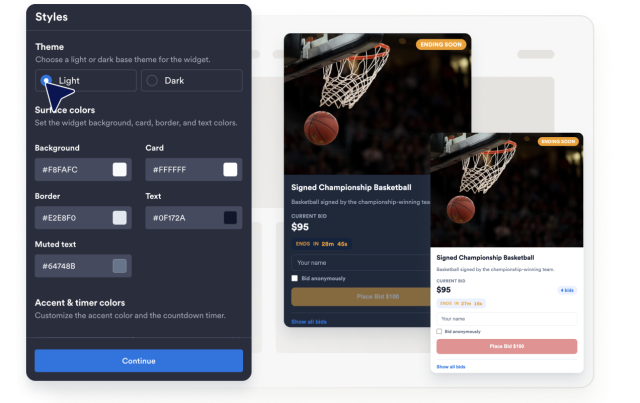
Auction Widget
Create Your Own Auction Widget in Seconds for Your Website
Build a responsive auction section with lot images, starting prices, bid increments, custom bidding, countdown timers, and custom layouts and colors.

Manage Auction Lots
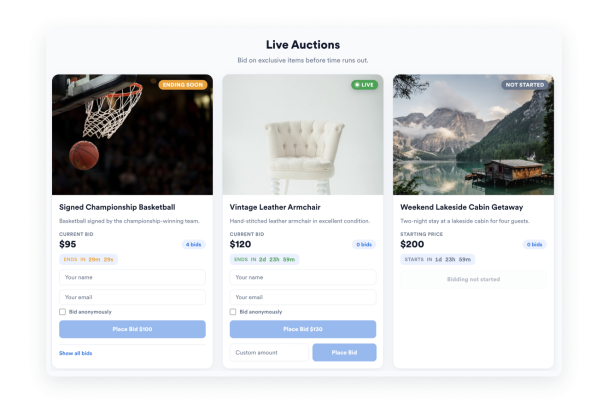
Add lots with a title, image, description, starting price, bid increment, custom bidding, and an end time, then reorder or duplicate them as needed.
Lot fields include:
ImageStarting priceBid incrementCustom price

Let Visitors Place Custom Bids
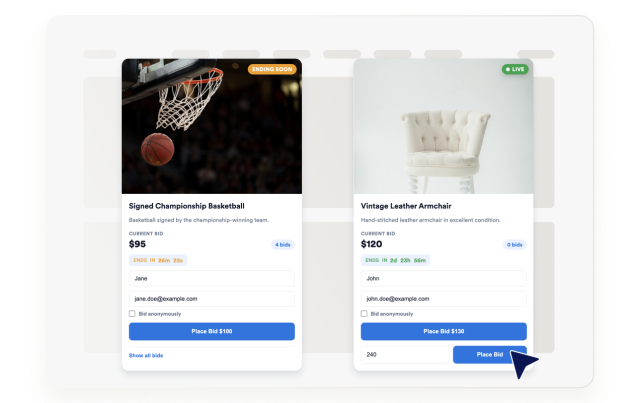
Give visitors the flexibility to place the next available bid or submit a custom bid amount for each lot.
Bidding controls:
Place bidCustom bidBidder nameBid count
Show Live Countdown Timers
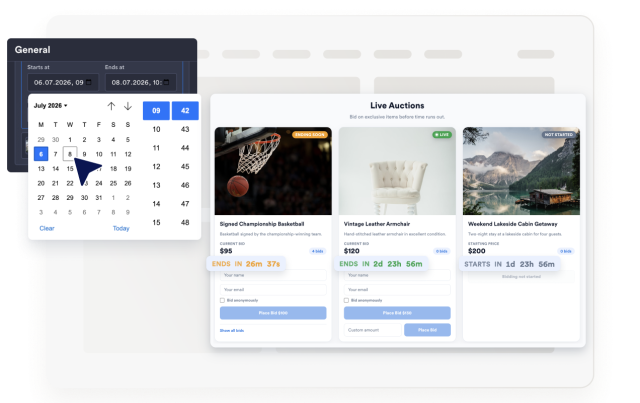
Each lot displays its own countdown, switches to an ended badge automatically, and can hide lots once their time runs out.
Timer controls:
CountdownEnded labelHide ended lotsSort order
Choose Layouts and Custom Styles
Switch between grid and list layouts, then tune columns, corner radius, theme, colors, width, and branding to match your site.
Style controls include:
Grid/ListColumnsThemesCustom CSS