


Viber Chat Widget for Websites
Add a floating Viber chat button to your website so visitors can start a familiar messaging conversation with your business. Customize the greeting, button text, colors, placement, badge, and mobile display without code.
How to add a Viber Chat widget
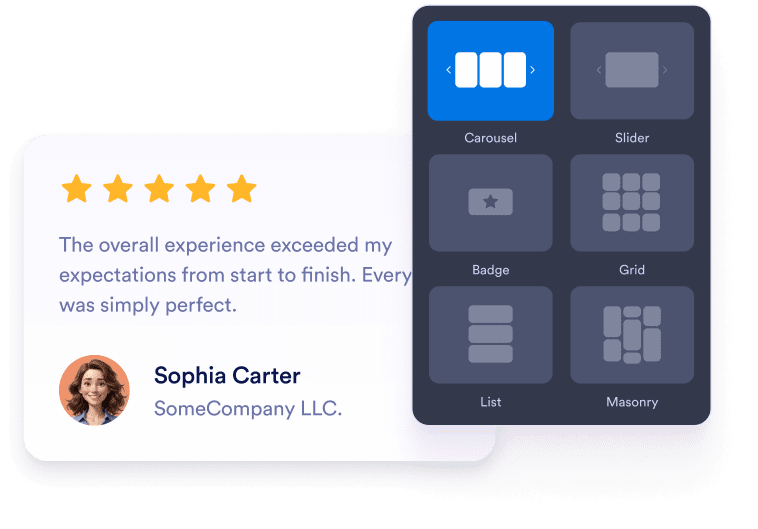
Connect your Viber contact
Add your Viber phone number, business profile, community link, or supported Viber URL so visitors open the right conversation.
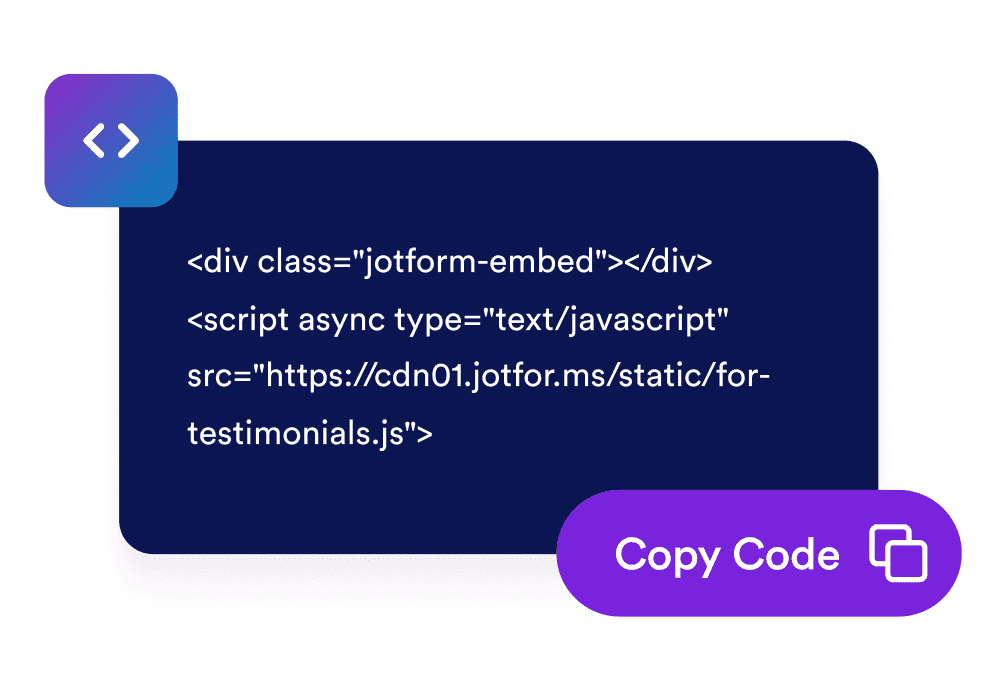
Customize the chat experience
Edit the bubble label, agent name, welcome message, colors, size, badge, rounded corners, mobile display, and screen placement.
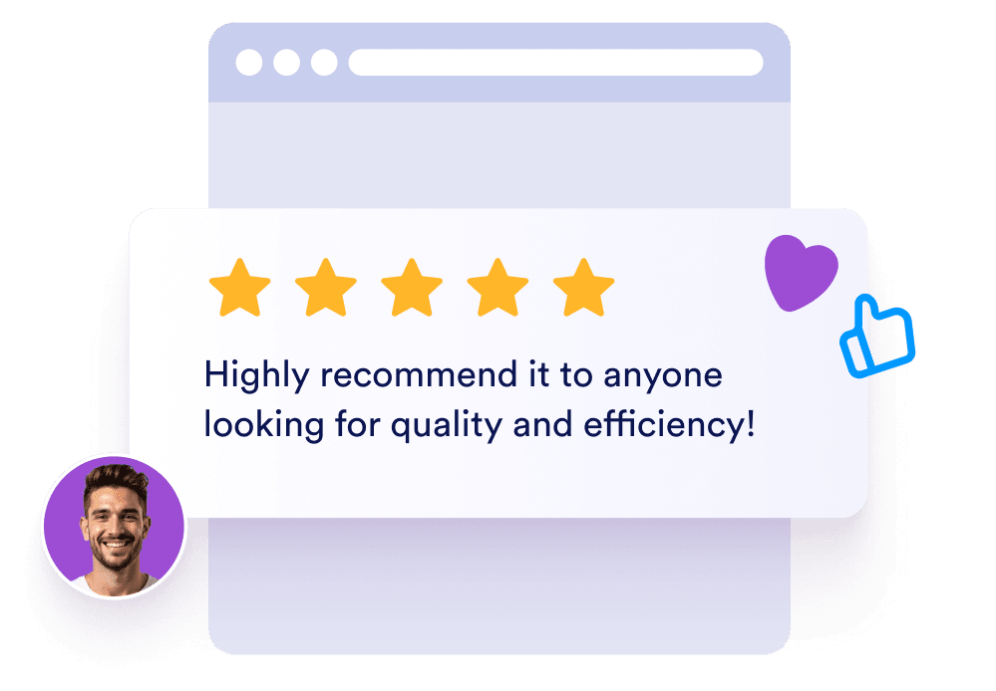
Embed it on your website
Copy the generated embed code and publish your Viber chat widget on pages where visitors need a quick way to contact you.
Help visitors start the right Viber conversation
Use a Viber contact link
Connect the widget with a Viber phone deep link, Viber business profile, community link, or supported short URL so visitors land in the right conversation.
Set clear chat expectations
Introduce your team, explain what visitors can ask about, and set reply expectations before they open Viber. A helpful welcome message makes the handoff feel intentional.
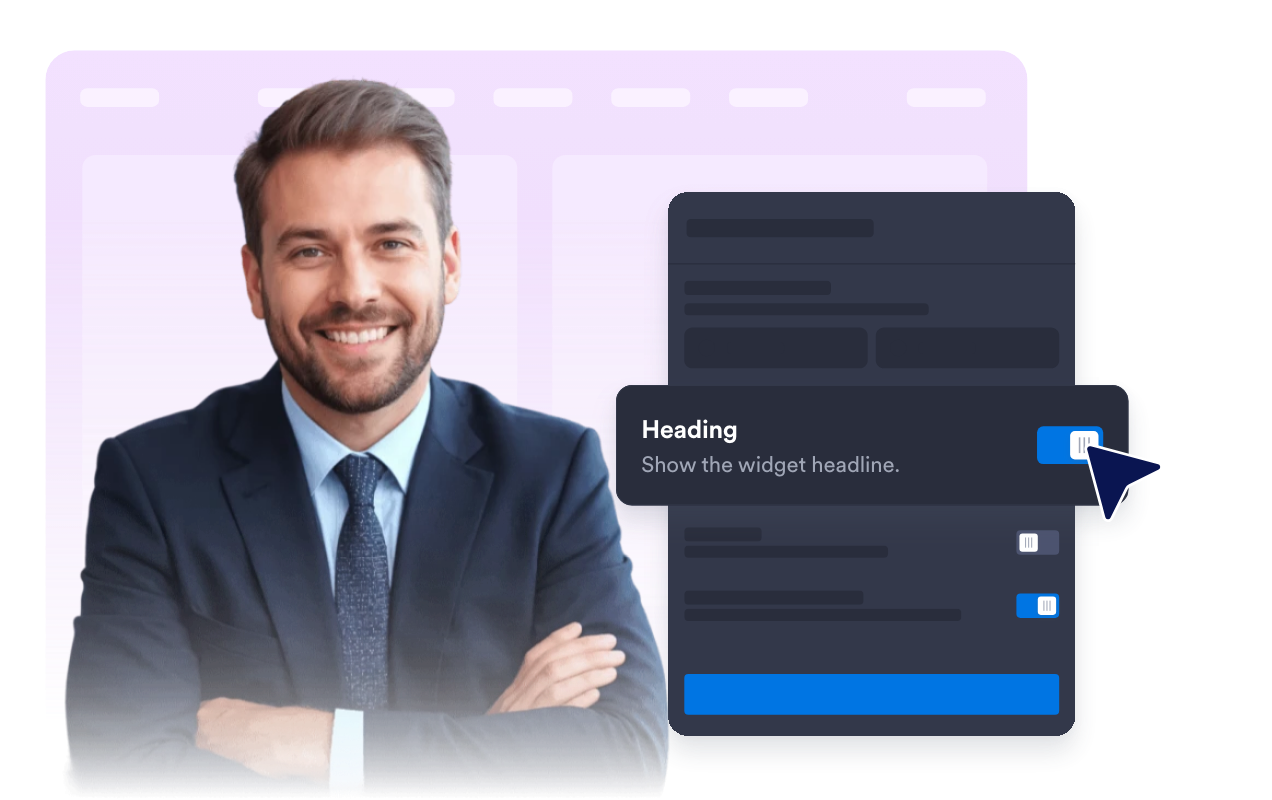
Guide clicks with clear CTAs
Use a focused Viber call-to-action, edit the button text, and keep the chat preview centered on the next step so visitors know exactly how to continue the conversation.
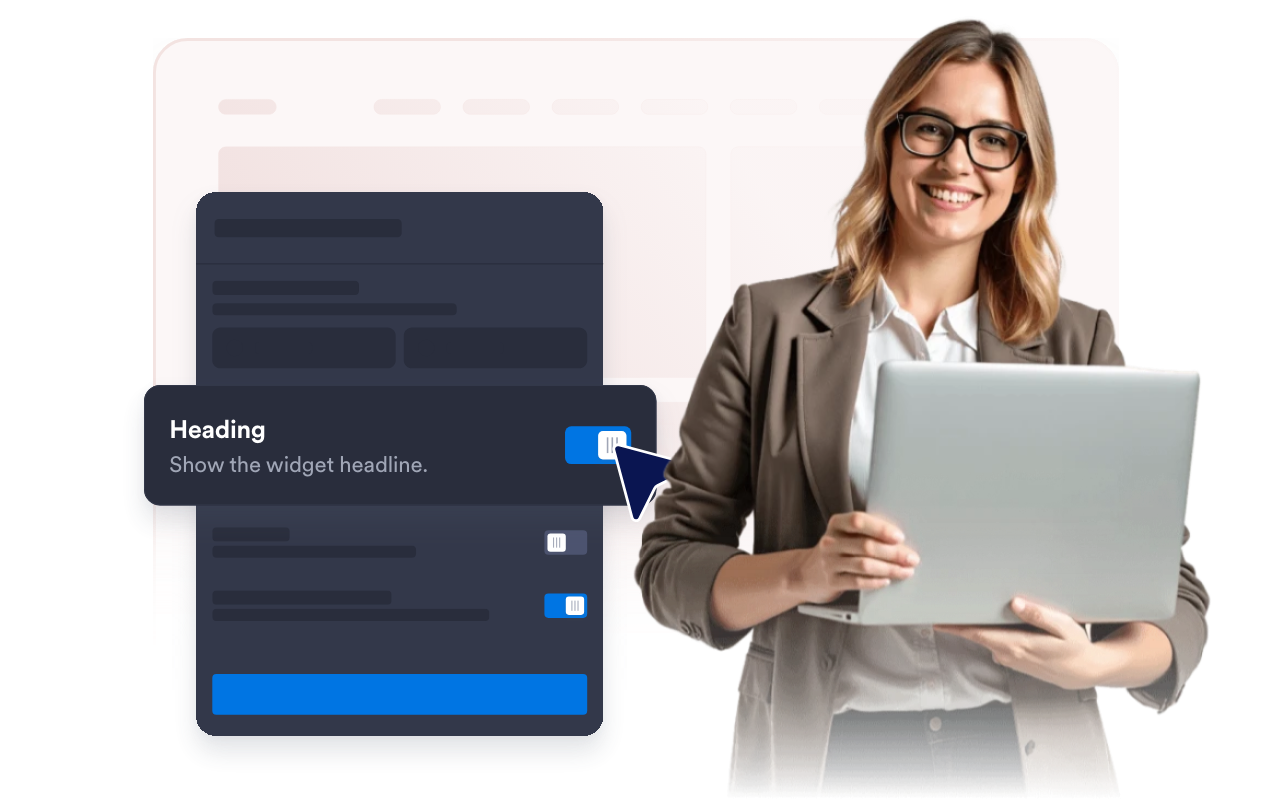
Match the button to your site
Adjust the chat bubble, header, message background, CTA colors, width, rounded corners, badge, and screen position so the Viber chat widget fits your page design.
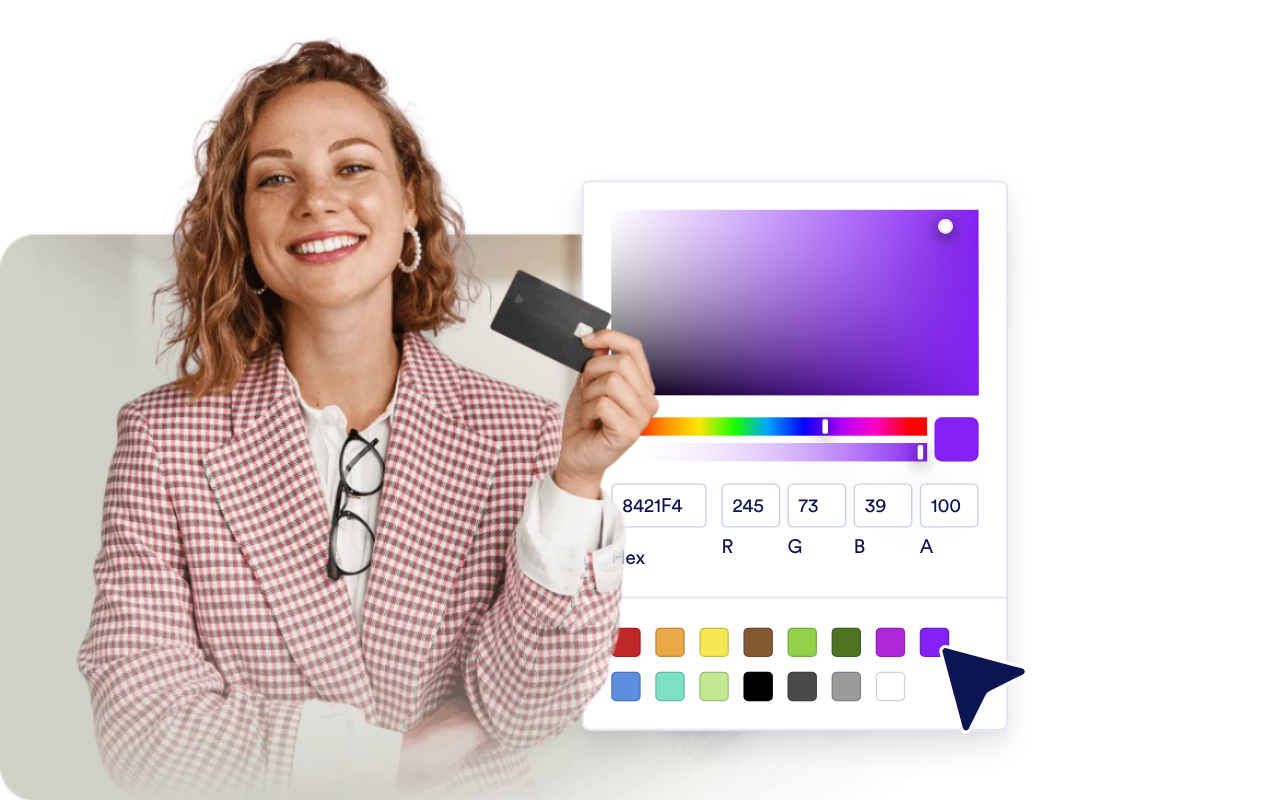
Why Jotform Widgets stand out
Jotform’s widgets make your website more interactive and conversion-ready. From star ratings and testimonial sliders to social proof pop-ups and media embeds, you can combine tools inside your forms or landing pages to collect data, display proof, and capture leads without writing code.
Add Jotform widgets to your website with a simple embed code. Customize the widget, preview how it looks, and paste it into any page that supports custom HTML or embed blocks to all platforms, no developer required.
Use Jotform Website Widgets to collect leads, show customer feedback, display social proof, embed media, or add helpful on-page tools. Each widget helps visitors interact with your business directly from the page.
If you need help setting up, customizing, embedding, or troubleshooting your widget, Jotform’s customer support team is available 24/7. You can move forward with confidence, knowing help is there when you need it.
Where to use your Viber Chat widget
Place the widget on pages where visitors need a fast way to ask questions or continue the conversation on Viber.
Online stores to answer product, shipping, availability, and order questions through Viber.
Service business pages to collect appointment, consultation, or quote requests from interested visitors.
Booking and event pages to help visitors confirm dates, locations, schedules, or registration details before signing up.
Local business sites to route restaurant, salon, clinic, real estate, or repair-service inquiries to a familiar chat app.
Convert leads into paying customers with Jotform Form Builder
Turn engagement into action with Jotform. Create powerful forms that capture leads, collect payments, and automate responses, all in one place. Every submission lands in your Jotform Inbox, ready to follow up or connect with your favorite apps.
Get Started - It’s Free!
FAQ
What is a Viber Chat widget?
A Viber Chat widget is a floating website button and chat preview that lets visitors start a Viber conversation with your business.
Do I need to code to add it to my website?
Can I customize the greeting and button?
Where does the chat open?
Does this provide a full Viber inbox?
How can I support visitors who prefer calling instead of messaging