Viber Chat Widget
Viber Chat Widget Features for Websites
Add a Viber click-to-chat entry point to your website with customizable contact sources, greeting text, CTA button styling, responsive placement, and display controls.
Create Your Viber Chat WidgetConnect Viber Without Code
Give visitors a direct way to start a Viber conversation from your website. Add a phone number or supported Viber link, then create an embeddable click-to-chat widget without writing custom code.
Connection options include:
Set Clear Chat Expectations
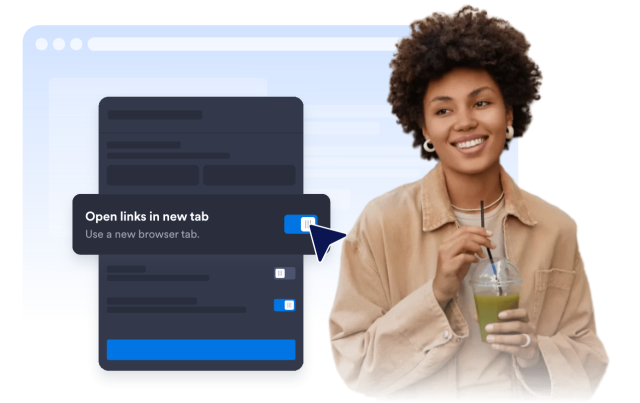
Help visitors understand who they’re contacting before they open Viber. Customize the agent name, status caption, welcome message, and CTA text to make the chat prompt feel helpful and intentional.
Content controls:

Brand Your Viber Button
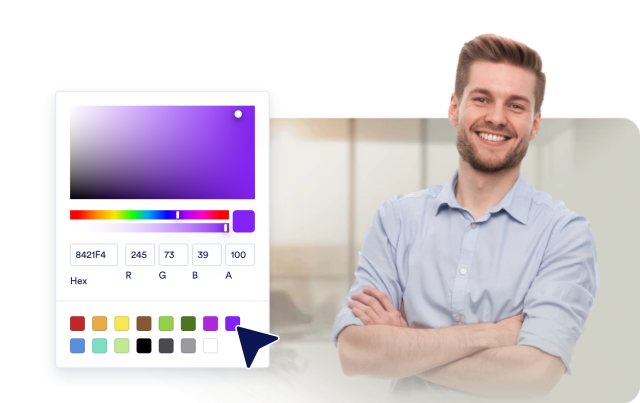
Make the start-chat action match your website design. Edit the button text, background color, text color, and rounded corners so the Viber CTA stands out without feeling out of place.
CTA controls:
Place Chat Where It Fits
Keep the Viber chat prompt visible without covering key page content. Control left or right placement, bottom and side offsets, desktop and mobile visibility, auto-open timing, bubble size, and panel width.
Display controls: