Coupon Widget for your website
Display discount codes, free-shipping offers, seasonal deals, and cart-recovery promos with a no-code Coupon Widget. Add multiple copy-ready coupons, style each offer to match your brand, and embed a grid or slider on any website.
Create Now — It’s Free!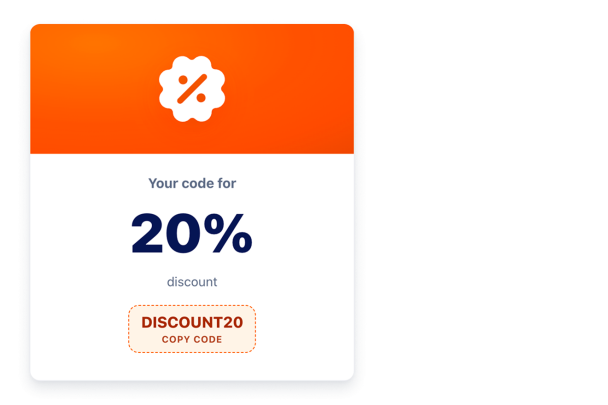

How to create a Coupon widget
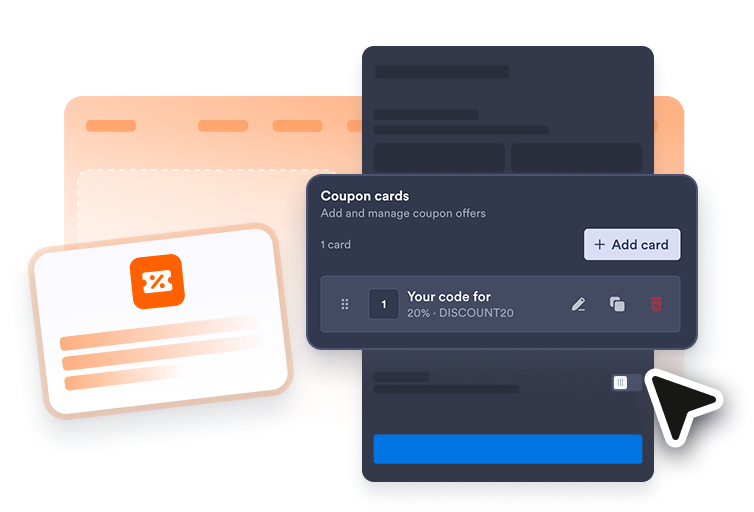
Add your coupon offers
Start with a sale, free-shipping, holiday, or cart-recovery preset, then edit coupon titles, codes, badges, descriptions, and CTA links.
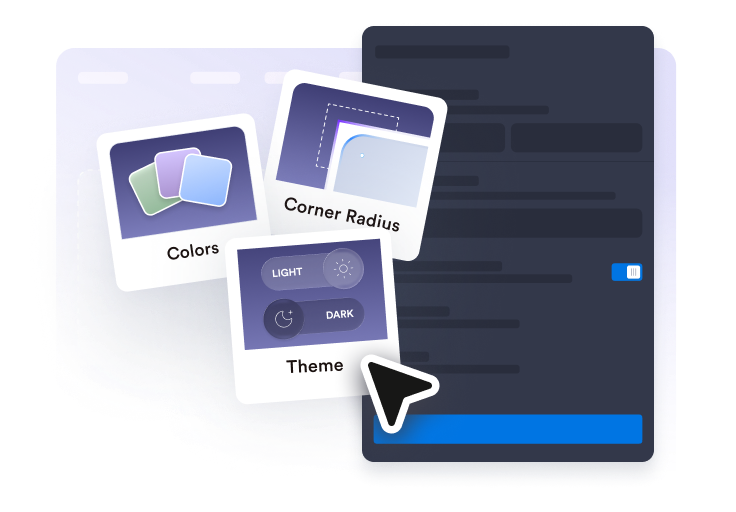
Customize layout and style
Choose a grid or slider, adjust colors and spacing, and decide which coupon details should be visible.
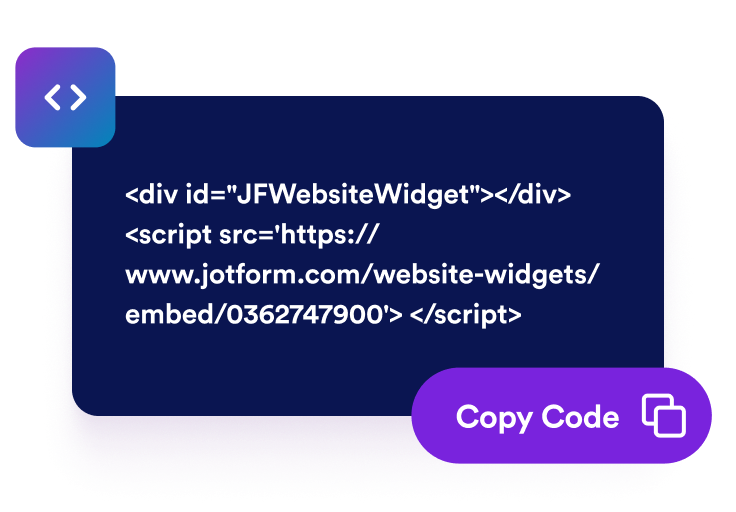
Embed it on your website
Preview the widget, copy the embed code, and place coupon offers on pages where visitors are ready to act.
Promote offers with coupons visitors can use instantly
Manage multiple coupon offers
Create a primary coupon and add up to five more offers for free shipping, bundles, seasonal sales, or loyalty promos.

Let visitors copy codes and click through
Show coupon codes in a copy-ready button and include optional CTA links for product, cart, or campaign pages.

Match your brand and campaign
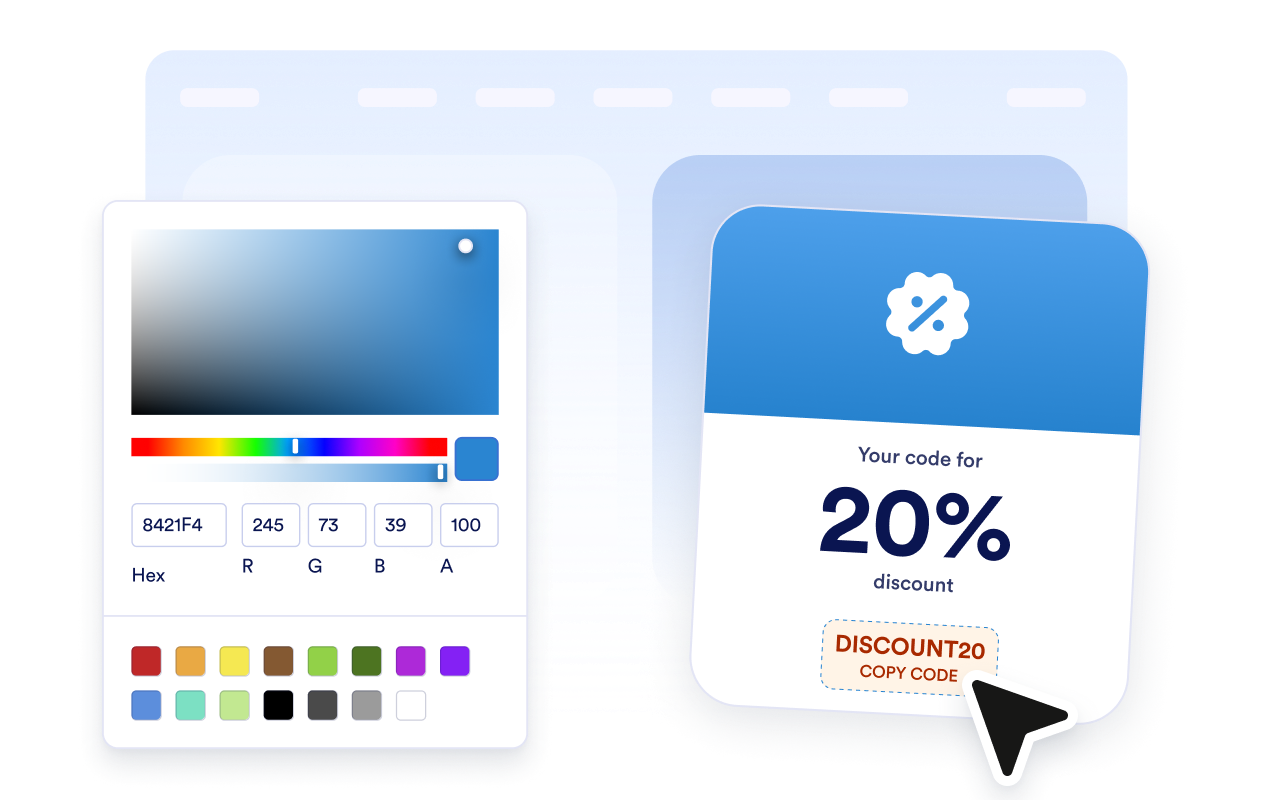
Customize light or dark theme, card colors, hero backgrounds, code colors, CTA buttons, rounded corners, and scoped CSS.
Choose a grid or slider
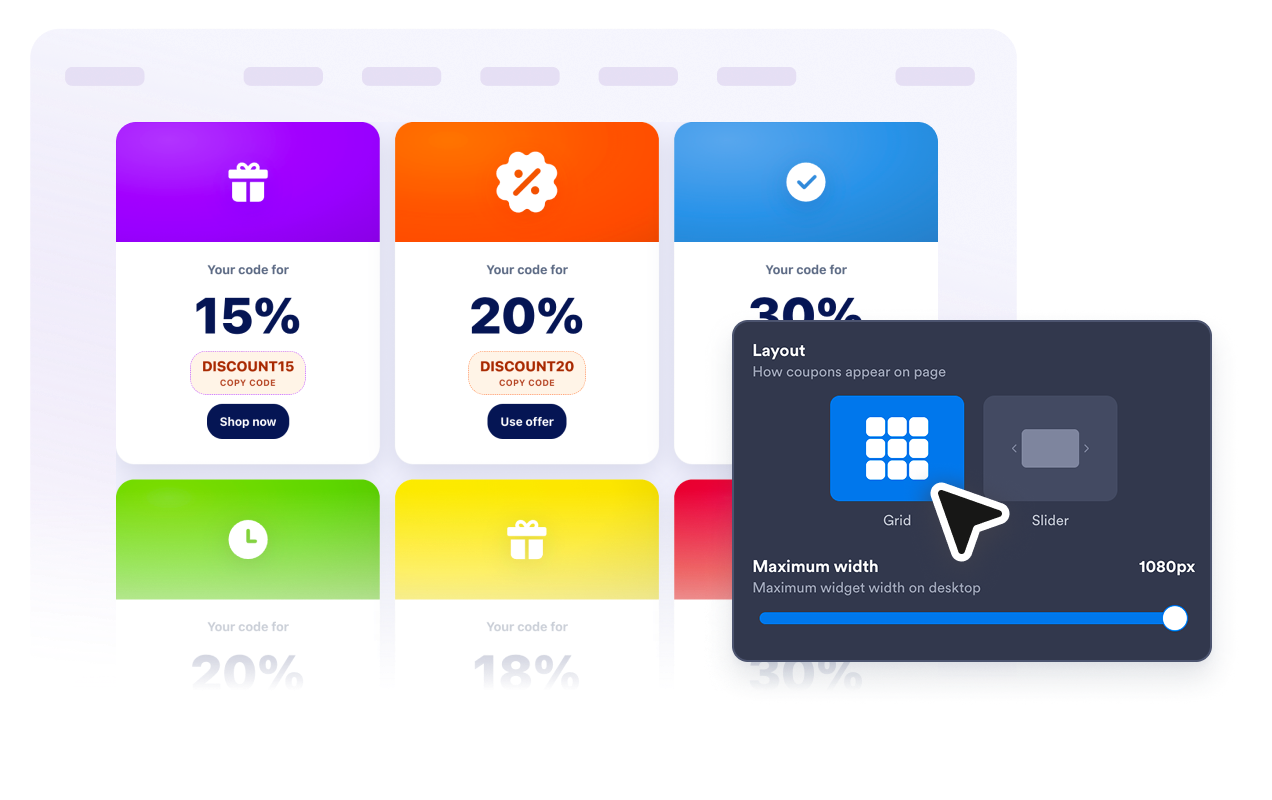
Use a responsive grid for coupon lists or a horizontal slider for focused promotions.
Why Jotform Website Widgets stand out
Jotform’s widgets make your website more interactive and increase conversions. There are many tools available, from star ratings and testimonial sliders to social proof popups and media embeds. Add widgets to your forms or landing pages to collect data, display proof, and capture leads — no coding required.
Add Jotform widgets to your website with a simple embed code. Customize the widget, preview how it looks, and paste it into any page that supports custom HTML or embed blocks, all without a developer.
Use Jotform Website Widgets to collect leads, show customer feedback, display social proof, embed media, or add helpful web page tools. Each widget helps visitors interact with your business directly from your website.
If you need help setting up, customizing, embedding, or troubleshooting your widget, Jotform’s customer support team is available 24-7. You can move forward with confidence, knowing that help is there when you need it.
Where to use your Coupon Widget
Place coupon offers wherever visitors need a clear reason to continue shopping, compare plans, or complete checkout.
E-commerce homepages to highlight seasonal sales, free-shipping codes, or featured promotions.
Product and collection pages to show a relevant coupon near purchase decisions.
Cart and checkout pages to encourage shoppers to finish an order with a visible discount code.
Email campaign landing pages to keep promo codes and CTA links in one focused widget.
Membership or loyalty pages to display member-only perks, bundles, and repeat-purchase offers.
Holiday sale pages to organize limited-time deals without editing page code for every campaign.
Convert leads into paying customers with the Jotform Form Builder
Turn engagement into action with Jotform. Create powerful forms that capture leads, collect payments, and automate responses, all in one place. Every submission lands in your Jotform Inbox, where you can follow up or connect with your favorite apps.
Get Started — It’s Free!
FAQ
What is a Coupon Widget?
A Coupon Widget is an embeddable website widget that displays discount codes, offer details, and CTA buttons so visitors can copy a code and use it at checkout.
Can I add more than one coupon?
Can visitors copy coupon codes?
Can I add links to products or checkout pages?
Can I customize the design?
Which layouts are available?
Does the widget apply discounts automatically?
Do I need to write code?