Coupon Widget
Coupon Widget Features for Website Promotions
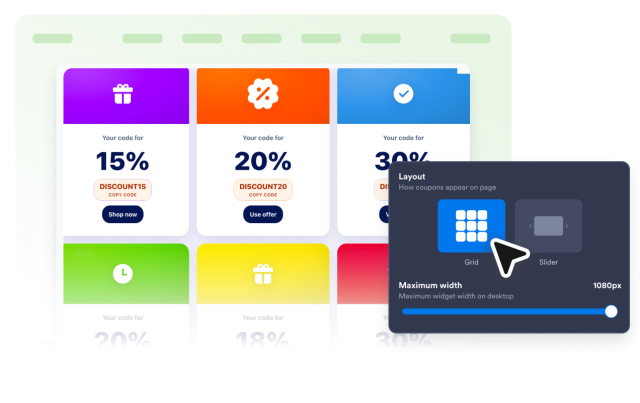
Create coupon grids and sliders with editable discount text, coupon codes, offer details, badges, CTA links, styling controls, and responsive display options.

Create Multiple Coupon Offers
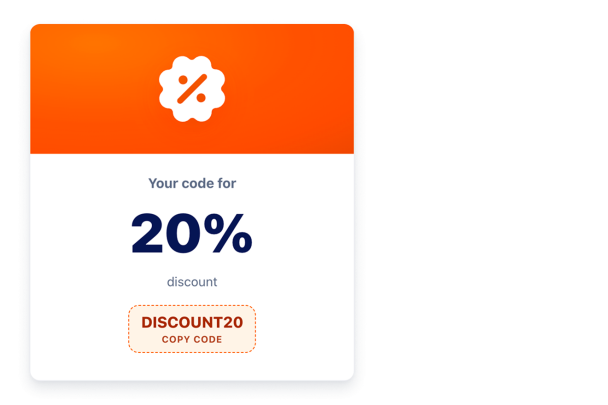
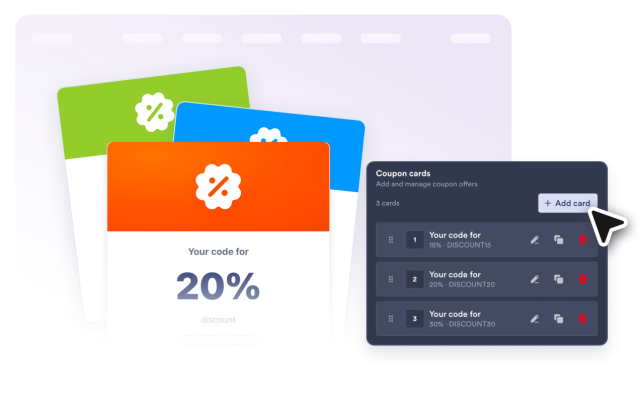
Build one focused promo or up to six coupon cards for free shipping, gifts, bundles, loyalty rewards, and cart recovery. Give each offer its own title, discount label, code, badge, description, CTA link, image, or icon.
Coupon fields include:
Make Codes Easy to Copy
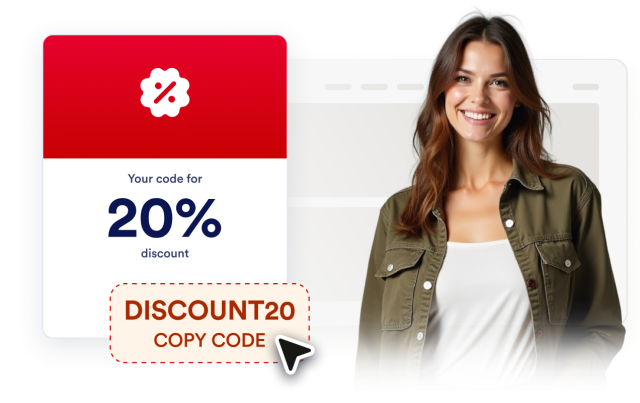
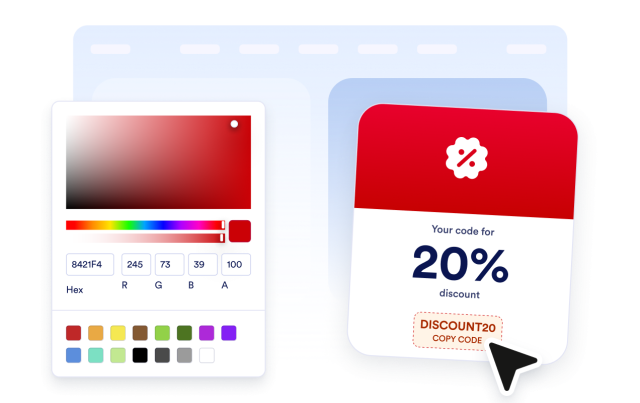
Let shoppers copy a visible code before checkout and see a clear copied state. Add an optional CTA button for product, cart, or campaign pages, and choose whether offer links open in a new tab.
Action controls include:
Style Coupon Cards for Every Campaign
Match offers to your store design or seasonal campaign. Switch between light and dark themes, set card, text, hero background, code, and button colors, then adjust radius, Jotform branding, and scoped CSS.
Style controls include:
Use Responsive Grid or Slider Layouts
Place coupons in a responsive grid or a horizontal slider. The slider keeps nearby offers visible and turns each offer vertical on narrow screens.
Layouts include: