Help Center Widget
Give Visitors Help Right When They Need It
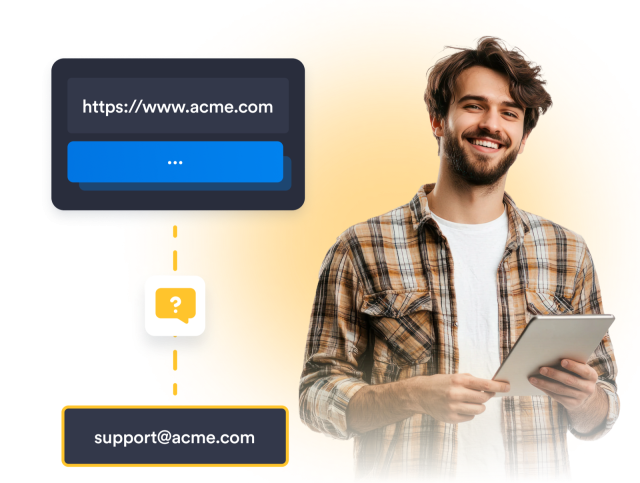
Create a self-service help experience that keeps answers within easy reach. Bring together FAQs, helpful articles, and a contact form so visitors can find information or get in touch without leaving your website.
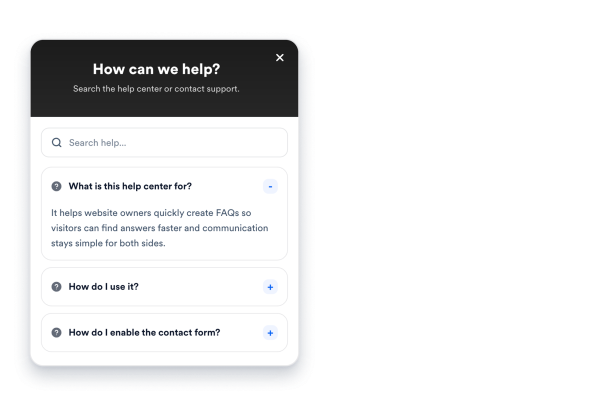

Make Answers Easy to Find
Help visitors find the right information without leaving your website. Add searchable FAQs and helpful articles so visitors can quickly reach relevant answers and resources.
Content options include
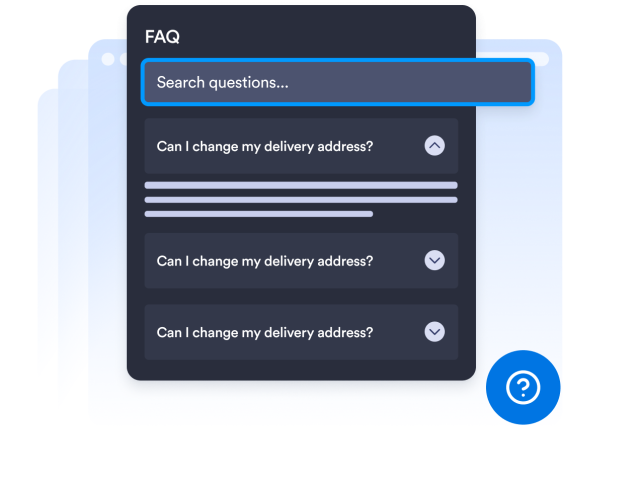
Organize Your Help Content
Build a structured help experience with FAQs for quick answers and article cards for more detailed resources. Organize content around guides, policies, onboarding, documentation, or any topic your visitors need.
Help content includes

Configure Contact Requests
Give visitors a clear way to reach out when self-service content isn’t enough. Customize your Contact Us form and configure SMTP settings to route requests to the right inbox.
Contact settings include

Connect Visitors to the Right Destination
Add a customizable contact form to your Help Center so visitors can reach you directly. Receive every submission in your inbox and reply using your own email address.
Link options include