Podcast Player Widget for Your Website
Make your podcast easy to discover and play without sending visitors to another platform. Upload audio files, manage episode details and cover art, organize everything in a playlist, customize the player appearance, and embed it without coding.
Create Now — It’s Free!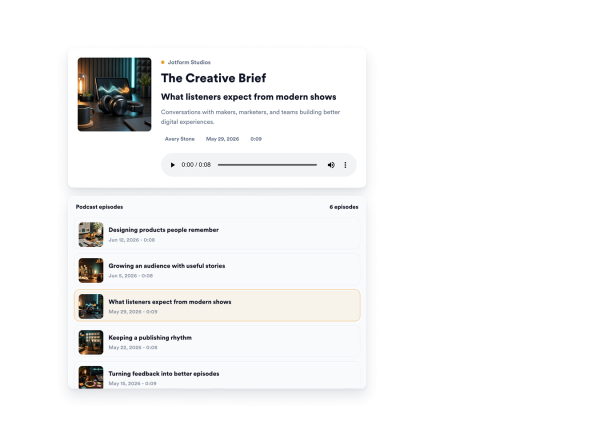

How to create a Podcast widget
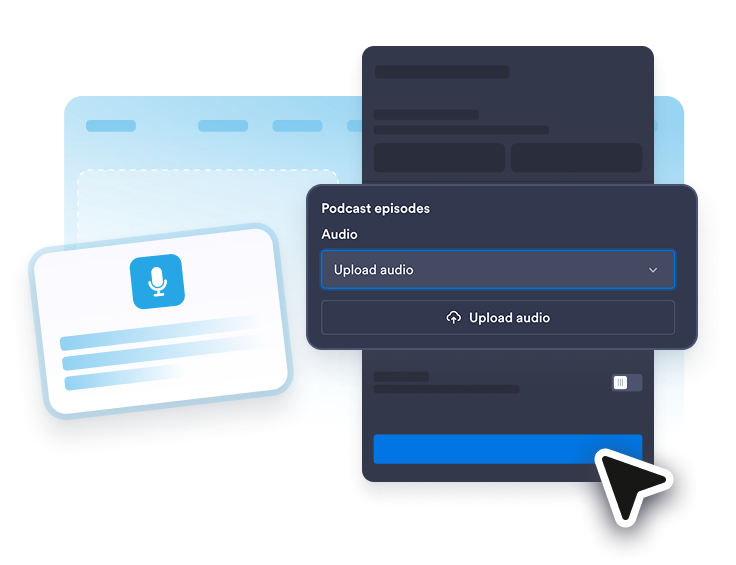
Upload your podcast episodes
Upload audio files for each episode, then edit titles, cover images, dates, authors, and durations in the playlist editor.
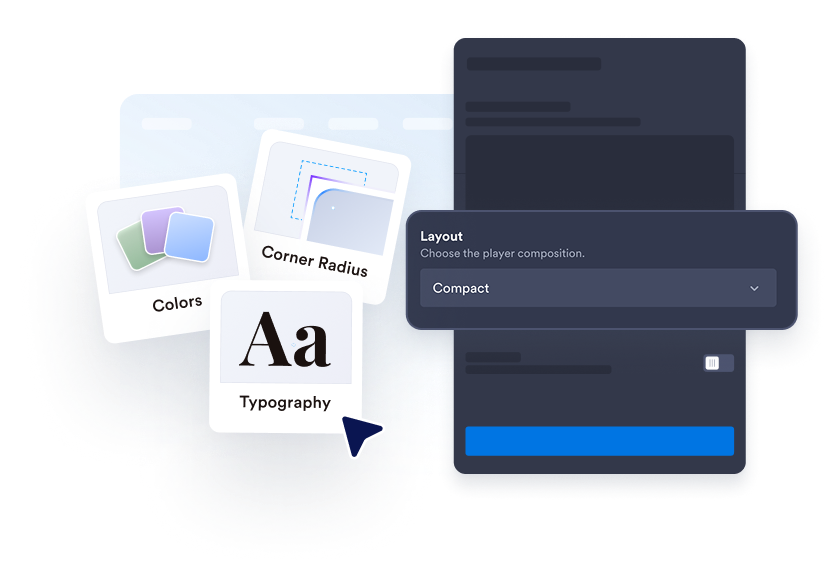
Shape the listening experience
Choose a featured, compact, or minimal layout. Decide whether to display the playlist, cover art, episode metadata, and playback details based on the space available on your page.
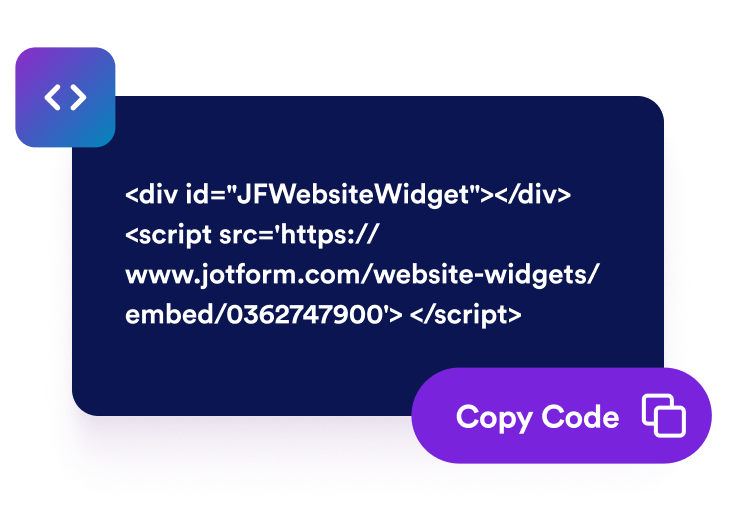
Embed the player on your site
Preview your player, copy its generated embed code, and place it into a custom HTML or embed block. Visitors can then browse and play episodes without leaving your page.
Keep podcast listeners engaged on your website
Keep listeners on your website
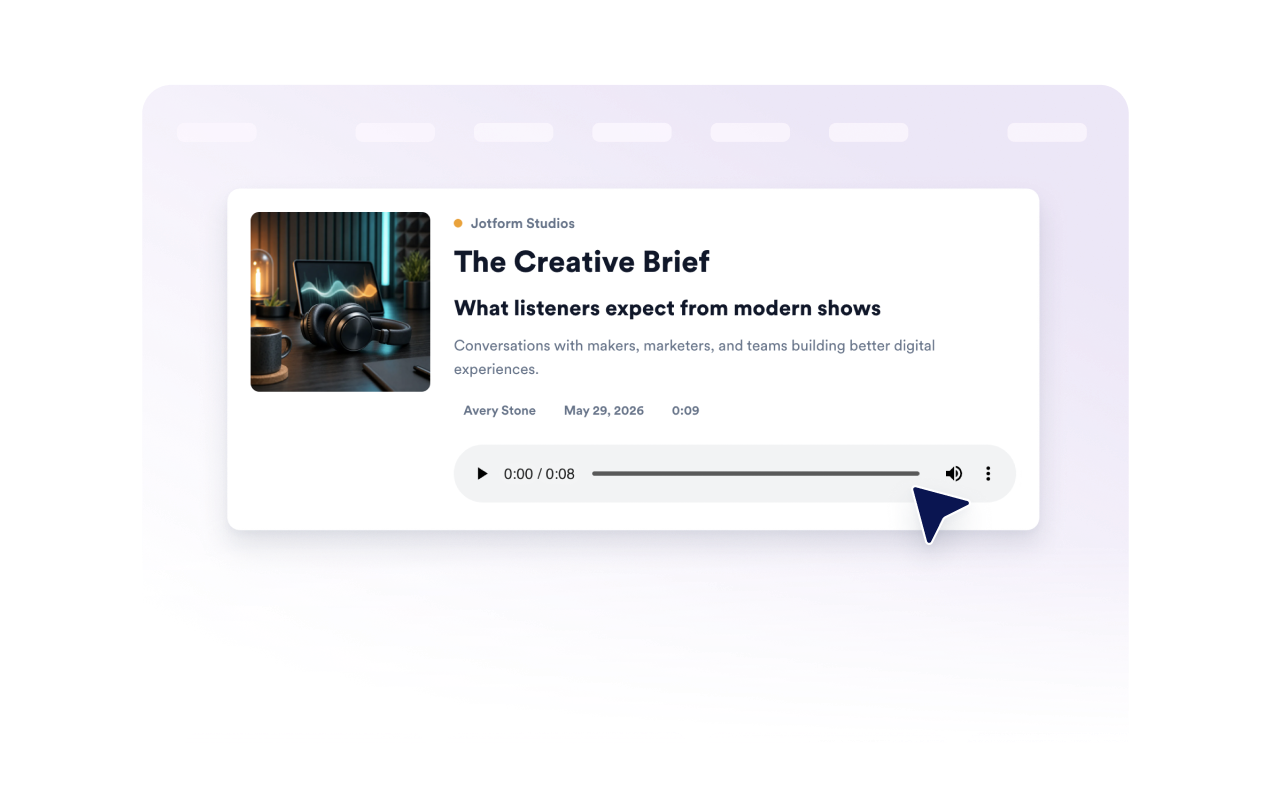
Give visitors a convenient way to play your podcast without redirecting them to another app or platform. The embedded player provides familiar playback controls alongside the active episode’s cover art and details, helping listeners stay focused on your content.
Help visitors browse every episode
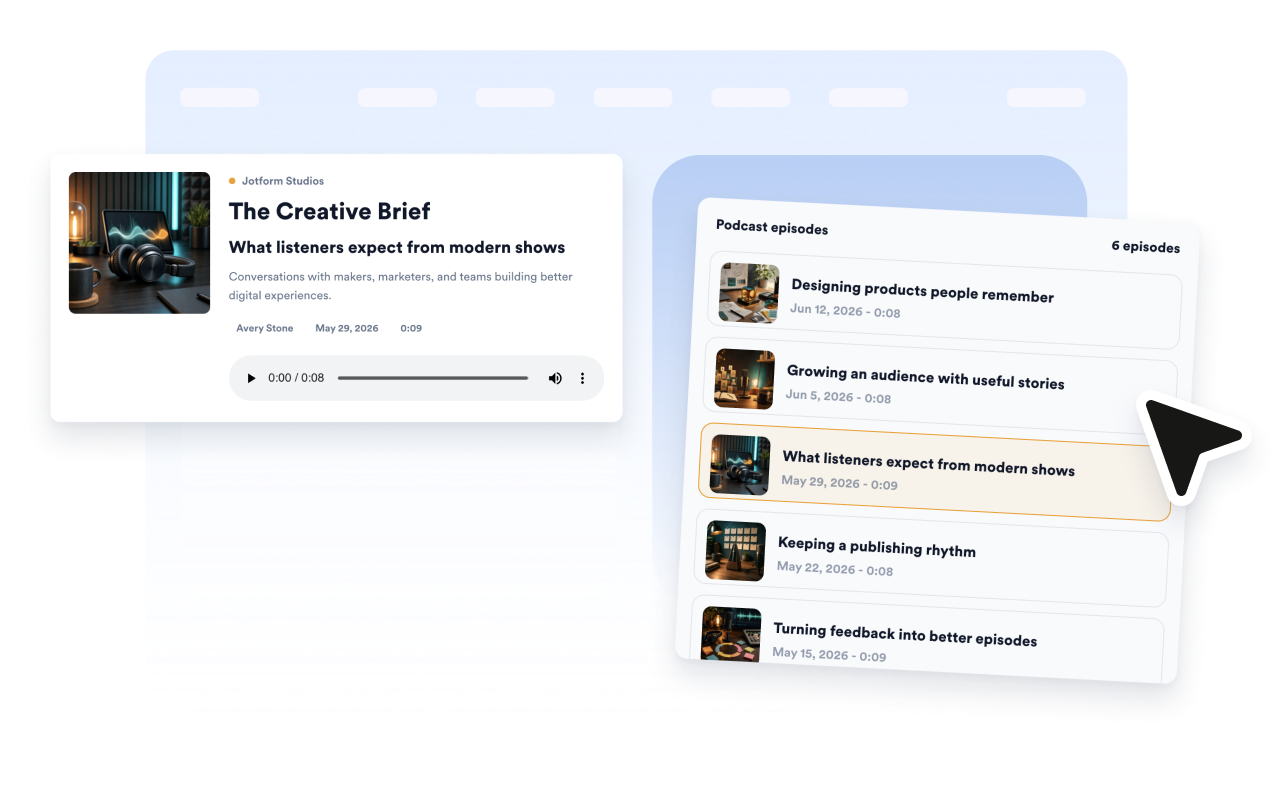
Organize multiple episodes in a playlist that visitors can explore from the same player. Display titles, cover images, publication dates, and durations so listeners can compare episodes and choose what they want to hear next.
Manage uploaded episodes in one playlist
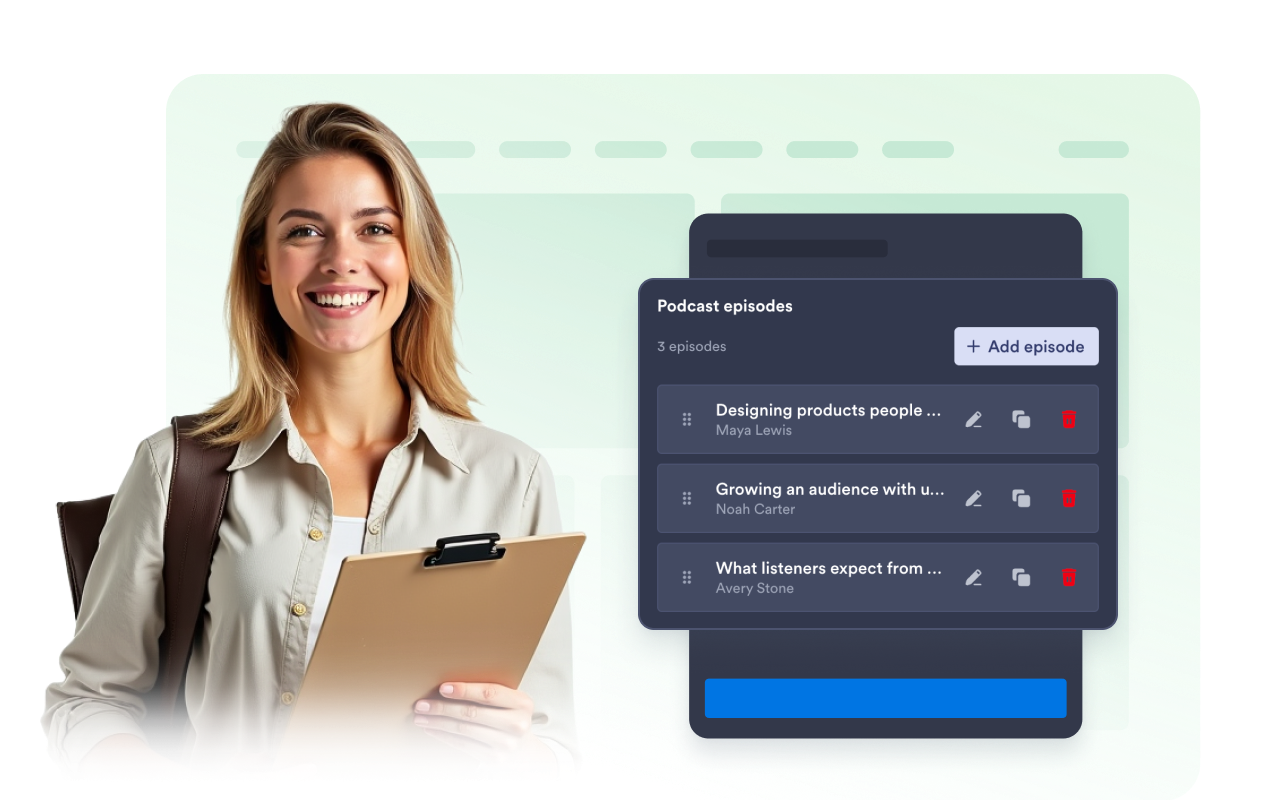
Add, remove, reorder, collapse, and edit uploaded podcast episodes directly in the widget builder.
Match the player to your brand
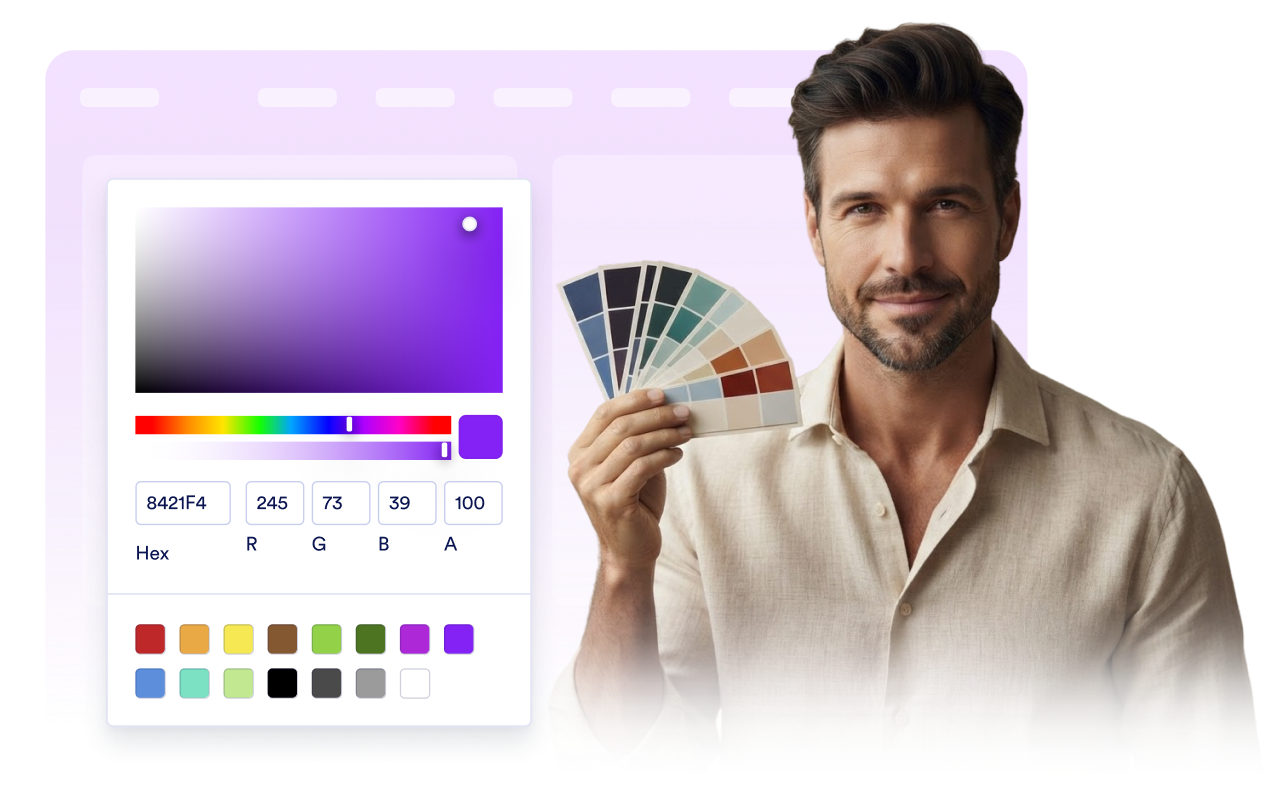
Adjust the player and playlist backgrounds, accent colors, text colors, and border radius to complement your website. For more detailed changes, use custom CSS to refine the player’s appearance while keeping its listening controls accessible.
Why Jotform Website Widgets stand out
Jotform’s widgets make your website more interactive and increase conversions. There are many tools available, from star ratings and testimonial sliders to social proof popups and media embeds. Add widgets to your forms or landing pages to collect data, display proof, and capture leads — no coding required.
Add Jotform widgets to your website with a simple embed code. Customize the widget, preview how it looks, and paste it into any page that supports custom HTML or embed blocks, all without a developer.
Use Jotform Website Widgets to collect leads, show customer feedback, display social proof, embed media, or add helpful web page tools. Each widget helps visitors interact with your business directly from your website.
If you need help setting up, customizing, embedding, or troubleshooting your widget, Jotform’s customer support team is available 24-7. You can move forward with confidence, knowing that help is there when you need it.
Where to use your Podcast Player widget
Place your podcast where visitors are already exploring your ideas, expertise, products, or community.
Podcast homepages to organize episodes and help new listeners explore your show.
Blog posts to give readers an audio version or a related conversation.
Course and coaching pages to share lesson previews, interviews, and expert discussions.
Community pages to publish conversations, announcements, and member stories.
Product education pages to explain features through interviews, demonstrations, or audio guides.
Creator portfolios to showcase hosted shows, guest appearances, and other audio work.
Convert leads into paying customers with the Jotform Form Builder
Turn engagement into action with Jotform. Create powerful forms that capture leads, collect payments, and automate responses, all in one place. Every submission lands in your Jotform Inbox, where you can follow up or connect with your favorite apps.
Get Started — It’s Free!
FAQ
What is a Podcast Player widget?
A Podcast Player widget is an embeddable audio player for publishing podcast episodes on your website. Visitors can play audio, review episode information, view cover art, and browse available episodes without navigating to a separate podcast platform.
Can I upload podcast episodes?
Can I add or remove episodes later?
Which audio URLs can I use?
Can I hide the playlist or episode details?
Does the Podcast Player support autoplay?
Can I customize the player’s design?
Is the Podcast Player mobile-friendly?
How do I add a Podcast Player to my website?
Which website platforms support the Podcast Player?
Can I get help setting up my Podcast Player widget?