Popup Widget
Customize How Your Popup Appears on Your Website
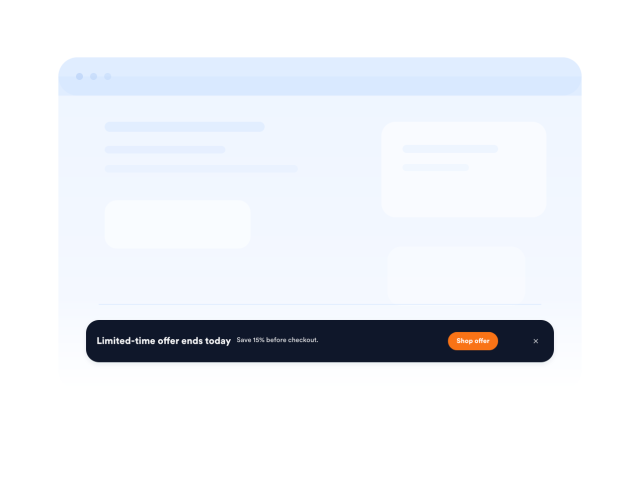
Create website popups, fixed bars, slide-ins, and floating offers for discounts, announcements, lead capture, product launches, and event registrations. Customize the layout, timing, design, forms, and visitor actions without coding.

Match Popup Layouts to Each Campaign
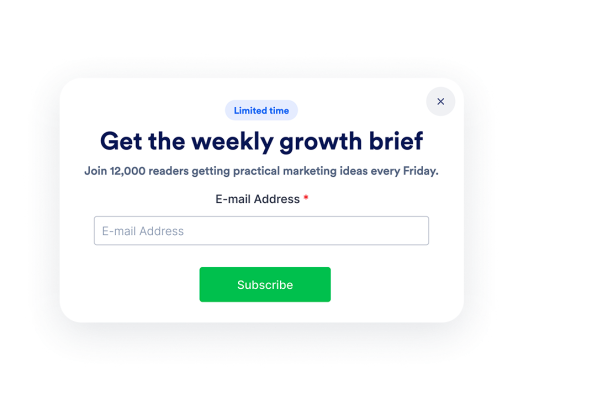
Choose a display format that suits your message and available page space. Present focused offers in a centered popup, keep announcements visible in a fixed top or bottom bar, or use a slide-in or floating card for a less prominent prompt.
Layout options include:
Show Messages at More Relevant Moments
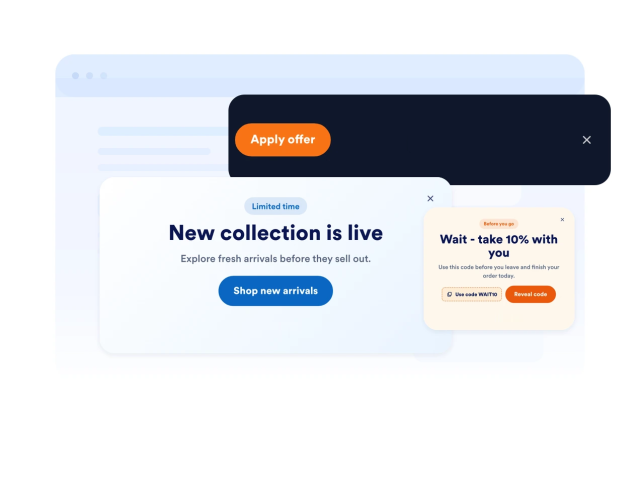
Control when visitors encounter each campaign instead of displaying every message immediately. Trigger your popup on page load, after a delay, at a chosen scroll point, or when someone shows exit intent.
Trigger options include:
Turn Popup Attention Into Visitor Action
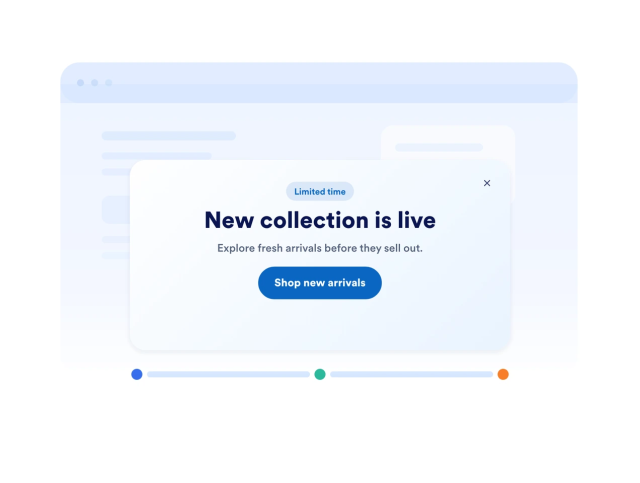
Give visitors a clear next step without sending them searching through your website. Add an email form, CTA button, text link, coupon code, or redirect URL so people can subscribe, register, request information, claim an offer, or continue to another page.
Action controls include:
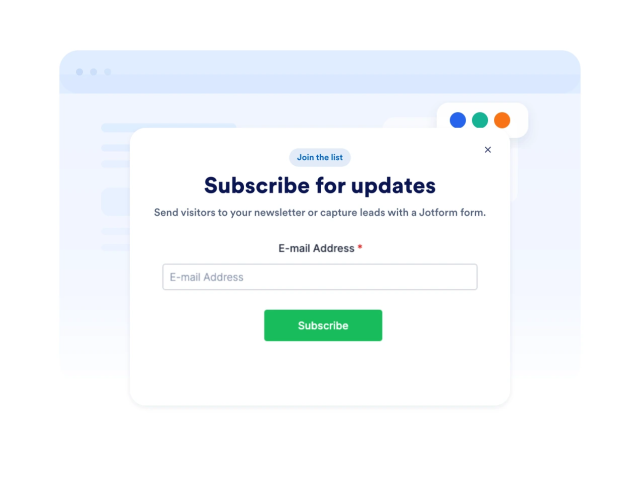
Keep Popup Campaigns Helpful and Controlled
Manage how visitors experience your popup across repeat visits and different devices. Add a close button, limit how often the message reappears, choose desktop-only or mobile-only display, and use custom CSS when your campaign requires additional styling adjustments.
Display controls include: