Popup Widget

Popup ROI Calculator

See what a change in conversion rate could mean for your website. Compare your current rate with a projected rate when using a popup, then explore the potential change in orders and revenue. Bring your idea to life with Jotform’s Popup Widget.

Popup ROI Calculator

Try now

How to use the Popup ROI Calculator

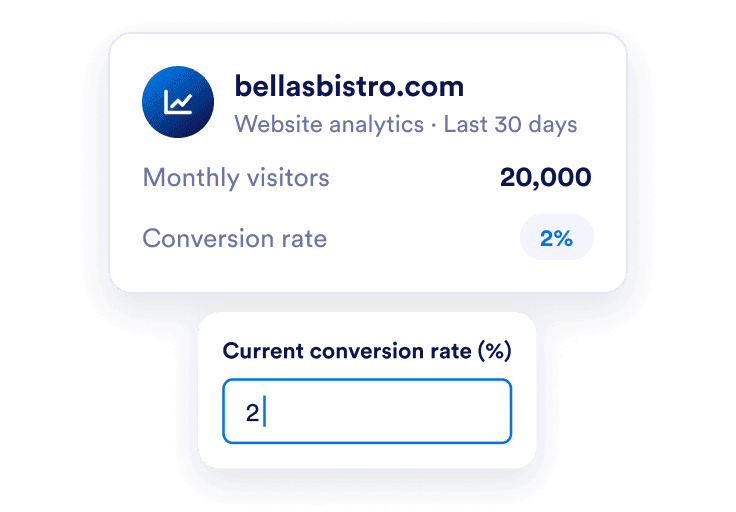
Twenty thousand monthly visitors and a 2 percent baseline conversion rate.

Enter your baseline

Add monthly visitors and your current overall conversion rate. Use a consistent page, audience, and time period so the comparison has a clear starting point.
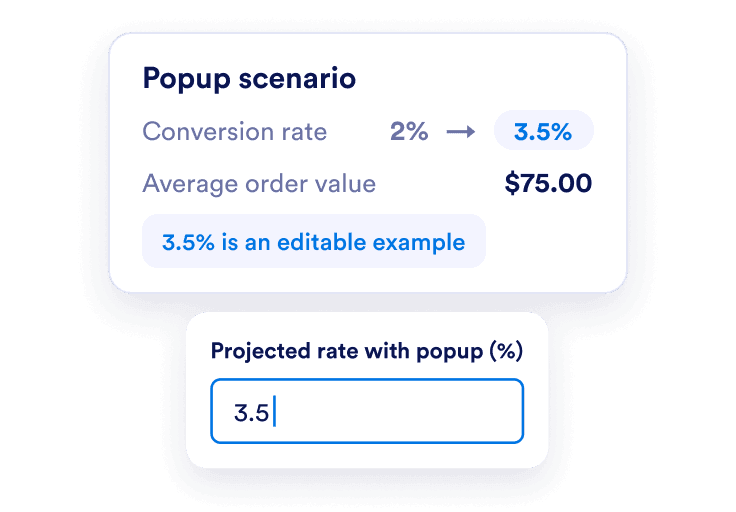
A projected overall conversion rate of 3.5 percent and an average order value of 75 dollars.

Choose a popup scenario

Enter the overall conversion rate you want to explore with a popup and your average order value. The 3.5% prefilled rate is an editable example.
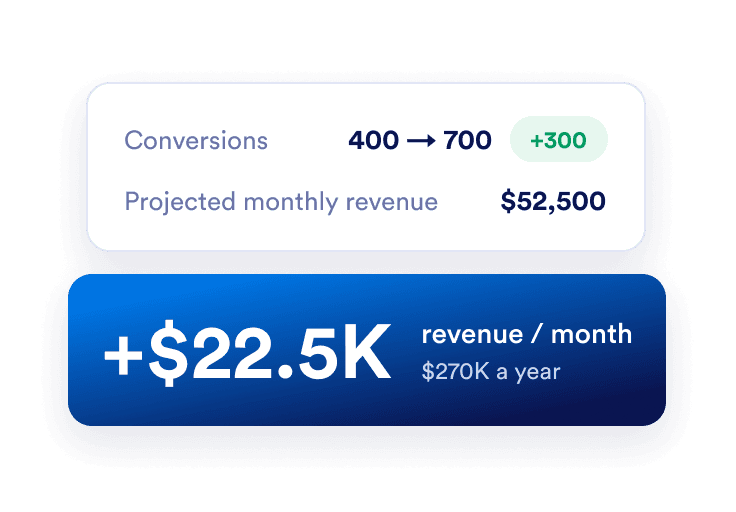
A popup scenario shows 300 more monthly conversions and 22,500 dollars in additional monthly revenue.

Compare the change

See the difference in estimated conversions, monthly revenue, and annual revenue. A lower projected conversion rate also shows a decrease, so you can explore downside scenarios.

Plan your next step with clearer numbers

Compare the same audience

Model the difference between two overall conversion rates while holding traffic and order value constant. Avoid comparing popup conversions per impression with site conversions per visitor; their denominators differ.
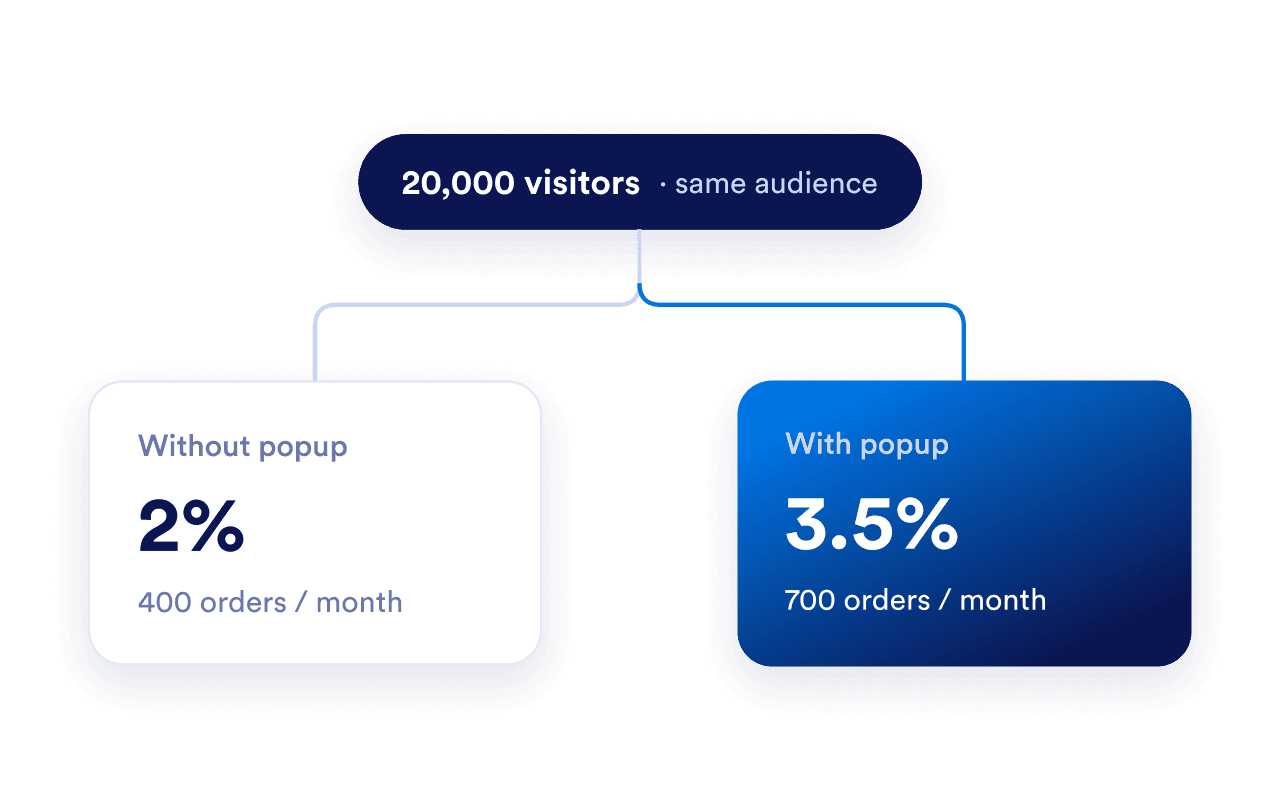
Baseline and projected conversion rates are compared for the same 20,000 visitors.

Plan for more than one outcome

Try cautious and ambitious rates before deciding what to test. Negative results remain visible so the calculator does not assume that every popup improves conversion.
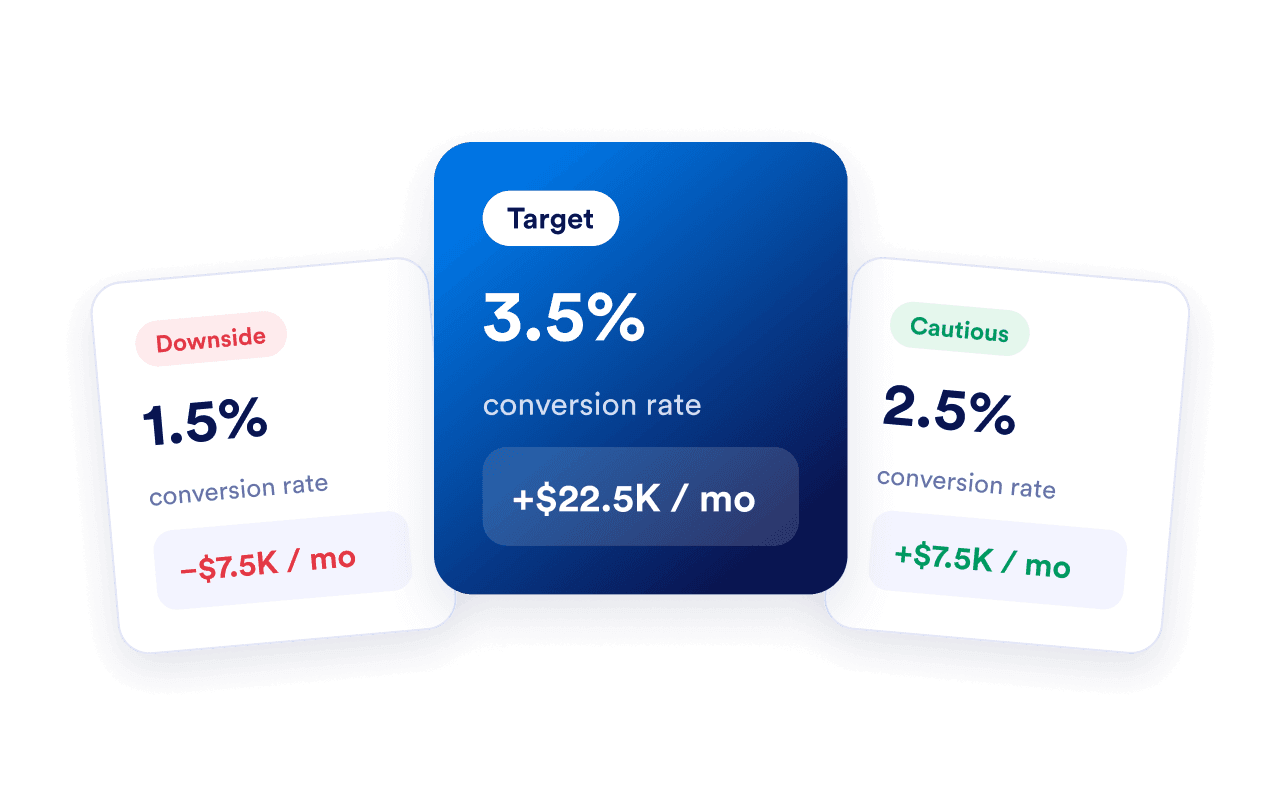
Conservative, target, and optimistic popup conversion scenarios compare projected revenue changes.

Turn a scenario into a test

Build an offer with Jotform’s Popup Widget. Track the experience with your analytics and compare measured results, including any discount or implementation costs.
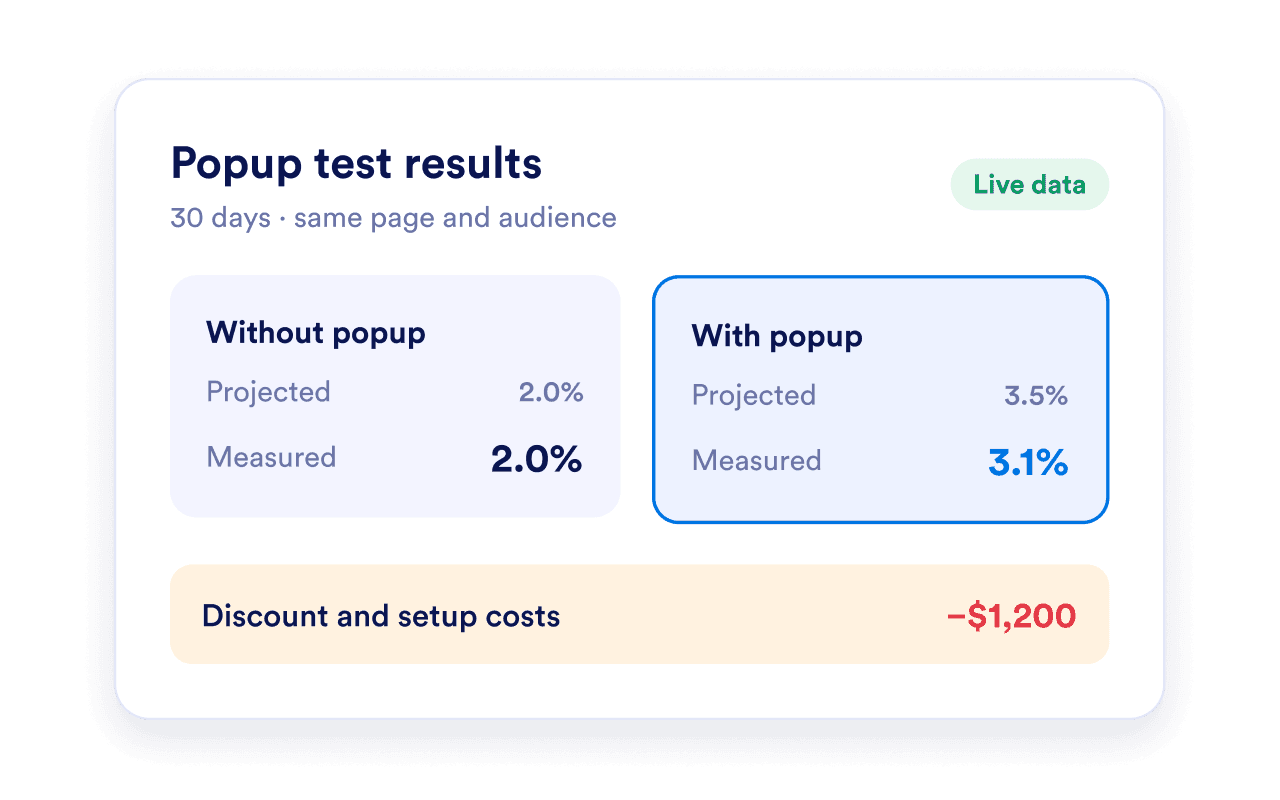
Popup test results compare projected and measured conversion rates, alongside discount and setup costs.

Put your popup ROI plan into action

Create a Jotform Popup widget around your conversion goal. Find the right words with our CTA Copy Generator, customize your popup, and compare actual results with your ROI estimate.

Frequently Asked Questions

  • How does the Popup ROI Calculator work?

    Monthly conversion change = monthly visitors × (projected conversion rate − current conversion rate) ÷ 100. Multiply by average order value for monthly revenue change, then by 12 for annual change. Current and projected revenue use their respective conversion rates.

  • Which popup conversion rate should I enter?

  • What if the projected rate is lower than my current rate?

  • Is this an ROI percentage or profit calculation?

  • Does the annual estimate account for seasonality?

  • Can I use lead value instead of order value?

  • Does Jotform guarantee this conversion improvement?

  • What currency and number format should I use?

  • Is this calculator free to use?

  • How can I add the widget to my website?