Pricing Table Widget for your website
Compare plans, highlight features, and drive conversions with a customizable Pricing Table Widget for any website.
Create Now — It’s Free!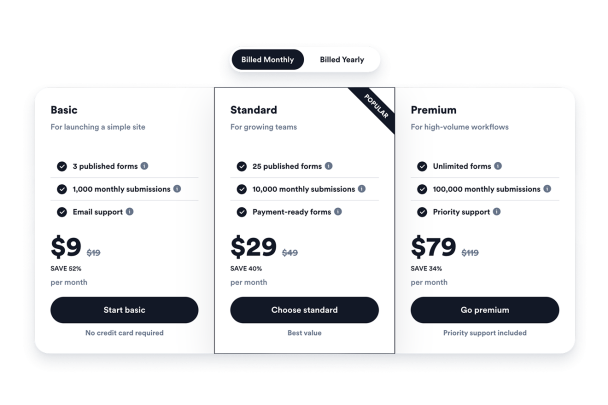

How to create a Pricing Table widget
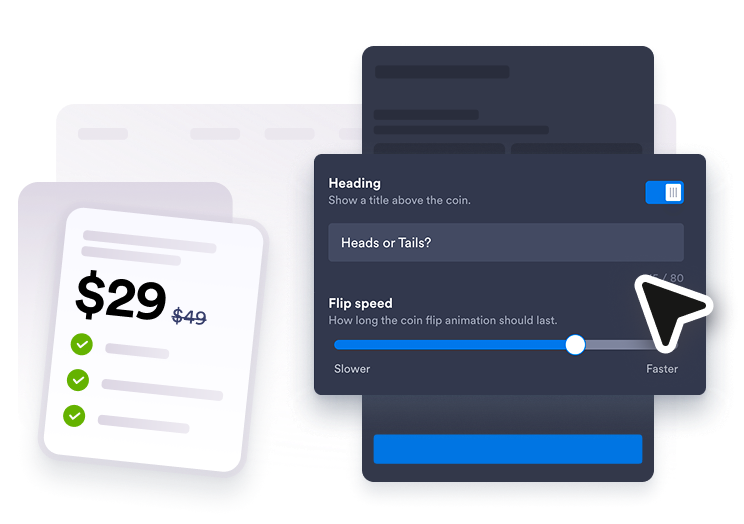
Add your pricing plans
Create tables for monthly, yearly, package, or service pricing and edit every plan title, price, feature, hint, and button.
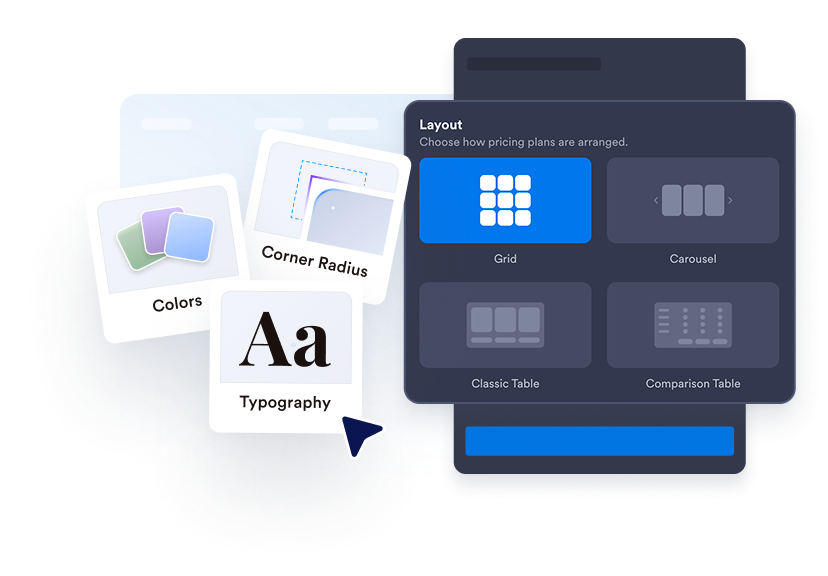
Choose a table layout
Use pricing grids, aligned columns, comparison tables, or carousel layouts to fit the page section.
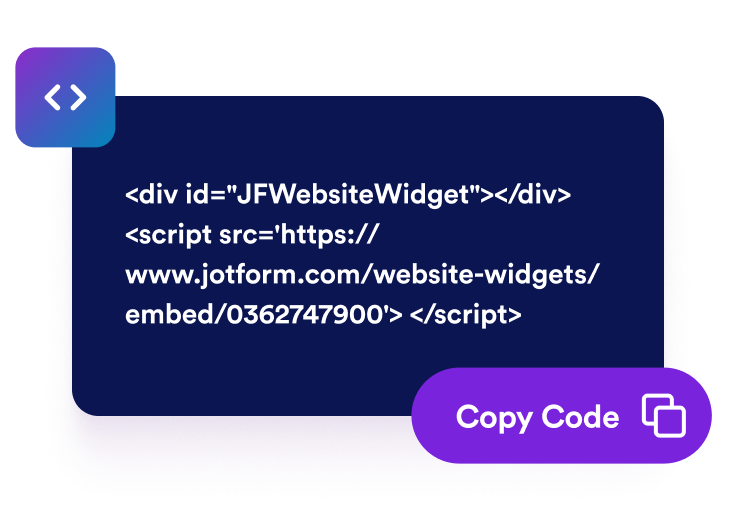
Style and embed
Customize colors, labels, typography, corners, buttons, branding, and scoped CSS, then copy the embed code to your website.
Make pricing easier to scan and compare
Build Multiple Pricing Tables
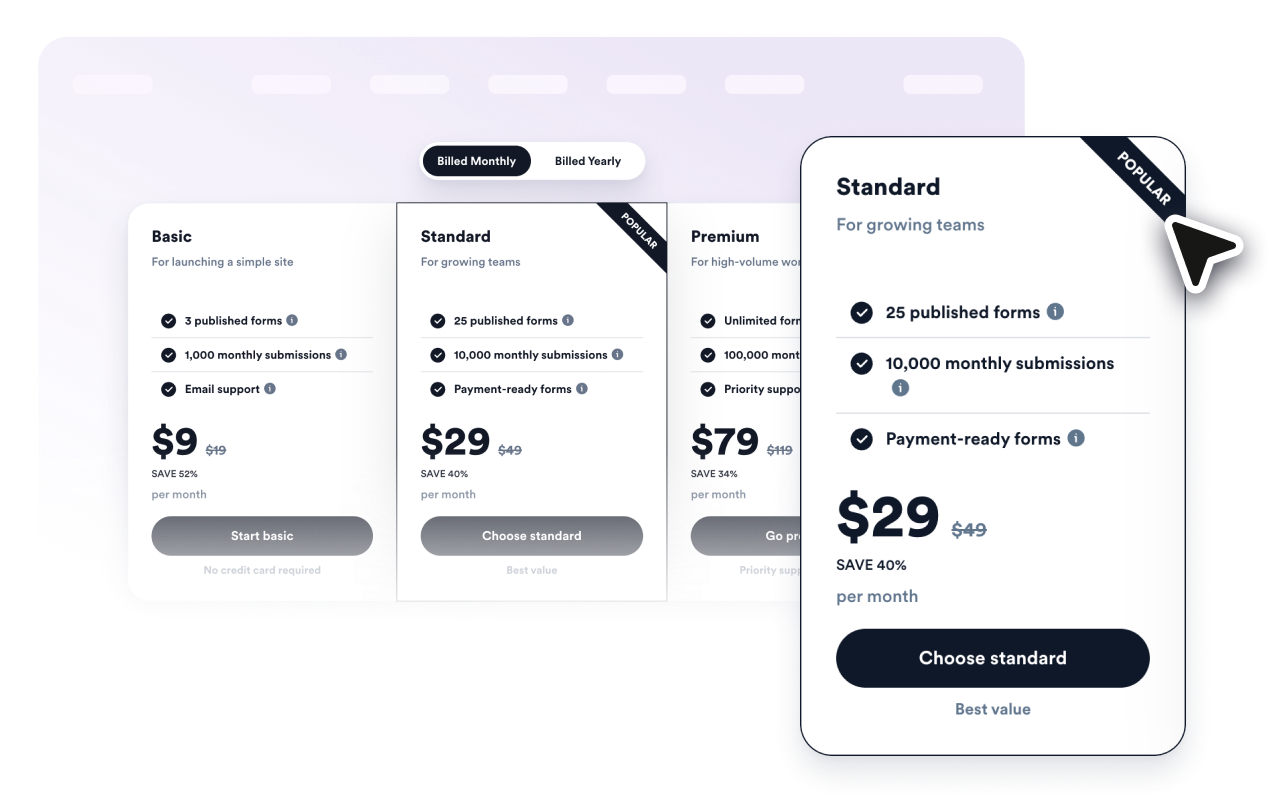
Create monthly, yearly, service, package, wholesale, or tiered tables and let visitors switch between them with a billing toggle.

Highlight the Best Plan
Add popular labels, sale text, old prices, discounts, captions, and plan-specific colors so shoppers can spot recommended options.
Compare Features Clearly
List included features for each plan, add helpful hint text, and switch to comparison-table mode for side-by-side plan evaluation.

Match Your Website Design
Control layouts, card styles, colors, text sizes, button style, column corners, width, mobile behavior, branding, and scoped custom CSS.

Why Jotform Website Widgets stand out
Jotform’s widgets make your website more interactive and increase conversions. There are many tools available, from star ratings and testimonial sliders to social proof popups and media embeds. Add widgets to your forms or landing pages to collect data, display proof, and capture leads — no coding required.
Add Jotform widgets to your website with a simple embed code. Customize the widget, preview how it looks, and paste it into any page that supports custom HTML or embed blocks, all without a developer.
Use Jotform Website Widgets to collect leads, show customer feedback, display social proof, embed media, or add helpful web page tools. Each widget helps visitors interact with your business directly from your website.
If you need help setting up, customizing, embedding, or troubleshooting your widget, Jotform’s customer support team is available 24-7. You can move forward with confidence, knowing that help is there when you need it.
Where to use your Pricing Table Widget
Add pricing tables wherever visitors need to compare options before signing up, booking, or buying.
SaaS pricing pages to compare monthly and annual subscriptions with feature tiers
Service pages to show packages for consulting, marketing, design, repairs, wellness, and local services
Course pages to compare self-paced, cohort, certificate, and premium learning packages
Product landing pages to present bundles, add-ons, subscriptions, and launch offers
Agency portfolios to explain starter, growth, and premium retainers with clear deliverables
Wholesale or membership pages to show volume tiers, discounts, and eligibility details
Convert leads into paying customers with the Jotform Form Builder
Turn engagement into action with Jotform. Create powerful forms that capture leads, collect payments, and automate responses, all in one place. Every submission lands in your Jotform Inbox, where you can follow up or connect with your favorite apps.
Get Started — It’s Free!
FAQ
What is a Pricing Table Widget?
A Pricing Table Widget is an embeddable widget that displays plans, prices, feature lists, discounts, and buttons on your website.
Can I create monthly and yearly tables?
Can I highlight a recommended plan?
Does it support feature comparison?
Can I connect buttons to checkout or signup pages?
Do I need code to embed it?