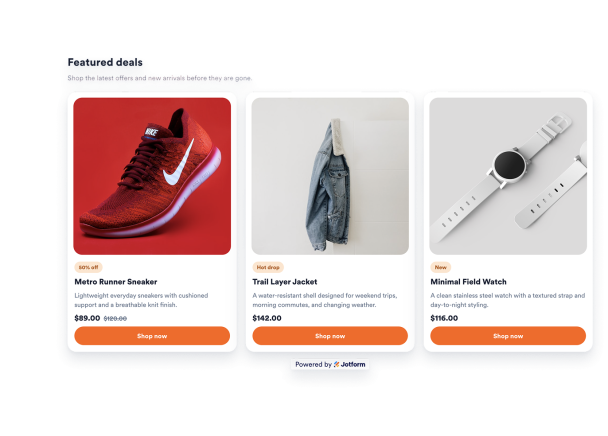

How to create a Product Cards widget
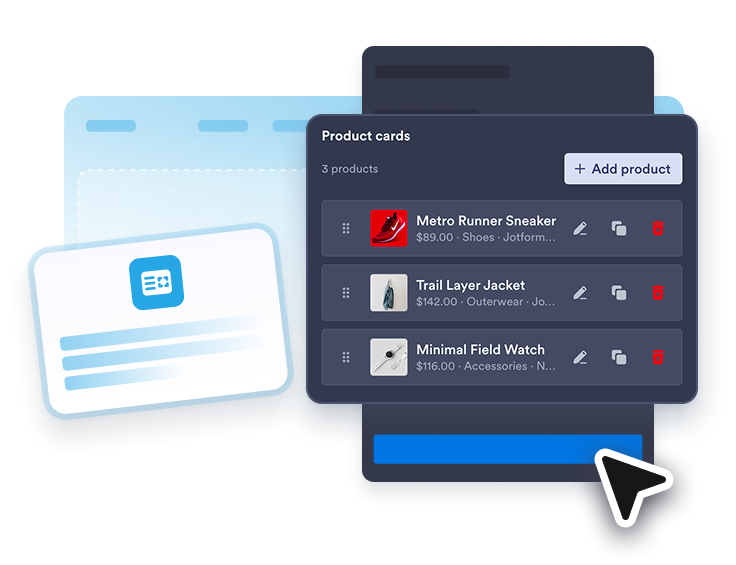
Add product cards
Enter product names, images, descriptions, prices, old prices, promo badges, CTA text, and product links for up to six products.
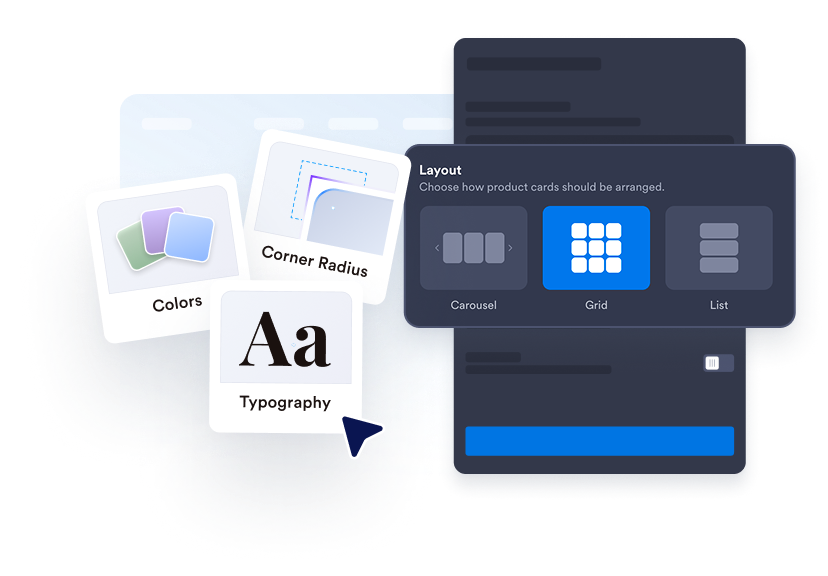
Customize the layout
Choose grid or carousel mode, set desktop columns, adjust image ratio and spacing, and control desktop or mobile visibility.
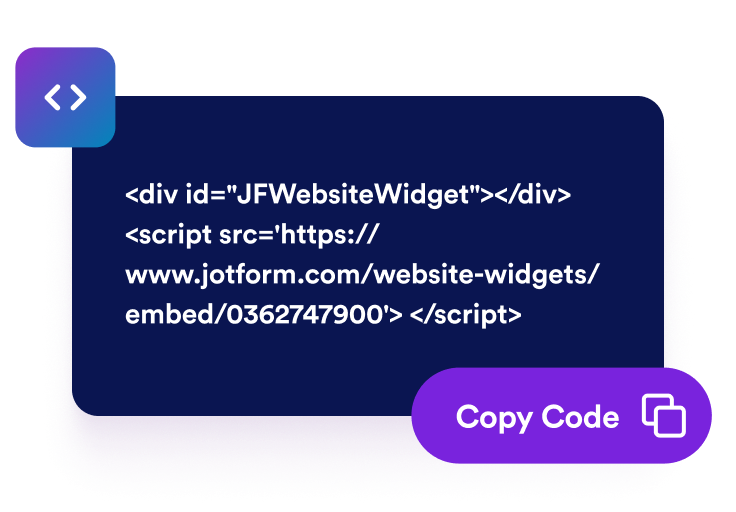
Embed it on your website
Preview the product cards, save your widget, and copy the generated embed code for your store, landing page, or blog.
Turn selected products into a clean, clickable card section
Curate up to six products
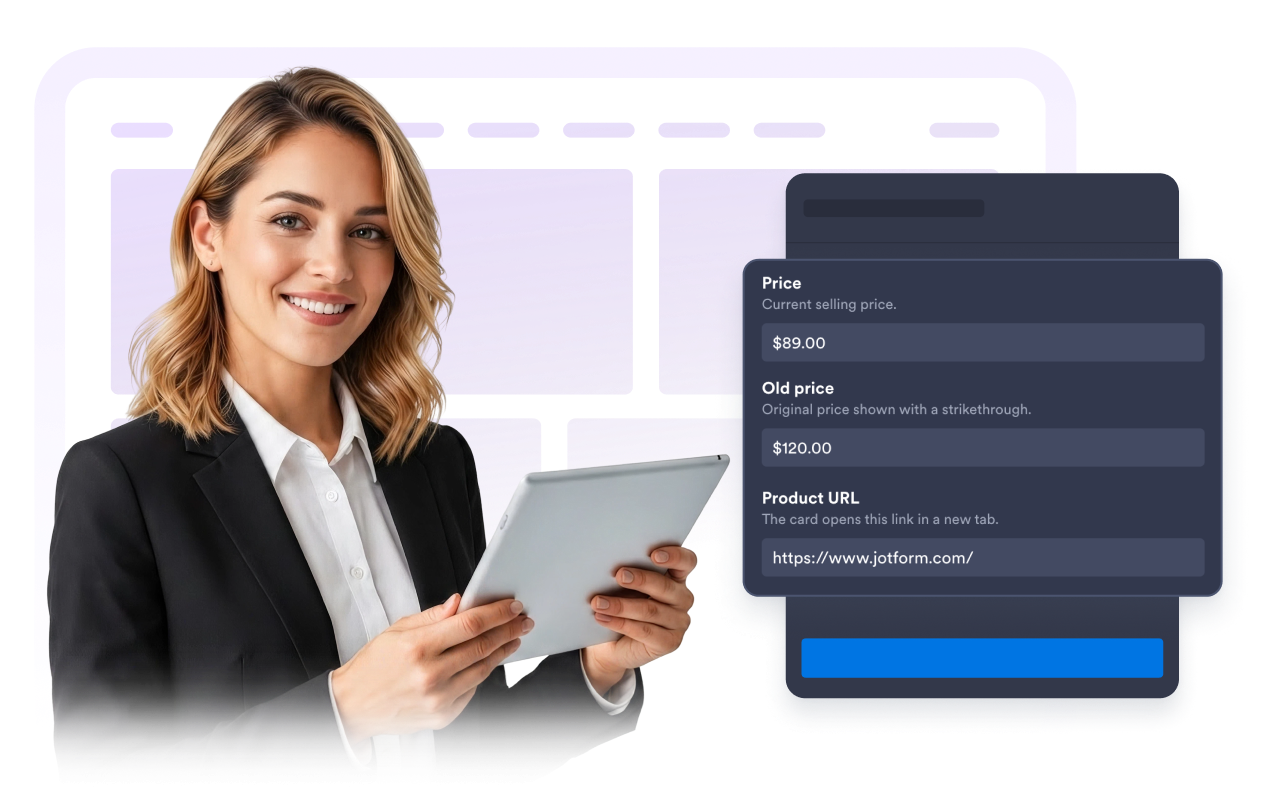
Build a focused product set manually with images, product URLs, prices, old prices, descriptions, and badges. Use it for sale items, best sellers, new arrivals, bundles, and campaign collections.
Style every card detail
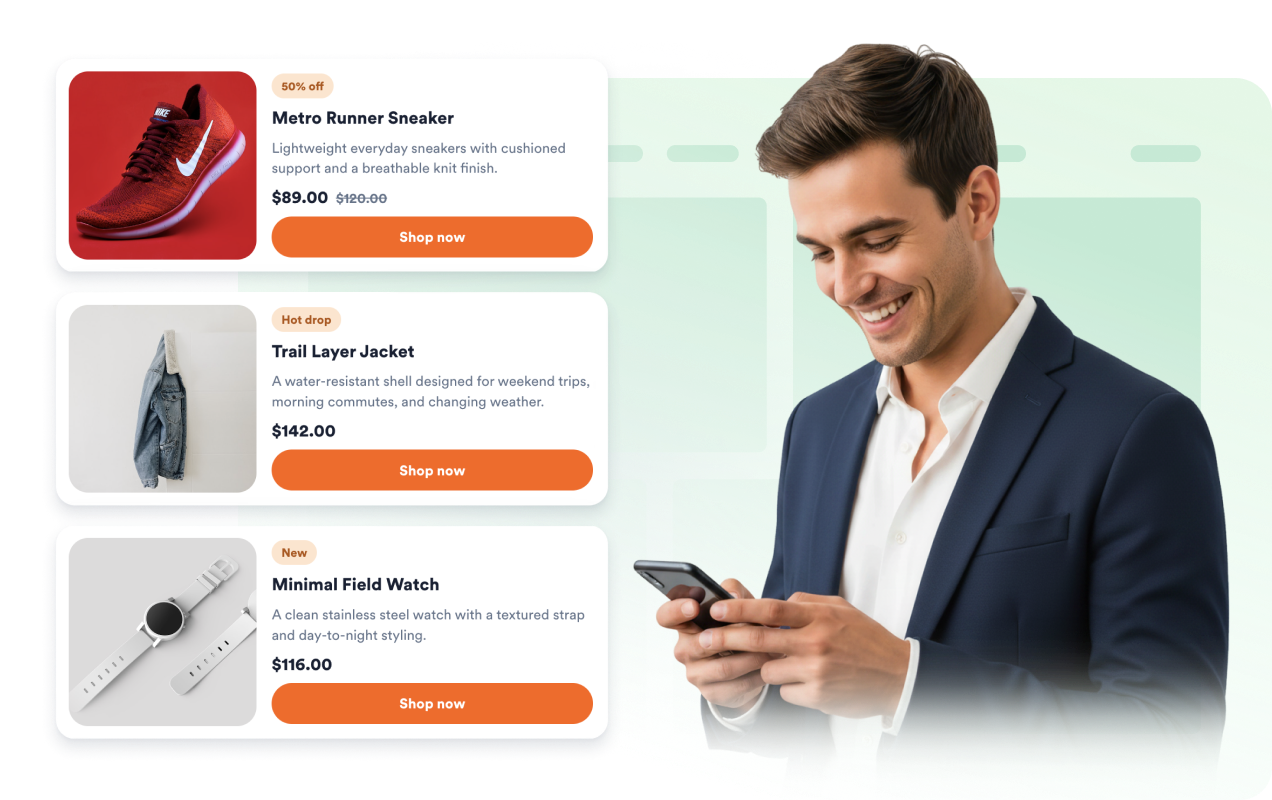
Choose light or dark mode, update background, text, badge, price, border, and button colors, tune card and image radius, add shadows, and use scoped custom CSS when you need extra control.
Adapt the layout for every device
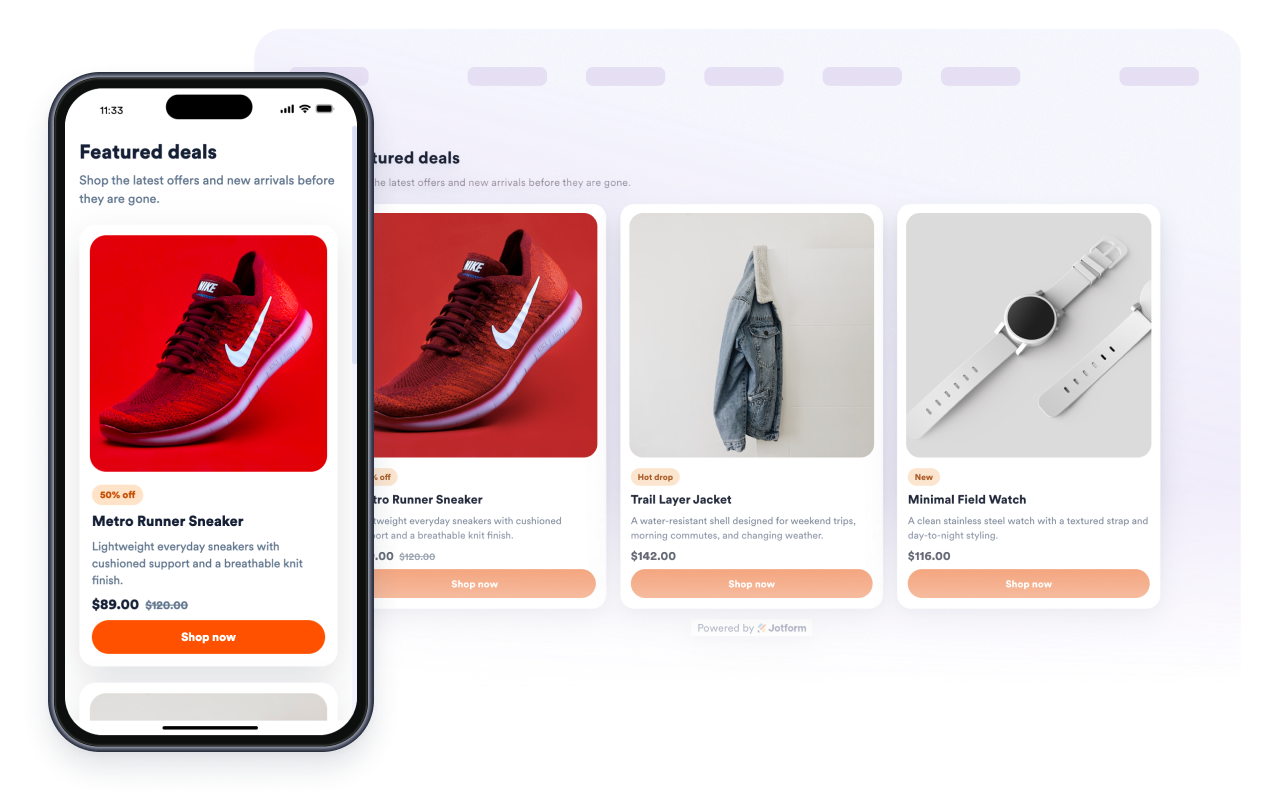
Set grid columns, card spacing, image ratio, widget width, desktop visibility, and mobile visibility so your product cards stay readable on phones, tablets, and wide storefront pages.
Send shoppers to product pages
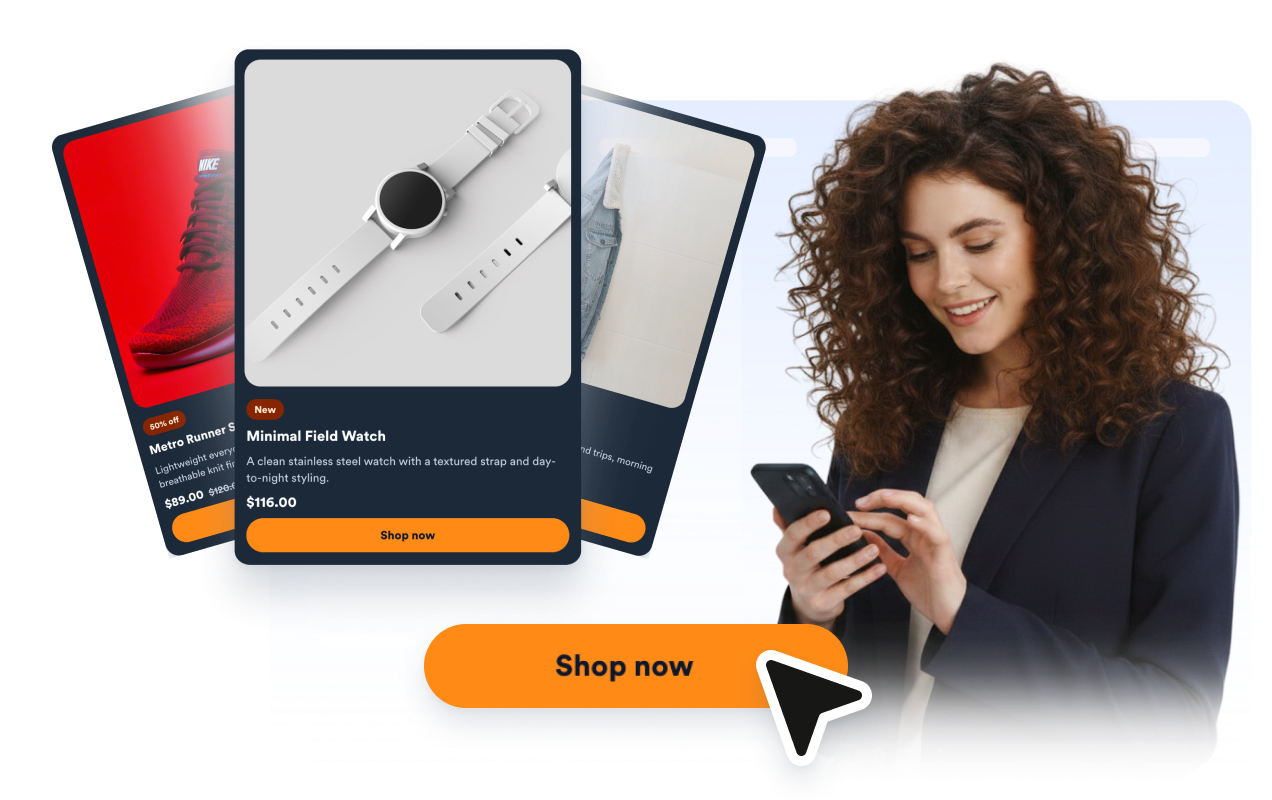
Each card can show a CTA button and open its product link in a new tab, helping visitors move from a campaign, guide, or page section to the item they want.
Why Jotform Website Widgets stand out
Jotform’s widgets make your website more interactive and increase conversions. There are many tools available, from star ratings and testimonial sliders to social proof popups and media embeds. Add widgets to your forms or landing pages to collect data, display proof, and capture leads — no coding required.
Add Jotform widgets to your website with a simple embed code. Customize the widget, preview how it looks, and paste it into any page that supports custom HTML or embed blocks, all without a developer.
Use Jotform Website Widgets to collect leads, show customer feedback, display social proof, embed media, or add helpful web page tools. Each widget helps visitors interact with your business directly from your website.
If you need help setting up, customizing, embedding, or troubleshooting your widget, Jotform’s customer support team is available 24-7. You can move forward with confidence, knowing that help is there when you need it.
Where to use your Product Cards widget
Use the widget anywhere a concise, visual set of products can help visitors compare items or jump to product pages faster.
Homepage sections to highlight new arrivals, featured products, or current deals.
Campaign landing pages to present a short sale collection or launch lineup with direct product links.
Gift guides and blog posts to connect editorial content with relevant products visitors can buy.
Collection pages to spotlight best sellers, bundles, accessories, or limited-time offers.
Small business storefronts that need a product card grid without custom frontend development.
Seasonal promotions where promo badges and old prices help shoppers scan the offer quickly.
Convert leads into paying customers with the Jotform Form Builder
Turn engagement into action with Jotform. Create powerful forms that capture leads, collect payments, and automate responses, all in one place. Every submission lands in your Jotform Inbox, where you can follow up or connect with your favorite apps.
Get Started — It’s Free!
FAQ
What is a Product Cards widget?
A Product Cards widget is a responsive card section that shows selected products with images, descriptions, prices, old prices, badges, and links.
How many product cards can I show?
Can I customize the design?
Can each product link to a product page?
Does it work as a grid and carousel?
Does it work on mobile?
Does this widget automatically scan product pages?
Do I need to write code?