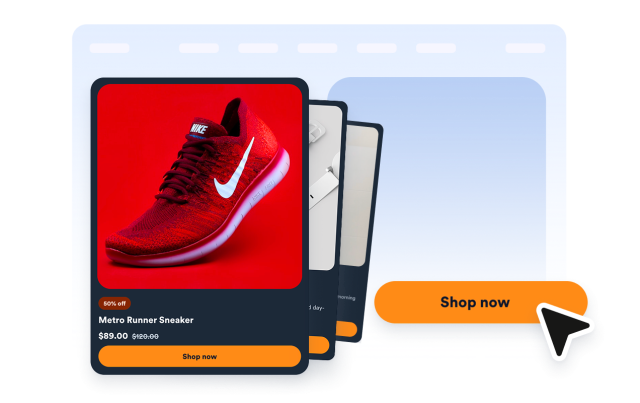
Product Cards Widget
Create Product Cards for Your Website
Build a no-code product card widget with curated products, images, prices, old prices, badges, CTA buttons, grid or carousel layouts, and responsive styling.
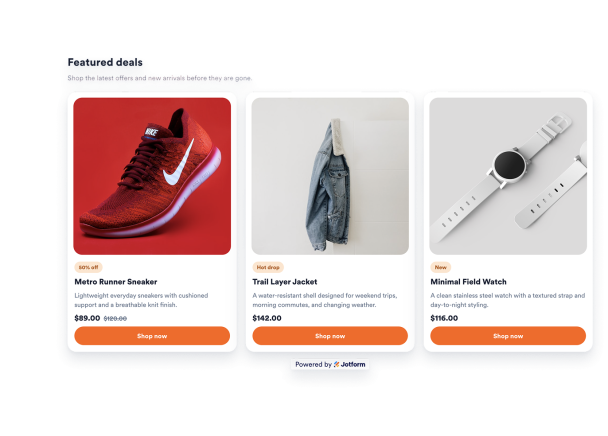

Add Product Images, Prices, Badges, and Links
Create up to six manually curated cards with product images, names, descriptions, current prices, old prices, promo badges, CTA text, and product URLs.
Product fields include:

Customize the Product Card Style
Match your storefront or campaign design with light or dark mode, widget colors, card colors, price colors, badge colors, button colors, rounded corners, shadows, branding, and scoped custom CSS.
Style controls include:

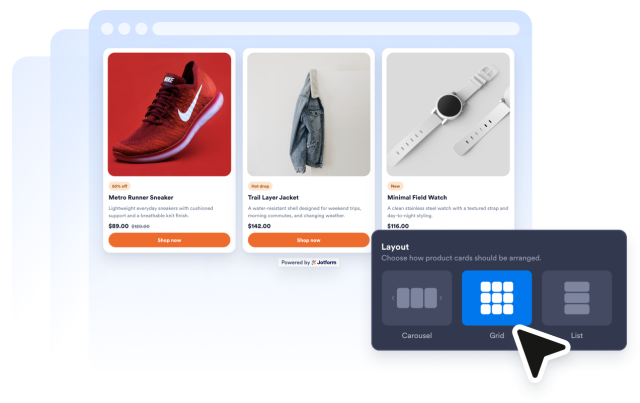
Choose Grid or Carousel Layouts
Use a full product grid or carousel-style card set, choose desktop columns, set the widget width, tune card spacing, adjust image ratio, and control desktop or mobile visibility.
Layout controls include:
Drive Visitors to Product Pages
Show CTA buttons, open product links in a new tab, and keep every card clickable so visitors can move from a landing page, homepage, or blog post to the product they want.
Action controls include: