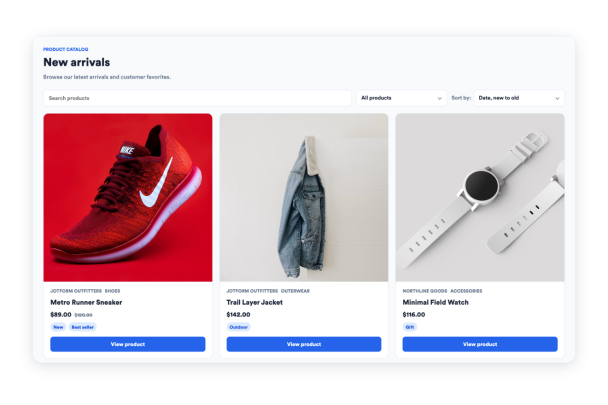

How to create a Product Catalog widget
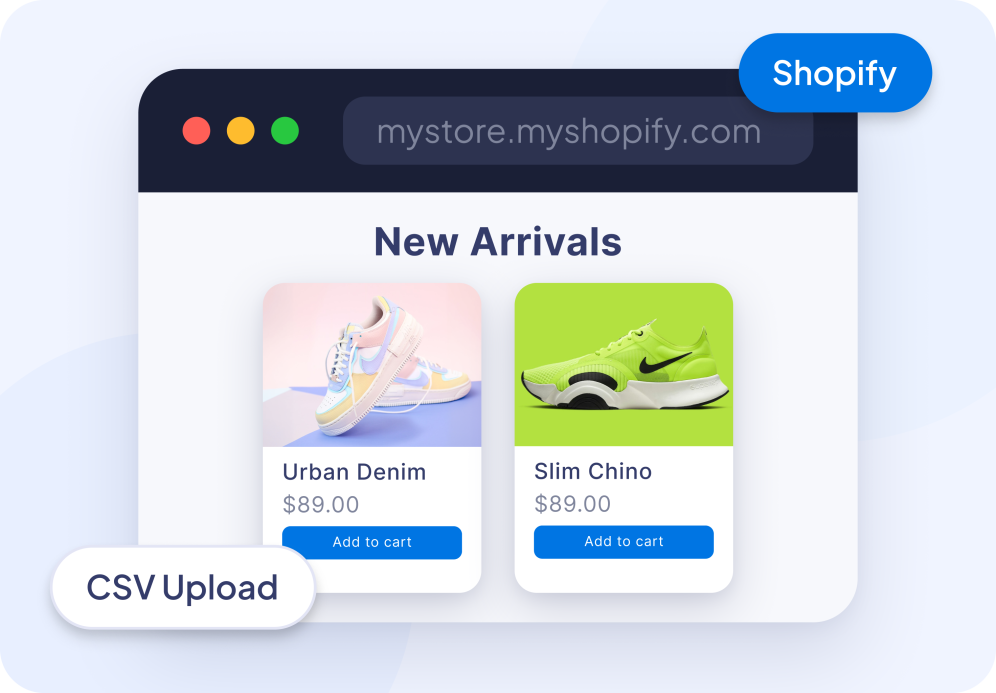
Add your products
Add products manually, connect a Shopify product feed, or upload a CSV with titles, descriptions, prices, image URLs, product links, vendors, types, and tags.
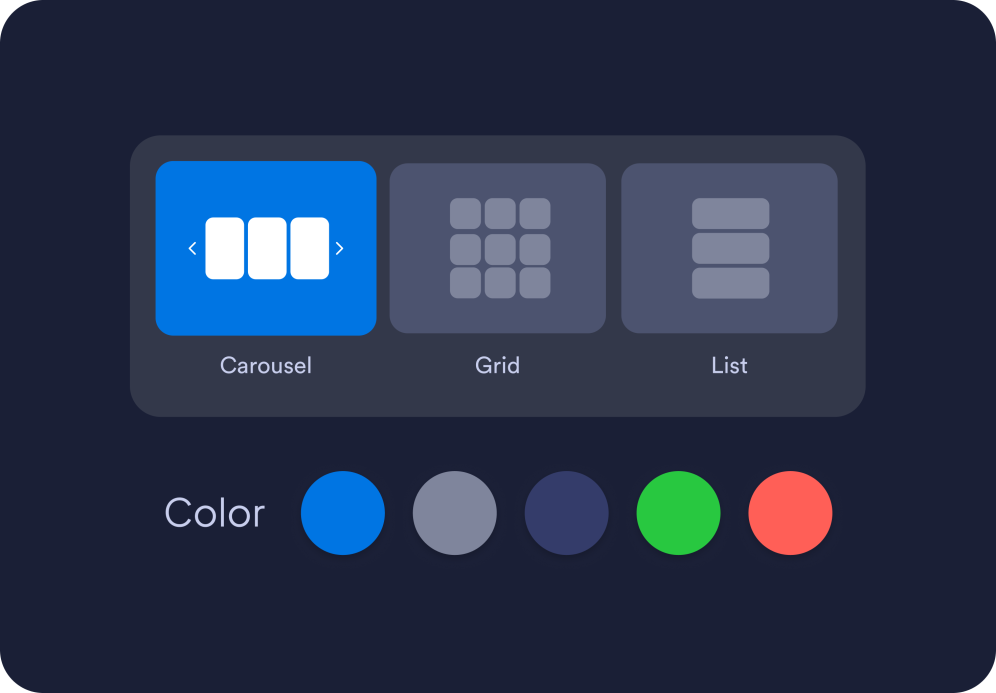
Customize your catalog
Decide which product details to show, turn search, filters, and load more controls on or off, set default sorting, and choose a carousel, grid, or list layout.
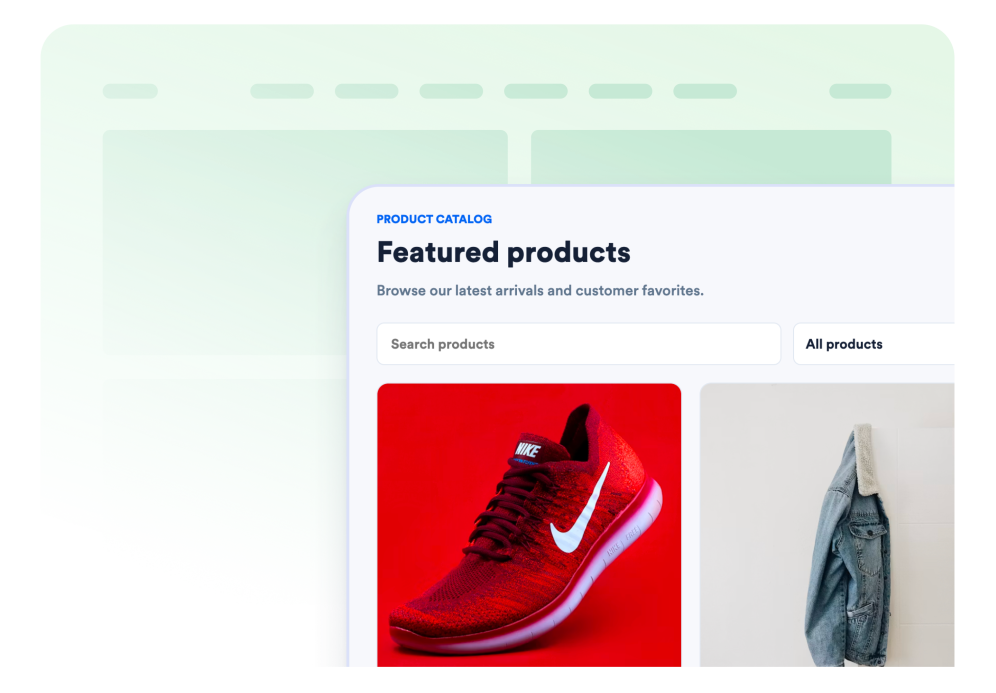
Embed it on your website
Preview the product catalog, save your widget, and copy the generated embed code for your page.
Turn product data into a catalog visitors can browse
Add your products from multiple sources
Choose a Shopify store, upload a CSV file, or add products manually. Display up to 80 products in customizable catalog cards with images, titles, prices, vendors, categories, tags, and links.

Import your product catalog
Upload a CSV when you want to feature a smaller selection, wholesale list, partner catalog, or product set outside your Shopify product feed with the same product fields.

Help visitors find the right product
Let visitors search product names, descriptions, vendors, types, and tags; filter by type, vendor, or tag; and browse by title or price order.

Design a catalog that fits your page
Choose carousel, grid, or list layouts, then adjust width, columns, image ratio, card radius, text alignment, colors, buttons, mobile visibility, and scoped custom CSS.

Why Jotform Website Widgets stand out
Jotform’s widgets make your website more interactive and increase conversions. There are many tools available, from star ratings and testimonial sliders to social proof popups and media embeds. Add widgets to your forms or landing pages to collect data, display proof, and capture leads — no coding required.
Add Jotform widgets to your website with a simple embed code. Customize the widget, preview how it looks, and paste it into any page that supports custom HTML or embed blocks, all without a developer.
Use Jotform Website Widgets to collect leads, show customer feedback, display social proof, embed media, or add helpful web page tools. Each widget helps visitors interact with your business directly from your website.
If you need help setting up, customizing, embedding, or troubleshooting your widget, Jotform’s customer support team is available 24-7. You can move forward with confidence, knowing that help is there when you need it.
Where to use your Product Catalog widget
Embed a focused product catalog wherever visitors need to compare products before opening the matching product page.
Campaign landing pages to feature new arrivals, seasonal products, or a curated product set.
Blog posts and buying guides to pair recommendations with direct product links.
Brand websites to show selected products without rebuilding a full storefront.
Wholesale or catalog pages to organize product lines from uploaded CSV data.
Event and pop-up shop pages to preview items available during a limited campaign.
Partner pages to promote a shared product list with buttons that open each product page.
Convert leads into paying customers with the Jotform Form Builder
Turn engagement into action with Jotform. Create powerful forms that capture leads, collect payments, and automate responses, all in one place. Every submission lands in your Jotform Inbox, where you can follow up or connect with your favorite apps.
Get Started — It’s Free!
FAQ
What is the Product Catalog widget?
It is a website widget that displays products from manual entries, a Shopify product feed, or an uploaded CSV in a searchable, filterable catalog you can embed on a web page.
How does the Shopify product source work?
Which Shopify product feed should I use?
Can I add products manually?
Does this require a Shopify app or API keys?
How many products can it show?
Can visitors buy products inside the widget?
Can I customize the layout?
Can I customize colors and styles?
Does it work on mobile?