Product Catalog Widget
Product Catalog Widget Features
Use Product Catalog features to create a responsive product display from manual entries, a public Shopify domain, or an uploaded CSV, XLSX, or XLS file. Control how visitors search, filter, sort, view product details, and open product pages.


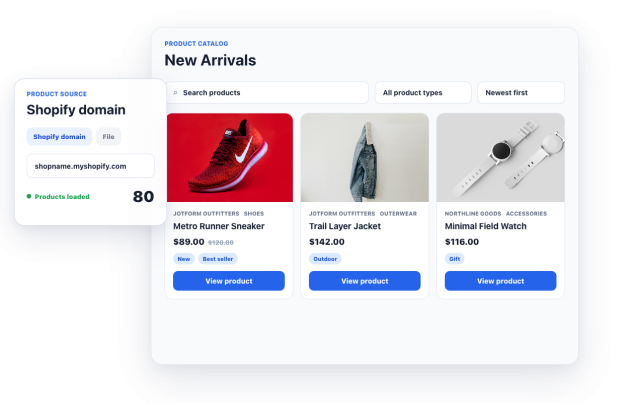
Add Products from a Public Shopify Domain
Enter a shopname.myshopify.com domain to load product data and create catalog cards with titles, images, prices, vendors, product types, tags, and product-page links.
Shopify source supports:
Import Products from a file
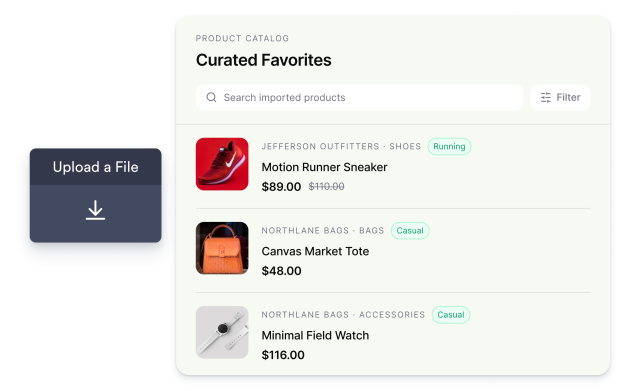
Upload a CSV, XLSX, or XLS file to publish a curated catalog from rows with product titles, descriptions, prices, image URLs, product URLs, vendors, product types, and tags.
File fields include:
Customize Layout, Cards, and Product Buttons
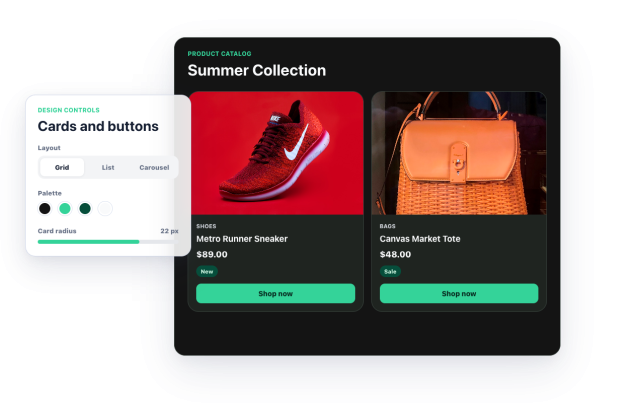
Choose carousel, grid, or list layouts, then tune catalog width, desktop columns, image ratio, card radius, text alignment, light or dark theme, colors, product detail visibility, and button styling.
Design controls include:
Showcase Product Details
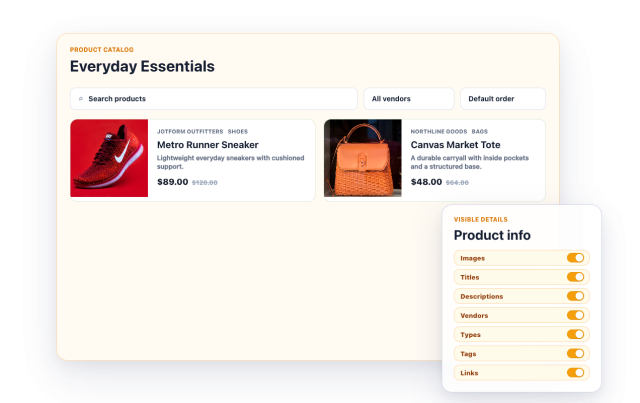
Display the information customers need to make purchasing decisions, including product images, titles, descriptions, vendors, product types, tags, and links.
Product details include:
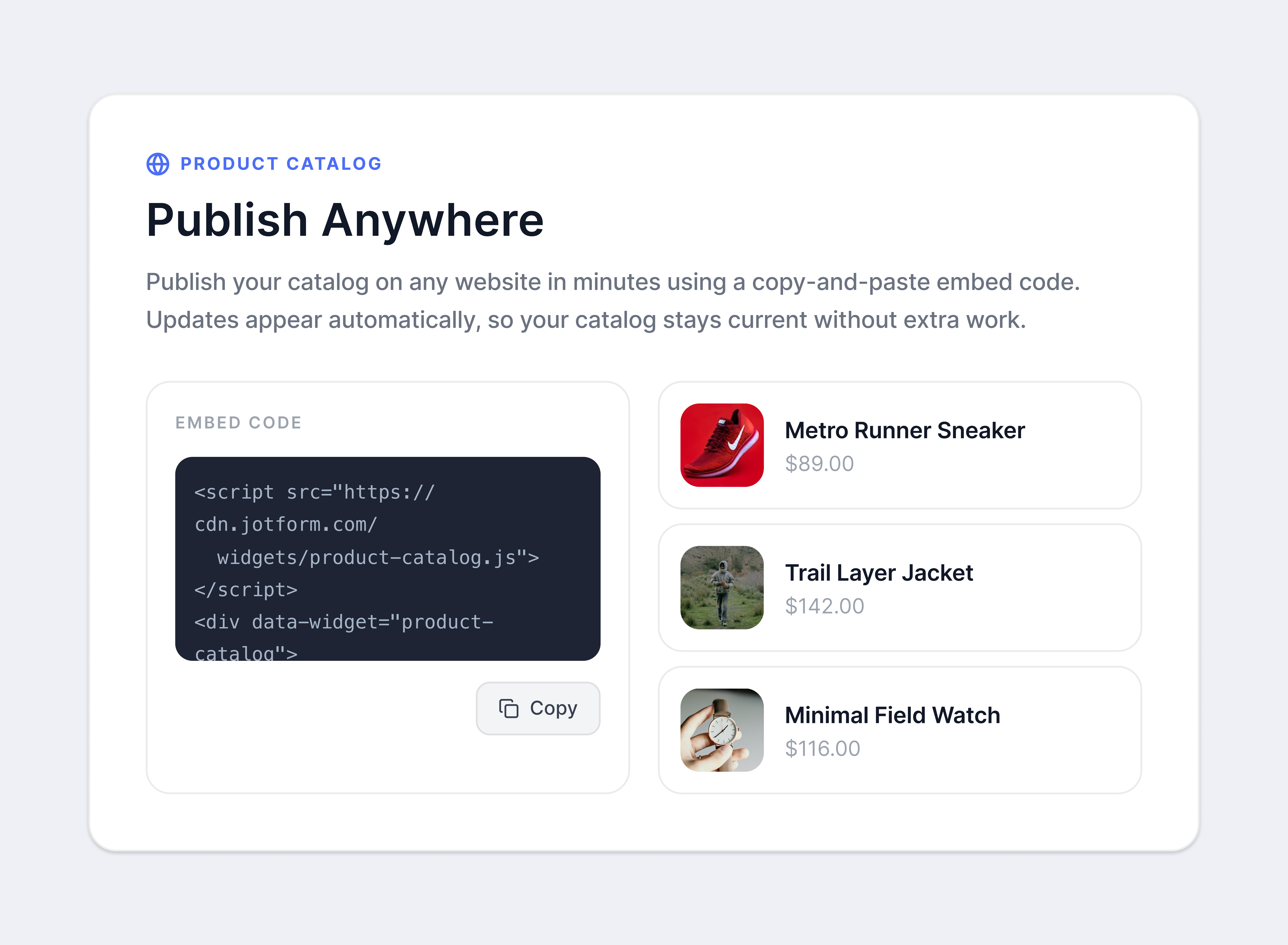
Publish Anywhere
Publish your catalog on any website in minutes using a copy-and-paste embed code. Updates appear automatically, so your catalog stays current without extra work.
Publishing supports: