Radio Player Widget
Create a Cool Radio Player for Your Website
Build a responsive website radio player from direct audio streams. Add station details, choose how listeners switch stations, tune playback behavior, and style the player without code.
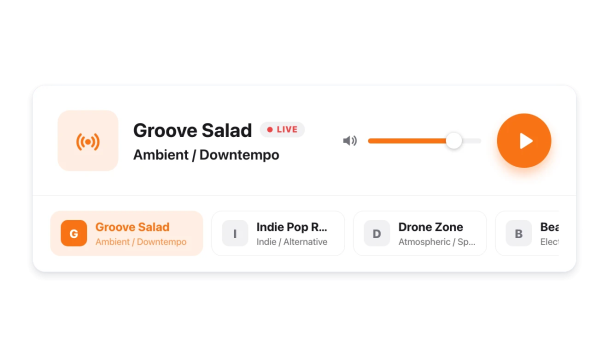

Add Stations With Live Stream URLs, Genres, and Logos
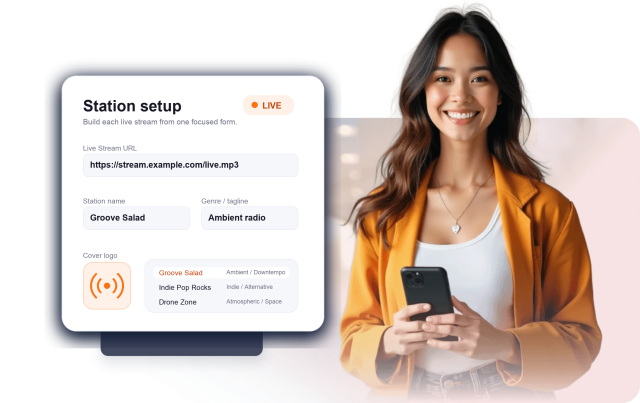
Create stations from live stream URLs and edit the station name, genre or tagline, and cover logo for each one.
Station fields include:
Live stream URLStation nameGenre/taglineCover logo
Control Layout, Station Selector, and Playback
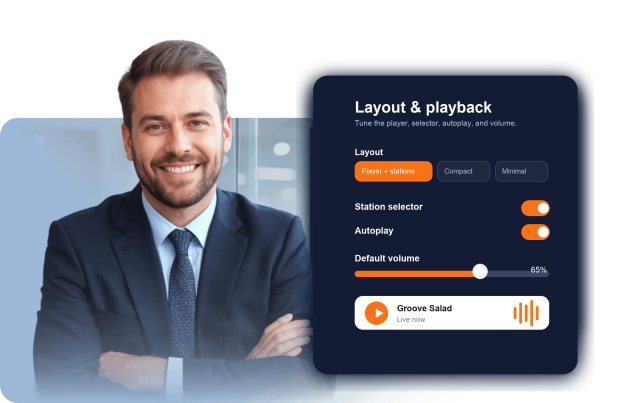
Choose a player-plus-stations, compact, or minimal layout, show or hide the station selector, and set autoplay and default volume.
Layout controls include:
Player + stationsCompactMinimalStation selectorAutoplayVolume
Customize Colors, Backgrounds, and Advanced CSS
Choose light, dark, or custom colors; add a transparent, solid, or image background with overlay; adjust corner radius; and apply CSS scoped to the radio player.
Style controls include:
Light / DarkAccent colorBackground imageCorner radiusCustom CSS