Yacht Rock Radio
We couldn't create your widget. Please try again.
Embed live radio streams directly on your site. Add station names, genres, and logos; let listeners switch stations; and customize playback, layout, colors, and background without code.
Create Now — It’s Free!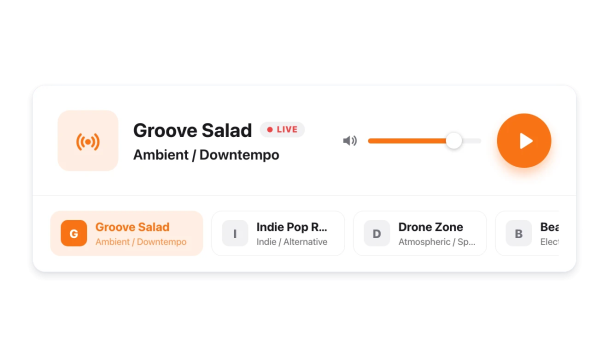

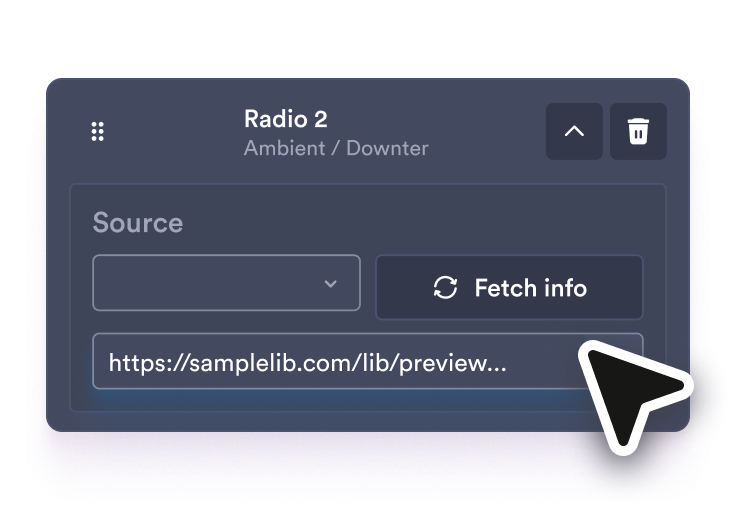
Paste each live stream URL, then edit the station name, genre, and logo for every station in the list.
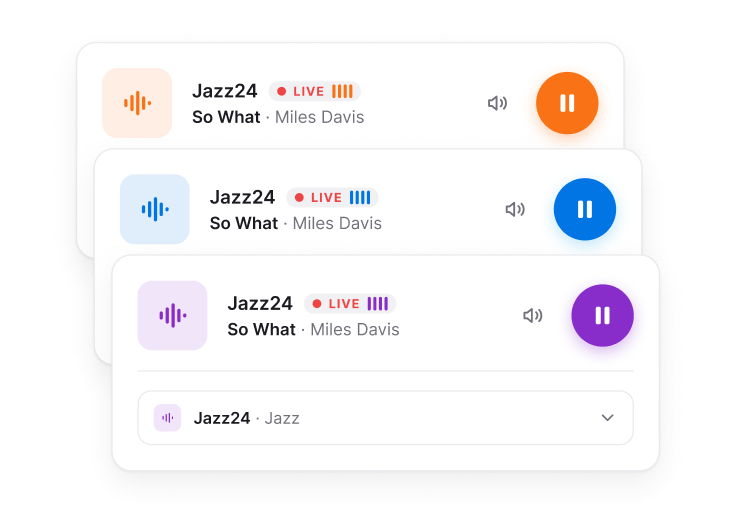
Choose a layout, decide which stations and details appear, and set autoplay, volume, colors, and background.
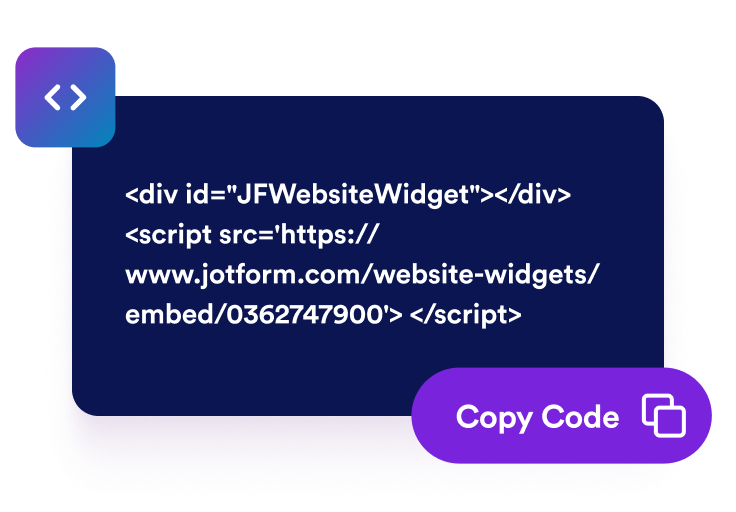
Preview the player, copy the embed code, and place it on your website so visitors can listen without leaving the page.
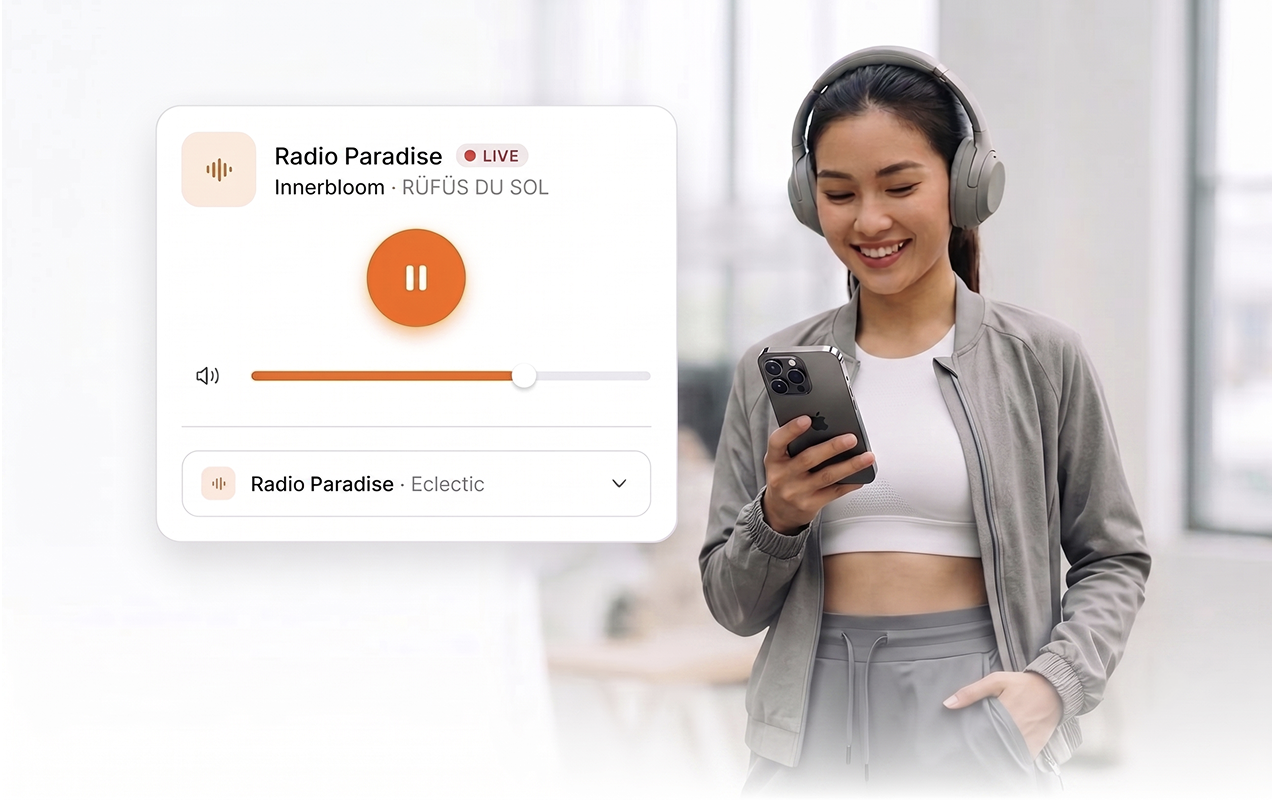
Use direct MP3 or AAC stream URLs so visitors can play, pause, mute, and adjust volume without leaving your website.
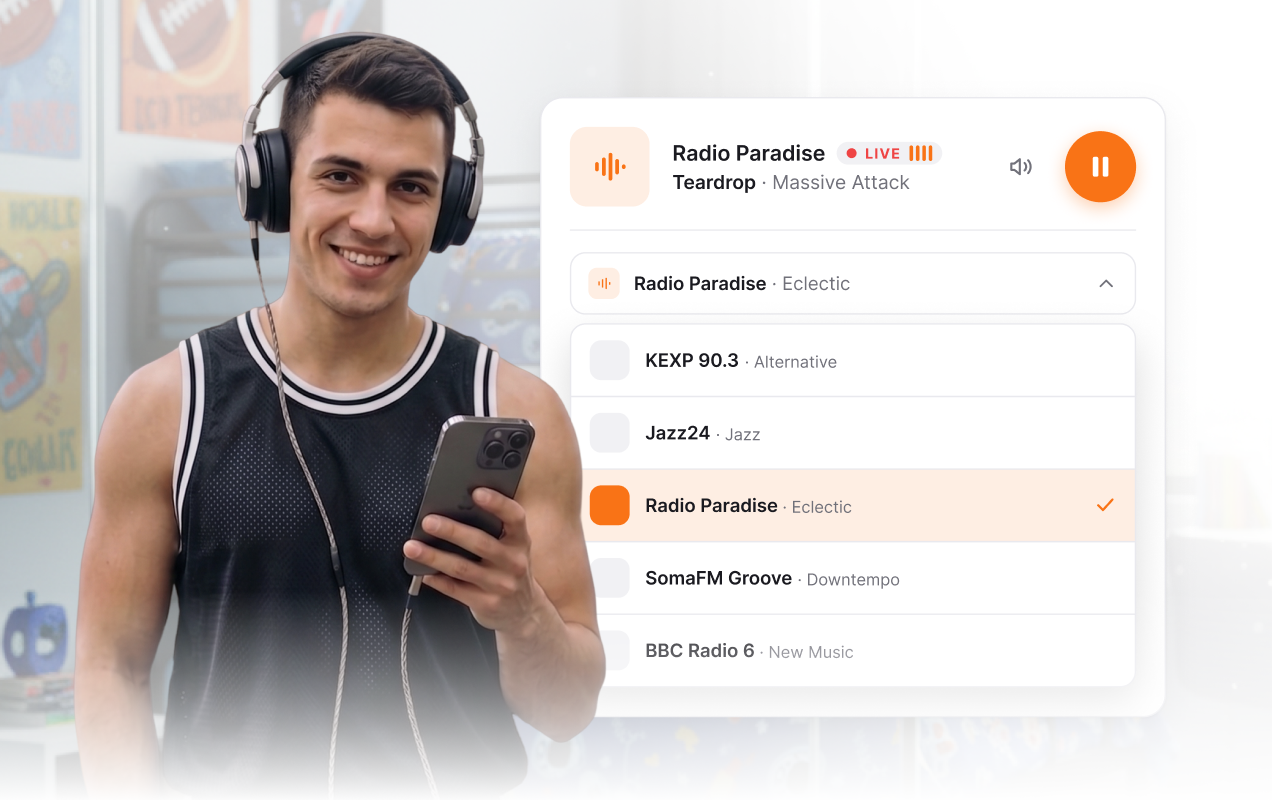
Display a horizontal station strip or dropdown selector with station names, genres, and logos so visitors can browse multiple broadcasts.
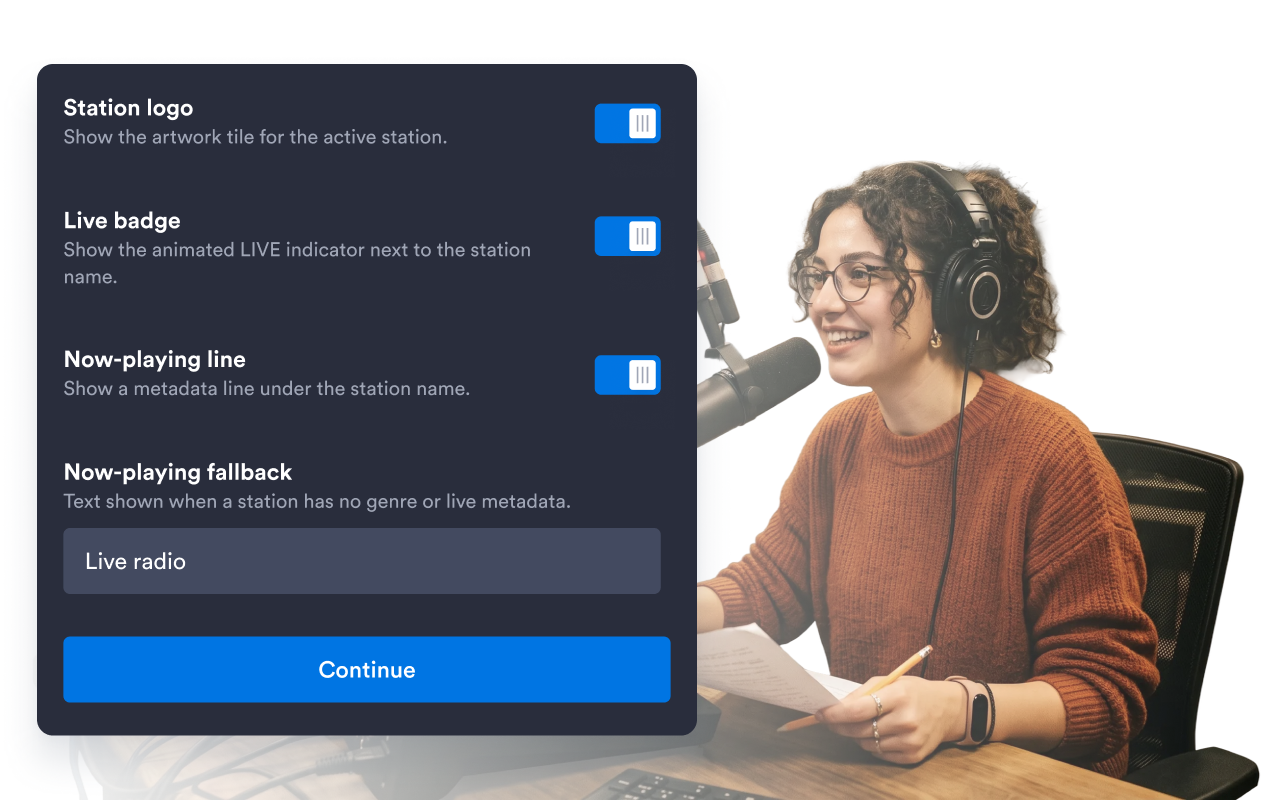
Add, remove, reorder, collapse, and edit station entries, stream URLs, titles, genres, and cover images from a single setup flow.
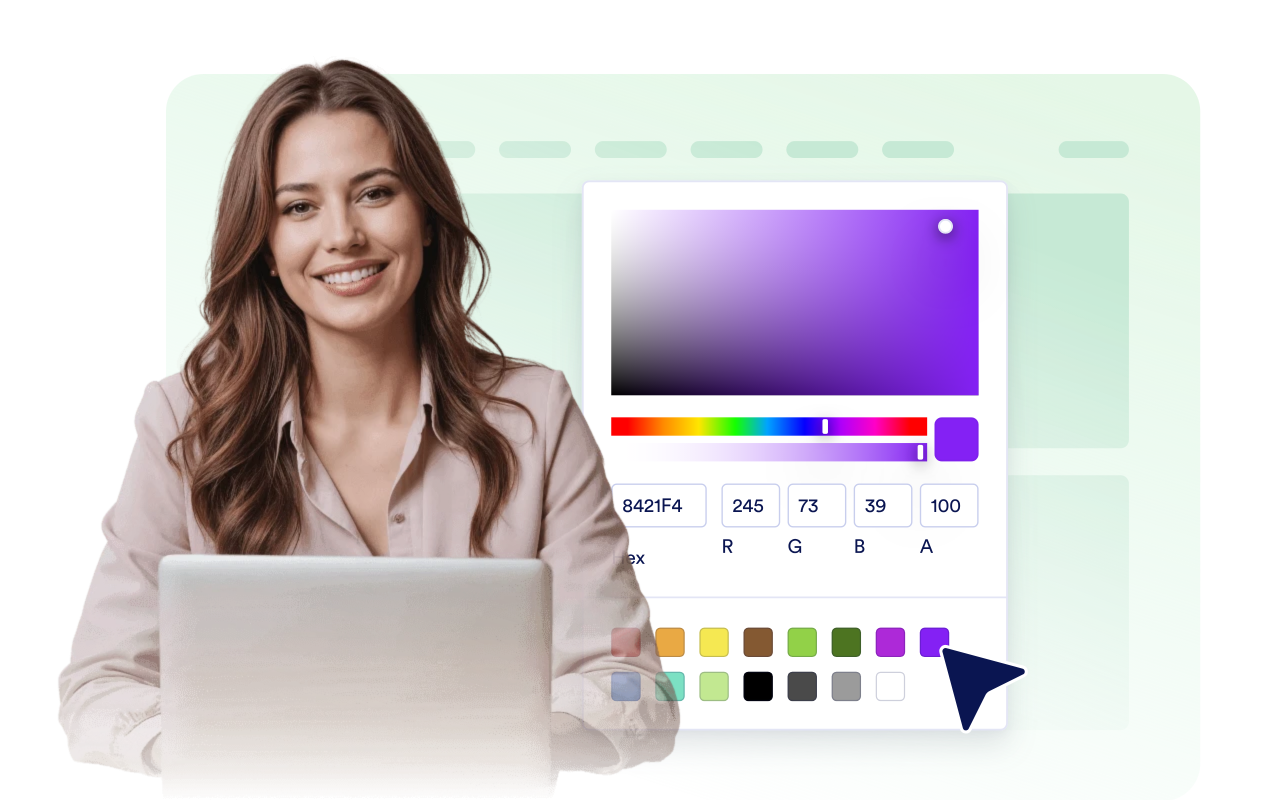
Pick light, dark, or custom colors; set a transparent, solid, or image background; adjust radius; and add scoped custom CSS.
Jotform’s widgets make your website more interactive and increase conversions. There are many tools available, from star ratings and testimonial sliders to social proof popups and media embeds. Add widgets to your forms or landing pages to collect data, display proof, and capture leads — no coding required.
Add Jotform widgets to your website with a simple embed code. Customize the widget, preview how it looks, and paste it into any page that supports custom HTML or embed blocks, all without a developer.
Use Jotform Website Widgets to collect leads, show customer feedback, display social proof, embed media, or add helpful web page tools. Each widget helps visitors interact with your business directly from your website.
If you need help setting up, customizing, embedding, or troubleshooting your widget, Jotform’s customer support team is available 24-7. You can move forward with confidence, knowing that help is there when you need it.
Place your live streams where visitors already engage with your brand, content, and community.
Radio station homepages to keep a live stream and alternate channels one click away.
Music and artist pages to share curated genre stations, listening rooms, or release-day streams.
Event and festival pages to stream stage audio, announcements, or live coverage for online attendees.
Community and nonprofit sites to broadcast local updates, interviews, and public-interest programming.
Church and worship pages to stream services, sermons, or community radio from a simple player.
Blogs and media brands to add a compact audio stream beside articles, show notes, or campaign pages.
Turn engagement into action with Jotform. Create powerful forms that capture leads, collect payments, and automate responses, all in one place. Every submission lands in your Jotform Inbox, where you can follow up or connect with your favorite apps.
Get Started — It’s Free!
A Radio Player widget lets you embed live audio streams on your website with playback controls, station switching, and customizable styles.