Size Chart Widget for your website
Help shoppers choose the right fit before checkout. Add category tabs, editable measurement tables, guide images, responsive layouts, colors, branding, and custom CSS with Jotform's no-code Size Chart widget.
Create Now — It’s Free!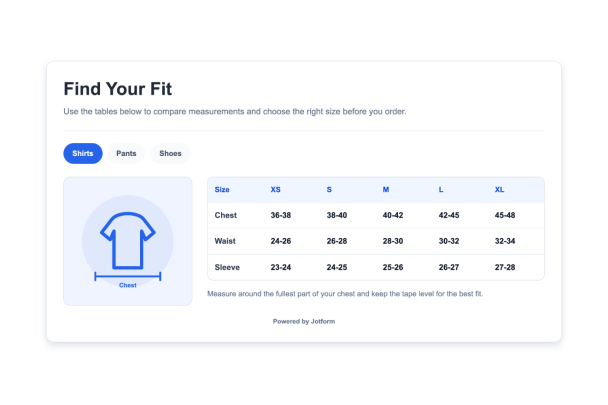

How to create a Size Chart widget
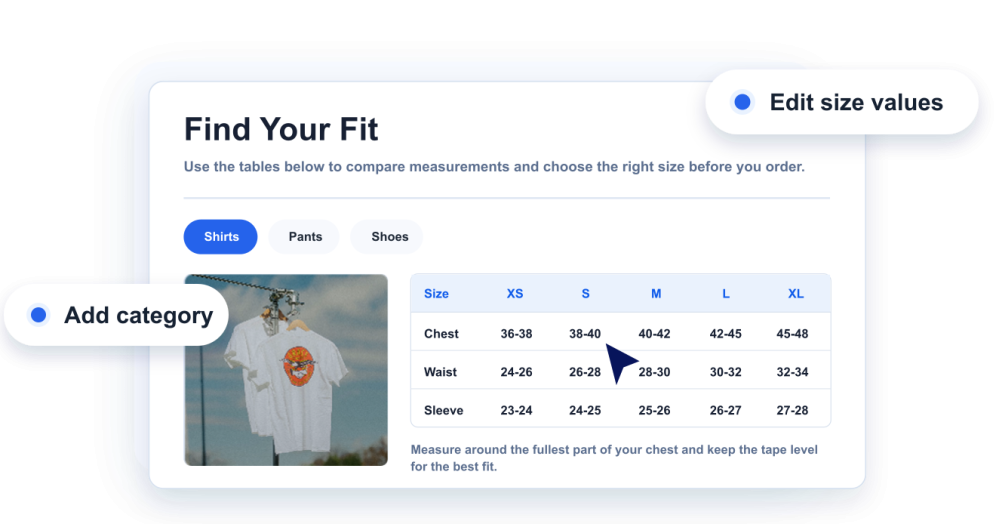
Add your measurements
Create size chart categories, columns, rows, size values, and helpful notes for each product type.
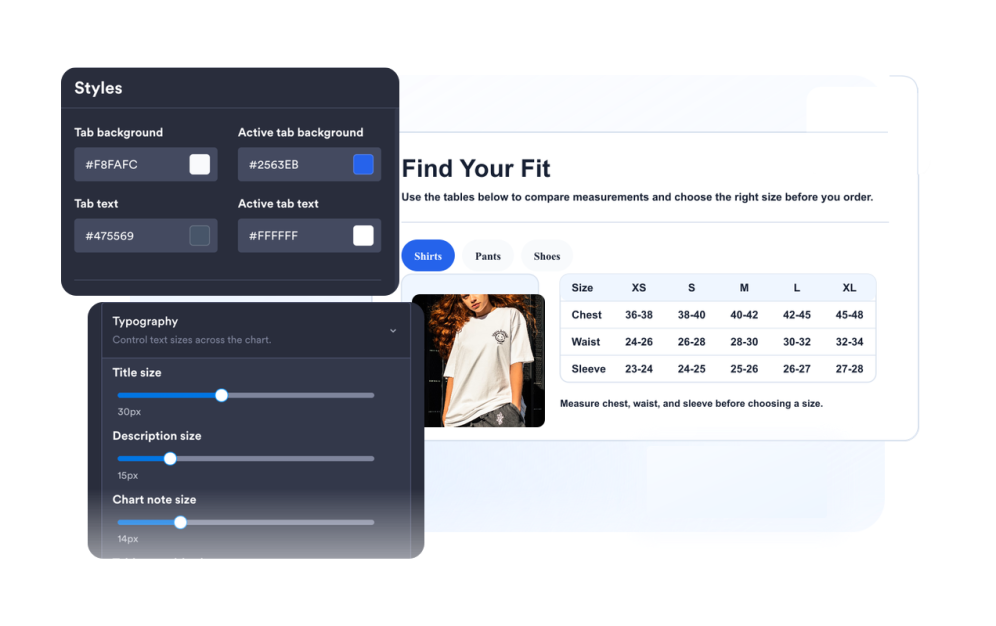
Customize the guide
Choose measurement illustrations, layout, colors, tabs, table density, corner radius, and branding.
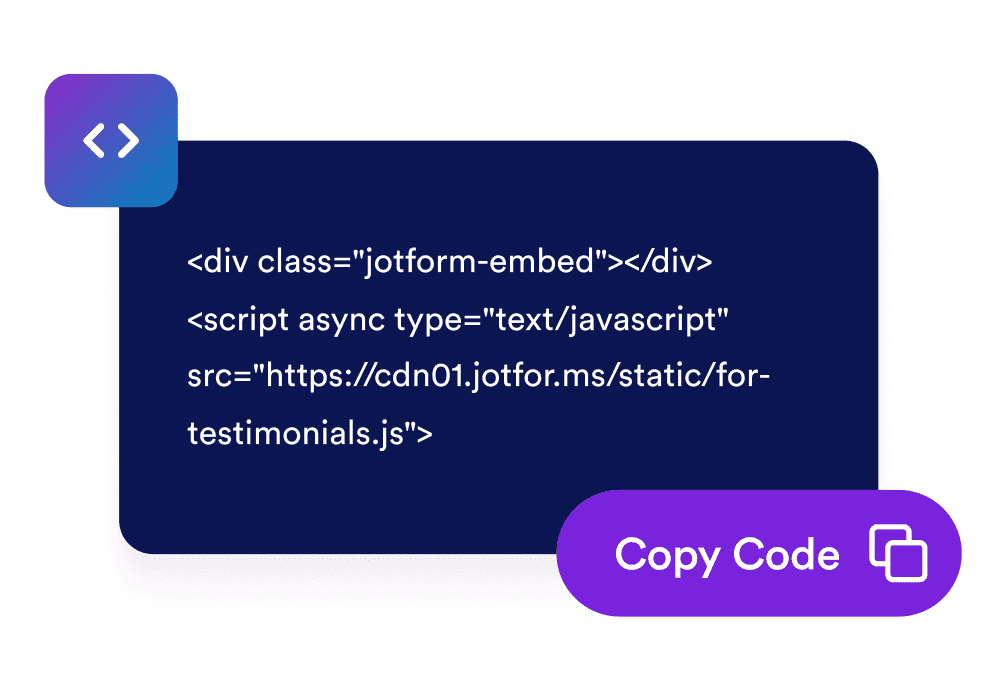
Embed it on your website
Preview the widget, copy the generated embed code, and publish your size guide on product or help pages.
Give shoppers a clear size guide on every product page
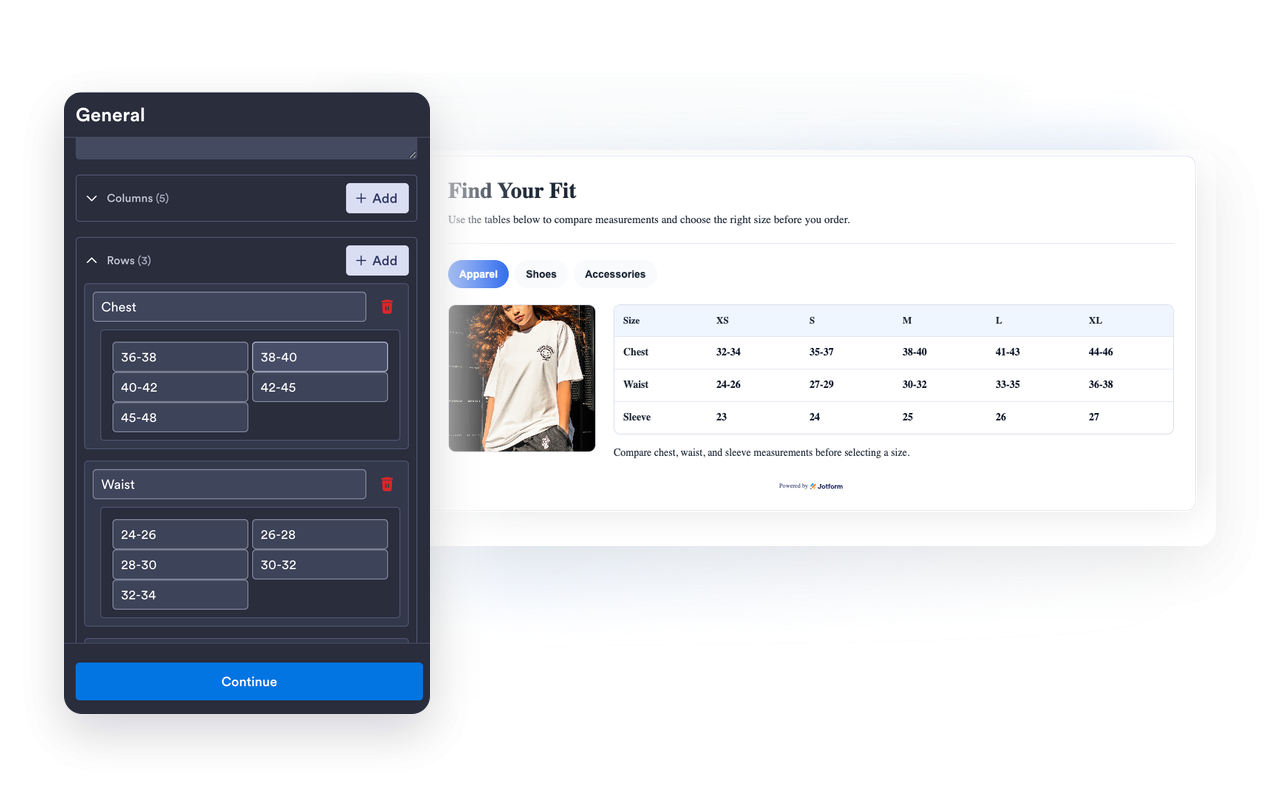
Build editable measurement tables
Add columns, rows, labels, and values for apparel, shoes, accessories, or any product category that needs sizing context.
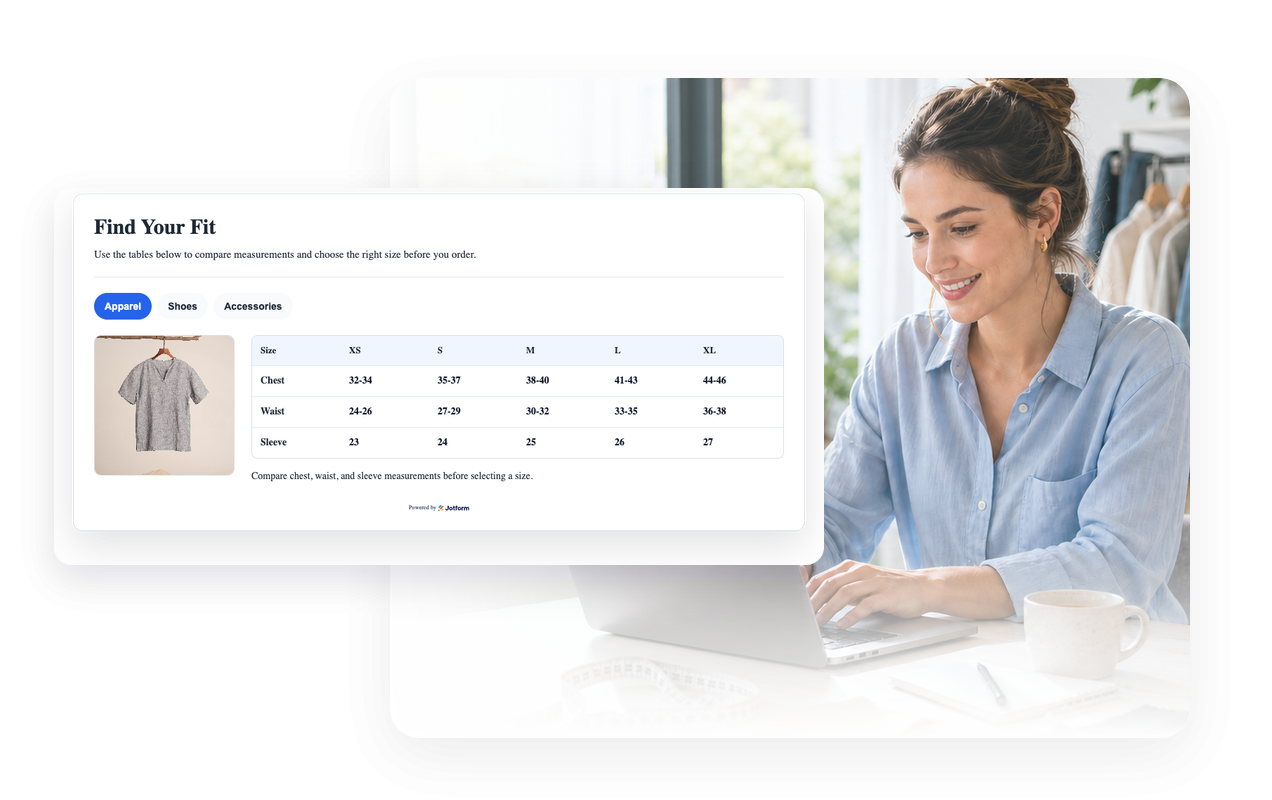
Pair each chart with a measurement image
Use built-in guide illustrations or a custom image URL so visitors understand where and how to measure.
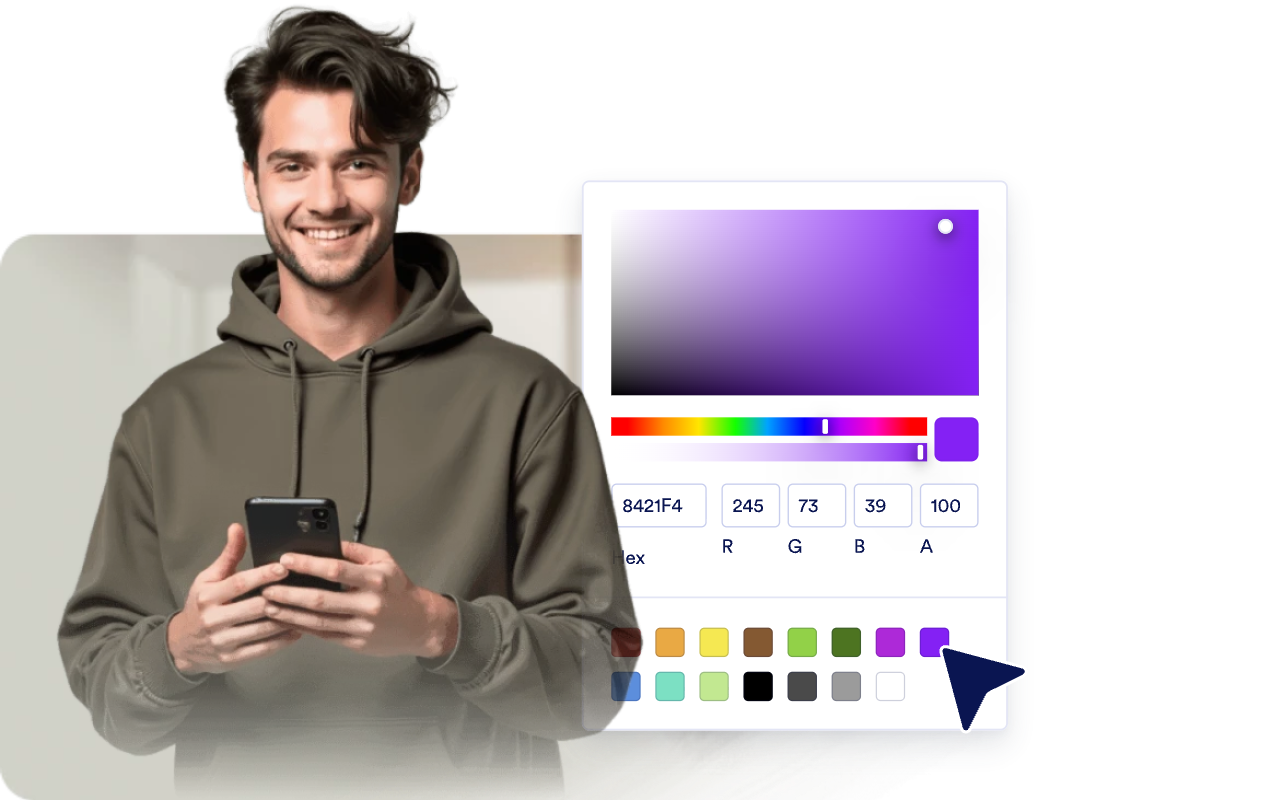
Match your store design
Adjust light or dark themes, table colors, tab colors, borders, corner radius, branding, and scoped custom CSS.
Keep wide charts readable on mobile
Choose media placement, responsive width, table density, and horizontal table scrolling for compact screens.

Why Jotform Website Widgets stand out
Jotform’s widgets make your website more interactive and increase conversions. There are many tools available, from star ratings and testimonial sliders to social proof popups and media embeds. Add widgets to your forms or landing pages to collect data, display proof, and capture leads — no coding required.
Add Jotform widgets to your website with a simple embed code. Customize the widget, preview how it looks, and paste it into any page that supports custom HTML or embed blocks, all without a developer.
Use Jotform Website Widgets to collect leads, show customer feedback, display social proof, embed media, or add helpful web page tools. Each widget helps visitors interact with your business directly from your website.
If you need help setting up, customizing, embedding, or troubleshooting your widget, Jotform’s customer support team is available 24-7. You can move forward with confidence, knowing that help is there when you need it.
Where to use your Size Chart widget
Place size charts anywhere shoppers need measurement guidance before they buy, book, or compare products.
Product pages to help shoppers compare sizes without opening a separate guide.
Apparel stores to show tops, bottoms, dresses, and outerwear measurements in one tabbed widget.
Shoe pages to explain region conversions, foot length, and fit notes.
Accessories pages for hats, belts, gloves, jewelry, or bags with measurement-specific sizing.
Marketplace listings where different brands or vendors use different sizing systems.
Help centers and size guide pages to centralize measurement instructions across your catalog.
Convert leads into paying customers with the Jotform Form Builder
Turn engagement into action with Jotform. Create powerful forms that capture leads, collect payments, and automate responses, all in one place. Every submission lands in your Jotform Inbox, where you can follow up or connect with your favorite apps.
Get Started — It’s Free!
FAQ
What is a Size Chart widget?
A Size Chart widget is an embeddable website guide that displays product measurements, size columns, category tabs, and optional measurement images.
Can I create multiple size charts?
Can I edit rows and columns?
Can I show measurement images?
Can I customize colors and layout?
Does it work on mobile?
Do I need to write code?