Size Chart Widget

Create Your Own Size Chart Widget in Seconds for Your Website

Build responsive product size guides with category tabs, measurement tables, guide images, styling controls, mobile-friendly table behavior, and no-code embedding.
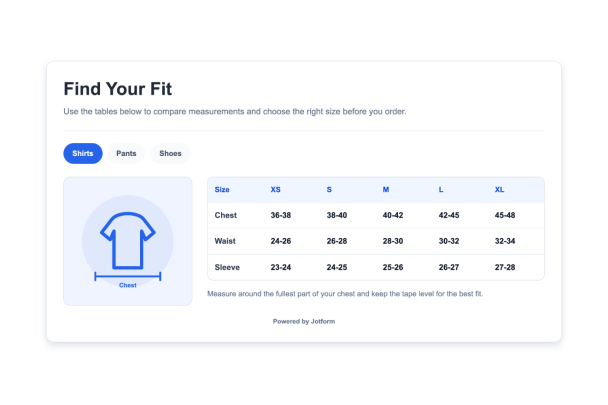

Create Your Size Chart Widget - It's Free!
Create Your Own Size Chart Widget in Seconds for Your Website Hero Bg Image

How to embed Size Chart Widget to WordPress

1Get your embed code

After customizing your Jotform website widget, click Try it on your website for free, and copy the generated embed code.

2Open the page editor

Go to the WordPress post or page where you want to display the widget, then add a new block.

3Add a Custom HTML block

Select Custom HTML and paste your Jotform Website widget embed code into the HTML field.

4Update and view

Click Update or Publish, then open the page to check your embedded widget.

Create Measurement Tables for Every Product Category

Add chart tabs, columns, rows, size values, and notes for apparel, shoes, accessories, uniforms, handmade goods, or custom product lines.

Table controls include:
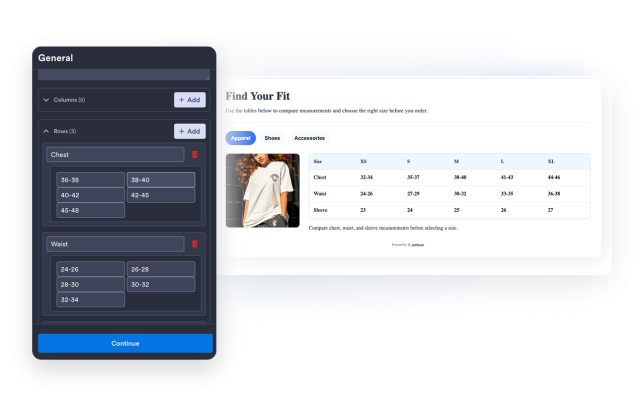
Chart tabsColumnsRowsCell valuesChart notes
Build Your Tables
Create Measurement Tables for Every Product Category

Add Measurement Guide Images

Choose product-specific guide illustrations or use a custom image URL so visitors know exactly which body or product measurements to compare.

Guide presets include:
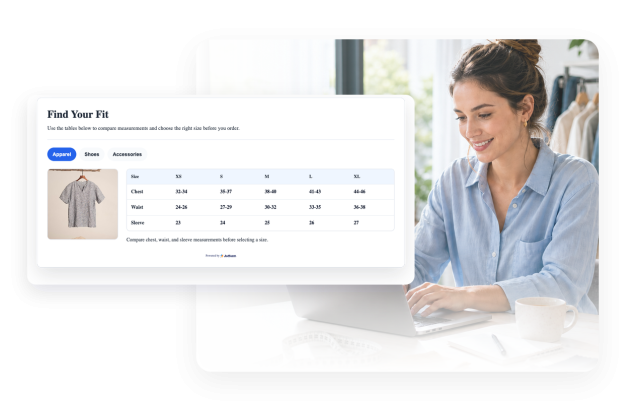
ShirtsPantsShoesHatsCustom images
Add Guide Images
Add Measurement Guide Images

Style the Chart to Match Your Store

Tune the widget surface, table headers, row labels, tabs, dividers, borders, branding, and scoped custom CSS from one visual builder.

Style controls include:
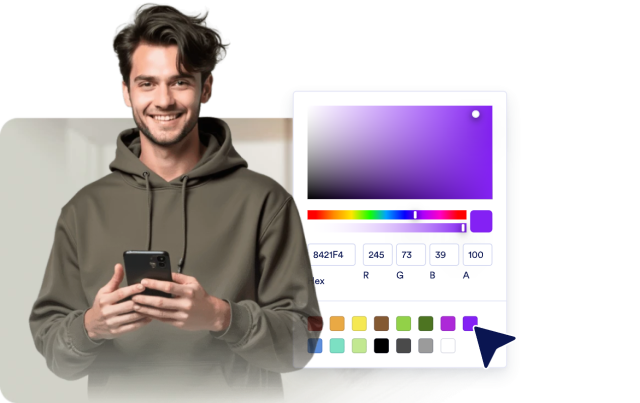
Light and dark themesTable colorsTab colorsBordersCustom CSS
Customize Style
Style the Chart to Match Your Store

Keep Size Guides Clear on Any Device

Set chart width, media placement, image size, table density, tab style, and scrolling behavior for compact mobile screens.

Layout controls include:

Media leftMedia rightMedia topCompact tablesTable scrolling
Choose Layout
Keep Size Guides Clear on Any Device