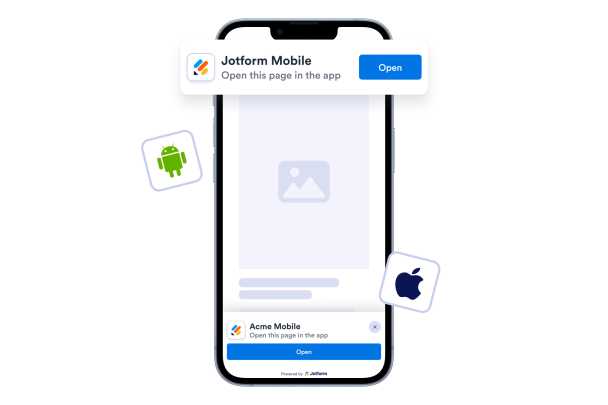

How to create a Smart App Banner widget
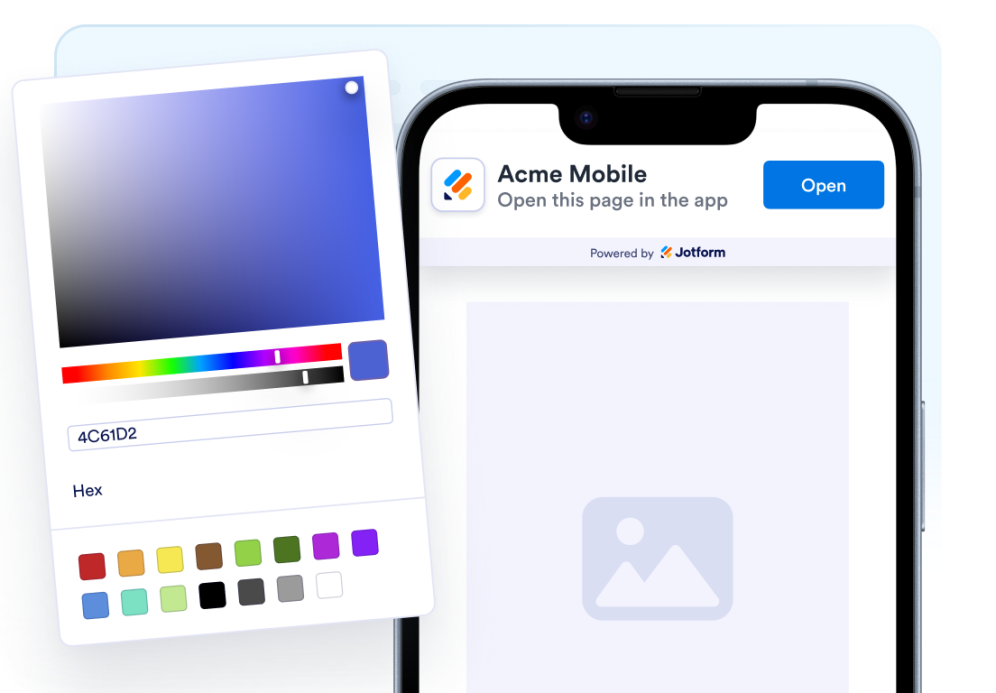
Customize your widget
Choose your content, layout, colors, and behavior so the widget fits your website design.
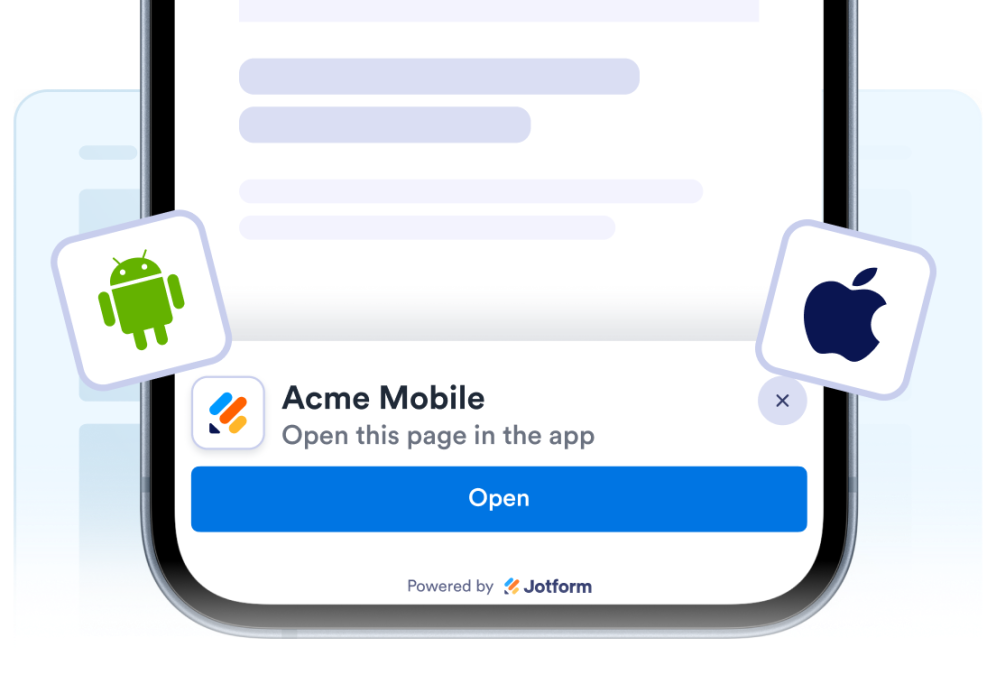
Redirect to App
Redirect visitors to your app using device-specific app store links.
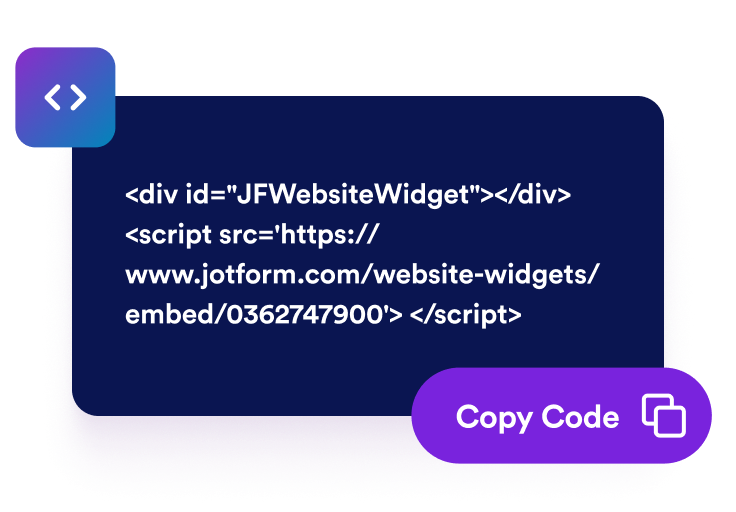
Embed it anywhere
Paste the code into your website and publish. Your smart app banner will appear right away.
Turn website visitors into app users
Drive more users to your app
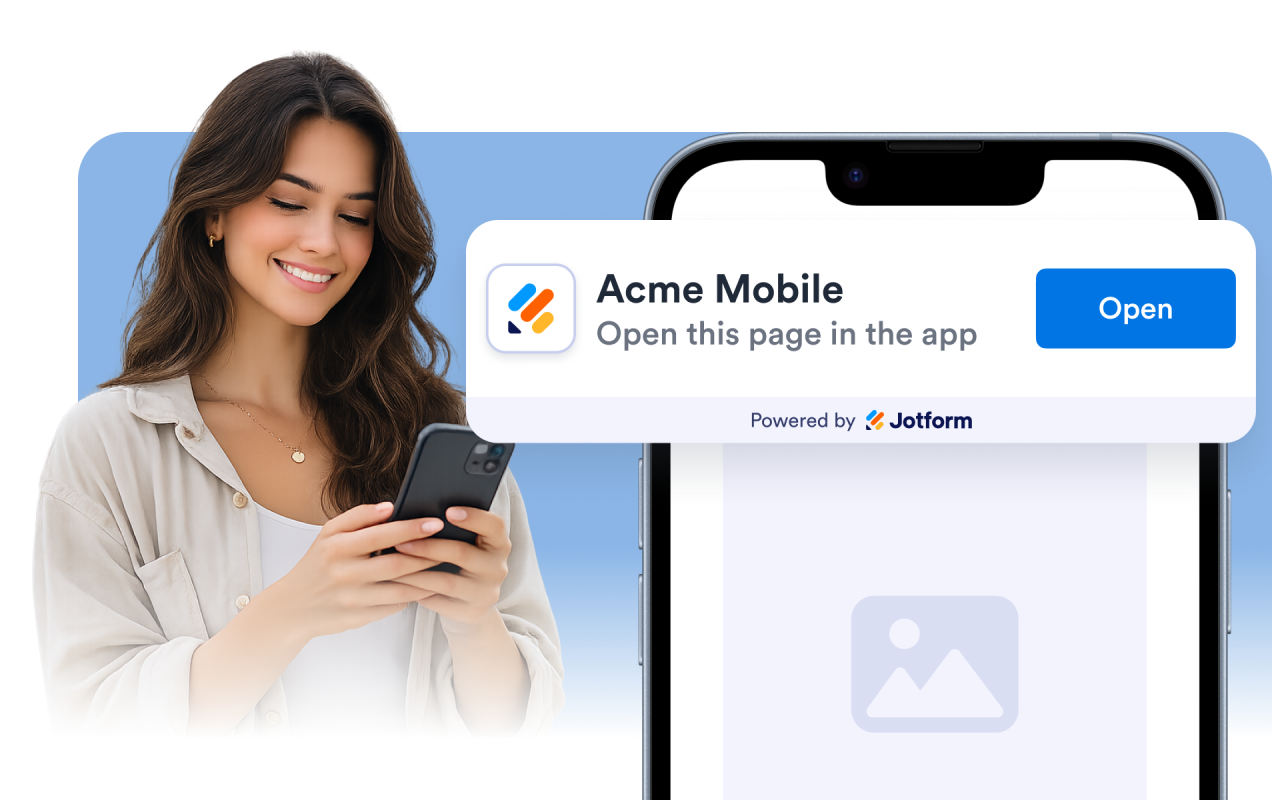
Turn website visitors into app users with a customizable Smart App Banner. Display a native-looking prompt that opens your iOS app, Android app, or PWA with a single tap.
Route every visitor to the right destination
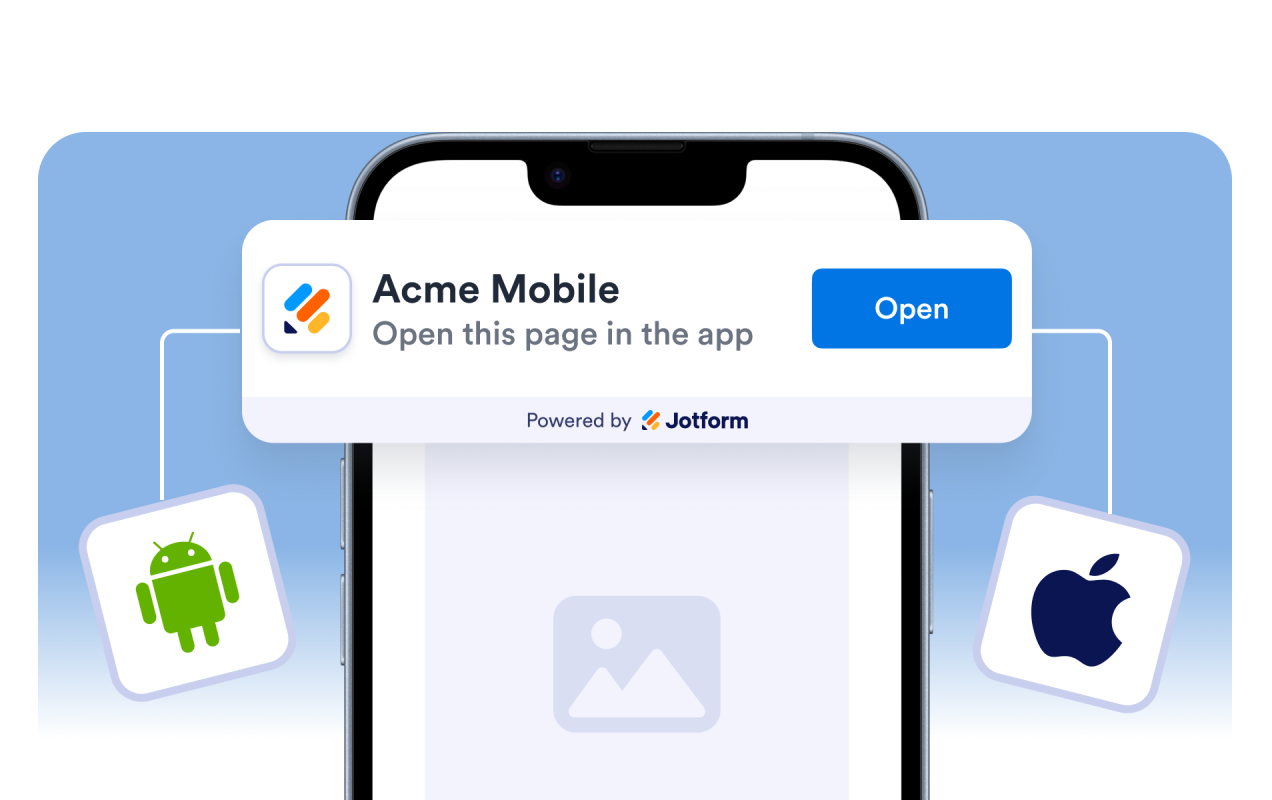
Assign separate links for iOS and Android Apps. The banner automatically detects the visitor’s device and sends them to the correct destination.
Promote your app with your own branding
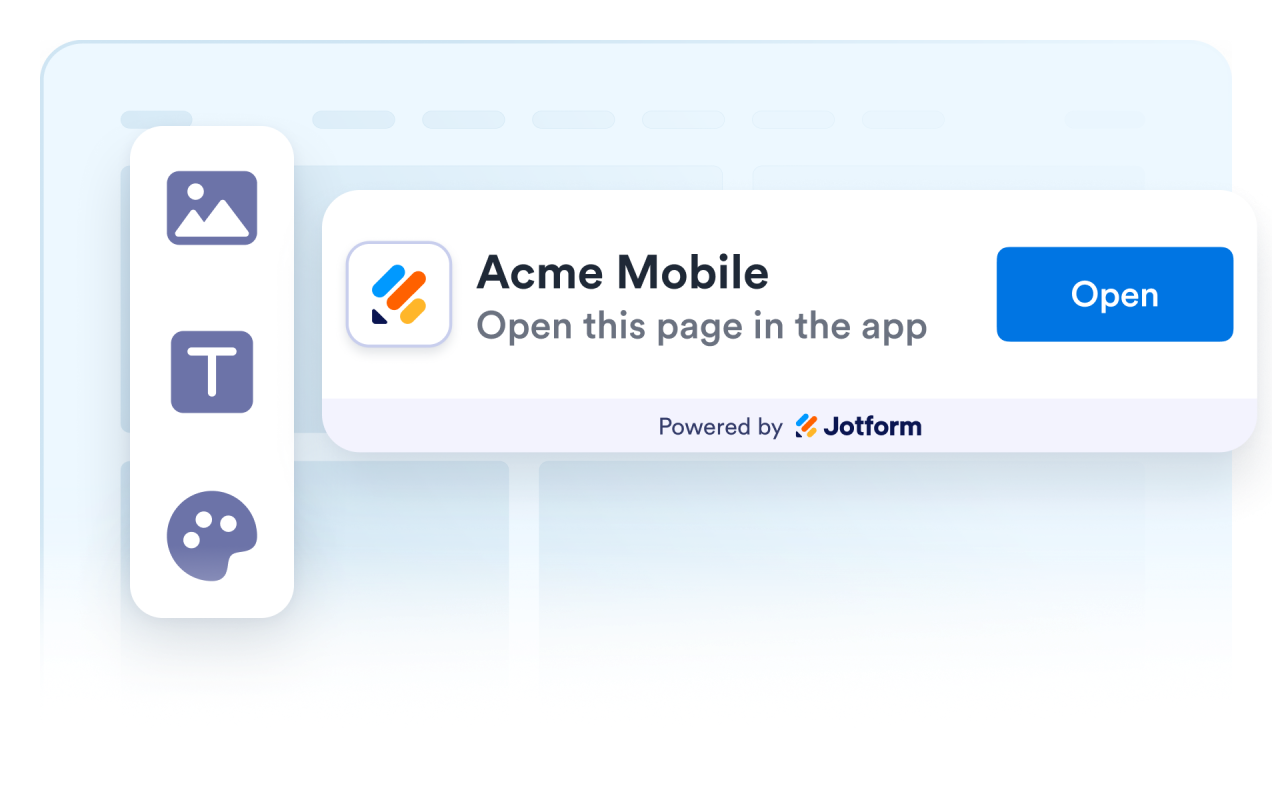
Show your app icon, custom title, description, and call-to-action to create a familiar experience that matches your product and increases trust.
Why Jotform Website Widgets stand out
Jotform’s widgets make your website more interactive and increase conversions. There are many tools available, from star ratings and testimonial sliders to social proof popups and media embeds. Add widgets to your forms or landing pages to collect data, display proof, and capture leads — no coding required.
Add Jotform widgets to your website with a simple embed code. Customize the widget, preview how it looks, and paste it into any page that supports custom HTML or embed blocks, all without a developer.
Use Jotform Website Widgets to collect leads, show customer feedback, display social proof, embed media, or add helpful web page tools. Each widget helps visitors interact with your business directly from your website.
If you need help setting up, customizing, embedding, or troubleshooting your widget, Jotform’s customer support team is available 24-7. You can move forward with confidence, knowing that help is there when you need it.
Where your Smart App Banner works best
Promote your mobile app or PWA anywhere visitors can benefit from switching to a richer mobile experience. From landing pages to customer dashboards, the banner helps guide users into your app at the right moment.
Landing pages encourage first-time visitors to download your app or open your PWA before they leave your website.
Product and service pages let visitors continue their journey inside your mobile app for a faster and more personalized experience.
Marketing campaigns drive traffic from promotions and ads directly into your mobile app with a dedicated call-to-action.
Blogs and documentation move readers from educational content into your app where they can continue their experience.
Account and dashboard pages encourage signed-in users to manage their account, orders, messages, or settings from your mobile app.
Any mobile webpage automatically routes iPhone, Android, and PWA users to the right destination based on their device.
Convert leads into paying customers with the Jotform Form Builder
Turn engagement into action with Jotform. Create powerful forms that capture leads, collect payments, and automate responses, all in one place. Every submission lands in your Jotform Inbox, where you can follow up or connect with your favorite apps.
Get Started — It’s Free!
FAQ
What is a Smart App Banner widget?
A Smart App Banner widget displays a customizable banner on your website that encourages visitors to open, install, or continue in your iOS app, Android app, or Progressive Web App. It helps turn website traffic into engaged mobile users.
Can I use different links for iOS, Android, and PWA?
Can I customize the banner?
Can visitors close the banner?
Can I display it at the top or bottom of the page?
Does it work with Progressive Web Apps (PWAs)?
Does the widget detect if the app is already installed?
Do I need to write code?