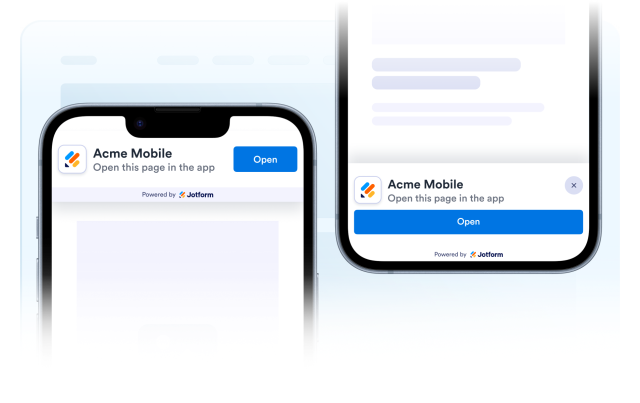
Smart App Banner Widget
Create Your Own Smart App Banner Widget in Seconds for Your Website
Build mobile app prompts for app downloads, app-only deals, and product deep links. Customize content, Apple and Android destination URLs, one app image URL, top or bottom placement, colors, and dismissal behavior in a no-code builder.
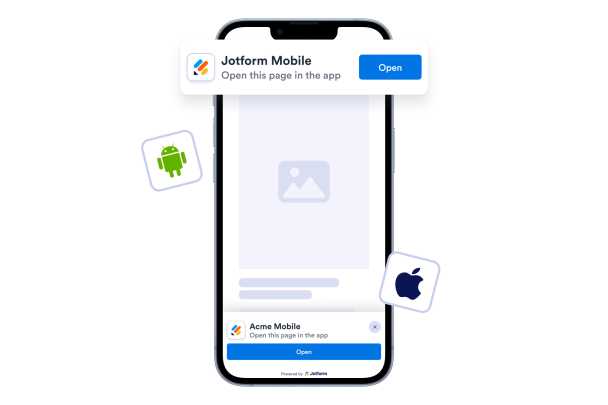

Guide Visitors From Web to App
Add Apple and Android URLs and use a concise CTA to move visitors into the right mobile app destination.
Destination controls include:
Apple app linkAndroid app linkNew-tab default

Use One App Image URL
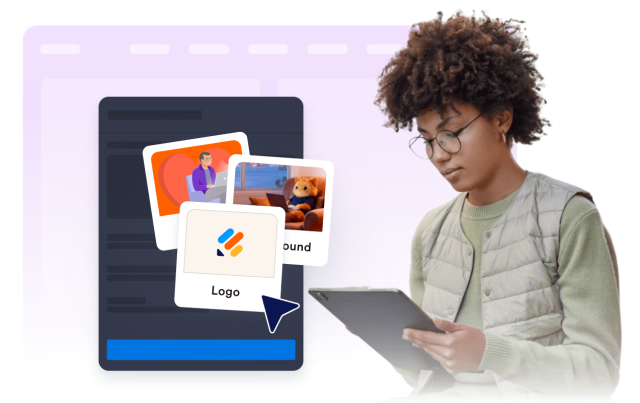
Paste a recognizable app image URL to show next to the app title and message.
Image behavior includes:
App image URLDefault Jotform icon
Customize Colors, Typography, and Backgrounds
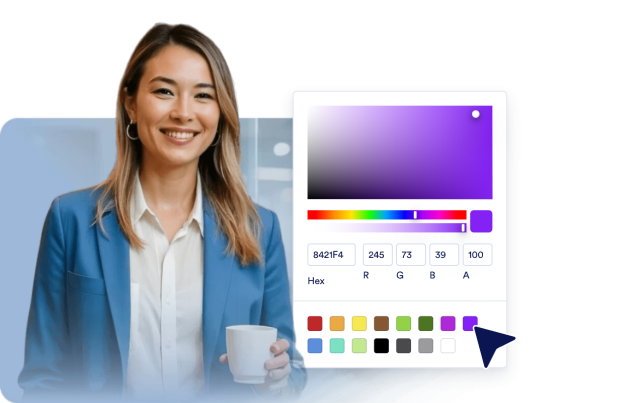
Choose solid colors or gradients, then tune title, description, and button styling for your campaign.
Style controls include:
Solid colorGradientButton colors
Use Top Inline or Bottom Sticky Layouts
Keep the banner inline at the top of mobile pages or stick it to the bottom with a full-width CTA.
Behavior controls include:
Top inlineBottom stickyCompact or comfortableClose buttonDismissal period