


Countdown Timer Widget for your website
Create urgency for sales, product launches, webinars, events, and seasonal campaigns. Jotform's Countdown Timer widget lets you set a target date, choose repeat behavior, customize the timer style, add action buttons, and embed the result on your website without code.
How to add a Countdown Timer widget
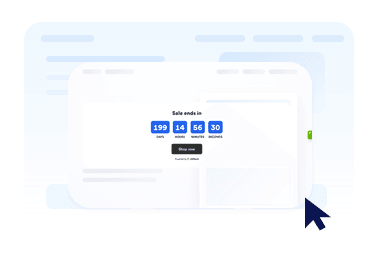
Set the countdown time
Choose the start date, end date, time zone, all-day behavior, and optional repeat schedule.
Customize layout and theme
Pick an inline timer, full-width section, top bar, bottom bar, or floating card, then adjust colors and timer style.
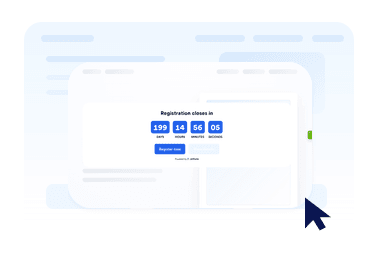
Embed it on your website
Add call-to-action buttons, preview the timer, and copy the embed code to publish it anywhere.
Create urgency with a countdown that fits your page
Count down to any date and time
Set a precise deadline for launches, promotions, webinars, product drops, or event starts. Time zone support keeps the countdown consistent for your campaign.
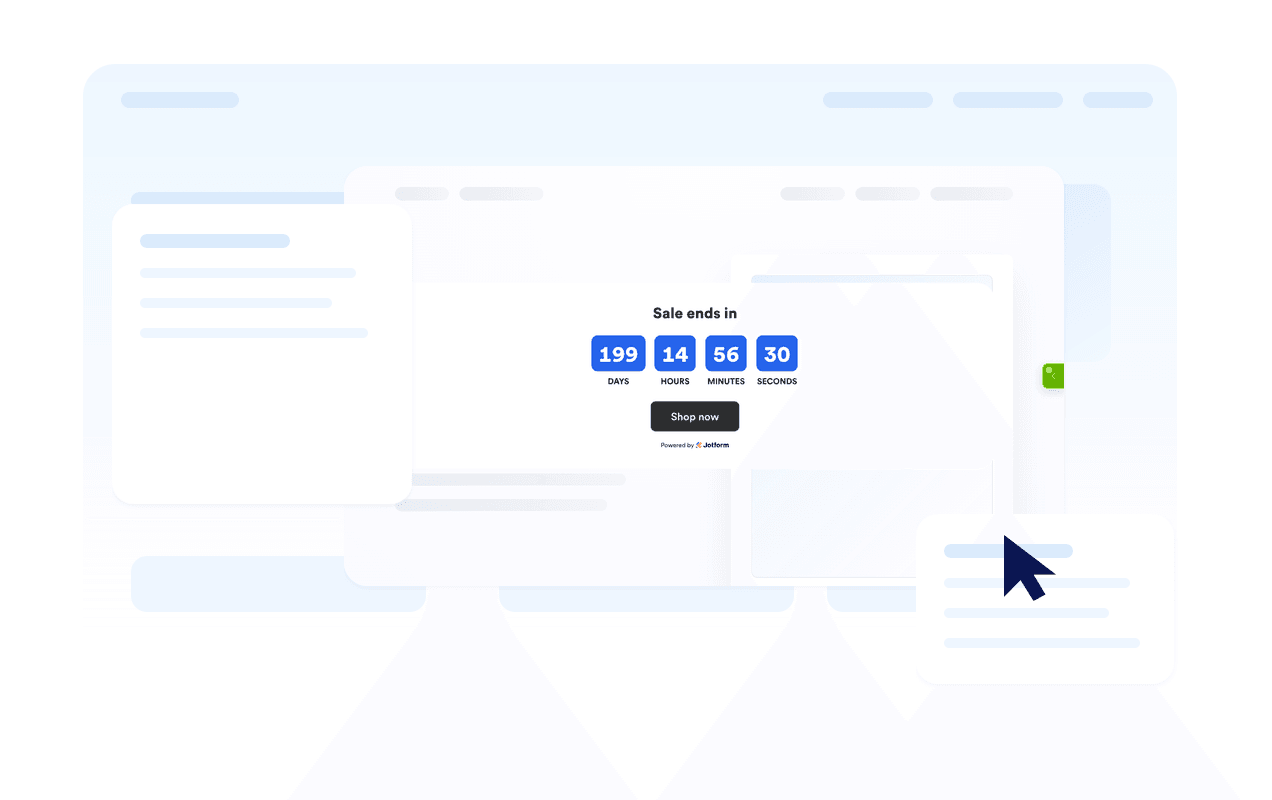
Use layouts for banners and inline sections
Display the timer inline, as a full-width section, as a fixed top or bottom bar, or as a floating card. This makes it easy to fit the widget into different website designs.

Customize the timer style
Choose flip, block, or minimal timer styles, show or hide time units, adjust labels, and apply campaign-ready theme presets.
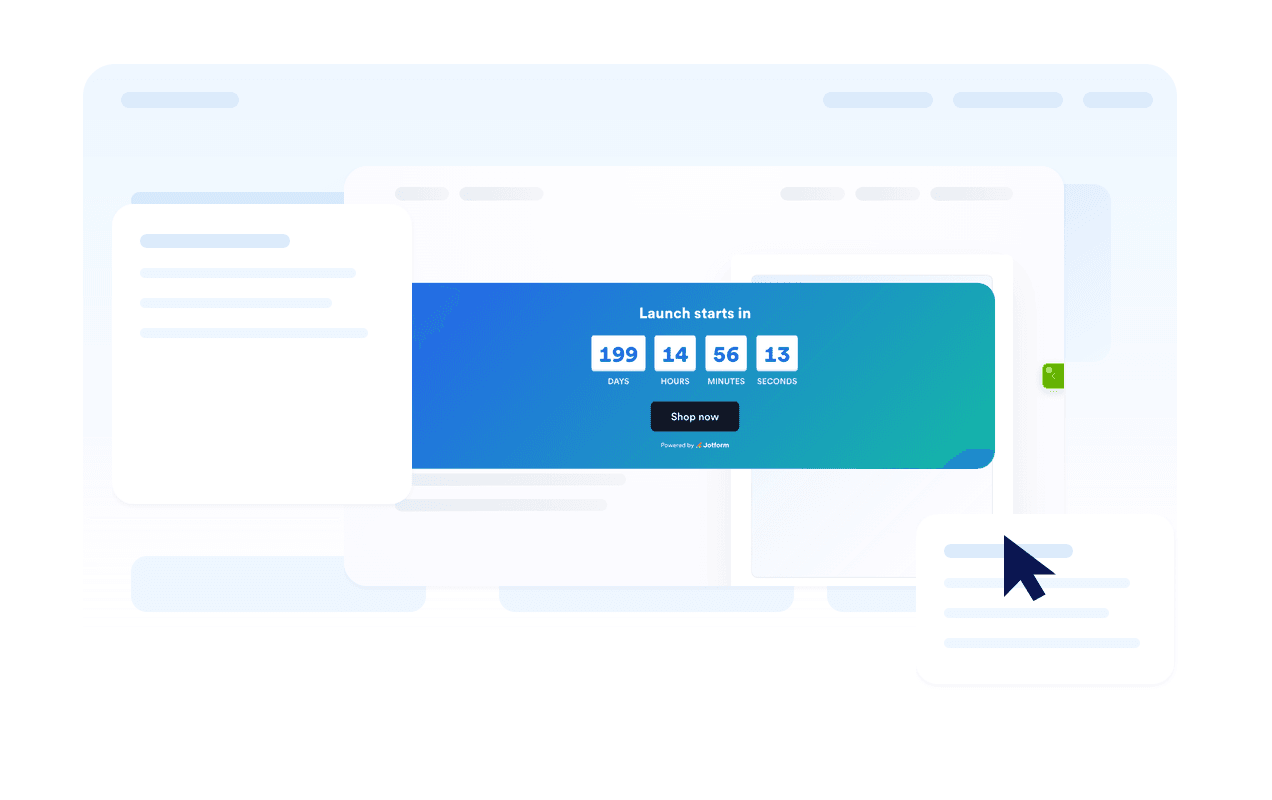
Guide visitors to the next action
Add one or two buttons for shopping, registration, booking, downloads, or any other action tied to the countdown.

Where to use your Countdown Timer widget
Add the widget anywhere a clear deadline can help visitors act sooner and understand when an offer, event, or campaign ends.
Sale landing pages to highlight limited-time discounts and flash campaigns.
Product launch pages to build anticipation before a release.
Event and webinar pages to show when registration or attendance starts.
Announcement bars to keep a deadline visible across the top or bottom of a site.
Checkout and pricing pages to reinforce promotional deadlines near purchase decisions.
Coming soon pages to count down to a launch date with a clear call-to-action.
Why Jotform Widgets stand out
Jotform’s widgets make your website more interactive and conversion-ready. From star ratings and testimonial sliders to social proof pop-ups and media embeds, you can combine tools inside your forms or landing pages to collect data, display proof, and capture leads without writing code.
Explore all Jotform WidgetsConvert leads into paying customers with Jotform Form Builder
Turn engagement into action with Jotform. Create powerful forms that capture leads, collect payments, and automate responses, all in one place. Every submission lands in your Jotform Inbox, ready to follow up or connect with your favorite apps.
Get Started - It’s Free!
FAQ
What is a Countdown Timer widget?
A Countdown Timer widget displays the time remaining until a chosen date and time. It helps websites promote sales, events, launches, and other time-sensitive campaigns.
Can I customize the layout?
Can I change the colors and timer style?
Can the countdown repeat?
Can I add buttons to the countdown?
What happens when the countdown ends?
Does it work on mobile?
Do I need to write code?