Countdown Timer Widget
Create Your Own Countdown Timer Widget in Seconds for Your Website
Build a countdown for limited offers, launches, events, webinars, seasonal campaigns, and announcement bars. Choose the timing, display format, layout, theme, buttons, and end behavior in a no-code builder.
Create Your Countdown Timer Widget - It's Free!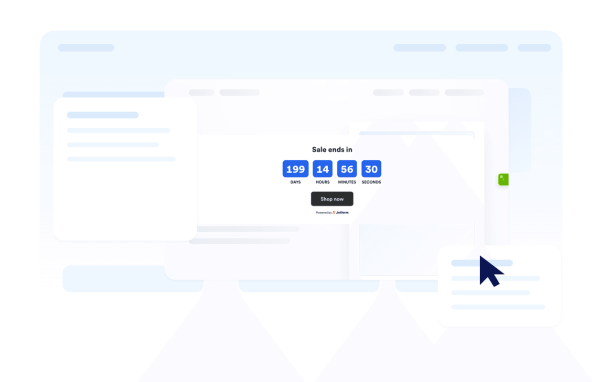

Set Date, Time, Time Zone, and Repeat Rules
Choose when the countdown starts and ends, set all-day behavior, select the time zone, and restart the timer on daily, weekly, monthly, annual, or weekday schedules.
Timing controls include:
Choose Inline, Section, Bar, or Floating Layouts
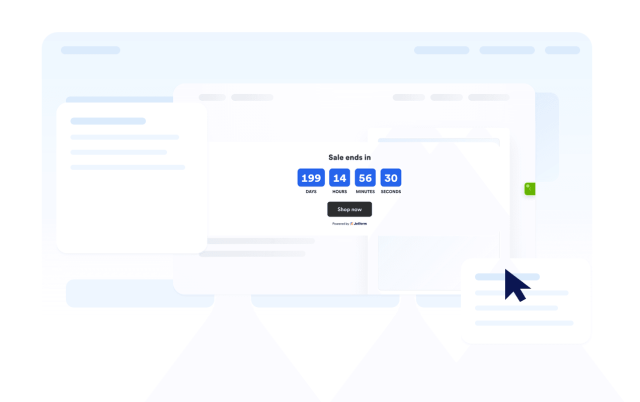
Place your countdown exactly where it supports the visitor journey. Use a calm inline section, a full-width campaign band, a fixed top or bottom bar, or a floating card.
Layout options include:
Customize Timer Styles and Themes
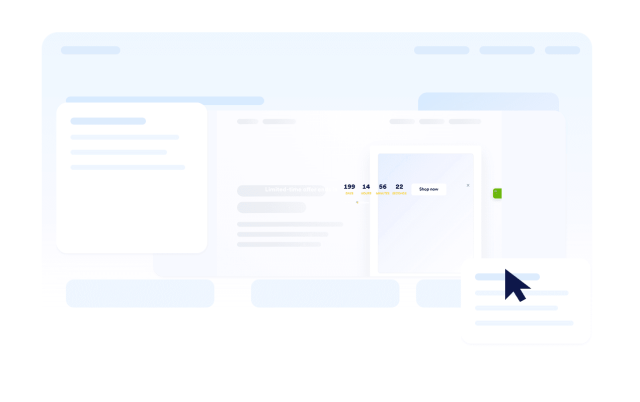
Use flip, block, or minimal timers with theme presets for light, dark, gradient, seasonal, holiday, and sale campaigns. You can also set custom colors and labels.
Style controls include:
Add Call-to-Action Buttons and End Behavior
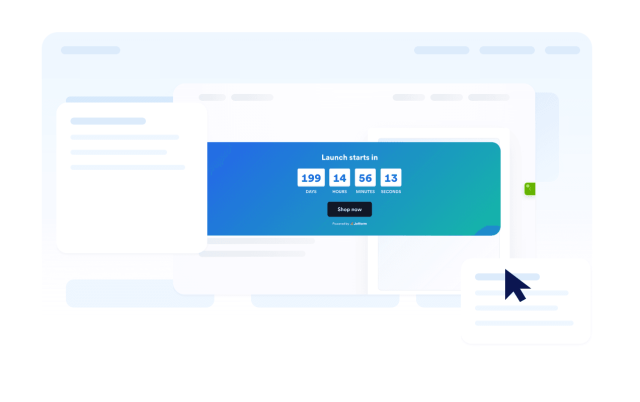
Send visitors to a sale, signup, booking, or download page while the countdown runs. When the timer ends, hide it, show a message, or redirect visitors.
Action controls include: