


Free QR Code Widget for Your Website
Add a live QR Code to your website and help visitors access menus, forms, downloads, events, and offers in seconds. Set it up with Jotform's free, no-code tool. Customize the layout, connect your destination link, and make every scan easier to turn into action.
How to add a QR Code widget
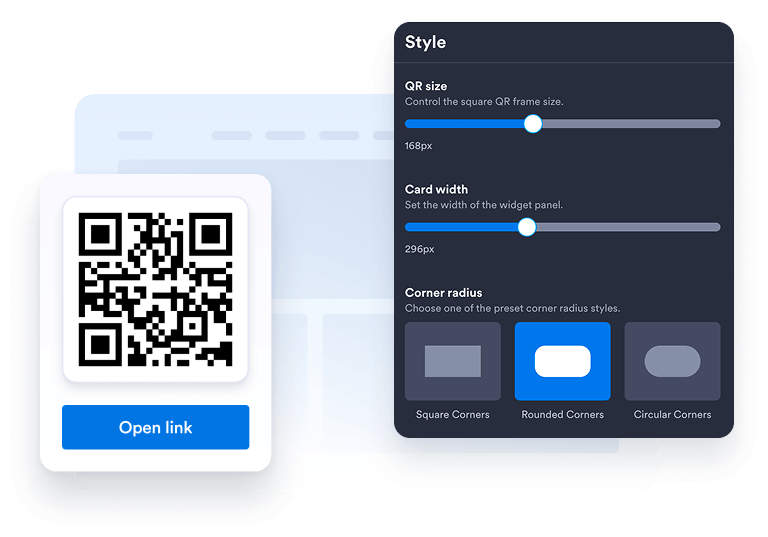
Customize your widget
Choose your preferred layout, colors, CTA, and overall appearance to match your website's design.
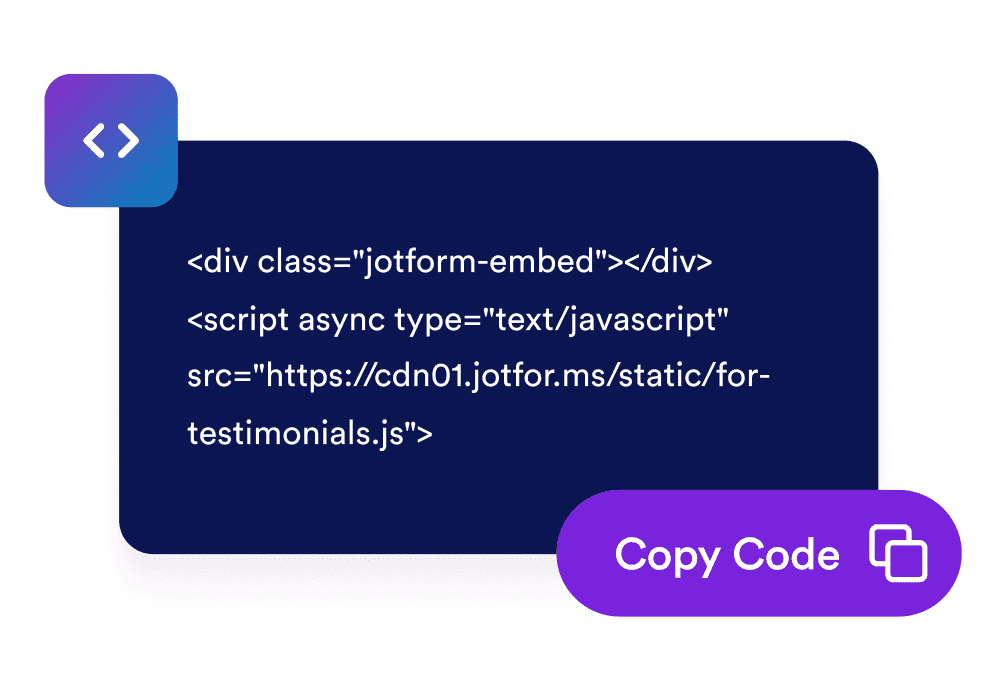
Get the embed code
Copy the automatically generated embed code and paste it anywhere on your website.
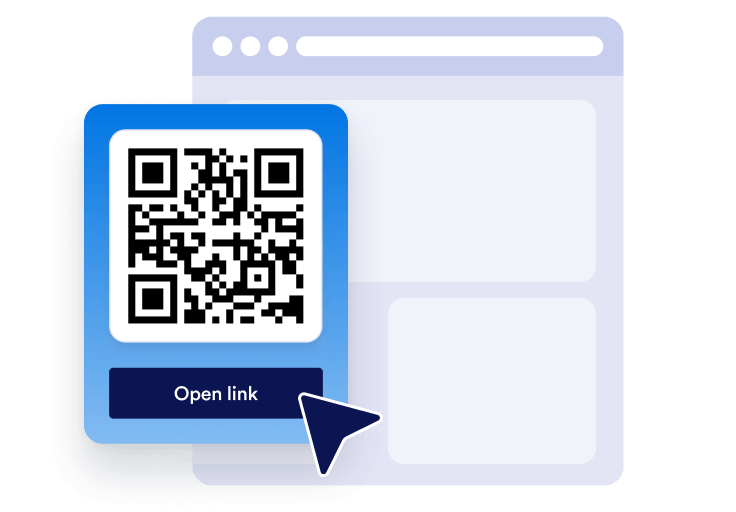
Embed it anywhere
Publish your QR Code across your site in seconds. No technical setup needed.
Turn quick mobile access into real business growth
Build credibility with easy access
A clear QR Code helps visitors move from your website to forms, menus, files, or offers with less friction.

Improve visibility and SEO
Helpful on-page tools can improve engagement, support brand trust, and make your content easier to use.

Convert more visitors
Send visitors to signup forms, payment pages, booking forms, downloads, or promotions right when they are interested.

Keep content fresh with easy updates
Update the QR Code destination in Jotform when your campaign, form, or offer changes without rebuilding your page.

Why Jotform Widgets stand out
Jotform’s widgets make your website more interactive and conversion-ready. From star ratings and testimonial sliders to social proof pop-ups and media embeds, you can combine tools inside your forms or landing pages to collect data, display proof, and capture leads without writing code.
Explore all Jotform WidgetsWhere to use your QR Code
A QR Code is useful anywhere visitors need a faster way to take action from any device. Add it to high-intent pages so people can scan, save, register, pay, download, or contact you without extra steps.
Homepage send visitors to your main form, offer, app, or contact page.
Product pages link shoppers to guides, demos, manuals, or payment forms.
Restaurant pages let guests scan menus, order forms, or reservation pages.
Event pages guide attendees to registration, tickets, maps, or check-in forms.
Landing pages connect campaigns to signups, coupons, downloads, or lead forms.
Contact pages help visitors save details, request quotes, or book appointments.
Convert leads into paying customers with Jotform Form Builder
Turn engagement into action with Jotform. Create powerful forms that capture leads, collect payments, and automate responses, all in one place. Every submission lands in your Jotform Inbox, ready to follow up or connect with your favorite apps.
Get Started - It’s Free!
FAQ
How do I add a QR Code to my website?
Create your QR Code widget in Jotform, choose the destination you want visitors to open, and copy the embed code. Paste it into your website, landing page, or blog post to make it available right away.
Can I customize the QR Code widget design?
Can I update the QR Code after it is embedded?
What can I link to with a QR Code?
Why should I use a QR Code on my website?
Is the QR Code widget free?
Does the QR Code work on mobile devices?
Can I use the QR Code with Jotform forms and automations?