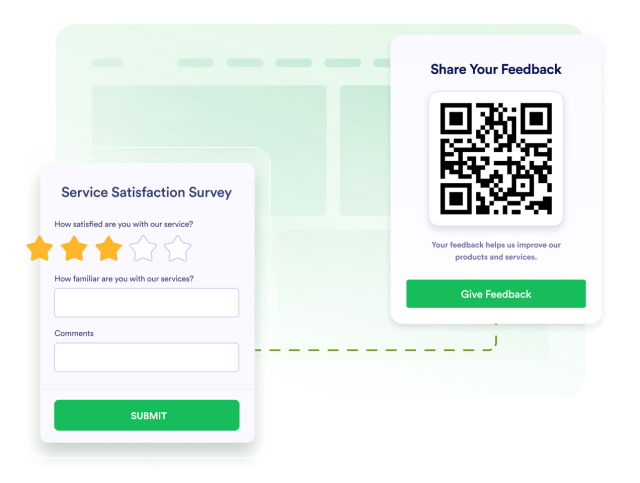
QR Code Widget
Customize How QR Codes Appear on Your Website
Add a scannable QR code to your website and help visitors quickly open links, forms, menus, contact pages, downloads, or other online content. With flexible styling options and simple integration, you can display a QR code on your website exactly the way you want.
Create Your QR Code Widget — It’s Free!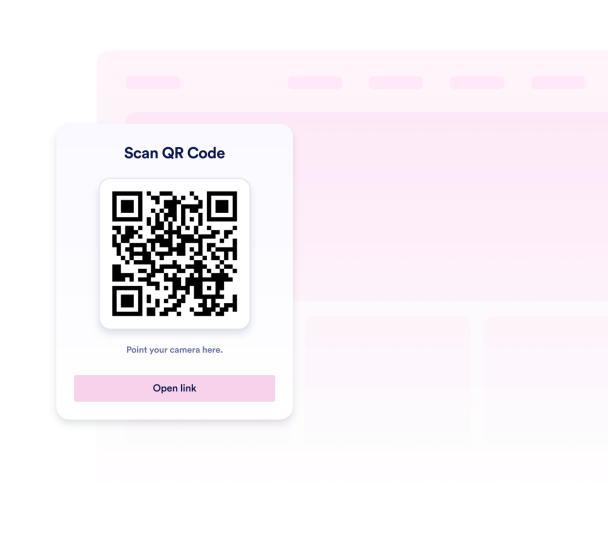

Display QR Codes for Different Website Goals
Create a QR code that points visitors to the content you want them to access. Use it to share forms, booking pages, menus, payment pages, contact details, files, or any other online destination.
Popular QR code uses include:
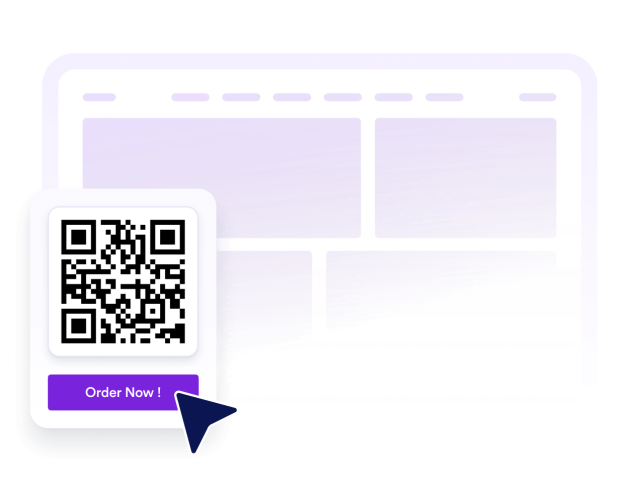
Match the QR Code to Your Website Design
Customize the look of your QR code section so it fits naturally into your website. Adjust the title, colors, and display style to match your brand and page design.
Customization options include:

Help Visitors Take Action Faster
Make important actions easier by giving visitors a quick way to scan and continue on their phone. A QR code can help users move from your website to a mobile-friendly form, sign-up page, event page, or payment flow.
Action-focused uses include:

Add QR Codes Without Coding
Place your QR code widget on your website in minutes. Copy the embed code, add it to your site, and give visitors a simple way to scan and access your selected content.
Easy setup includes:
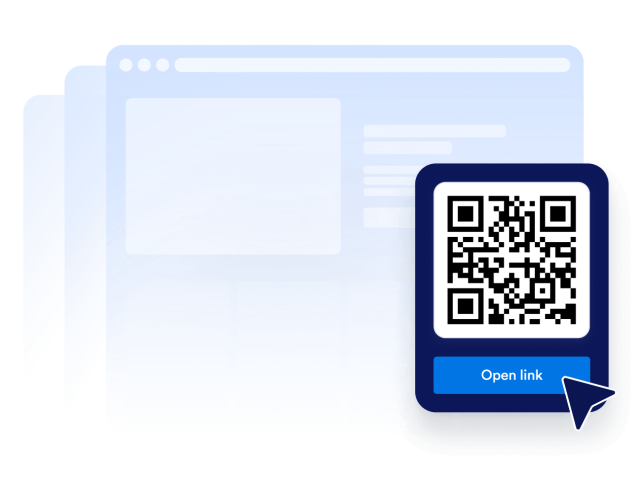
Connect QR code experiences with the Jotform ecosystem
Use the QR Code Widget to guide visitors to forms, apps, documents, payments, and other Jotform-powered workflows. Create a smoother path from website visit to completed action.
Get Started With Jotform