


Visitor Counter Widget for your website
Show visitors a customizable counter with page-view or visitor-style labels, supporting period-style stats, and an optional visual graph. Build, style, and embed your Visitor Counter widget without code.
How to add a Visitor Counter widget
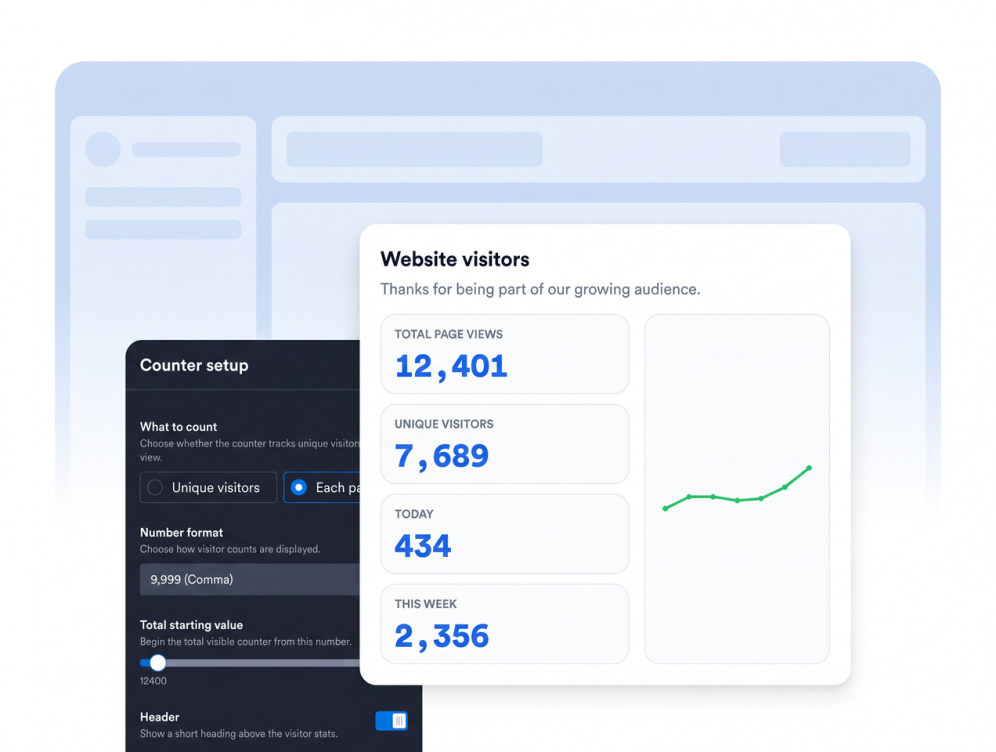
Choose what to count
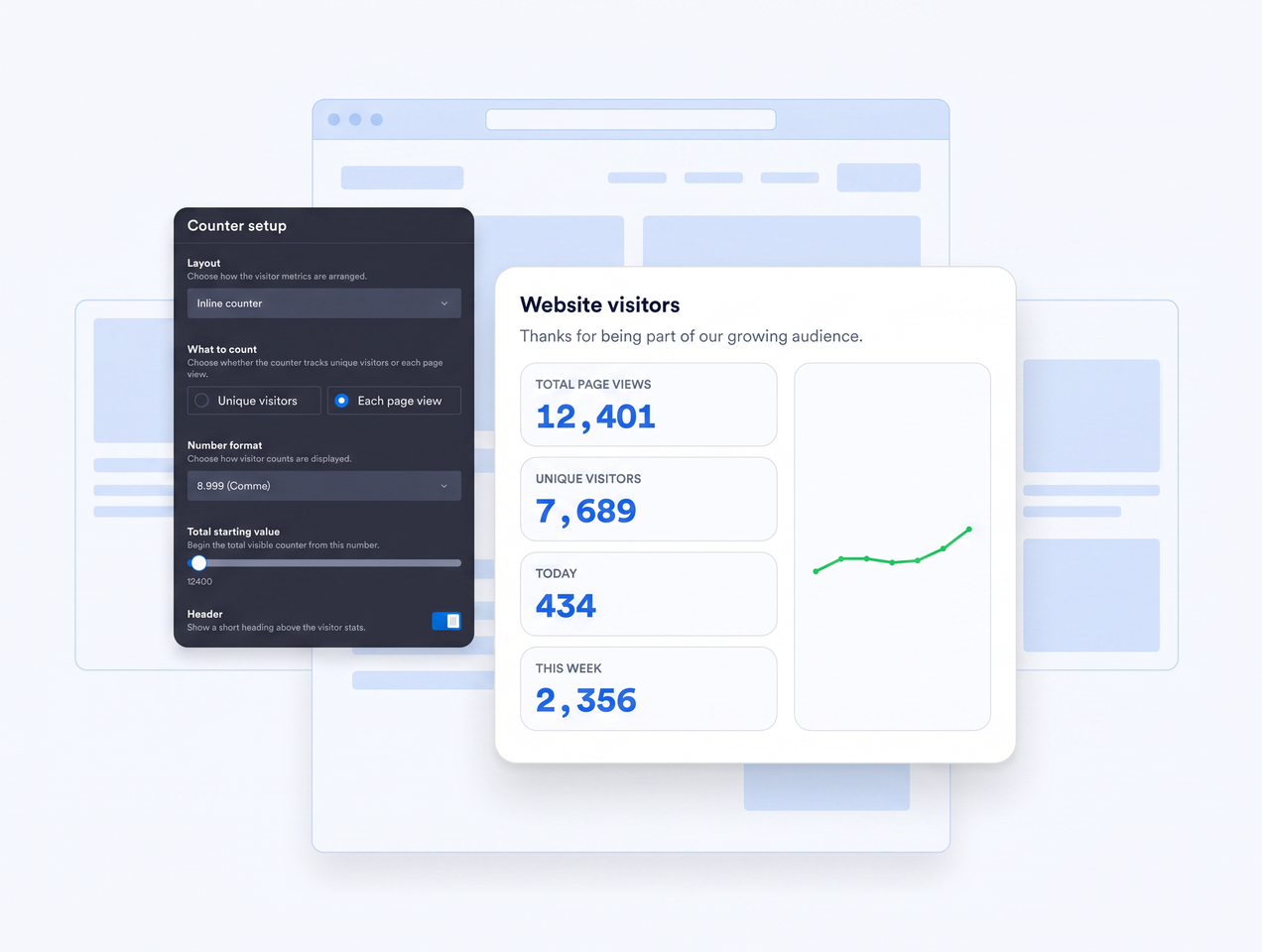
Choose a page-view or visitor-style primary label, then select which supporting stats should appear.
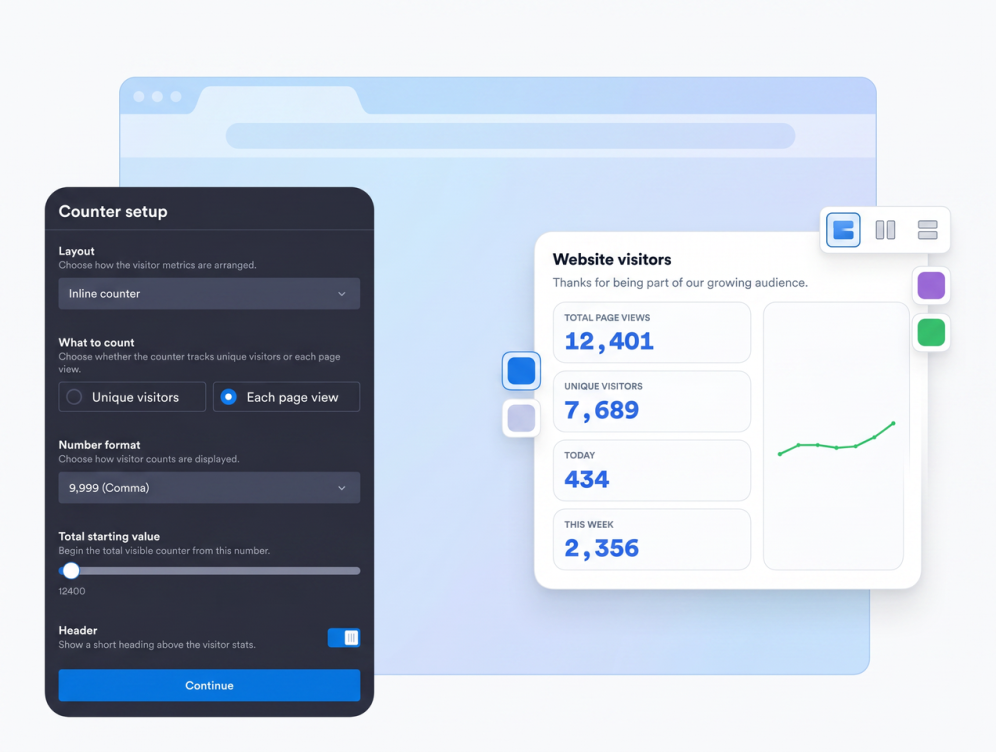
Customize layout and style
Use inline, mini, detailed, vertical, or daily layouts with light, dark, or custom colors.
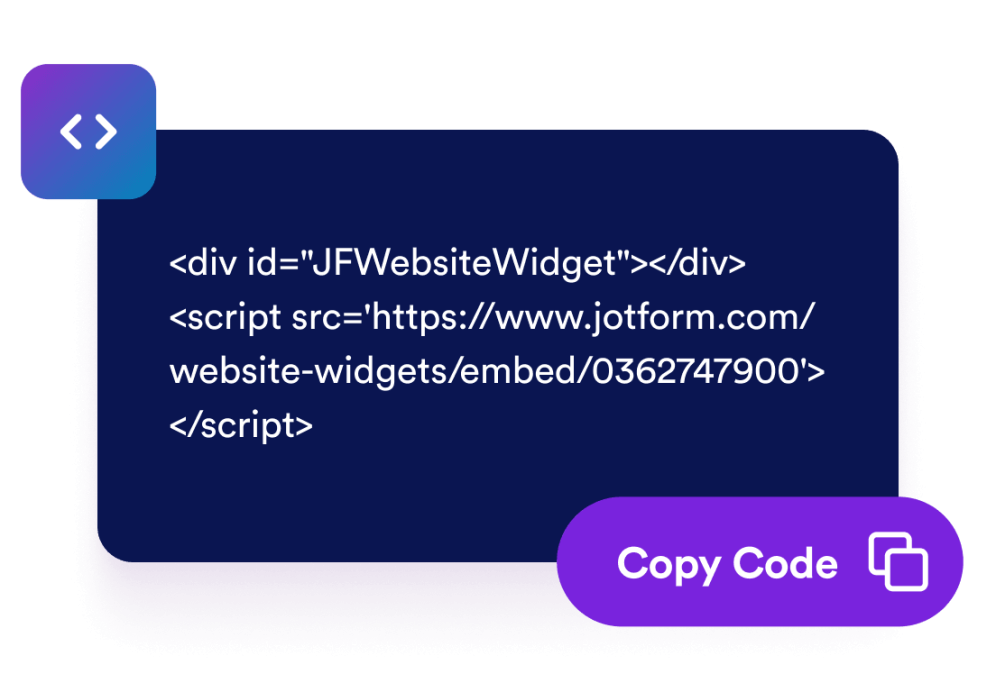
Embed it on your website
Preview the counter, copy the embed code, and place it anywhere you want visitors to see a clear activity-style signal.
Build trust with customizable activity-style signals
Display the counter details that matter
Highlight page-view labels, visitor-style labels, today stats, or this-week supporting stats so visitors can quickly understand the activity you want to show.
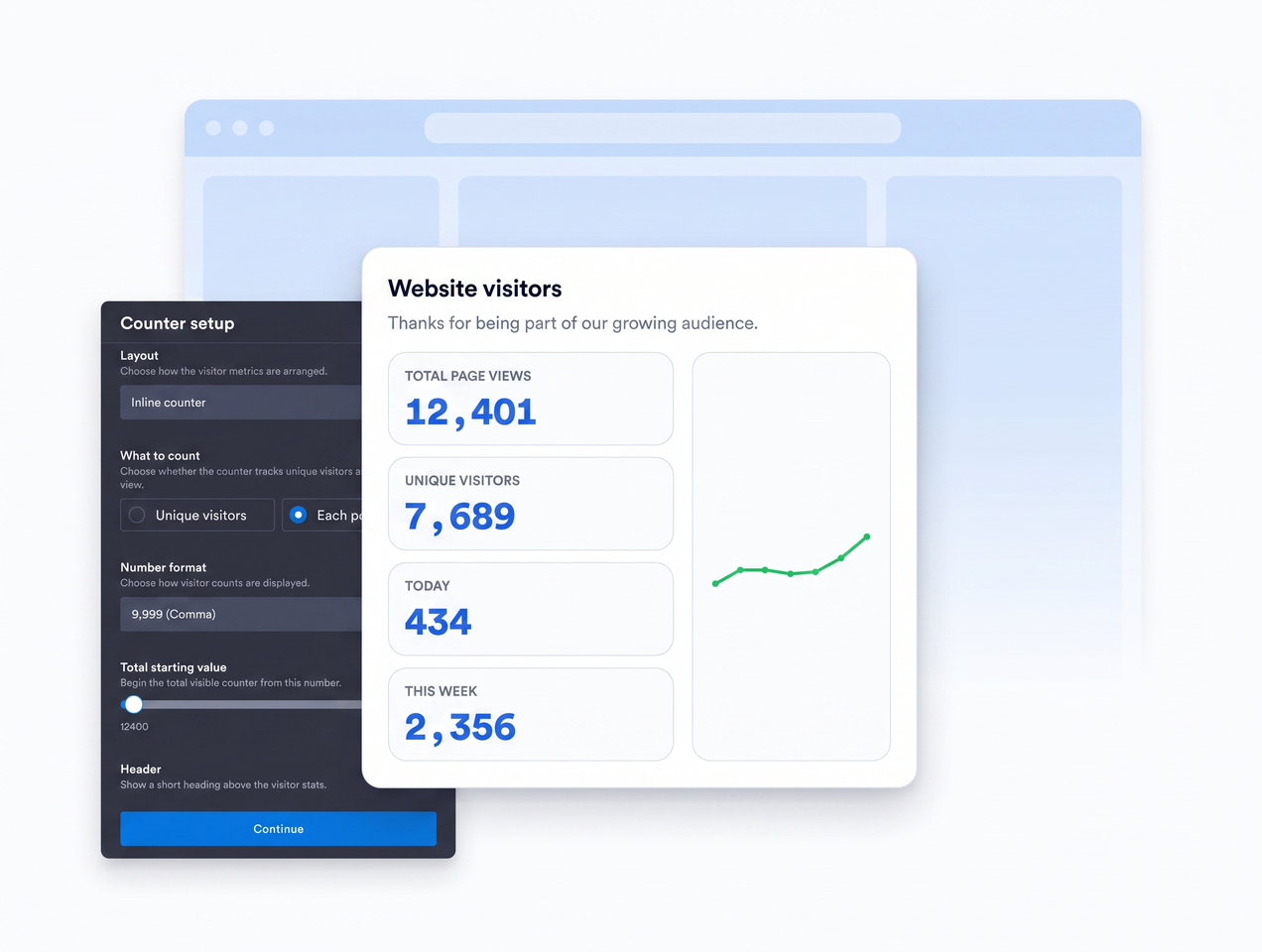
Choose a layout for any page section
Place a compact counter in a footer, use a detailed card for social proof, or add a vertical version to sidebars and narrow content areas.
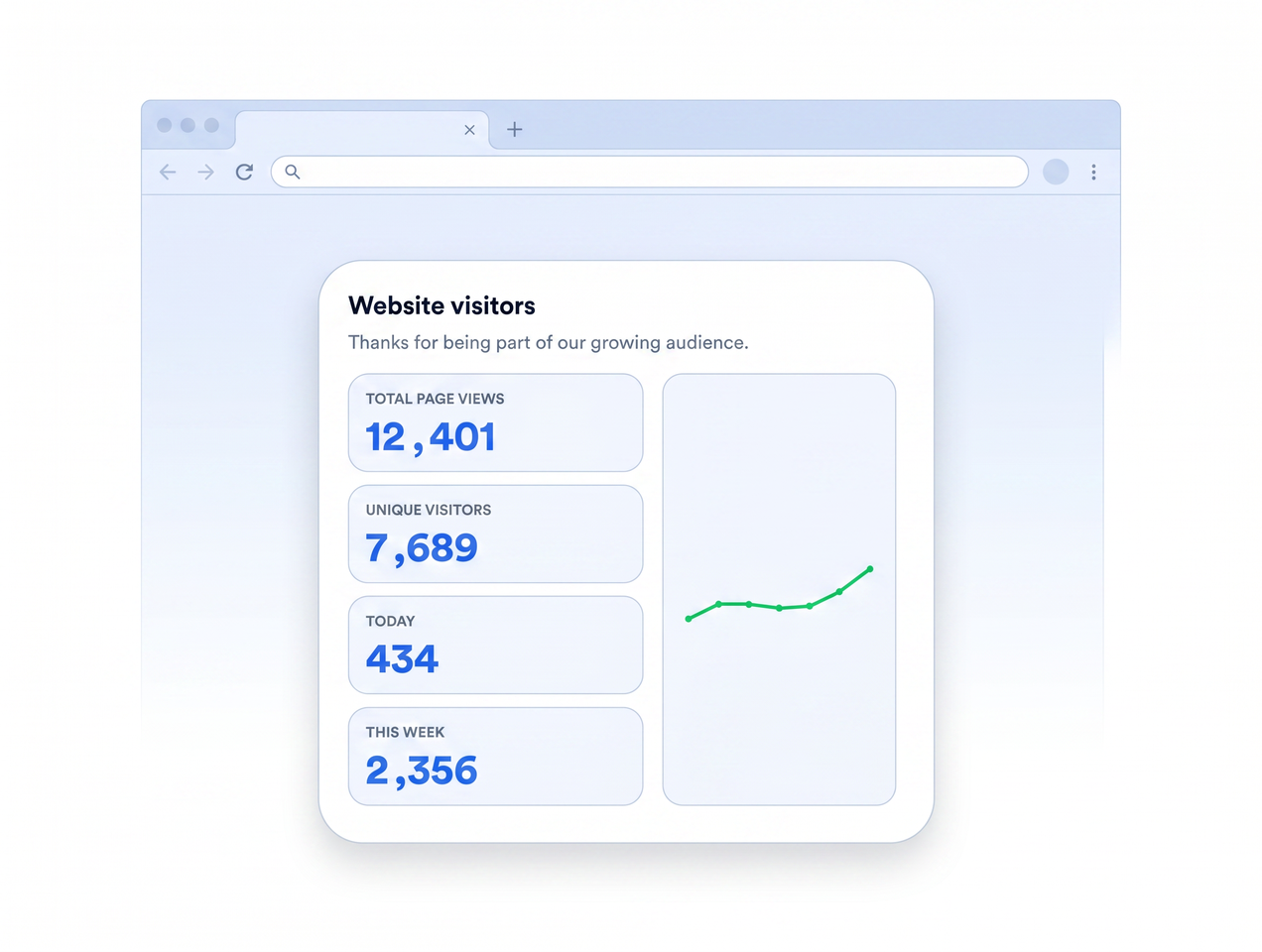
Visualize counter activity
Turn on the graph to show a simple seven-point visual summary that makes your counter feel more informative than a single number.
Match your brand
Adjust size, colors, background image, font size, font weight, and corner radius so the counter fits naturally into your website design.
Why Jotform Widgets stand out
Jotform’s widgets make your website more interactive and conversion-ready. From star ratings and testimonial sliders to social proof pop-ups and media embeds, you can combine tools inside your forms or landing pages to collect data, display proof, and capture leads without writing code.
Explore all Jotform WidgetsWhere to use your Visitor Counter widget
Use a visitor counter where visible activity-style numbers can help visitors trust your page and keep exploring.
Homepages where a visible counter signal can build instant credibility.
Landing pages that need social proof near calls to action.
Blog footers where page views can reinforce that an article is popular.
Community pages where a counter helps the page feel active.
Product or launch pages where visible activity-style numbers can support interest.
Sidebars where a vertical counter can add useful context without taking over the page.
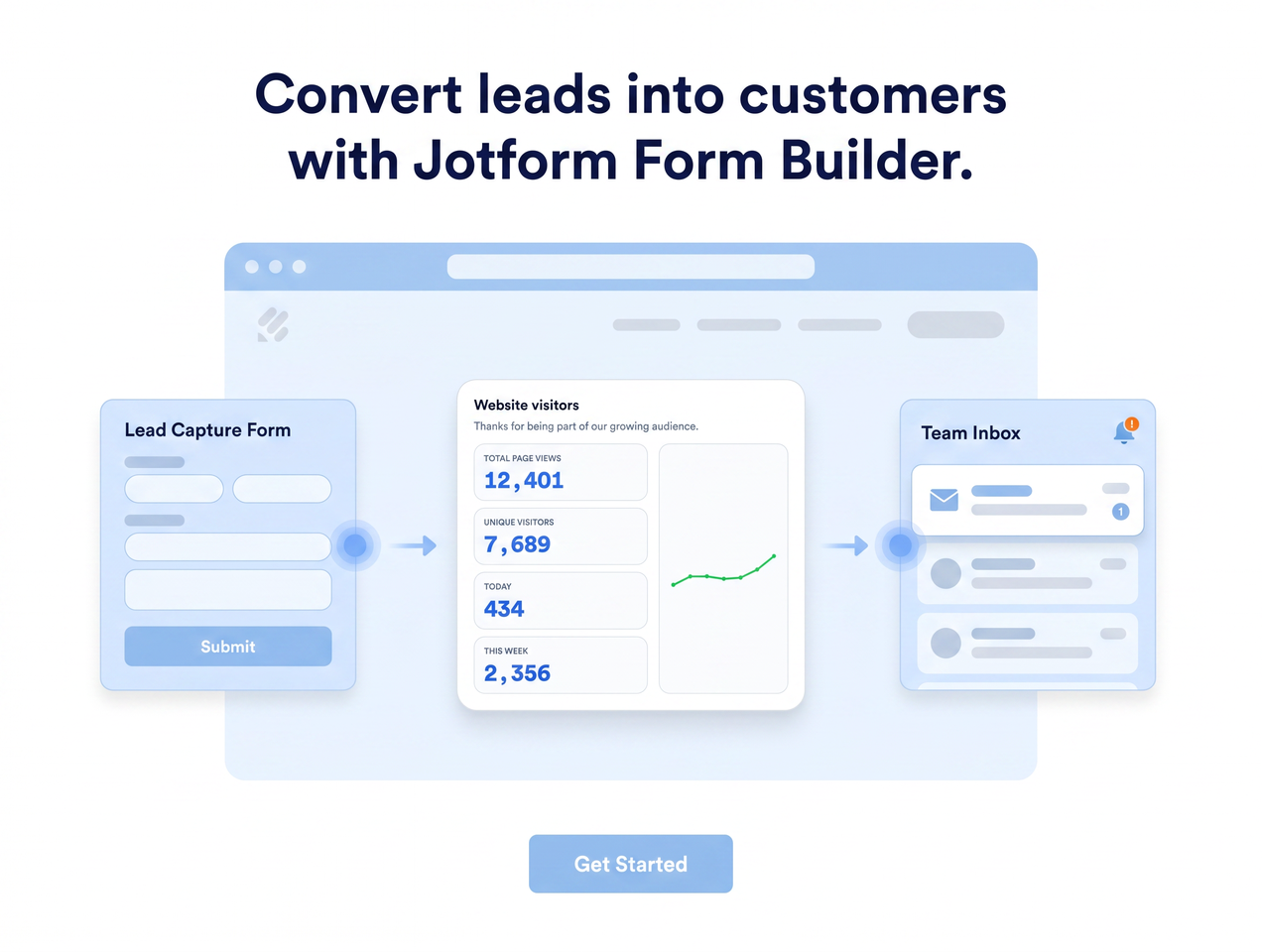
Convert leads into paying customers with Jotform Form Builder
Turn engagement into action with Jotform. Create powerful forms that capture leads, collect payments, and automate responses, all in one place. Every submission lands in your Jotform Inbox, ready to follow up or connect with your favorite apps.
Get Started - It’s Free!
FAQ
What is a Visitor Counter widget?
A Visitor Counter widget displays customizable counter values with page-view or visitor-style labels in a card you can style and embed.
Can I choose which metric appears first?
Can I customize the widget design?
Does the widget include a graph?
Is it an analytics dashboard?
Can I set a starting value?
Will I need to write code?
Can I use it on mobile pages?
Is the Visitor Counter widget free?