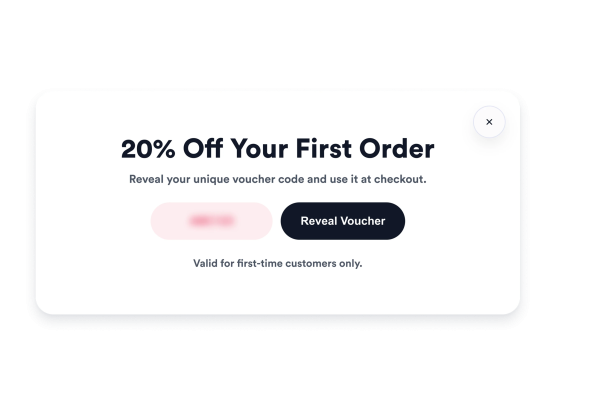

How to create a Vouchers widget
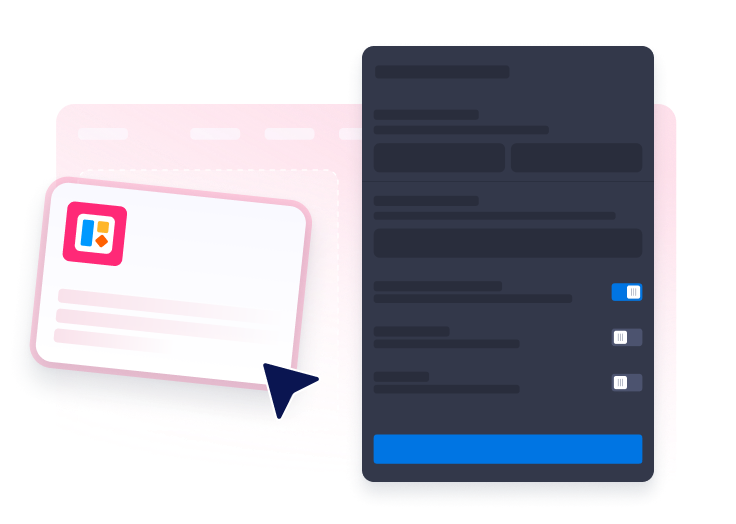
Pick an offer type
Choose a welcome discount, exit offer, flash sale, free shipping voucher, or email unlock campaign.
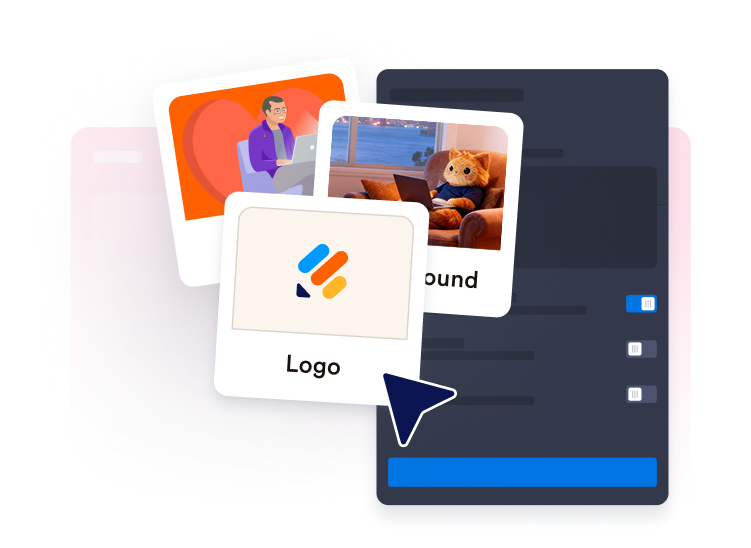
Make it match your site
Customize the copy, theme, image, timing, trigger, and display rules for your audience.
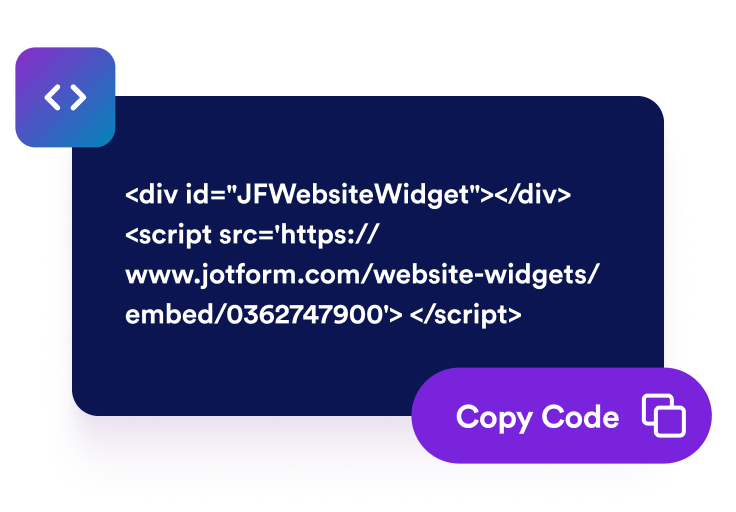
Publish your voucher
Preview the widget, copy the embed code, and add it to the pages where visitors should see your offer.
Turn voucher campaigns into website actions
Generate voucher codes
Create voucher codes visitors can copy and use for welcome offers, free shipping, flash sales, checkout incentives, or private promotions.
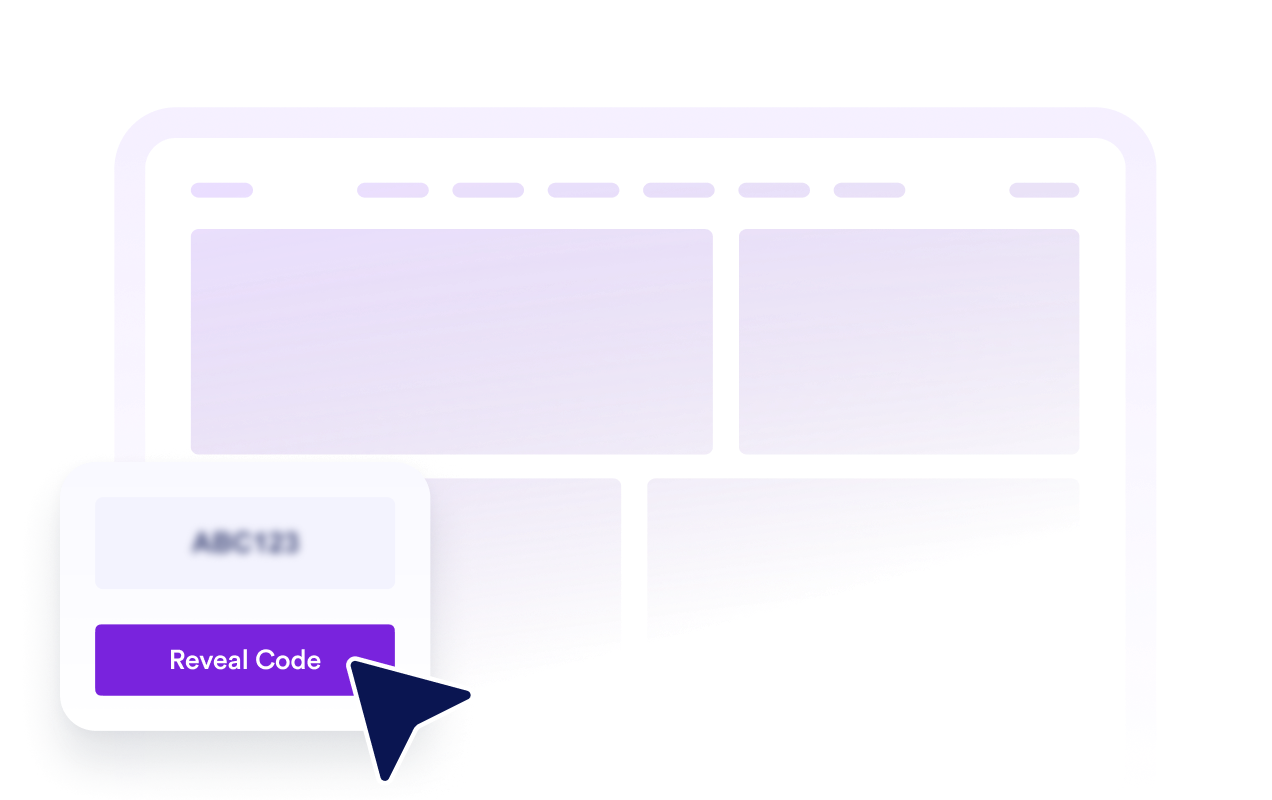
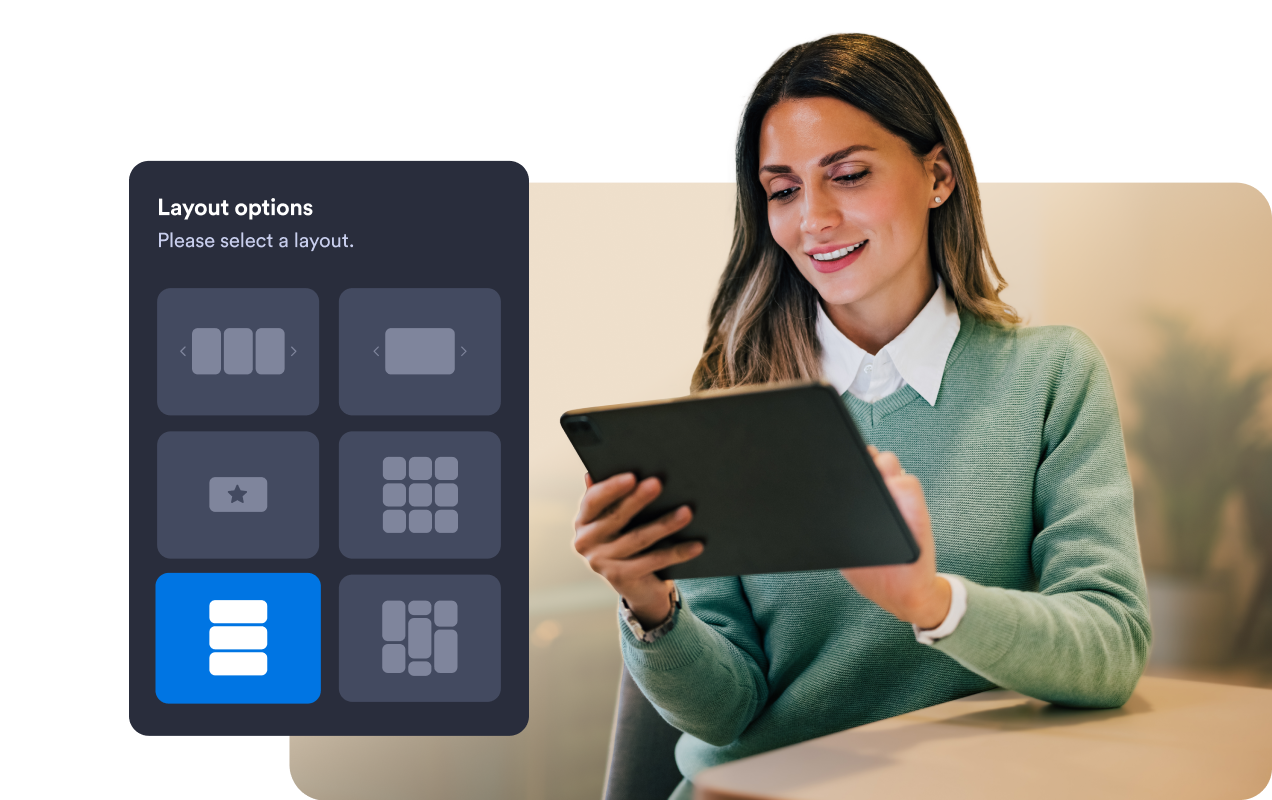
Choose the right display style
Show high-priority offers in a popup, use a corner card for lighter prompts, add a slide-in for mid-page nudges, or keep sitewide promos visible in a top bar.
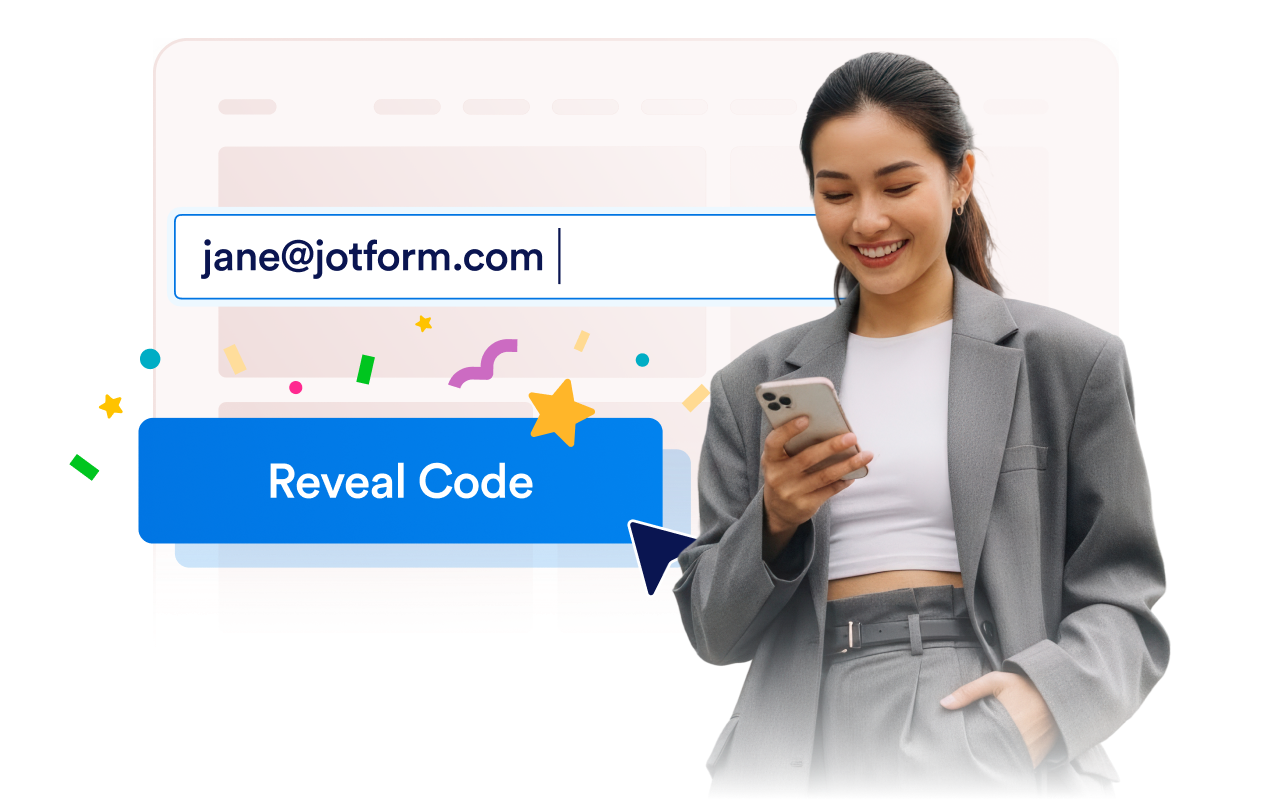
Unlock offers after email signup
Ask visitors for an email address before revealing a voucher code, then show a custom confirmation message and action button.
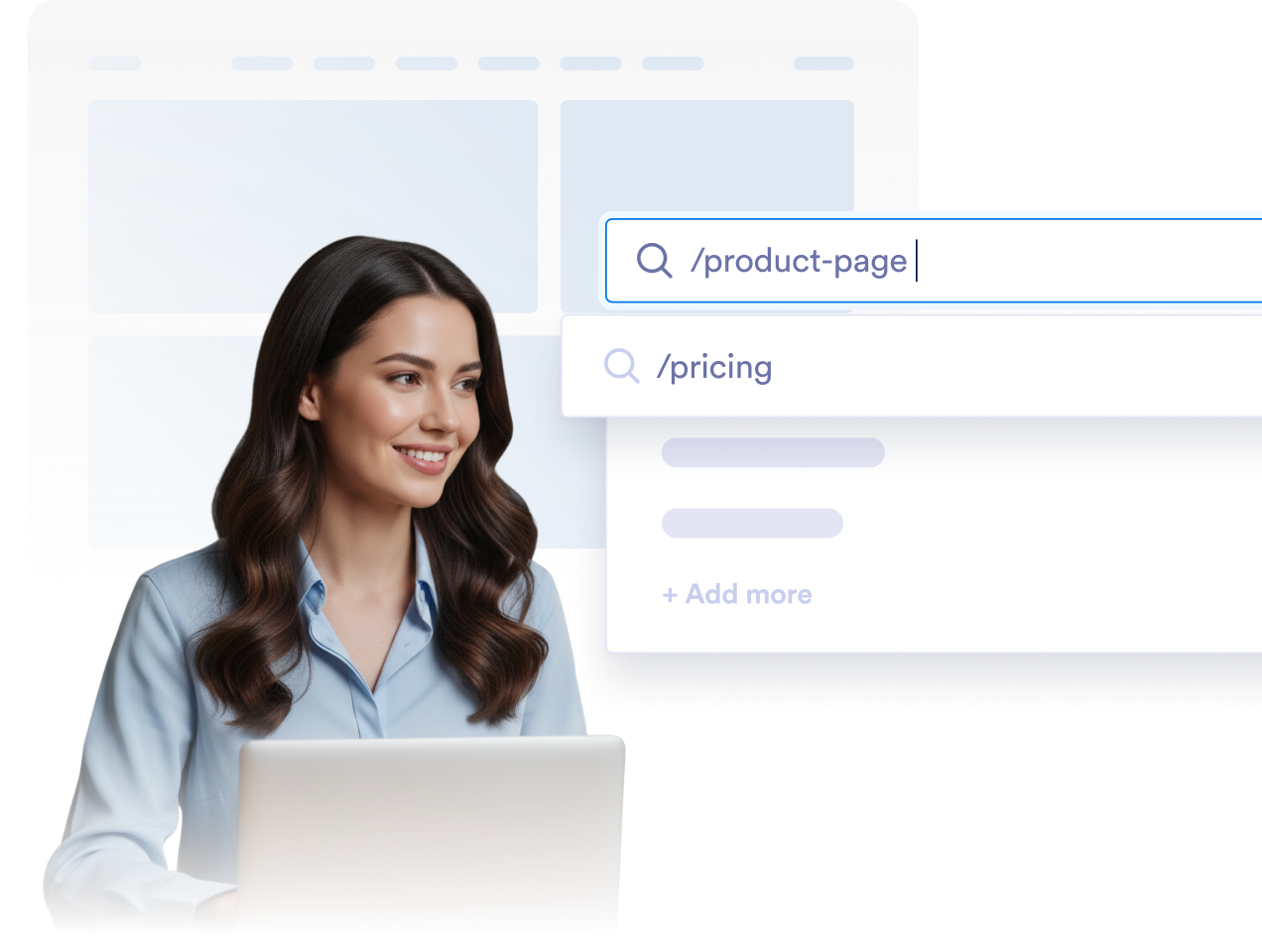
Control when and where vouchers appear
Show vouchers on page load, after a delay, at a scroll percentage, on exit intent, through a manual reopen button, or during a scheduled campaign window.
Why Jotform Website Widgets stand out
Jotform’s widgets make your website more interactive and increase conversions. There are many tools available, from star ratings and testimonial sliders to social proof popups and media embeds. Add widgets to your forms or landing pages to collect data, display proof, and capture leads — no coding required.
Add Jotform widgets to your website with a simple embed code. Customize the widget, preview how it looks, and paste it into any page that supports custom HTML or embed blocks, all without a developer.
Use Jotform Website Widgets to collect leads, show customer feedback, display social proof, embed media, or add helpful web page tools. Each widget helps visitors interact with your business directly from your website.
If you need help setting up, customizing, embedding, or troubleshooting your widget, Jotform’s customer support team is available 24-7. You can move forward with confidence, knowing that help is there when you need it.
Where to Use Your Voucher Widget
Add vouchers to the pages where visitors are most likely to act. Use them to promote discounts, collect leads, recover abandoning visitors, or highlight limited-time offers.
Homepage promote a welcome discount or sitewide offer as soon as visitors arrive.
Product and service pages show relevant offers while visitors are comparing options.
Landing pages support campaign traffic with a focused discount or limited-time deal.
Checkout or pricing pages encourage hesitant visitors with a final offer before they leave.
Blog and article pages turn engaged readers into leads with an email unlock voucher.
Mobile pages display compact offers that are easy to claim on smaller screens.
Convert leads into paying customers with the Jotform Form Builder
Turn engagement into action with Jotform. Create powerful forms that capture leads, collect payments, and automate responses, all in one place. Every submission lands in your Jotform Inbox, where you can follow up or connect with your favorite apps.
Get Started — It’s Free!
FAQ
How do I set up the vouchers?
Create and customize your widget in Jotform, then copy the embed code. Paste it into your website and publish.
Can I customize the design?
Do I need coding skills?
Does the widget work on mobile devices?
Can I update the widget after embedding it?
Why should I add a vouchers to my website?
Is the widget free?
Can I use it with Jotform forms and workflows?