Vouchers Widget
Create Voucher Campaigns for Your Website
Build no-code voucher offers for discounts, free shipping, email unlocks, exit-intent campaigns, and sitewide promotions. Customize the message, code, layout, trigger, timing, and display rules before embedding the widget on your site.

Create Copy-Ready Voucher Codes
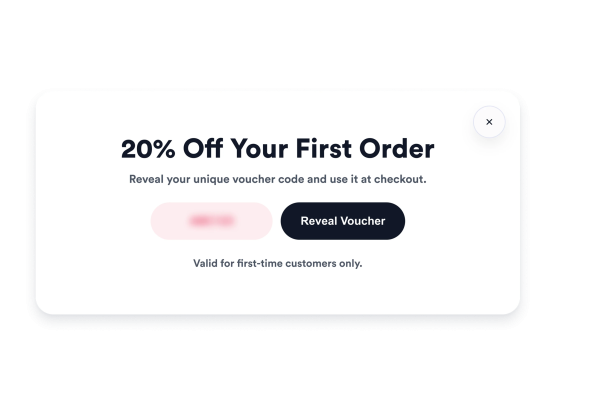
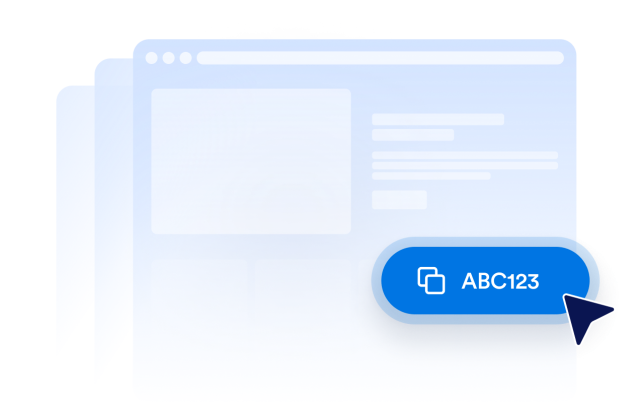
Create voucher offers visitors can understand and redeem quickly. Edit the voucher label, code, headline, description, and action button for welcome discounts, free shipping promos, limited-time deals, or checkout incentives.
Voucher content includes:
Choose Popup, Corner, Slide-in, or Top Bar Layouts
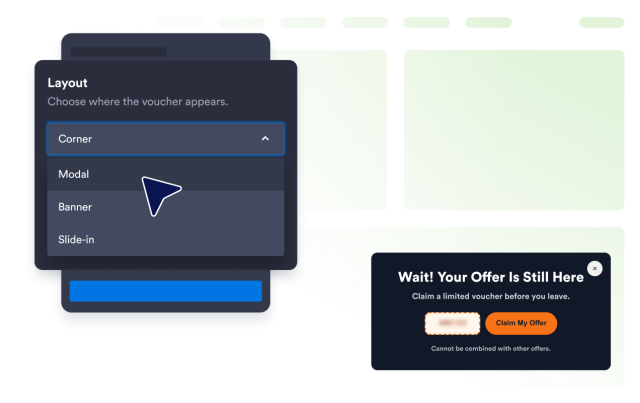
Match the voucher placement to the campaign moment. Use a full modal for important offers, a corner card for lighter prompts, a slide-in for mid-page nudges, or a top bar for sitewide discounts.
Display styles include:
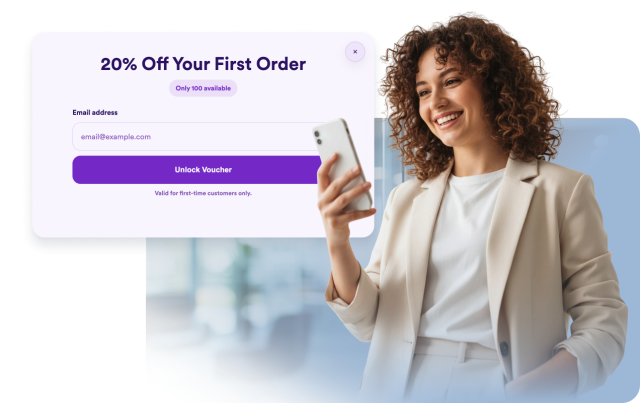
Unlock Voucher Codes After Email Entry
Turn a discount into a lead capture moment by asking visitors for an email before revealing the voucher code. Show a custom unlock message and action button after submission so visitors know what to do next.
Email unlock fields include:
Control When the Voucher Is Shown
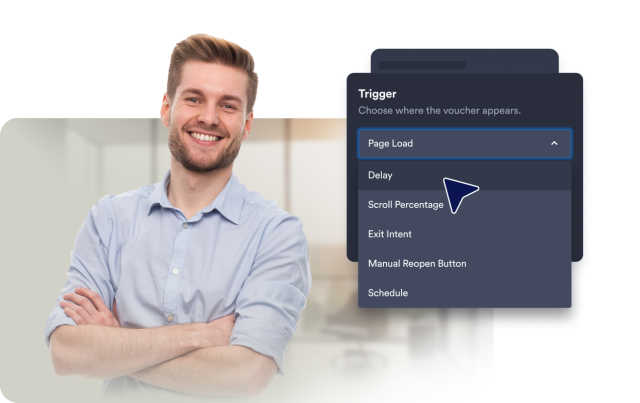
Decide when visitors see your offer based on the campaign goal. Show the voucher on page load, after a delay, at a scroll percentage, on exit intent, through a manual reopen button, or on a scheduled display window.
Trigger options include: