

Support & Conversational Automation


Zendesk to WhatsApp Automation
Use Jotform’s Zendesk to WhatsApp Automation template to send new Zendesk ticket alerts to WhatsApp with requester, subject, priority, status, and ticket link.
Go to Category:Alert / Notification Automation
Zendesk to Slack Automation
Use Jotform's Zendesk to Slack Automation template to send new Zendesk ticket details to Slack and keep support teams informed in real time.
Go to Category:Alert / Notification Automation

Zendesk to Jira Automation
Use Jotform's Zendesk to Jira Automation to convert new Zendesk tickets into Jira issues with requester details, priority, status, and ticket links for easier follow-up.
Go to Category:Task / Project Management Automation

HubSpot to Zendesk Automation
Use Jotform’s HubSpot to Zendesk Automation template to create Zendesk tickets from new HubSpot contacts and route support requests into your queue.
Go to Category:Customer Support Automation
Zendesk to Freshdesk Automation
Use Jotform's Zendesk to Freshdesk Automation template to copy new Zendesk tickets into Freshdesk with requester, subject, priority, status, and ticket link.
Go to Category:Customer Support Automation
Salesforce to Zendesk Automation
Use Jotform’s Salesforce to Zendesk Automation template to create Zendesk tickets from new Salesforce records and route support items for follow-up.
Go to Category:Customer Support Automation
Freshdesk to Zendesk Automation
Use Jotform’s Freshdesk to Zendesk Automation template to create Zendesk tickets from new Freshdesk requests and keep support work organized.
Go to Category:Customer Support Automation
Jira to Zendesk Automation
Use Jotform’s Jira to Zendesk Automation template to create Zendesk tickets from new Jira issues with issue details, routing, and support queue follow-up.
Go to Category:Customer Support Automation
Gmail to WhatsApp Automation
Jotform’s Gmail to WhatsApp Automation template sends WhatsApp alerts for new Gmail messages so teams can respond faster and stay informed.
Gmail to SMS Automation
Jotform’s Gmail to SMS Automation template sends instant text alerts for new Gmail messages, helping teams respond faster to important emails.
Microsoft Excel to WhatsApp Automation
Jotform’s Microsoft Excel to WhatsApp Automation sends a WhatsApp message when a new Excel row is added, helping teams respond quickly to spreadsheet updates.
Google Calendar to Slack Automation
Use Jotform's Google Calendar to Slack Automation to post new calendar event details in Slack and keep teams updated on meetings, time changes, and organizer information.
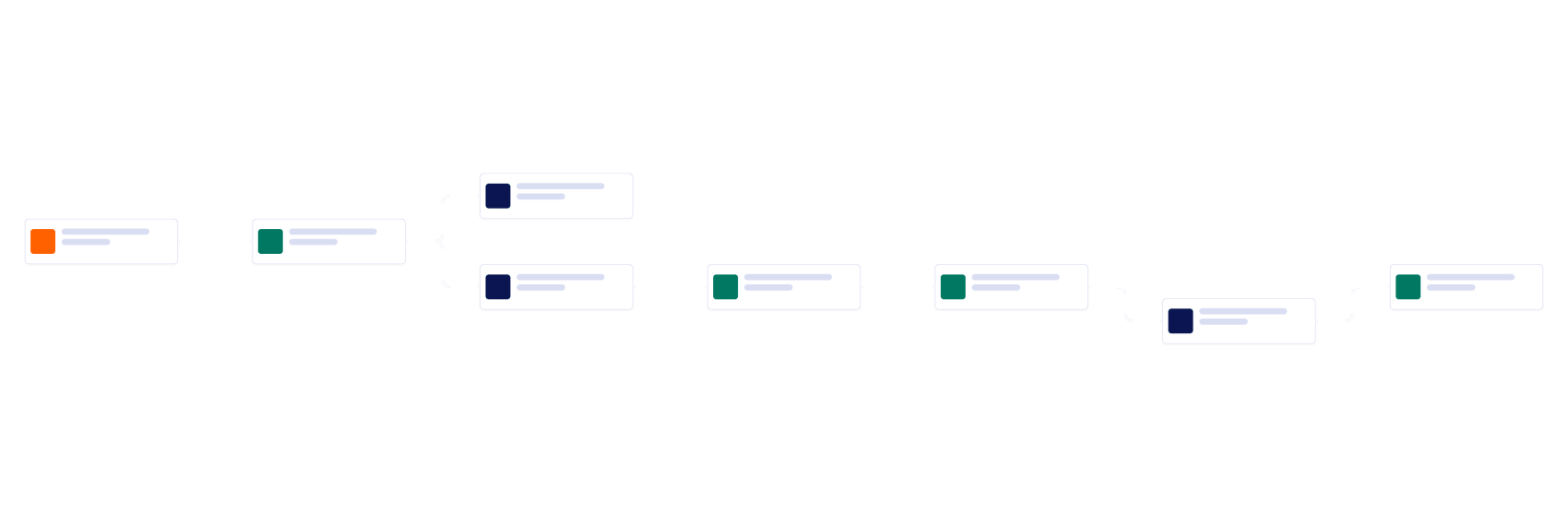
Program Management Workflow
An automated process that guides community initiatives from partnership inquiry through planning, approval, and program readiness.
Microsoft Excel to Jira Automation
Use Jotform's Microsoft Excel to Jira Automation to turn new Excel rows into Jira issues and keep tasks, requests, and follow-up work organized.
Gmail to Asana Automation
Use Jotform’s Gmail to Asana Automation to turn new emails into Asana tasks with sender details, subject, received time, and an email excerpt.
Jira to Asana Automation
Use Jotform's Jira to Asana Automation to turn new Jira issues into Asana tasks with key details, links, and status updates for faster project handoffs.
Jira to Zendesk Automation
Use Jotform’s Jira to Zendesk Automation template to create Zendesk tickets from new Jira issues with issue details, routing, and support queue follow-up.
Freshdesk to Zendesk Automation
Use Jotform’s Freshdesk to Zendesk Automation template to create Zendesk tickets from new Freshdesk requests and keep support work organized.
Salesforce to Zendesk Automation
Use Jotform’s Salesforce to Zendesk Automation template to create Zendesk tickets from new Salesforce records and route support items for follow-up.
Zendesk to Freshdesk Automation
Use Jotform's Zendesk to Freshdesk Automation template to copy new Zendesk tickets into Freshdesk with requester, subject, priority, status, and ticket link.
About Support & Conversational Automation Workflow Templates
Support & Conversational Automation workflow templates provide ready-made starting points for connecting apps and automating repeatable work. Each template pairs a trigger with one or more actions so information reaches the right people and systems without manual copying.
Choose a template below, connect your accounts, and customize its fields, recipients, rules, and timing. Keep the workflow simple or add steps as your process grows.
Frequently Asked Questions
What are Support & Conversational Automation workflow templates?
They are reusable workflow blueprints for support and conversational workflows. Each template provides a configured starting point and action that you can connect to your own accounts and adapt to your process.
How do I use a template for Support & Conversational?
Choose a template, select Use Template, connect the required apps, and review the trigger and action settings. You can test the workflow before using it with live data.
Can I customize these workflows?
Yes. You can change field mappings, recipients, filters, conditions, messages, and timing, or add more steps when the workflow needs to support a larger process.
Do I need to write code?
No. These templates are designed for no-code setup, so you can configure the workflow visually and connect supported apps without writing code.