

Data Sync Automation

Microsoft Excel to OneDrive Automation
Use Jotform’s Microsoft Excel to OneDrive Automation template to send new Excel row files to OneDrive with row values and source row ID for organized follow-up.
Go to Category:Data Sync Automation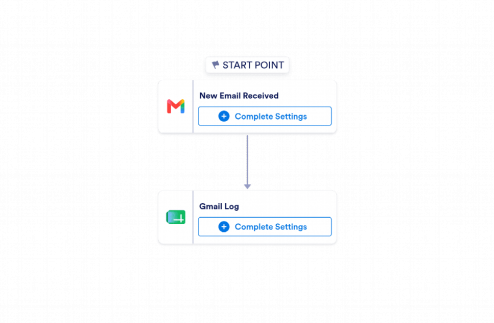
Gmail to Google Sheets Automation
Use Jotform’s Gmail to Google Sheets Automation to log new Gmail messages in Google Sheets with sender, subject, time, and excerpt for easy tracking.
Go to Category:Data Sync Automation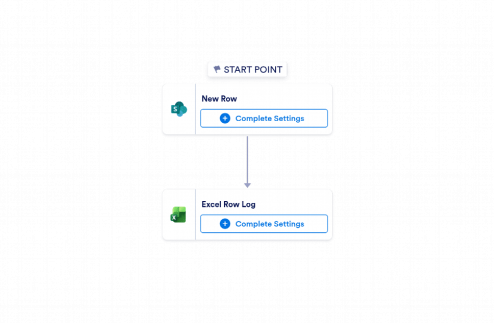
Microsoft SharePoint to Microsoft Excel Automation
Use Jotform’s Microsoft SharePoint to Microsoft Excel Automation template to log new SharePoint list rows in Excel with item values and IDs for organized data tracking.
Go to Category:Data Sync Automation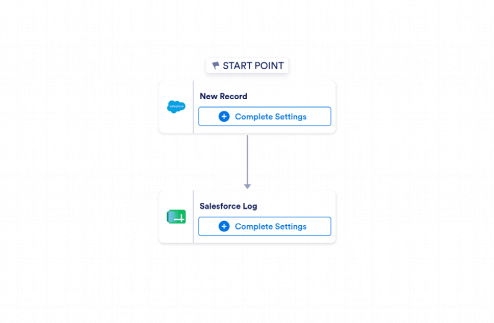
Salesforce to Google Sheets Automation
Jotform’s Salesforce to Google Sheets Automation template logs new Salesforce records in Google Sheets with record details, giving teams a clear, shareable data sync workflow.
Go to Category:Data Sync Automation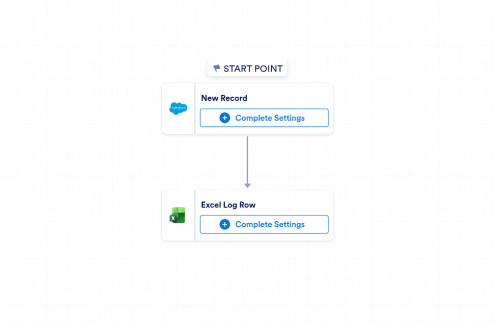
Salesforce to Microsoft Excel Automation
Use Jotform's Salesforce to Microsoft Excel Automation to log new Salesforce records in Excel with key details for easier review, sharing, and tracking.
Go to Category:Data Sync Automation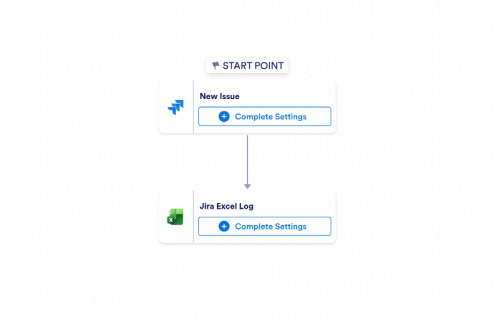
Jira to Microsoft Excel Automation
Use Jotform’s Jira to Microsoft Excel Automation template to log new Jira issues in Excel with key details, helping teams keep issue tracking organized and up to date.
Go to Category:Data Sync Automation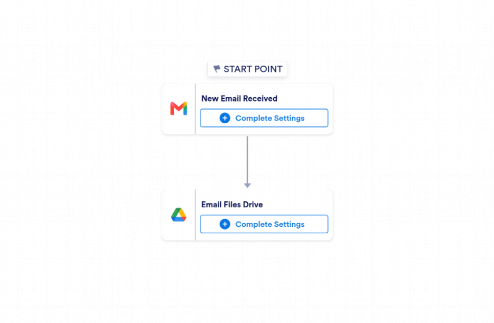
Gmail to Google Drive Automation
Use Jotform’s Gmail to Google Drive Automation to save email attachments and message details to Google Drive for faster access, better organization, and easier follow-up.
Go to Category:Data Sync Automation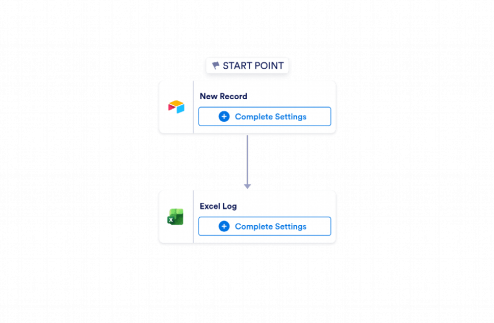
Airtable to Microsoft Excel Automation
Use Jotform's Airtable to Microsoft Excel Automation template to send new Airtable records into Excel and keep a structured, easy-to-review log.
Go to Category:Data Sync Automation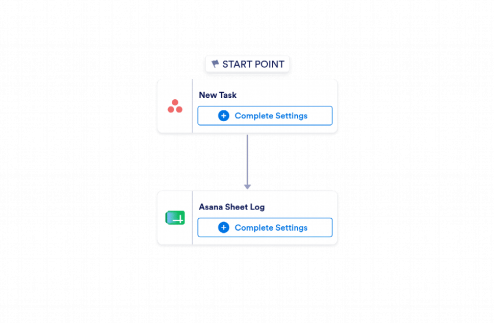
Asana to Google Sheets Automation
Use Jotform’s Asana to Google Sheets Automation to log new Asana tasks in Google Sheets with assignee, due date, status, and task link automatically.
Go to Category:Data Sync Automation