Quick setup
Open the app in Canva, add your chatbot, customize it to fit your design, and publish in just a few minutes with no coding required.
Turn your Canva designs into an interactive experience. Embed the Jotform AI Chatbot, match it to your design, and chat with visitors instantly with no coding needed.
Respond instantly and guide every visitor effortlessly. Your chatbot keeps your designs active and engaging all the time.
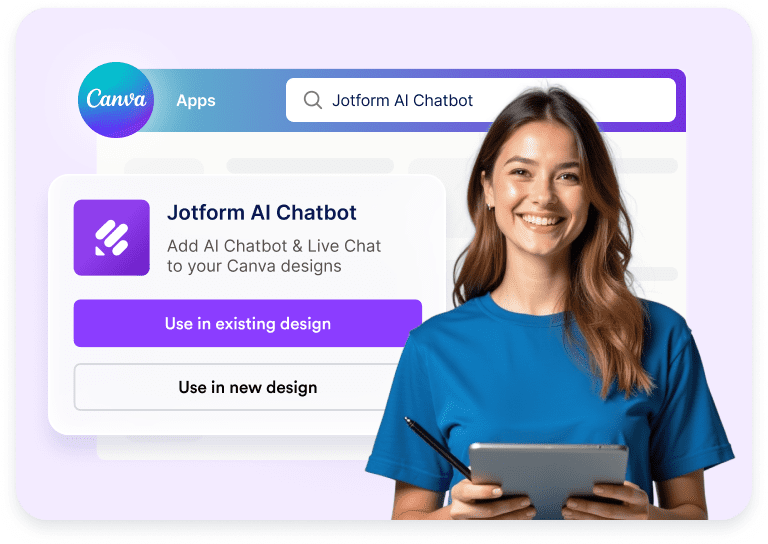
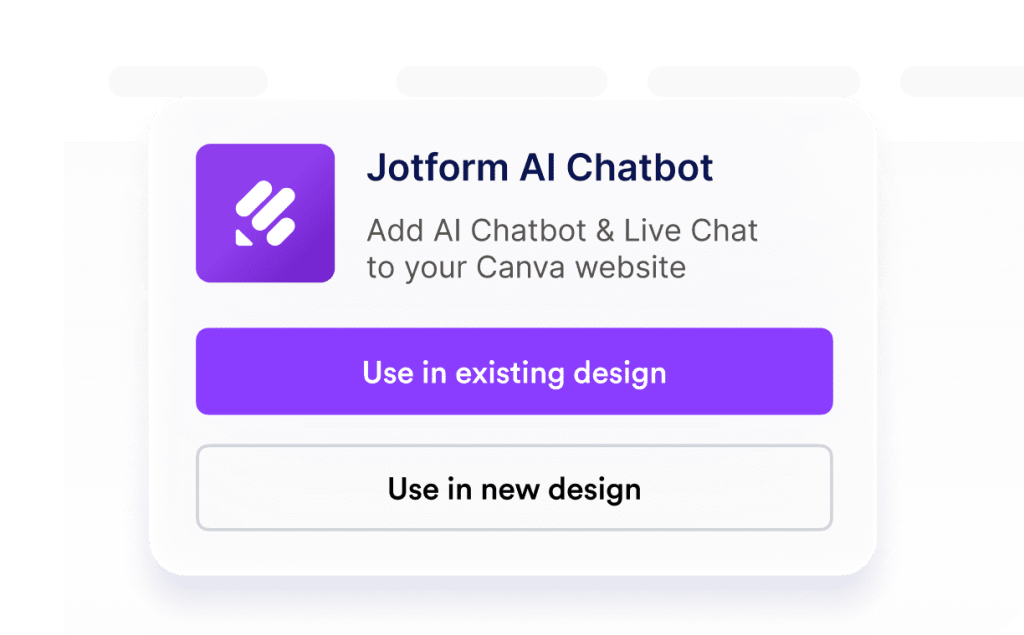
Open the Jotform AI Chatbot in Canva and choose to use it in an existing or new design.
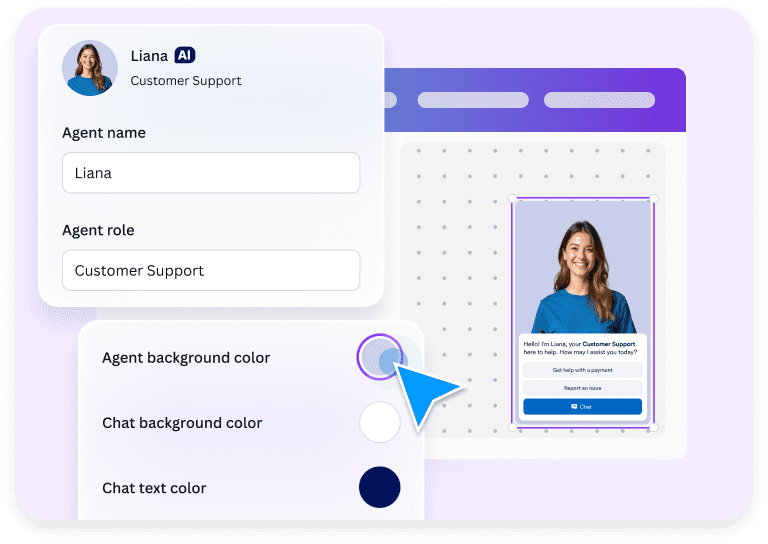
Customize your chatbot’s name, role, and color options, such as background and button, to match your design.
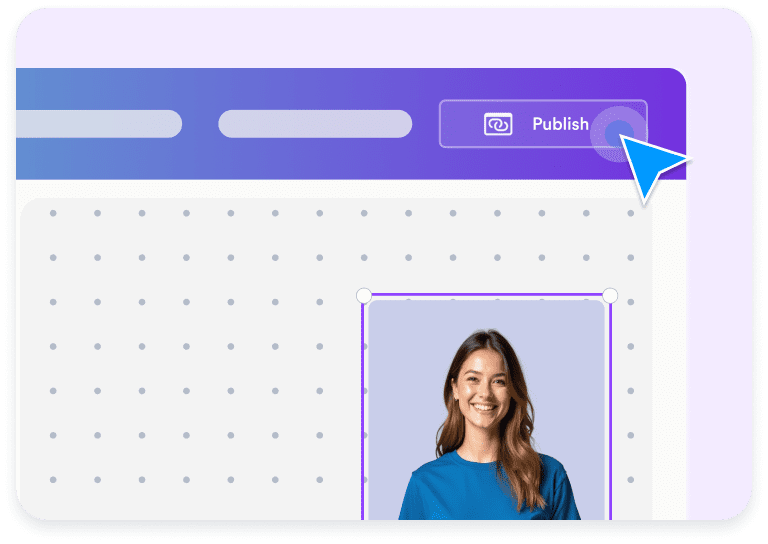
Publish your chatbot instantly and let visitors start chatting for questions, support, or feedback.
Turn any Canva design into an interactive space where visitors can ask questions, get instant answers, and stay engaged — all powered by Jotform’s AI technology.
Open the app in Canva, add your chatbot, customize it to fit your design, and publish in just a few minutes with no coding required.
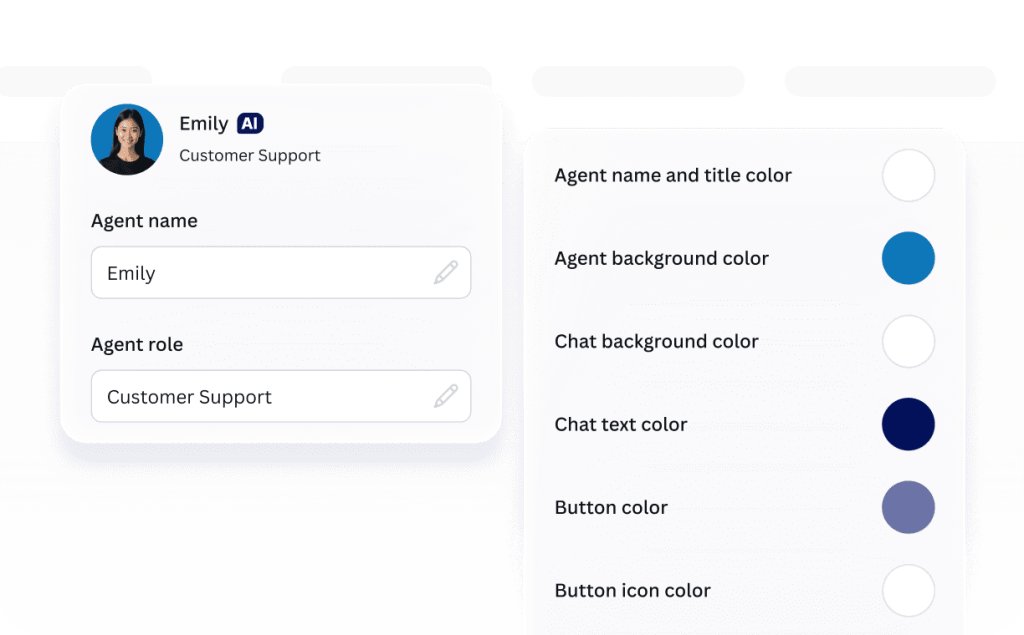
Style the chatbot to match your Canva design by customizing elements like the agent name, role, and color.
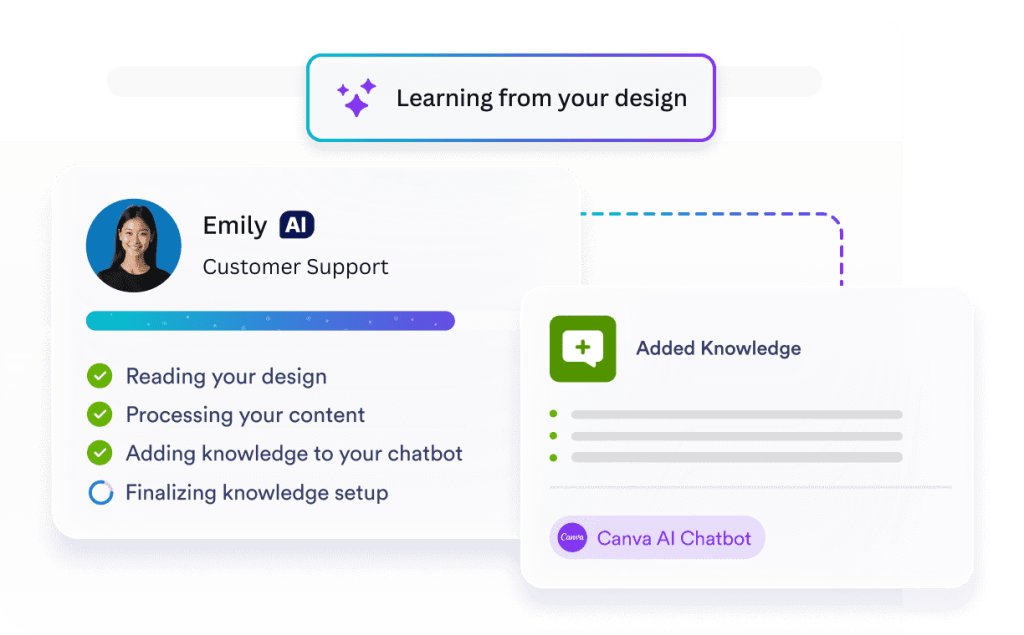
Your chatbot automatically learns from your design, and uses its content as knowledge to deliver accurate answers.
Your AI Chatbot stays online 24-7, answering questions and keeping visitors engaged.
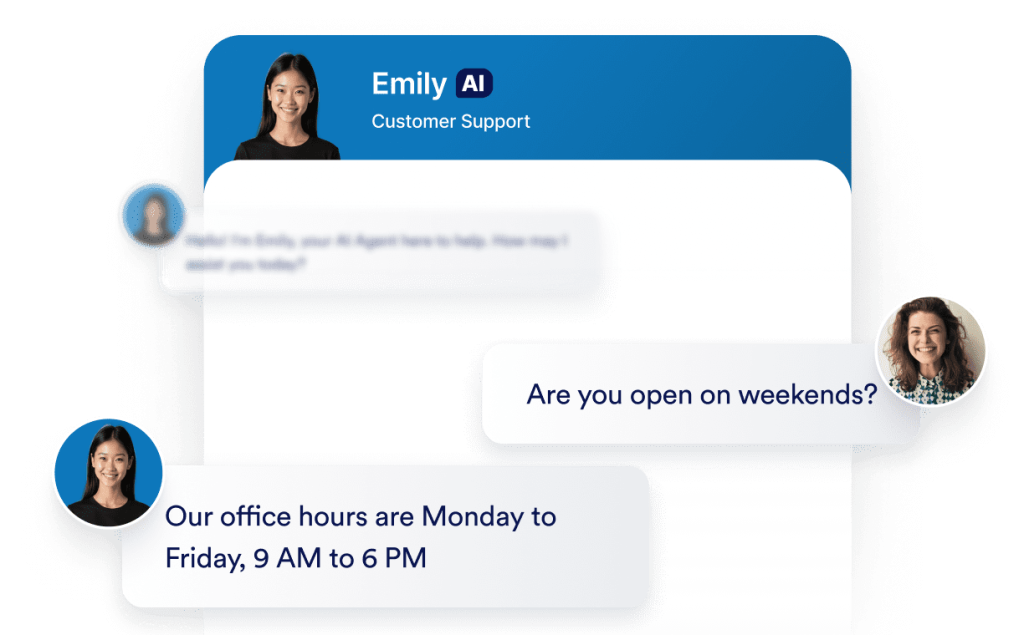
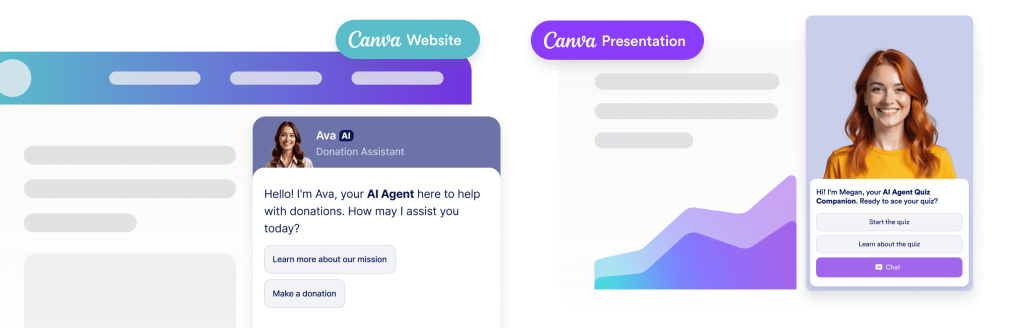
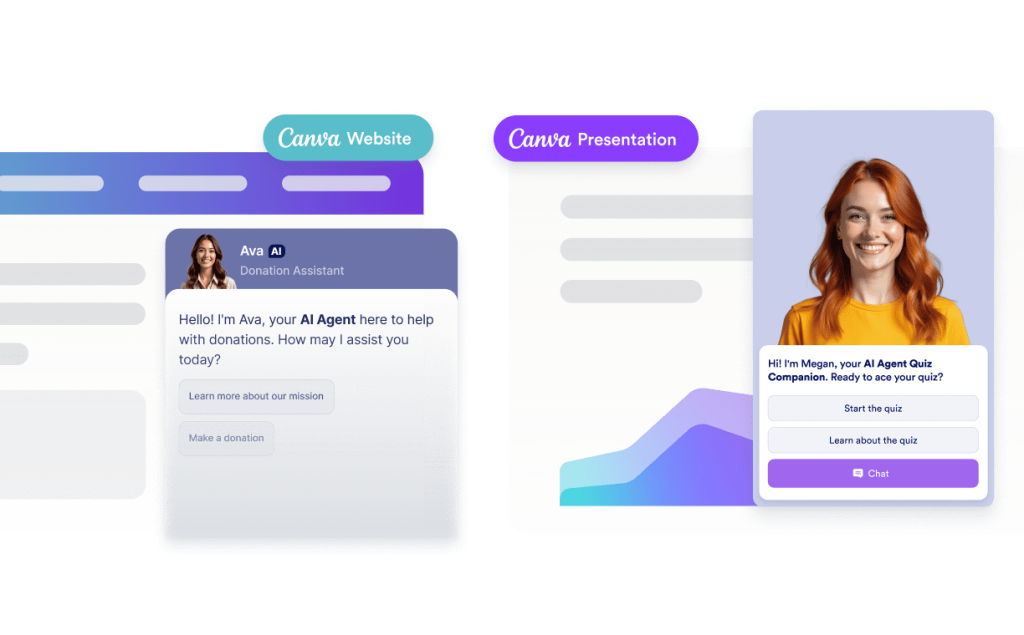
Your AI Chatbot easily integrates into Canva designs like websites, presentations, and portfolios creating interactive and engaging experiences across your projects.
Automate tasks effortlessly — manage orders, send updates, answer questions, and more in just a few clicks.
Get the App — It’s Free!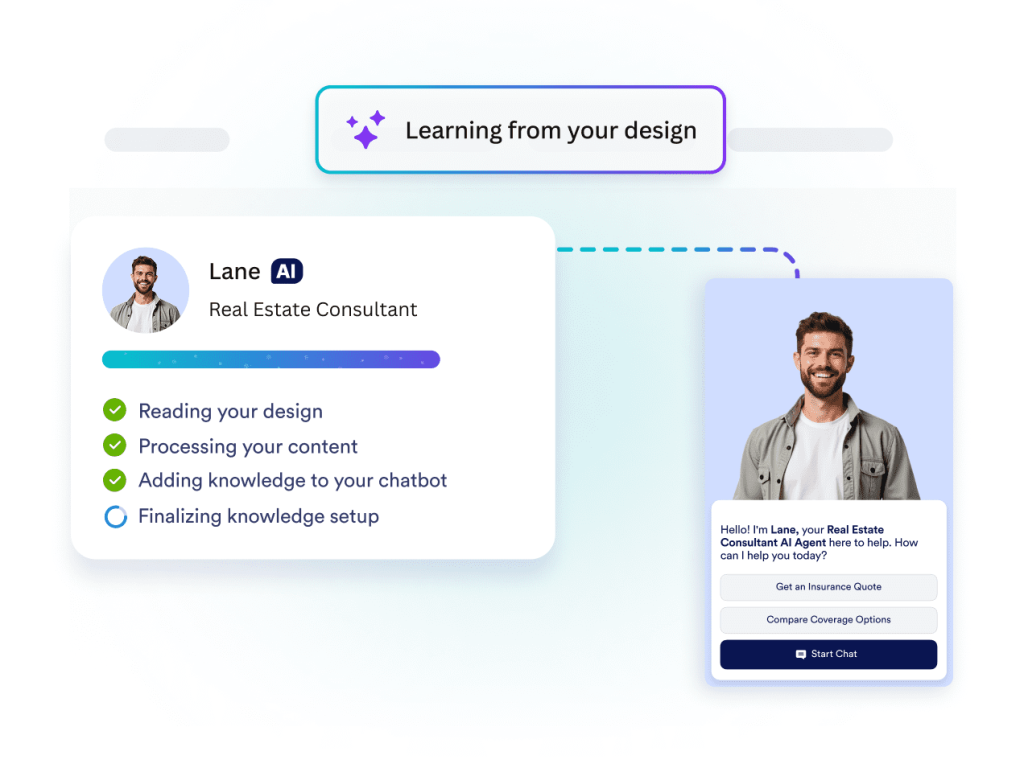
The agent learns from the Canva asset where it is placed and adopts its look and feel. This creates a seamless experience for your audience since the chatbot matches the design and understands the content it appears alongside.
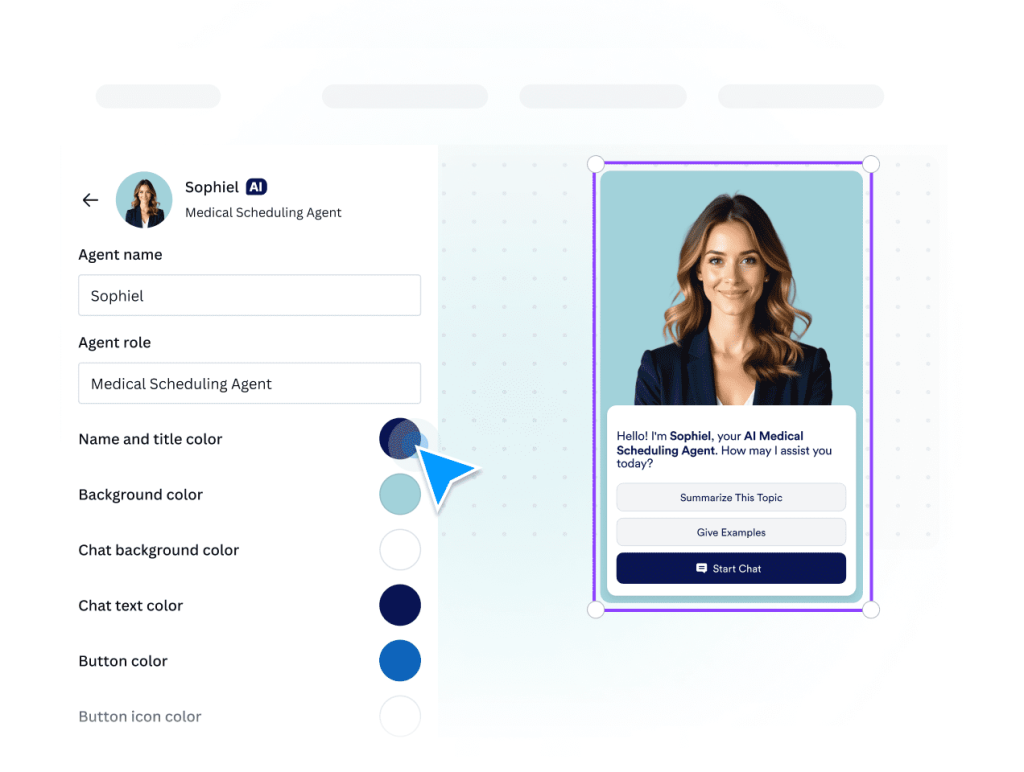
Update agent names, roles, colors, and behavior to match your brand and design without leaving Canva.
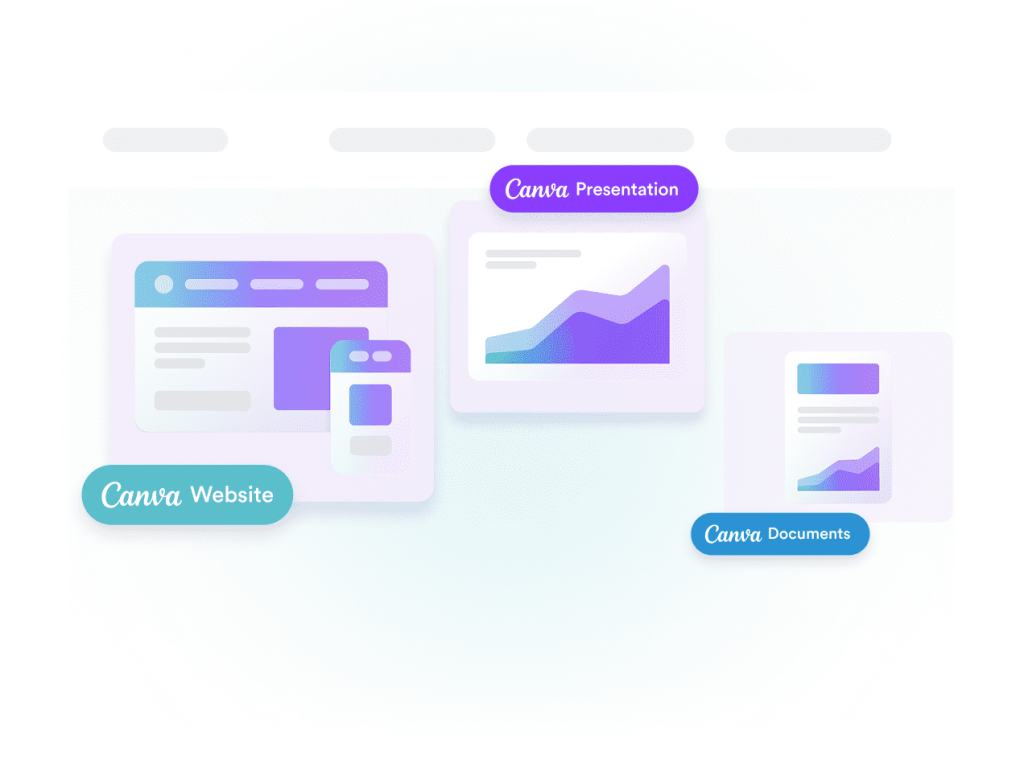
Use it with Canva websites, presentations, and documents. Wherever you publish your design, your AI agent is ready to help your audience right inside the asset.
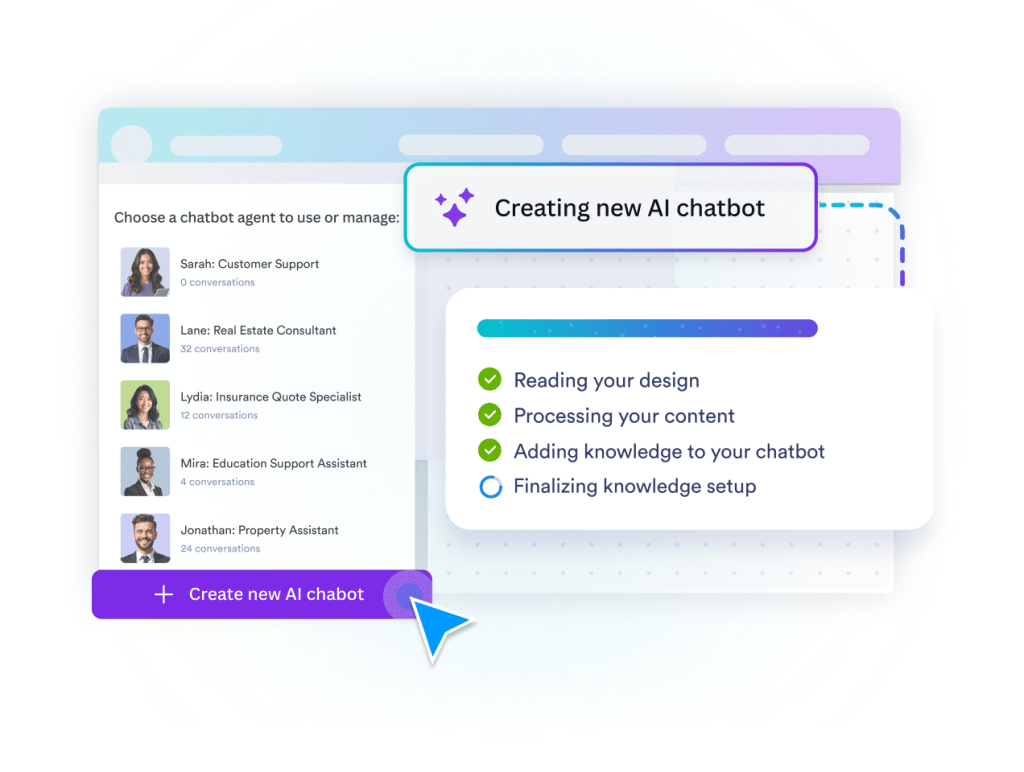
Jotform AI Chatbot for Canva helps you select or build AI agents to handle conversations, shape responses, and run automations inside your designs.
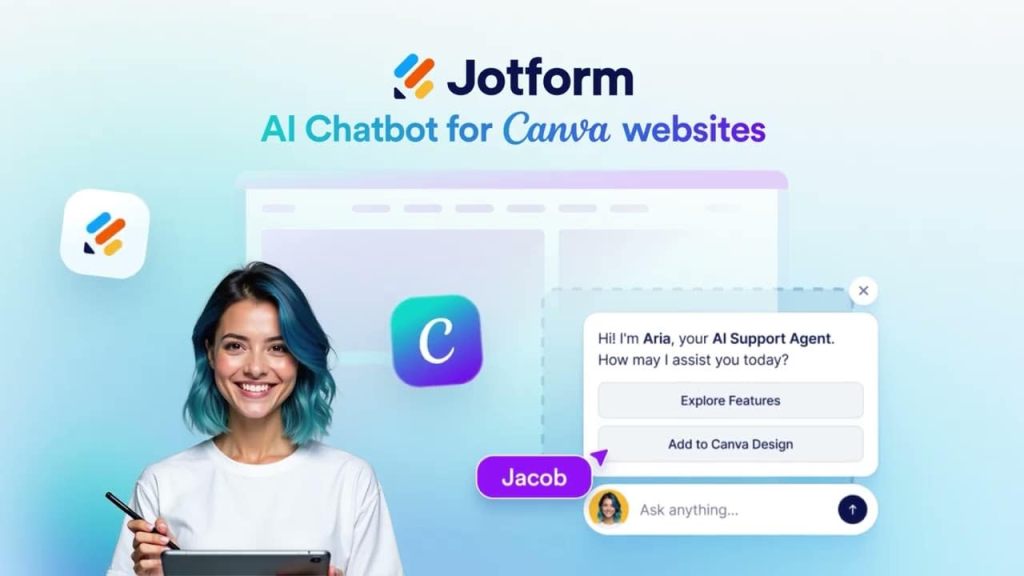
The Jotform AI Chatbot for Canva is an app that lets Canva users add an interactive live chat and chatbot experience to their designs. It brings Jotform’s AI-powered conversational features directly into Canva, allowing users to create and customize interactions without any coding.