Drag and Drop Fillable Fields
Add and position signature, initials, date, text, and other fillable fields anywhere on your signable document.
Build Documents
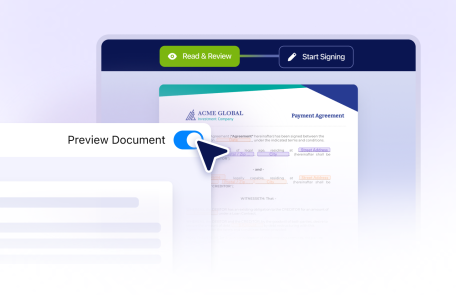
Effortlessly build documents with preview sign feature and easily customize them using drag and drop fillable fields.
Add signature fields, place fillable fields with drag-and-drop controls, and customize field positions so every signer knows exactly where to enter information.
Add the fields your document needs and move them into place with drag-and-drop controls. Position signatures, initials, dates, text boxes, and other fields exactly where needed.
Place signature and initials fields on your document so recipients know exactly where to sign. Drag each field into position and align it with the right section or signer.

Move and reposition fillable fields directly on the document using simple drag-and-drop controls. Fine-tune the layout so every field is easy to find and complete.

Insert date, text, and other fillable fields wherever recipients need to provide information. Position each field precisely to match the layout of your signable document.

Have questions about this feature? Explore the FAQs below for quick answers.
You can add signature, initials, date, text, and other fillable fields to your signable document, then position them wherever recipients need to provide information.
Yes. Drag and reposition fields on the document until they are placed exactly where you want them.
Yes. You can add multiple fillable fields throughout the document and arrange them to match your signing workflow.