With Jotform AI, you can easily customize your form’s design to match your brand, style, or personal preferences. From changing colors and fonts to adding backgrounds or adjusting spacing, Jotform AI helps you create forms that not only work well but also look great.
Jotform AI makes it simple to experiment with different design elements without needing design experience, giving you flexibility and control over your form’s appearance. It’s perfect for anyone creating forms for work, events, surveys, or personal projects—so you can build polished, professional-looking forms without spending extra time or effort.
Whether you’re creating a new form or updating an existing one, you can easily customize its design with Jotform AI to make it look just the way you want. Here’s what to do:
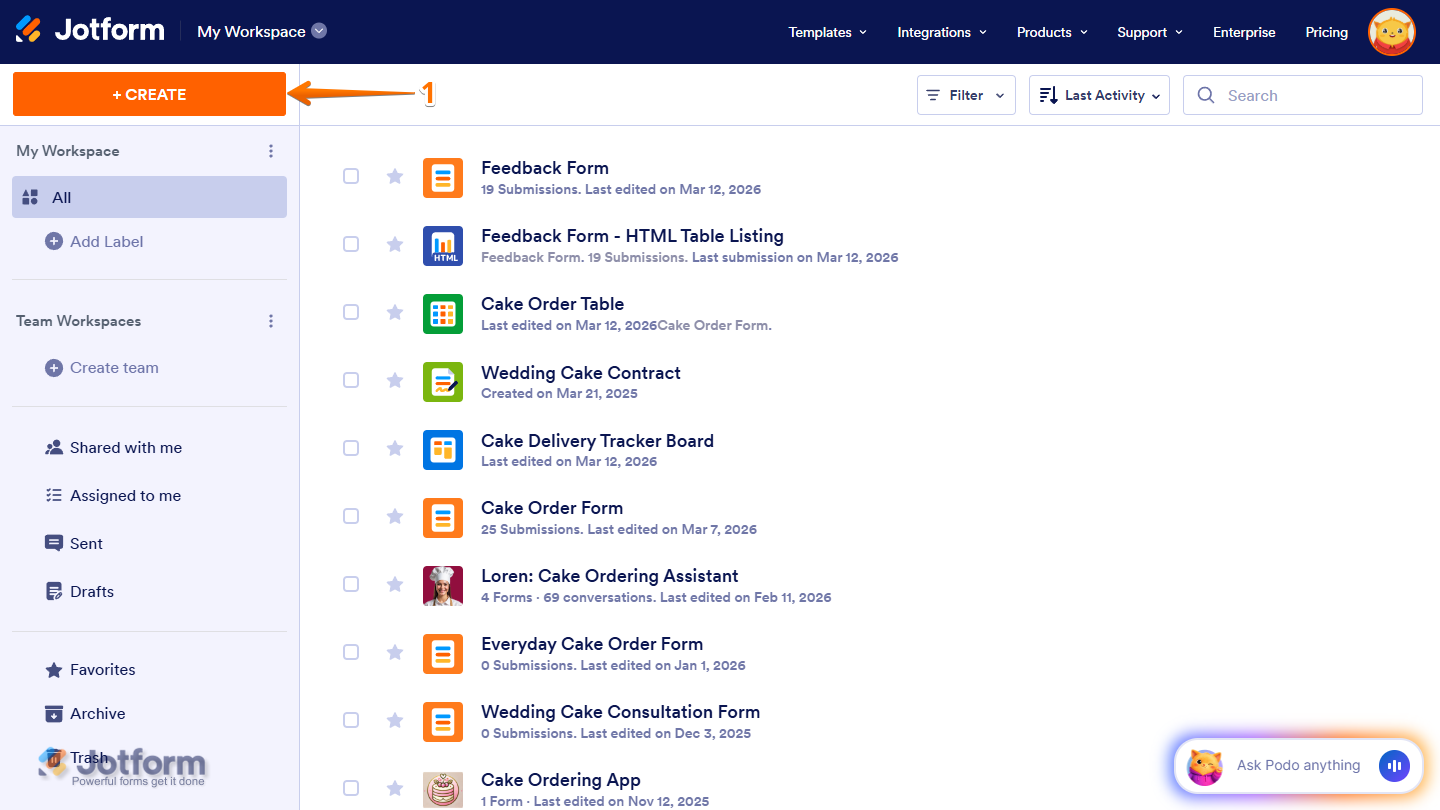
- In your Workspace, click on Create on the top-left side of the page.
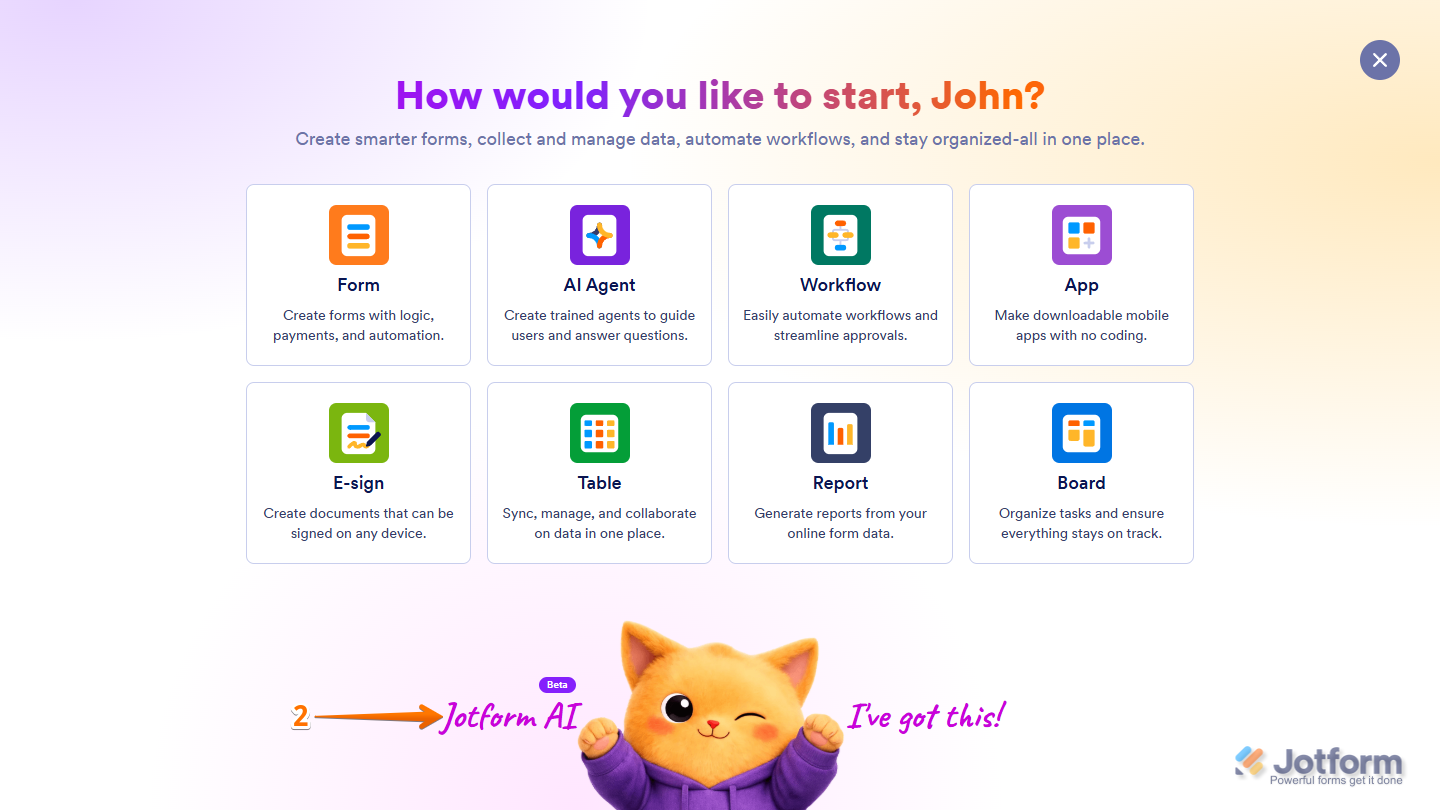
- Then, at the bottom of the window that opens up, click on Jotform AI.
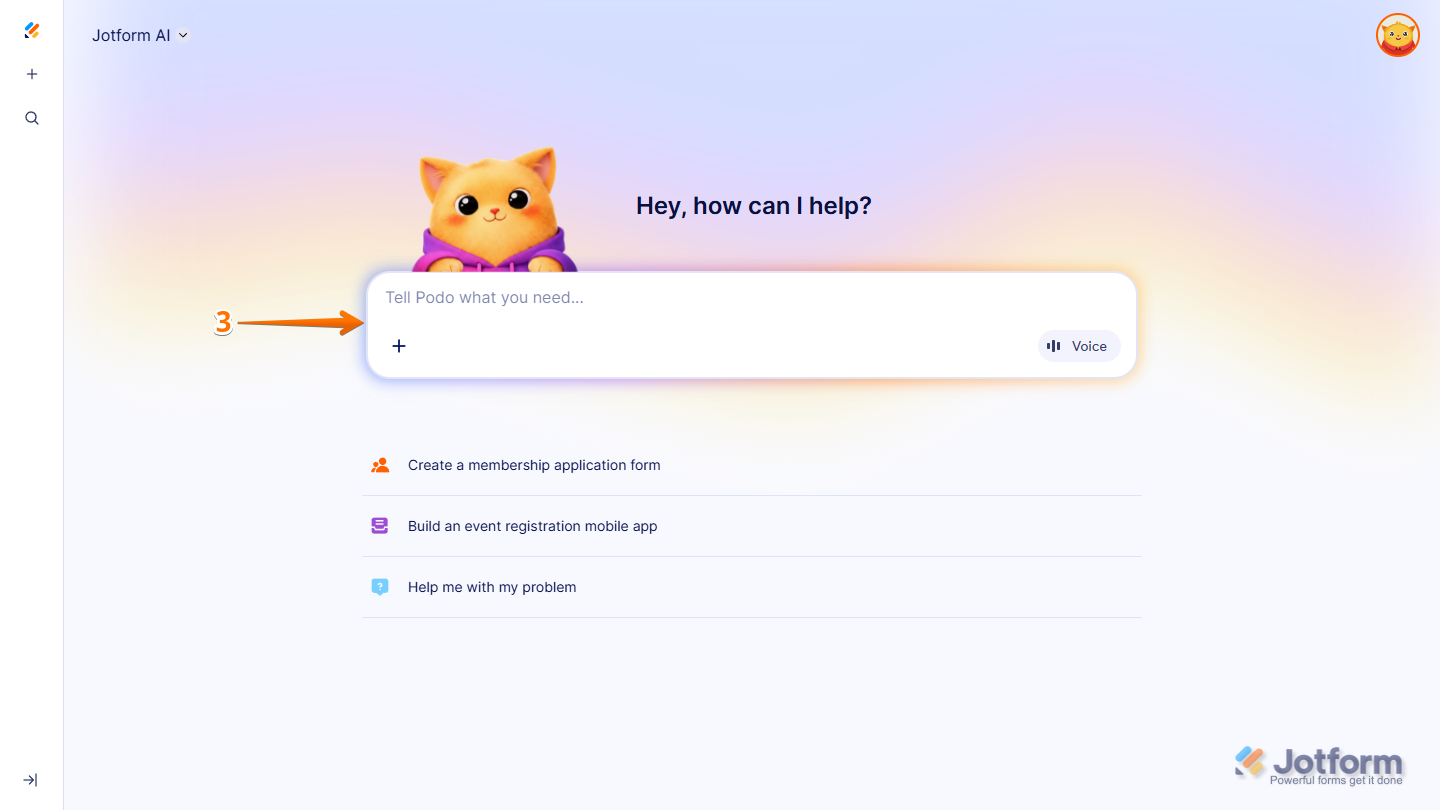
- Now, in the prompt box at the center of the page, enter the design changes you’d like to make and the name of the form in your account where you want them applied.
Here are some example prompts you can try if you already know which parts of your form you want to customize and how you want them to look:
- In my [Form Title Here], can you set the Form Width to 400px?
- Can you change the Label Alignment in my [Form Title Here] to the right?
- In my [Form Title Here], can you change the Input Background to light yellow?
- Can you change the Font Color in my [Form Title Here] to magenta?
- Can you change the Font in my [Form Title Here] to Comic Sans?
- In my [Form Title Here], can you set the Font Size to 10px?
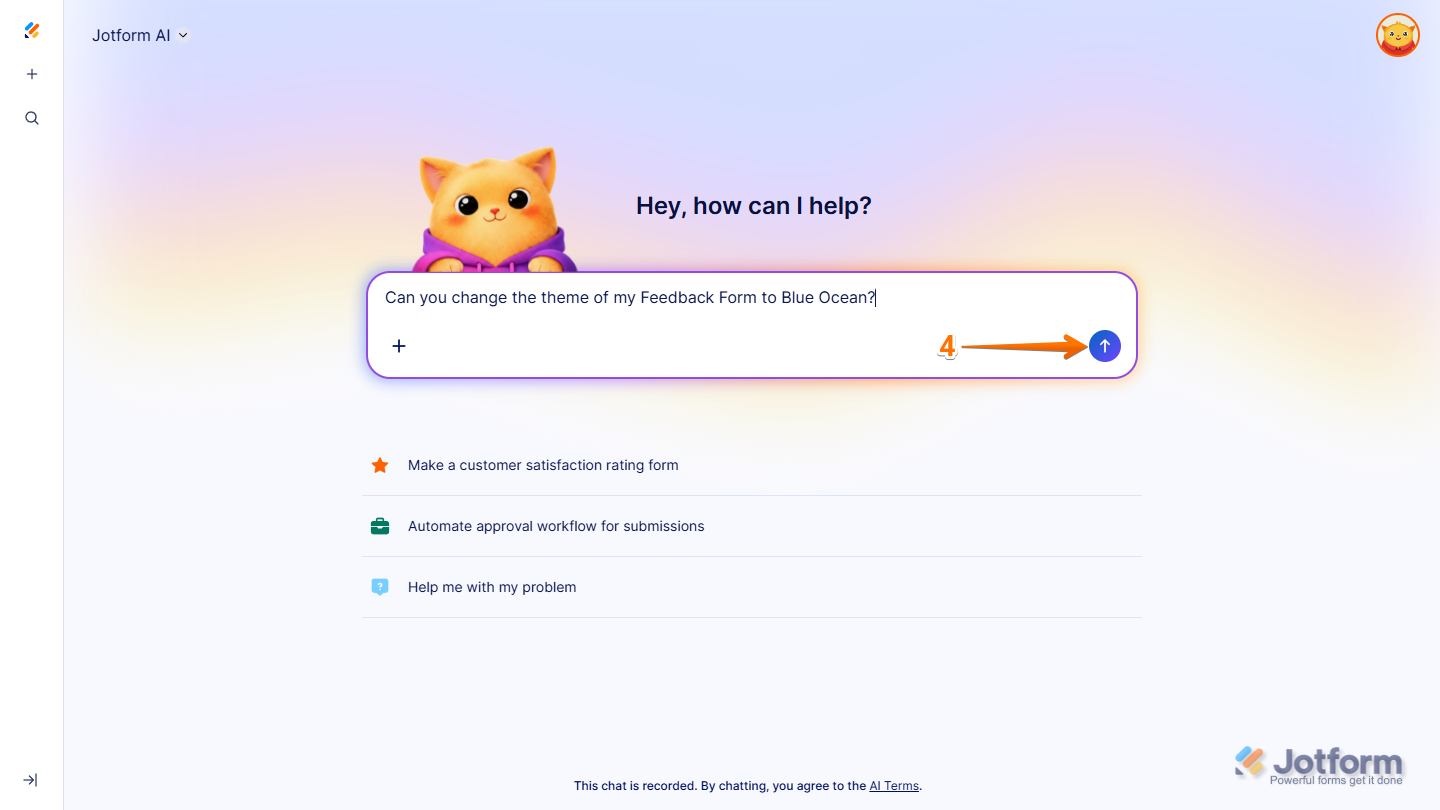
- Can you change the theme of my [Form Title Here] to Blue Ocean?
You can also write your prompts like the following if you have a design idea for your form but aren’t sure if a specific option or style is available:
- Can you change the page background of my [Form Title Here] to light yellow?
- Can you change the background color of my [Form Title Here] to light blue?
- In my [Form Title Here], can you set the spacing between questions to 50px?
- Can you change the color scheme of my [Form Title Here] to something close to green?
- In my [Form Title Here], can you resize the form logo to 180px and move it to the right side?
- Can you change the color of the submit button in my [Form Title Here] to maroon with a gradient?
- In my [Form Title Here], can you change the layout to Card/Classic?
If the style you want to apply isn’t available in the Form Designer settings, you can try prompts that may inject custom CSS into your form:
- Can you remove the shadow of my [Form Title Here]?
- In my [Form Title Here], can you change the background color of the header to light yellow?
- Can you change the color of the Full Name field label in my [Form Title Here] to green?
- In my [Form Title Here], can you change the color of the field sublabels, field highlight effect, and required field indicator to purple?
- Once you’re done, press the Enter key or click on the Upward Arrow button on the right side of the prompt box.
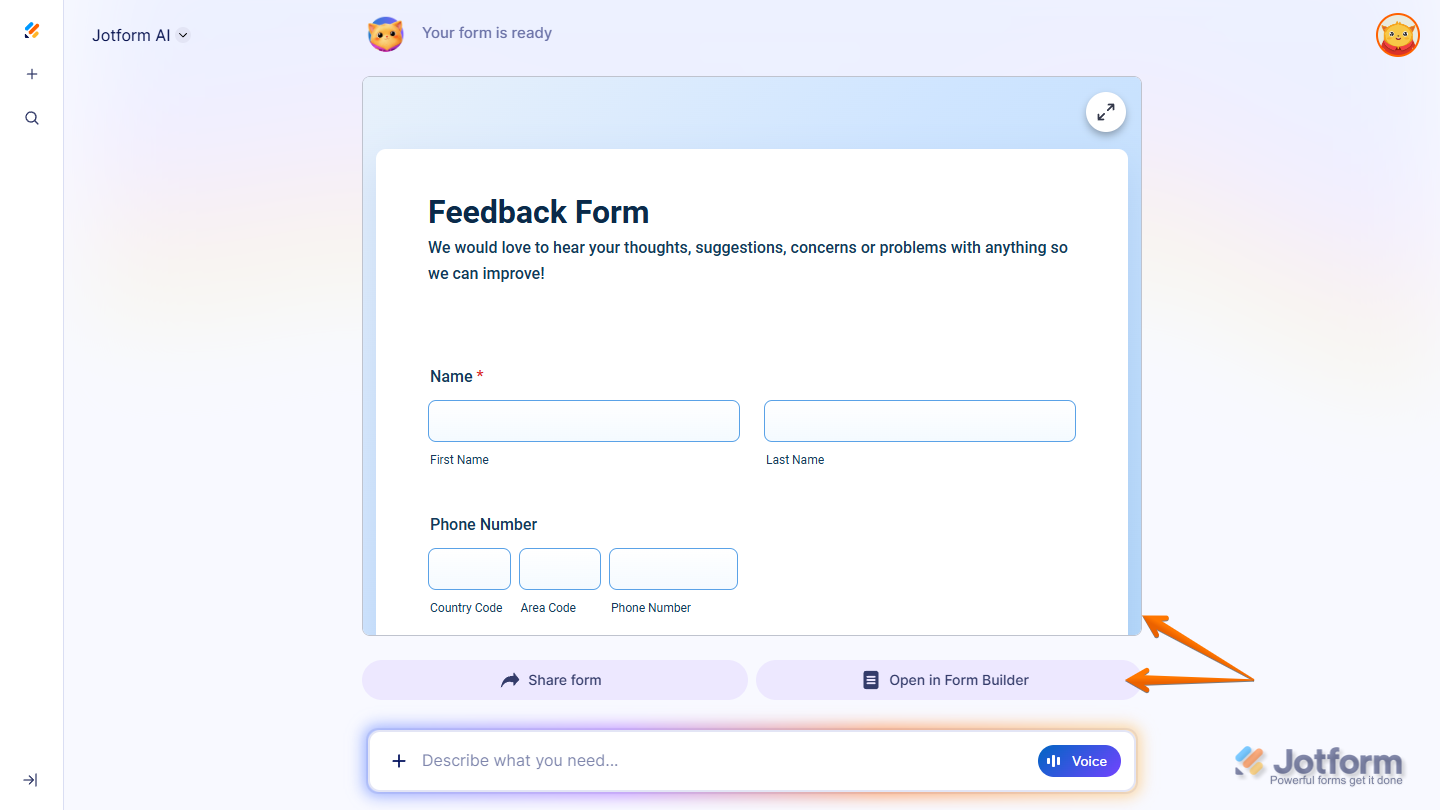
That’s it. You’ll receive a confirmation that your form’s design has been updated. You’ll also have the option to open your form in Form Builder in a new browser tab to review the changes and continue customizing it.
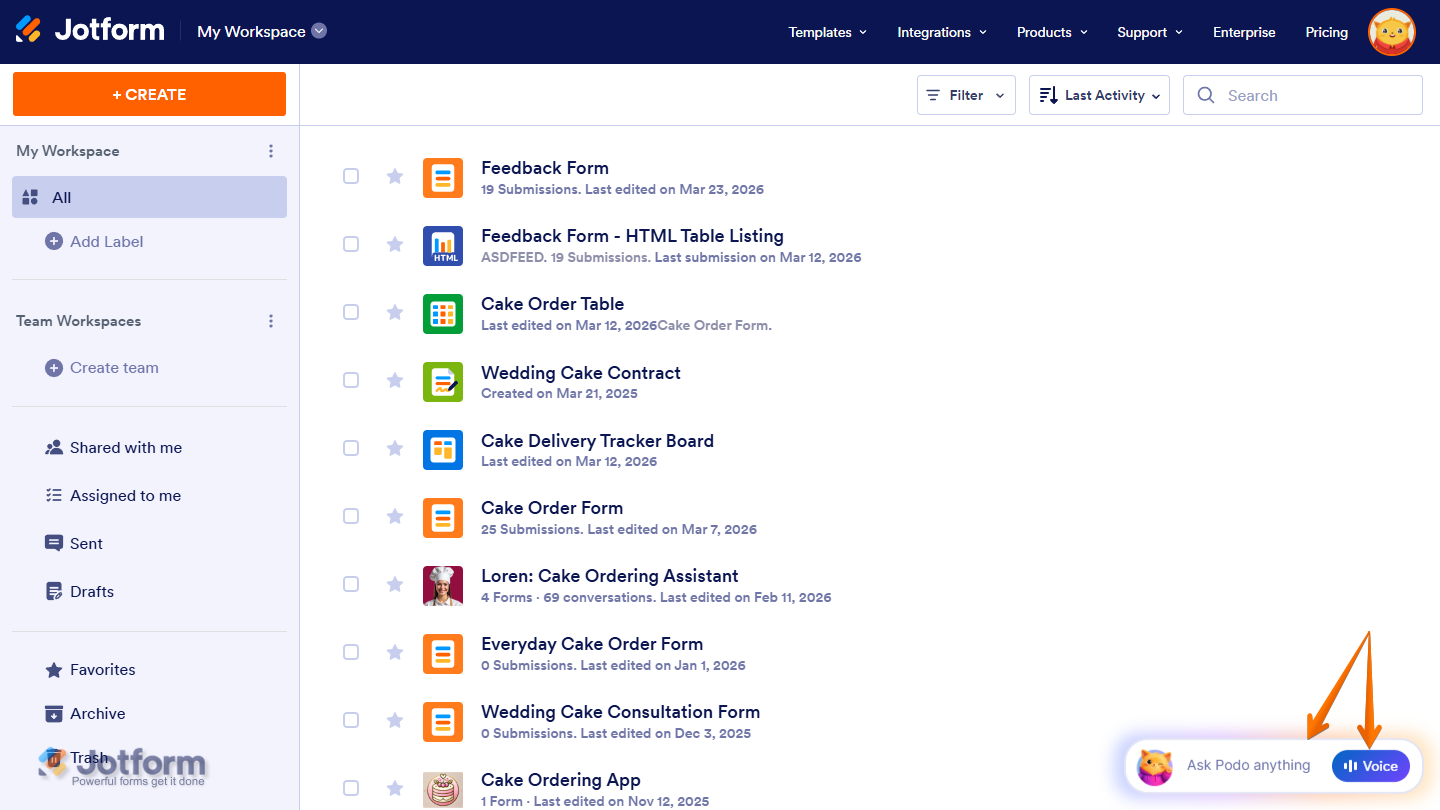
You can also start a conversation with Jotform AI by clicking Ask Podo Anything in the bottom-right corner of your Workspace page. If you prefer using voice for your prompts, you can click on the Voice button on the right side of the chatbox, then allow your browser to access your device’s microphone.

Send Comment: