Creating forms and managing workflows shouldn’t be limited by language—and with Jotform AI, they aren’t. Whether you’re more comfortable communicating in English, Spanish, Dutch, or any other language, Jotform AI adapts to you. This powerful tool lets you build forms, customize settings, and automate tasks using the language you know best.
This makes the entire form-building process more intuitive, accessible, and efficient. Instead of adjusting to the platform, Jotform AI adjusts to you—helping you work faster and more naturally, no matter what language you speak.
Notes
- With Jotform AI, there’s no need to change your account’s language settings just to use your preferred language. Simply type your prompt in the language you’re comfortable with, and it will understand and respond accordingly.
- You can do this in any part of Jotform where you’ll find Jotform AI, in Workspace, Form Builder, or the dedicated Jotform AI page.
Let’s try it with Workspace. Using a language of your choice with Jotform AI is simple—here’s what to do:
- On your Workspace page, click on the Jotform AI Chatbot in the bottom-right corner of the screen.
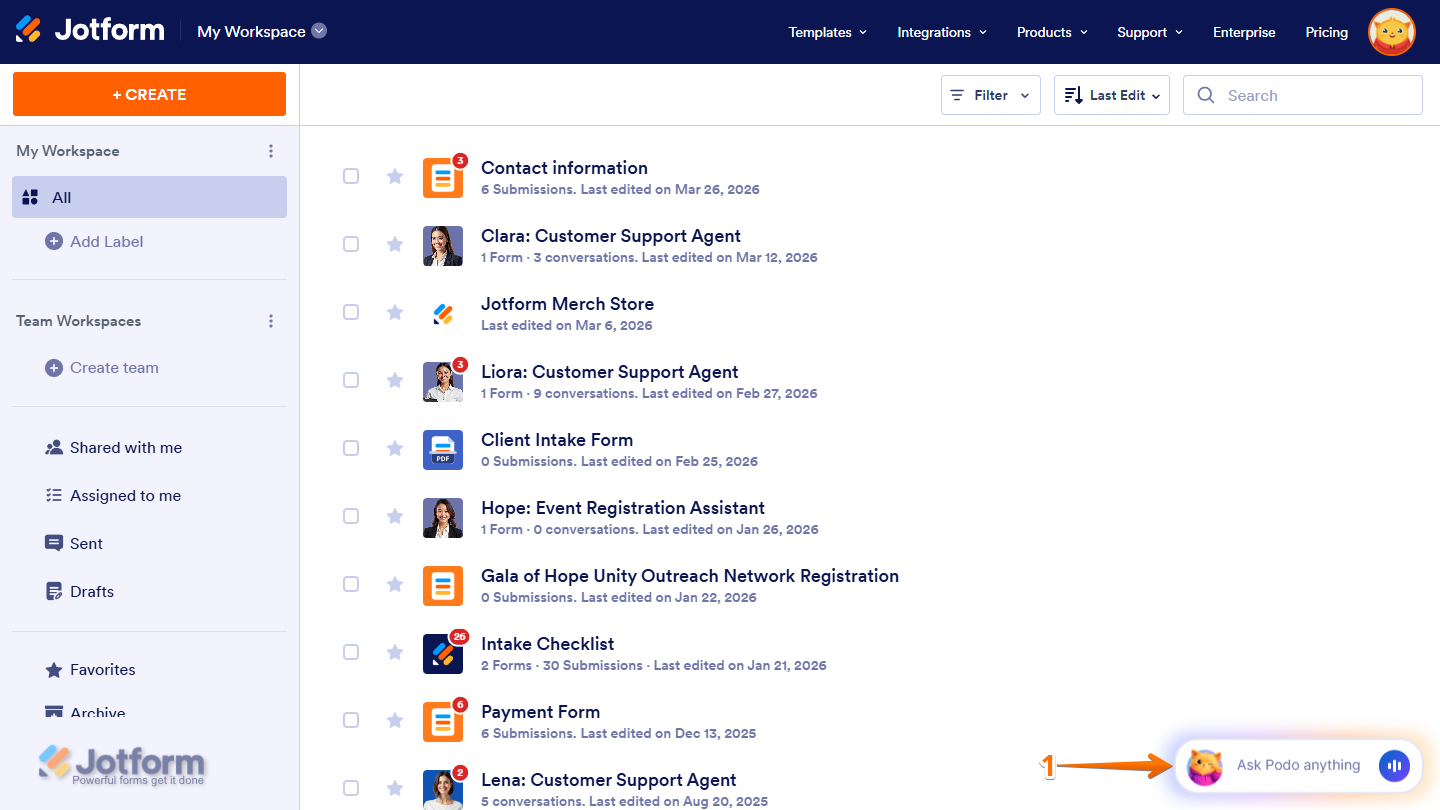
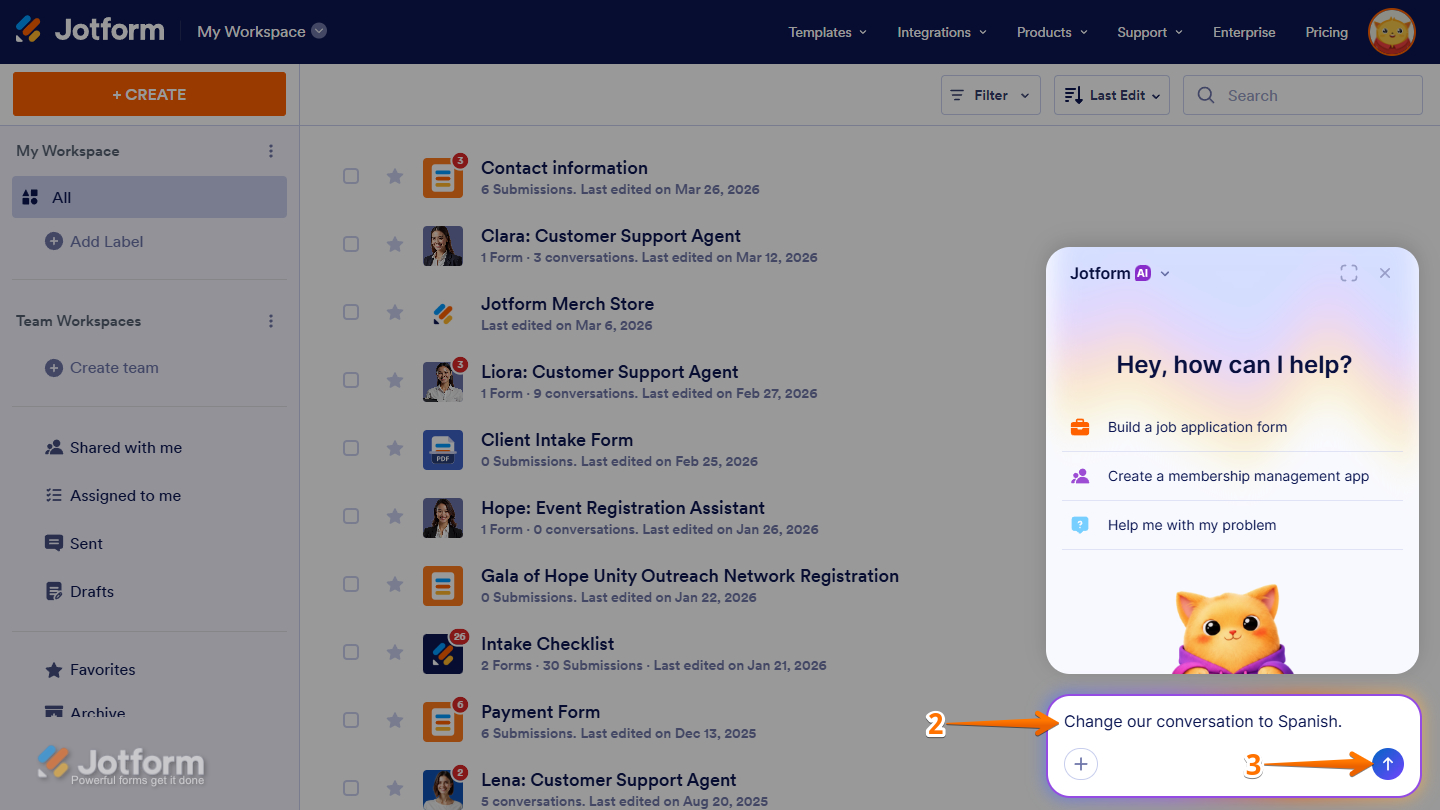
- Then, start by typing in the language of your choice. You can request Jotform AI to chat using your preferred language or enter your prompt directly in that language.
- Now, press Enter on your keyboard or click on the Upward Arrow icon to submit your prompt.
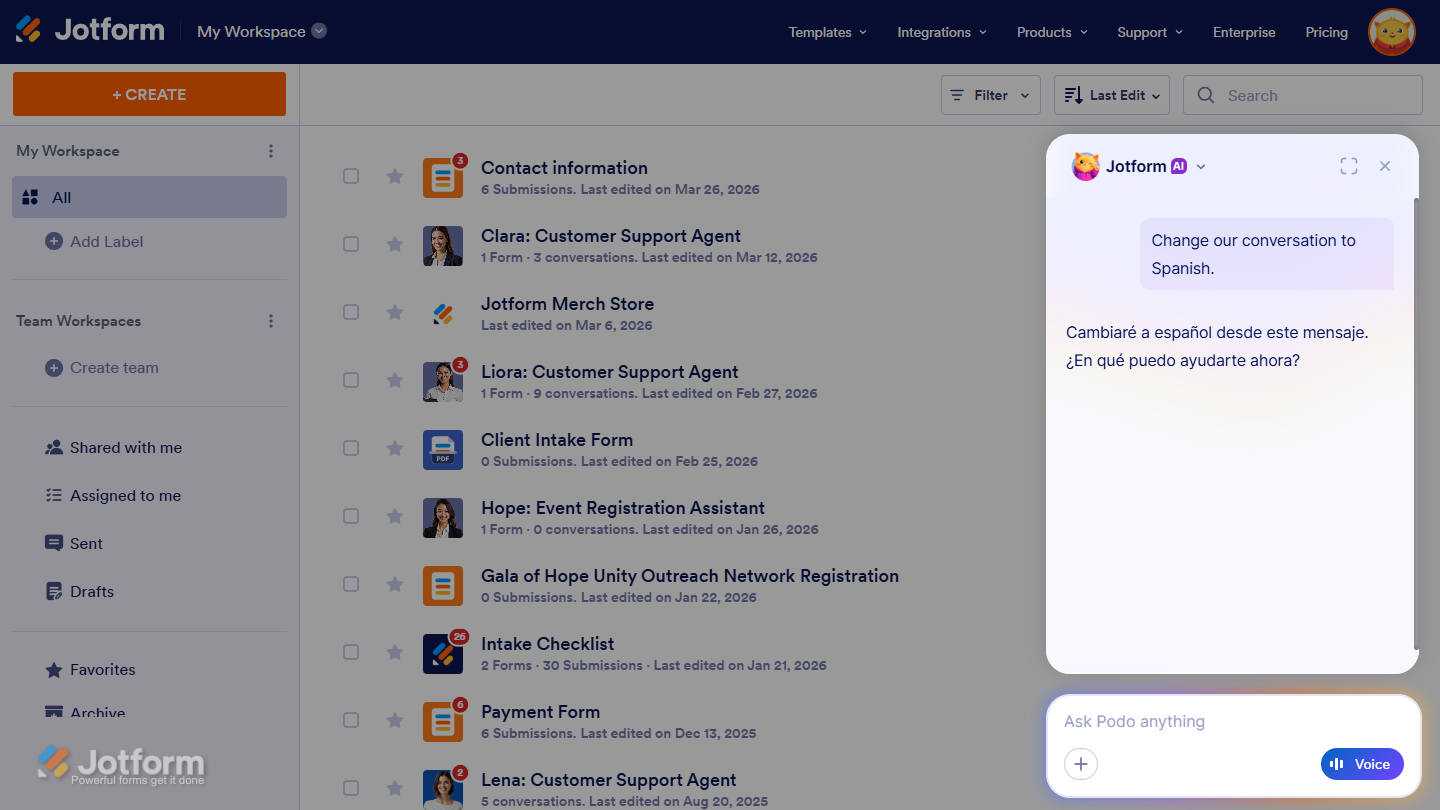
Now, Jotform AI will continue the conversation using the requested language. It will understand your prompts and respond accordingly, allowing you to create and manage your form seamlessly without switching languages.
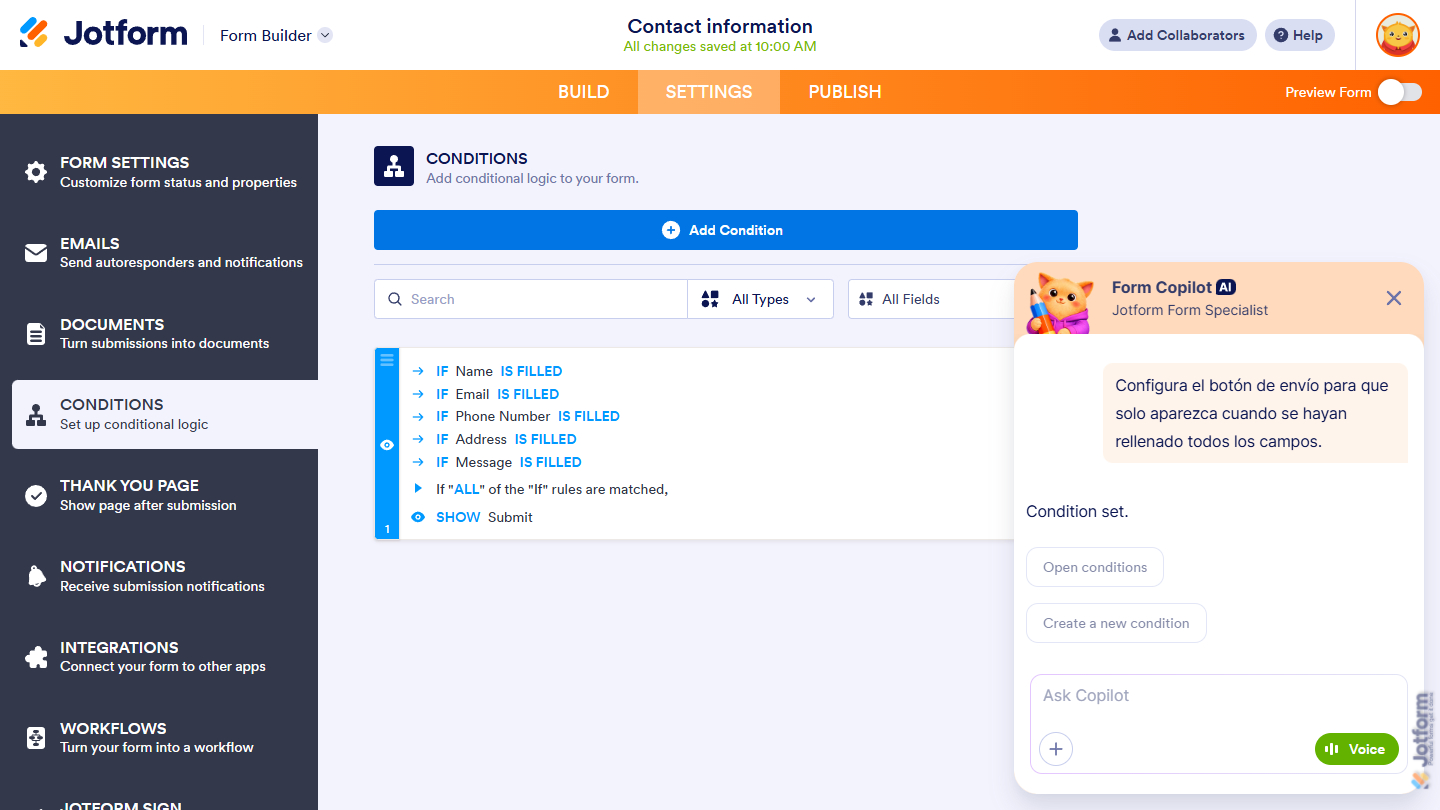
In Form Builder, as mentioned above, you can submit your prompt in the language of your choice, and Jotform AI will process it accordingly.
And that’s it! You can now confidently use Jotform AI in your preferred language, making your form-building experience more flexible and accessible.

Send Comment: