ფუნქციონალი
Jotform PDF რედაქტორი
Turn your collected data into stunning PDFs
ეს სრულიად უფასოა!
Drag-and-drop builder
Creating your PDF with Jotform PDF Editor requires zero technical skill — just drag and drop form elements to build a custom document.
Automated process
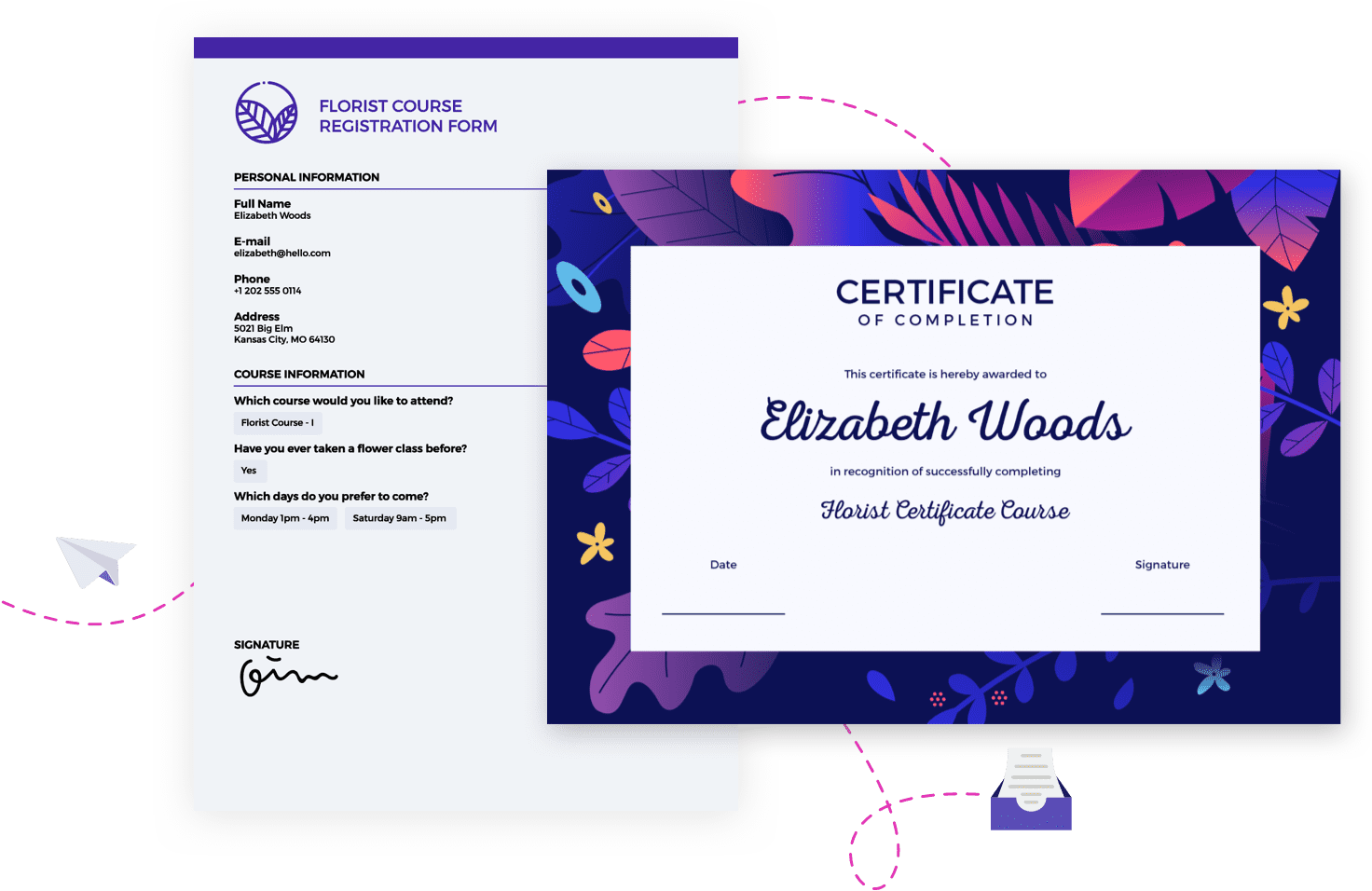
Set up your PDF document design, and your submission data will automatically populate this same design every time.
Infinite layouts
Create as many PDFs as you like from your submission data — you won’t run out of layout options.
დოკუმენტის ზომა და ორიენტაცია
You can change the size of your PDF and modify its orientation from landscape to portrait in just a few clicks.
Complete customization
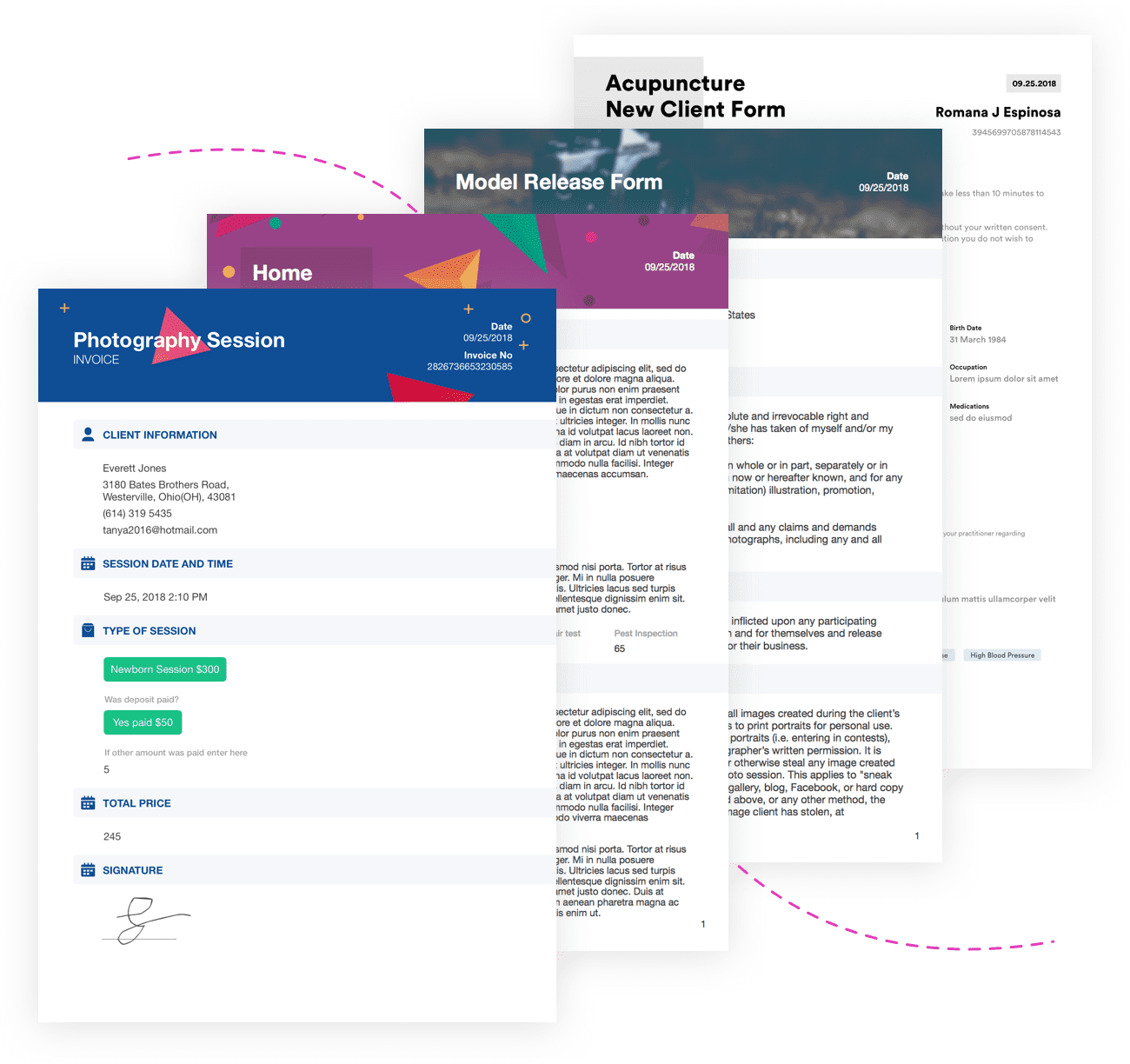
Easily customize your PDF to match your brand by selecting a background or image, adding a logo, or changing fonts and colors.
2K+ templates
Get some design inspiration by choosing a template to work with — then personalize it to meet your exact needs.
აღმოაჩინეთ შაბლონები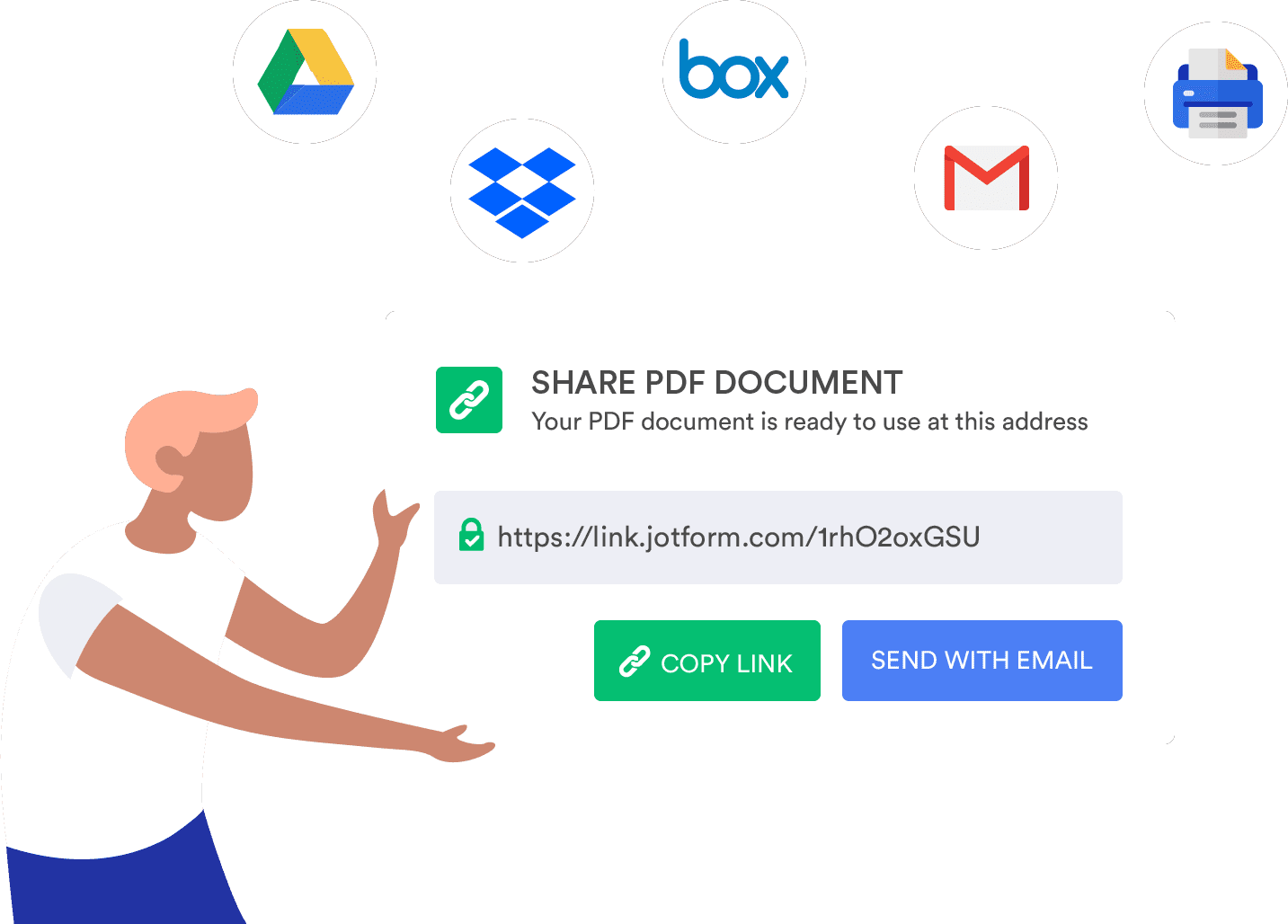
Seamless sharing
Email your PDF to colleagues and customers or embed it in your website in seconds.
Helpful integrations
Jotform PDF Editor lets you automatically send your documents to cloud services like Google Drive and Dropbox.
Autoresponder options
ფორმის შევსების შემდგომ, თქვენ შეგიძლიათ ავტომატურად გაუგზავნოთ დოკუმენტის ასლი სასურველ მიმღებებს.
ელექტრონული ხელმოწერები
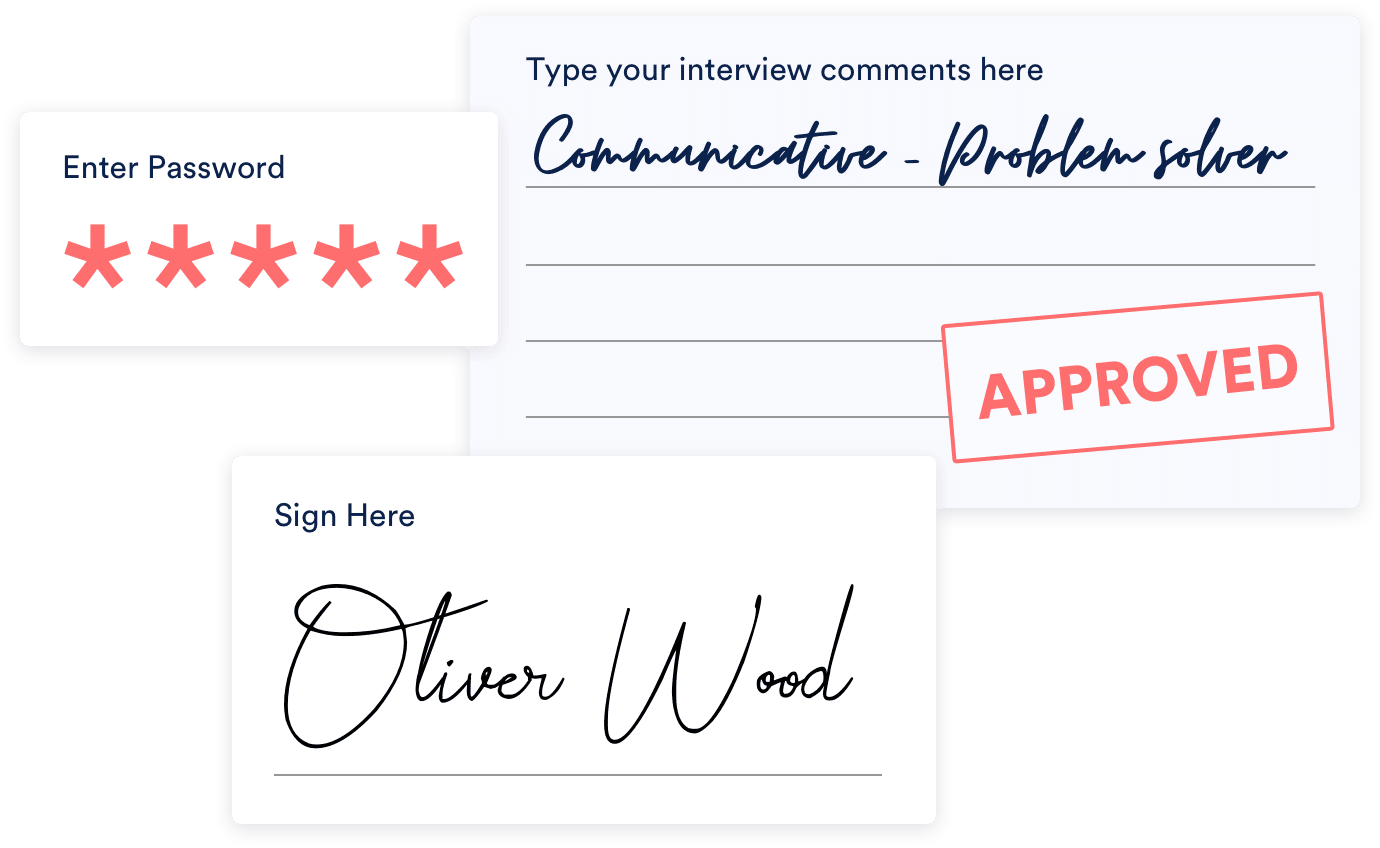
Use one of several signature widgets to collect electronic signatures anytime someone fills out your online form.
Handy annotation
ჩასვით ცარიელი სექციები თქვენს PDF დოკუმენტებში, ასე რომ კოლეგებსა და კლიენტებს შეეძლებათ მარტივად წარმოადგინონ შენიშვნა ან კომენტარები.
პაროლით დაცვა
Want to protect your PDF? Set a password to keep it private.

ფაილის სასურველი სახელები
When you download your PDF document, you can give it a custom name to make it easy to search for and save.
Ready to download & print
Archive your form submission data in a polished PDF that you can save, download, and print in seconds.
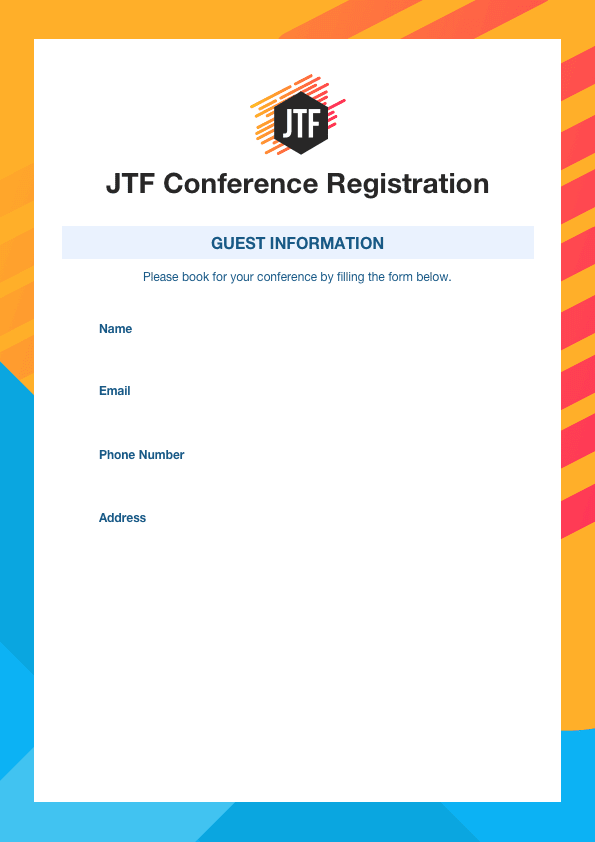
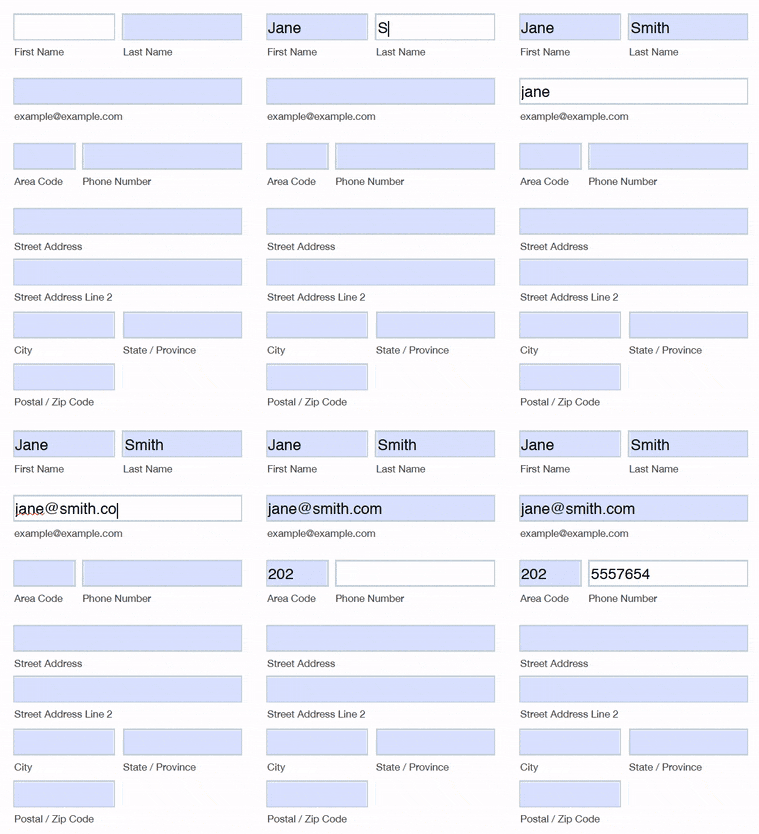

Fillable PDF forms
Design fillable forms that send response data right to Jotform Inbox.
გაიგეთ მეტი შევსებადი PDF ფორმების შესახებ