300+ Online Store Templates
Discover Jotform's online store templates. Add your products, services, and pricing to start collecting payments in just a few clicks.
HR Portal App Templates
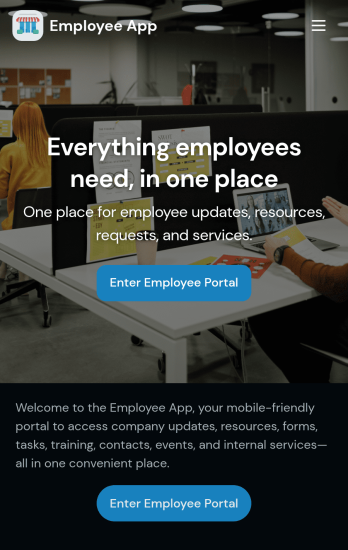
Custom Employee App
An employee app allows employees to access important company information and submit their own data from any device. Create an employee portal for your company with Jotform’s free Employee App. This ready-to-use template includes multiple forms such as employee referral forms, leave request forms, meeting reservation forms, COVID-19 screening forms, expense reimbursement forms, and more. Thanks to the role-based visibility condition, only selected admin users can see certain forms, such as department rotation. Using the app, employees can access and fill out any of the included forms from any smartphone, tablet, laptop, or desktop.Customize your Employee App to match your company in just a few clicks. With our drag-and-drop builder, you can easily add as many forms, links, documents, buttons, pages, and other app elements as you need. Plus, you can update fonts and colors, upload logos, and change the app icon and name to better represent your company. With Jotform’s Role-based feature, you can control access so tutors, admins, and other users see only the parts of the app relevant to them. Share your app with employees to download onto their own devices by sending email invites or the app link. Keep important company forms all in one secure, easily accessible Employee App!
Go to Category:Company Portal Apps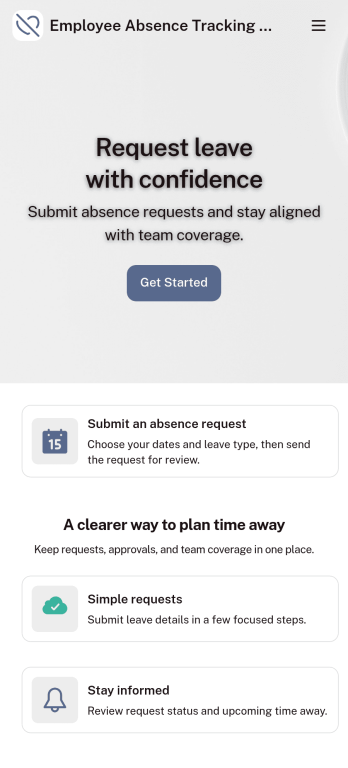
Customizable Employee Absence Tracking App
This Employee Absence Tracking App helps employees request time off and helps HR, managers, and employers track absences from any device. It includes submission tracking, with Admin-only access to view and manage requests and keep information organized and relevant based on the type of leave. All submissions are automatically available in Jotform Tables where admins can review them as a spreadsheet, calendar, or cards for faster follow-up and reporting.The app can be customized with multiple request forms for different leave types, a personalized splash screen or icon, and guidance text to support employees while submitting requests. With Jotform’s Role-based feature, you can control access so tutors, admins, and other users see only the parts of the app relevant to them. For privacy and compliance, sick leave request forms require employee login, ensuring only authenticated users can submit sensitive absence information. Save time and simplify leave management with a secure, streamlined way to handle employee absences.
Go to Category:Company Portal Apps
Job Application App
A job application app is used by HR teams to post open positions for the company and collect applications from any device. No matter what roles you’re hiring for, find top candidates fast with our free Job Application App. This ready-to-use app includes separate job application forms for various manager positions as well as internship opportunities. You’ll receive submissions instantly, ready to view and share in your Jotform account.Customize this Job Application App Template in just a few clicks. No coding required — simply drag and drop to create and add new job application forms, update the provided text, upload a different background image, and even include your company branding. When you’re ready to share it, embed the link in your company careers page so prospective employees can download the app onto their smartphone, tablet, or computer. Make the application process easier for applicants and your HR team with a fully-custom Job Application App for your company.
Go to Category:HR Portal Apps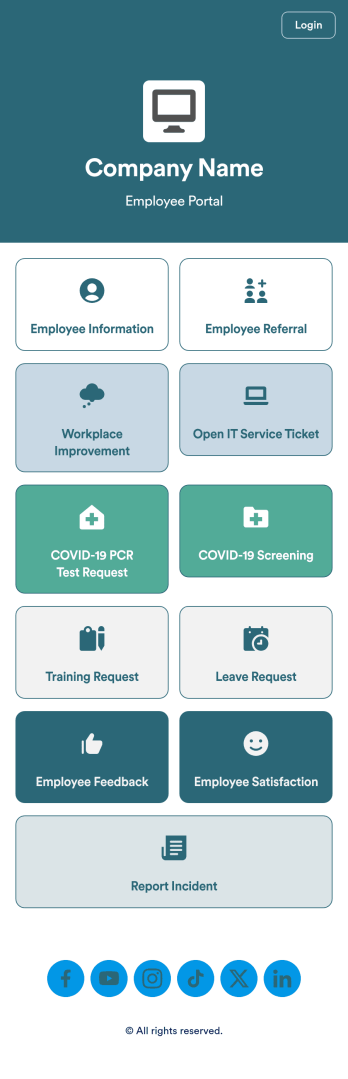
Intranet App
An Intranet App is used for consolidating company forms and documents in one convenient location. This Intranet App bundles nearly a dozen forms for employees to record general contact information, request training or time off, open IT service tickets, and fill out COVID-19 screening checklists. There are also several surveys for employees to submit workplace improvement suggestions and report incidents. Employee data and submissions are stored securely in your Jotform account, which managerial staff can access from any smartphone, tablet, or computer.Make this app template your own with Jotform’s no-code app builder. Just drag and drop to add or change forms, upload documents, create buttons, add external links, and more. You can also customize your splash screen to include your own branding and make company-wide announcements. When you’re finished, you can share your app with a link and employees can then access and download it on any device. Create a one-stop-shop for your company’s forms and documents with this free Intranet App from Jotform.
Go to Category:Company Portal Apps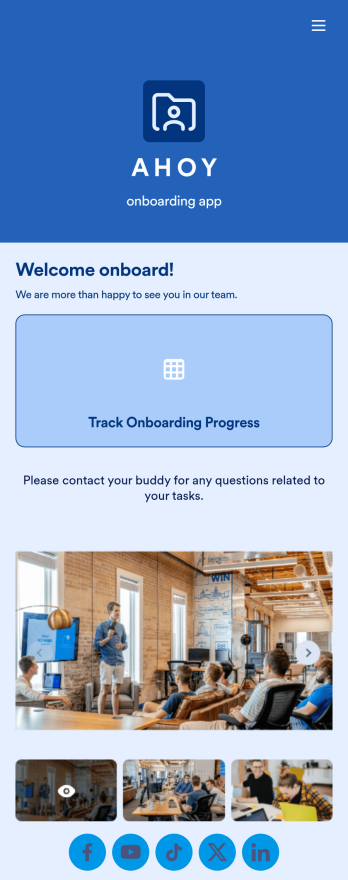
Custom Employee Onboarding App
An employee onboarding app makes it easier to integrate a new employee into your company by making important internal resources available on any device. Simplify the transitional period and successfully onboard new hires with a fully custom Employee Onboard App powered by Jotform. This ready-to-use mobile app includes a table for tracking onboarding progress, company photos and social links, and a separate page with team contact information. New hires can download the app onto their mobile device or computer for easy access at any time.Customize this Employee Onboarding App for your company in just a few clicks. Without coding, you can use our drag-and-drop builder to add forms and tables, embed links, upload documents and training videos, create new pages, update fonts and colors, and much more. When your app is ready to use, it can be sent directly to new hires via email invites or the app link. Successful employee onboarding can be the key to business success — so get started with an efficient, easy-to-use Employee Onboarding App tailored to your company.
Go to Category:Company Portal Apps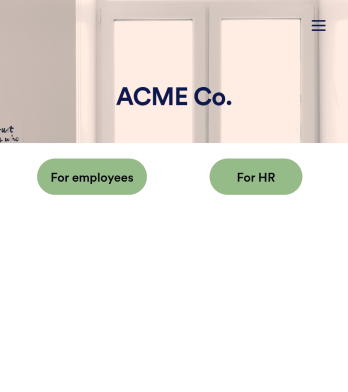
Employee Training App
Monitor your employees’ training progress from a central location with Jotform’s free Employee Training App. Employees can download this app onto any device and document when they’ve completed individual training courses, as well as evaluate the effectiveness of their courses and instructors with a detailed checklist. HR can track employee training statuses and attendance using built-in Jotform Tables spreadsheets.Customize this ready-made app template to match your company’s branding without any coding knowledge. Simply drag and drop to add or change form fields and checklist items, create additional pages, choose fonts and colors, personalize the app icon and splash screen with your unique branding — and much more. After you’re finished, simply embed your app in an internal company website or send out email invites to new employees during the onboarding process. Make sure your employees are getting the training they need with this fully-customizable Employee Training App from Jotform.
Go to Category:Company Portal Apps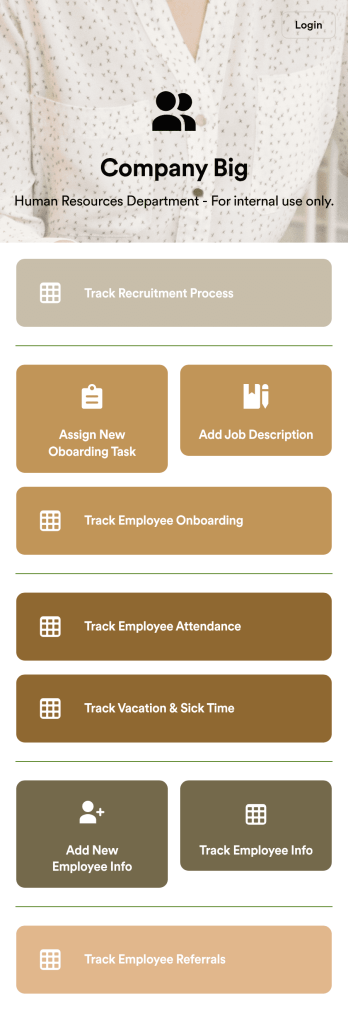
HR Management App
An HR management app keeps all your recruiting tools in one place that can be accessed from any device. Support your human resources team with a fully custom HR Management App powered by Jotform. This ready-to-use template includes multiple HR forms and tables to help you keep all of your data organized in one central location. You and your HR team can download the app onto any smartphone, tablet, or computer for easy access to your forms, tables, and other resources.Want to modify this app template for your company? You won’t need any coding knowledge – with our intuitive builder, all you need to do is drag and drop to add or update forms, tables, links, documents, pages, buttons, and other app elements. You can even change the app name, icon, fonts, colors, and splash screen to match your branding. When it’s ready to use, share it with your HR team by sending email invites or the app link. Manage new and existing employees effectively with a HR Management App built just for your HR team.
Go to Category:Company Portal Apps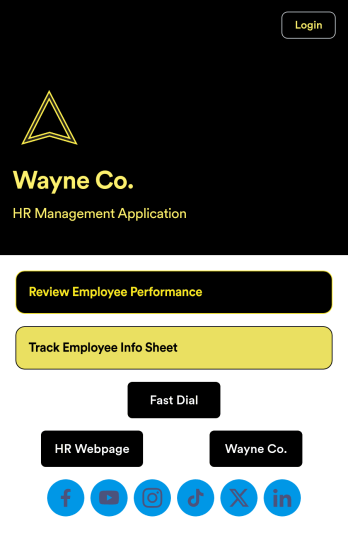
Employee Review App
An employee review app is used by HR professionals or managers to monitor the performance of employees in a company. With this free app that downloads onto any smartphone, tablet, or computer, employee reviews are a breeze! Just share the app with the members of your company who conduct employee reviews or track employee information for a paper-free solution.Without coding, you can personalize this Employee Review App by changing the icon or splash screen, creating and including other online forms, and adding any other information or spreadsheets you may need. All data is kept safe and secure with Jotform’s advanced security measures, and easy to access when you need it in a Human Resources Table. Perform employee reviews more efficiently with a free Employee Review App.
Go to Category:Company Portal Apps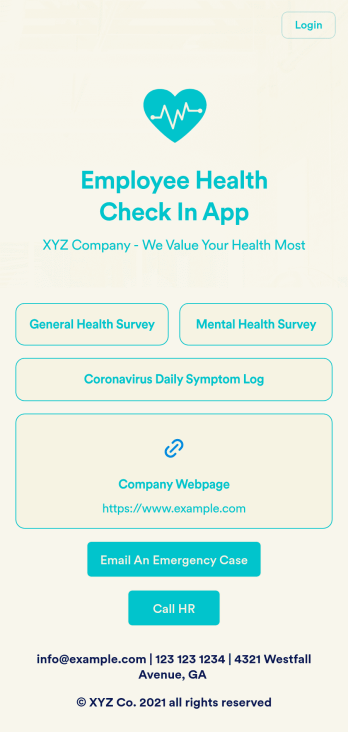
Employee Health Check In App
Screening your employees can help keep your workplace safe and free of contagious diseases. Conduct company health screenings and surveys in one place with our free Employee Health Check In App. Employees will be able to record possible coronavirus symptoms through the COVID-19 Daily Symptom Tracker and answer surveys from any smartphone, tablet, and computer.Customize your Employee Health Check In App for your company in just a few clicks. No coding necessary — simply drag and drop to add forms, surveys, spreadsheets, links, text, images, and more. You’ll even be able to modify the app name, icon, and splash page for a more professional and personalized look. When it’s ready, your app can be shared with employees via link and downloaded onto any device. Take care of your employees’ health and your business with a custom Employee Health Check In App for your company.
Go to Category:Human Resources Apps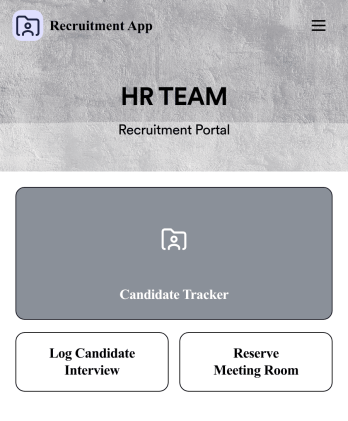
Recruitment App
A recruitment app streamlines the hiring process for HR teams on any device. No matter what roles your team is hiring for, get started with an all-in-one Recruitment App powered by Jotform! This free, ready-to-use app template works hand-in-hand with a Job Application Form and stores submissions in a Candidate Tracker. You and your recruiting team will also be able to schedule and log interviews through the app. All form responses will be securely stored in your Jotform account in a spreadsheet, calendar, or as easy-to-read cards.Customize this app template to match your branding and meet your HR needs. No coding necessary — simply drag and drop to add forms, links, documents, buttons, images, and much more. You can also change the app icon, name, and splash screen to match your branding. When it’s ready to use, share the app link with members of your recruiting team or send email invites. Your Recruitment App can be downloaded onto any smartphone, tablet, laptop, or desktop computer for easy access to your HR team’s tools and resources.
Go to Category:Company Portal Apps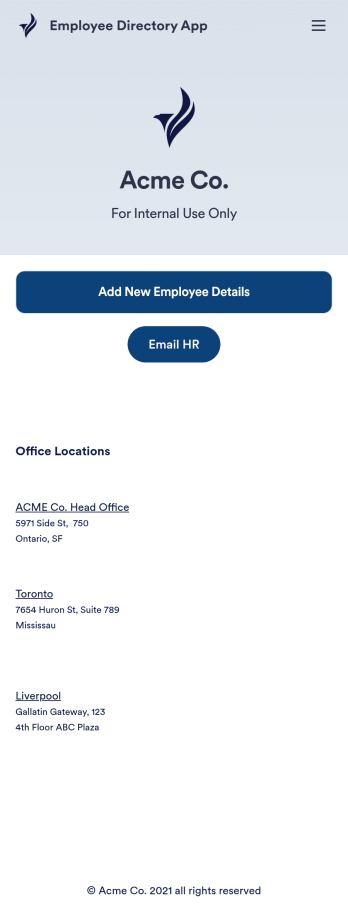
Employee Directory App
An employee directory app is used by businesses to collect information from new employees. Jotform’s Employee Directory App allows new employees to fill out general contact information, position title, manager, days of employment, and start date. If applicable, there is also space to specify an end date for contract workers. Submissions are instantly synced to an Employee Info Sheet in your Jotform account, which you can sort, filter, and search from any device.Customizing this app template to match your business’ branding is a snap. With our drag-and-drop form builder, you can add or change form elements, choose fonts and colors, upload your logo, and more — no coding required. You can also personalize your splash page by adding contact numbers and business address, or any other relevant information that might be useful to new employees. Share your app with a link or embed it in your website and employees can download it on any smartphone, tablet, or desktop. Streamline the onboarding process and keep all your employees’ information in one place with this Employee Directory App.
Go to Category:Human Resources Apps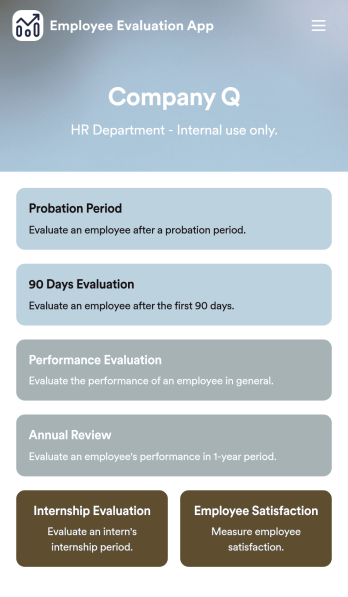
Employee Evaluation App
An employee evaluation app is used by managers or HR professionals to perform employee evaluations. With this Employee Evaluation App, you can switch from messy paper forms and start completing employee performance reviews online — a great way to create a secure database of all of your employees’ evaluations instantly. Submissions are stored in your secure Jotform account and can be converted into PDF documents automatically.Make changes to this app template with our drag-and-drop builder. Add your company logo, update evaluation questions, add or remove forms, and change fonts, colors, the background image, or the app icon for a personalized look. You can then share your custom Employee Evaluation App with members of your HR team to complete evaluations instantly on any computer, tablet, or mobile device.
Go to Category:Company Portal Apps
HR Jobs App
An HR jobs app, or human resources jobs app, helps HR departments keep track of every step of the recruitment process. Track new employee onboarding, existing employee information, attendance, and more with this ready-made HR Jobs App. Feel free to use the app as is, or customize it with our no-code builder — then share and download it to fill out easily on any device.Need to make changes to this HR Jobs App? Upload your company logo, add or remove forms, customize the app icon or background, and make other design changes in seconds. You can also connect your forms with automated approval flows, and 100+ free integrations to sync information to other platforms automatically — perfect for speeding up your HR processes and saving your team precious time.
Go to Category:Company Portal Apps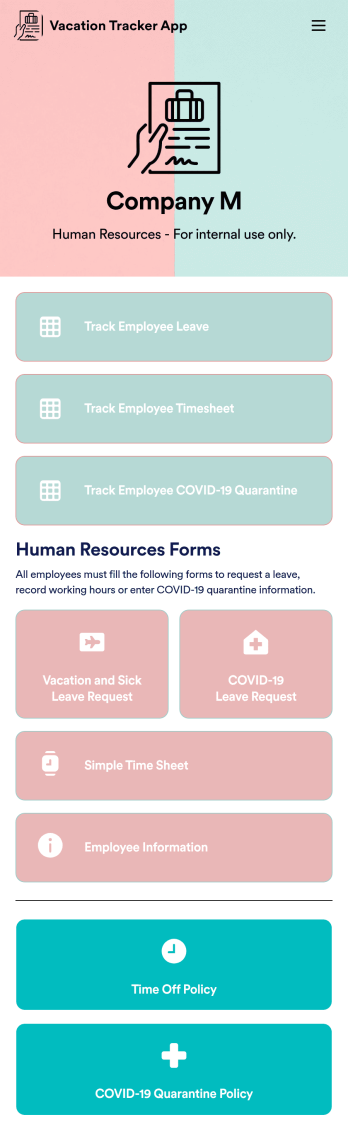
Vacation Tracker App
A vacation tracker app helps HR teams keep track of employee vacation time. No matter your company vacation policy, track PTO or employee vacation time with Jotform’s free Vacation Tracker App. The app comes together with Leave Request Form that automates the leave request processes. This fully customizable mobile app includes multiple HR forms and timesheets to collect and track employee time off requests. All submitted requests through your attached time off form will automatically be synced to your tables as well as your Jotform account.Customize this Vacation Tracker App for your company in just a few minutes. No coding required — simply drag and drop to add logos, text, images, forms, tables, links, documents, and other app elements. Then share the app with your HR team — teammates will be able download the app onto any computer, tablet, or smartphone for easy access. Making tracking employee vacation time a breeze with a fully custom Vacation Tracker App for your company.
Go to Category:Company Portal Apps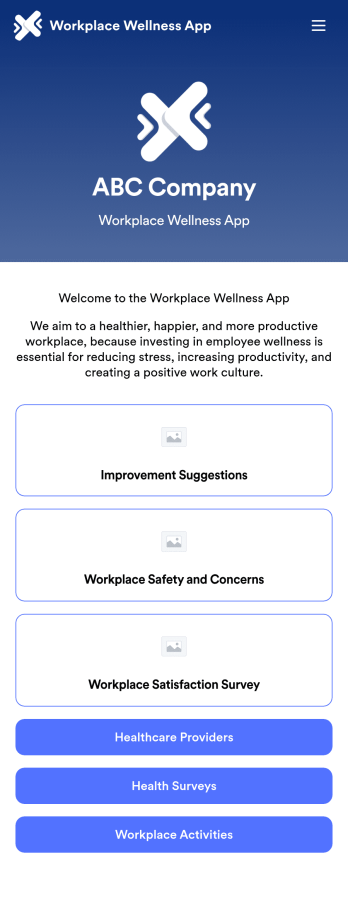
Workplace Wellness App
A workplace wellness app is a mobile application used by HR departments to receive feedback from their employees. Need a more efficient way to collect work environment improvement suggestions, workplace safety concerns, and workplace satisfaction feedback? Share this app as-is or customize it to start collecting responses on any device.Drag and drop to get the app design you want with no coding required. You can add or remove forms, add your company logo, split the app into multiple pages, and make other updates. You can also sync submissions from your Workplace Wellness App to 200+ platforms including Dropbox, Box, Salesforce, Google Drive, Slack, Asana, Trello, and more.
Go to Category:Company Portal Apps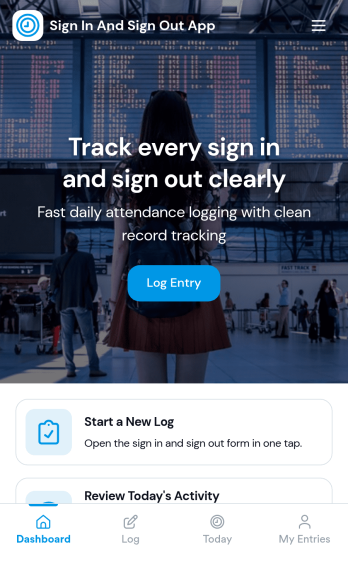
Sign In and Sign Out App
Sign In and Sign Out App helps organizations record when people arrive and leave, creating a simple digital log that’s easy to reference later. It’s a practical fit for front desks, school offices, shared workspaces, job sites, studios, and community programs that need a clear sign-in and sign-out history without relying on paper sheets. With guided navigation and an Add Entry button that opens a connected form, staff or visitors can log a new entry quickly, while a list view makes it easy to browse names and open individual records.Jotform makes it easy to publish and manage app templates like this with a no-code app builder and a drag-and-drop interface, so you can match the experience to your workflow in minutes. Add your logo image, adjust pages and buttons, and share the app by link or QR code for fast self-service check-ins. Entries submitted through the form can be organized for ongoing tracking, giving your team a dependable way to keep sign-in activity consistent across locations and shifts.
Go to Category:Sign In Apps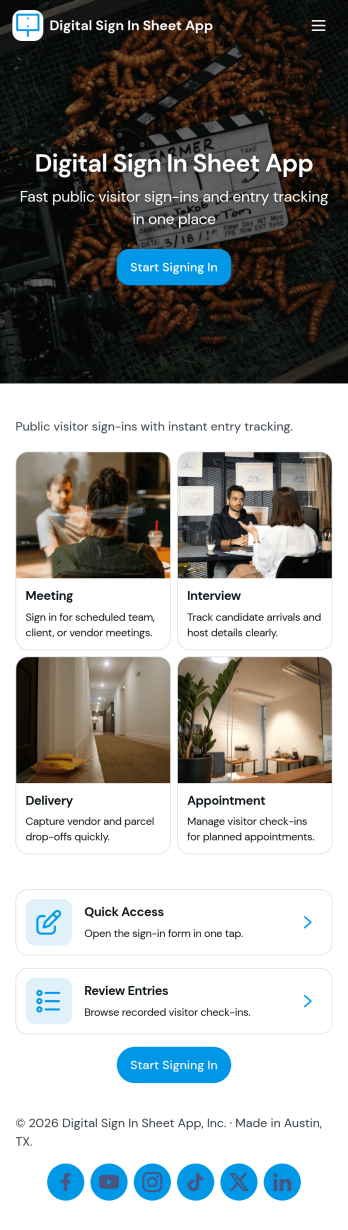
Digital Sign in Sheet App
Digital Sign in Sheet App helps organizations replace paper sign-in sheets with a simple, trackable check-in experience. Use it at a front desk, office, classroom, studio, job site, or event entrance to capture arrivals quickly and keep an accurate record of who is on-site. The app supports fast check-ins through a dedicated Check In page, plus a searchable Roster that helps staff confirm names, reduce manual errors, and handle repeat visitors without rewriting details each time.Built with Jotform, this app template can be tailored with a no-code app builder and a drag-and-drop interface, so you can match the flow to your space and your process. Connect the check-in form to your data collection workflow, keep entries organized in one place, and share the app through a link or QR code for smooth self-service sign-ins. Add branding, adjust navigation cards, and publish updates anytime without slowing down daily operations.
Go to Category:Sign In Apps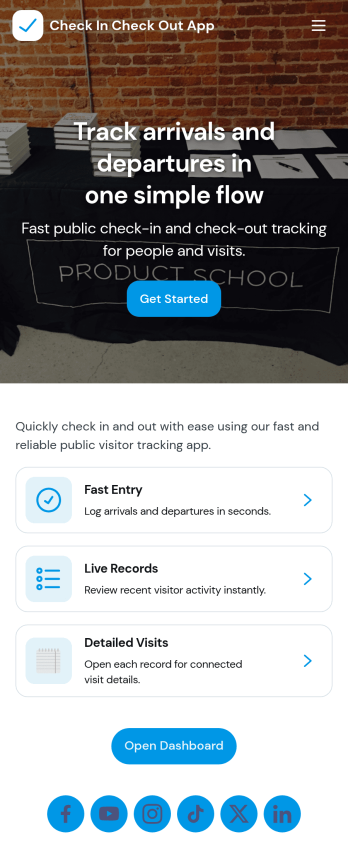
Check In Check Out App
Check In Check Out App helps organizations record arrivals and departures across multiple locations and shifts without relying on paper logs or scattered messages. With quick access to check-in and check-out actions, a location list for navigating between sites, and a visit history view, teams can keep attendance and on-site presence consistent from day to day. It works well for offices, warehouses, schools, events, job sites, clinics, and any workplace that needs a simple way to confirm who is currently on site and when they came and went.Jotform makes it easy to turn this app template into a branded, self-service experience using a no-code app builder and a drag-and-drop interface. Connect the app to your forms and tables to support reliable data collection, reduce manual follow-ups, and keep records organized for managers and staff. You can tailor the pages, navigation, and connected workflows to match your locations, shift window rules, and internal processes, then share the app with a link or QR code for fast access.
Go to Category:Sign In Apps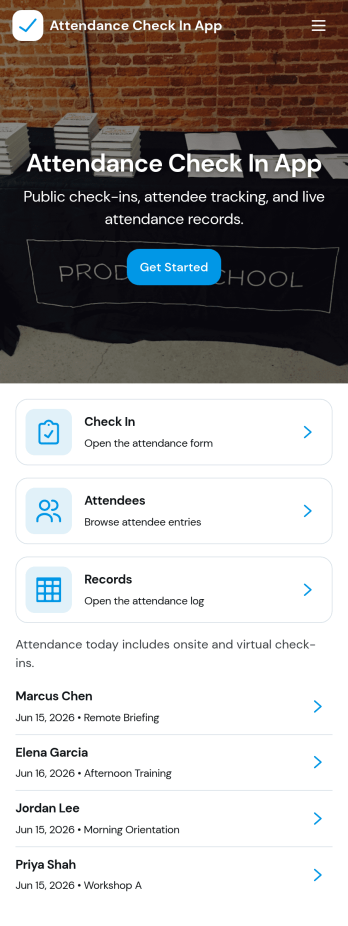
Attendance Check In App
Attendance Check In App helps teams and organizers record attendance quickly and keep an organized history of who showed up and when. It’s a practical fit for schools, training programs, events, volunteer groups, and workplaces that need a simple way to collect check-ins, review records, and let individuals access their own attendance when needed. With clear navigation for new check-ins and a records area, the app supports daily roll calls, workshop sessions, shift arrivals, and on-site sign-ins without relying on paper sheets.Jotform makes it easy to turn this workflow into a mobile-friendly experience using app templates and a no-code app builder with a drag-and-drop interface. Connect your check-in form to a records list, keep information centralized, and share the app with a link or QR code so staff can capture attendance from anywhere. As your needs change, you can customize pages, update the layout, and build a smoother workflow around data collection and self-service access.
Go to Category:Sign In Apps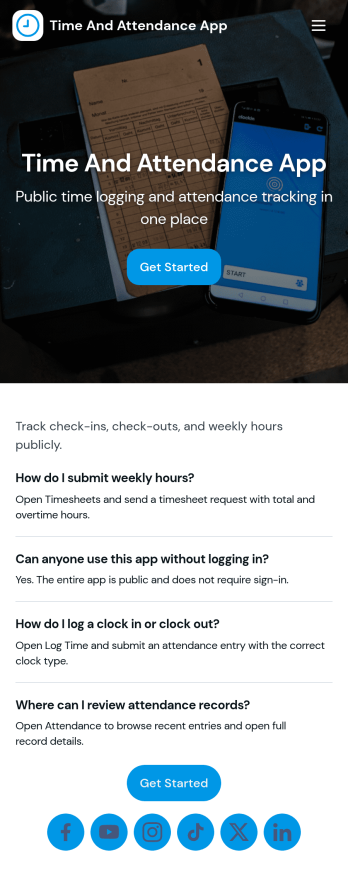
Time and Attendance App
Time and Attendance App helps teams track work hours with a simple clock-in flow, searchable records, and a clear view of who is on the roster. It fits workplaces that need reliable punch tracking without complicated systems, such as retail shops, restaurants, field service crews, clinics, studios, schools, and growing offices. Staff can clock in and then check their own punch history, while managers can review activity to confirm coverage, spot missing punches, and support accurate timekeeping for payroll periods.Built with Jotform, this app template pairs a no-code app builder with a drag-and-drop interface so you can tailor the experience to your policies and roles. Connect the app to your forms and tables for ongoing data collection, route updates through a simple workflow, and keep self-service access easy with pages for team navigation and records review. Share the app by link or QR code, publish updates quickly, and keep everyone using the same source of truth for time and attendance.
Go to Category:Human Resources Apps
Sign In Out App
Sign In Out App helps organizations record when people start a shift, track activity in a live log, and review past entries without relying on paper sheets or scattered messages. It’s useful for front desks, warehouses, schools, events, studios, and field teams that need a simple way for staff, volunteers, or visitors to sign in and out while keeping a running timeline of who is currently active. With quick shift start access and a live view of entries, managers can confirm coverage, reduce missed handoffs, and keep attendance records consistent across locations.Jotform makes it easy to tailor this experience with app templates built in a no-code app builder. Use the drag-and-drop interface to adjust pages, add guidance text, and connect your sign-in form to logs and summaries that support your workflow. Share the app with a link or QR code so users can check in from any device, and keep data collection organized for reporting, follow-ups, and day-to-day operations.
Go to Category:Sign In Apps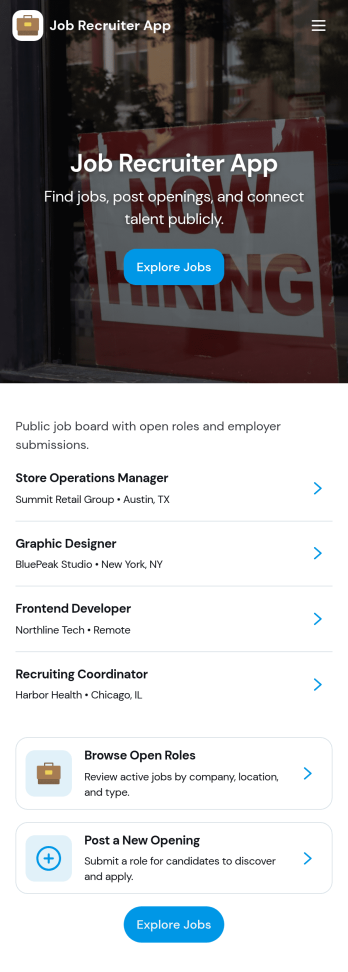
Job Recruiter App
Job Recruiter App brings key recruiting activities into one place so hiring teams can move faster from requisition to offer. Use it to browse open roles, keep candidate records organized, and monitor where applicants sit in the pipeline, all from a simple set of pages built for day-to-day recruiting. It’s a strong fit for internal recruiters, staffing coordinators, HR teams, and growing businesses that need a consistent way to track roles and candidates without juggling spreadsheets or scattered notes.With Jotform, you can turn this app template into a branded, self-service recruiting workspace using a no-code app builder and a drag-and-drop interface. Connect forms for data collection like adding candidates or managing requisitions, surface lists for quick browsing, and keep your workflow moving with navigation buttons and shareable access. Update the layout as your hiring process evolves and publish the experience so your team can manage recruiting work from anywhere.
Go to Category:HR Portal Apps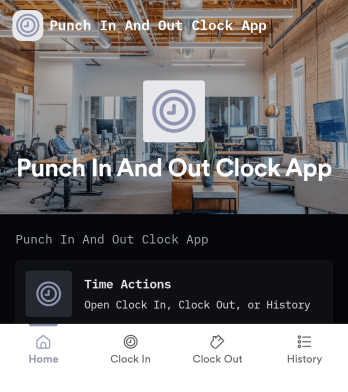
Punch in and Out Clock App
Punch in and Out Clock App helps teams record work time with a simple clock-in action, clear shift history, and a centralized log for managers. It fits hourly workplaces that need a reliable way to track start and end times across locations, like retail, restaurants, warehouses, field crews, studios, and small offices. Employees can quickly punch in, review their own history, and find their name in the employee list, while supervisors can reference shift logs for scheduling follow-ups, payroll prep, and attendance reviews.With Jotform, you can publish this app template and tailor it to your day-to-day process using a no-code app builder and a drag-and-drop interface. Connect the app to your shift log and employee records, keep data collection consistent across the team, and organize the workflow so people always know where to clock in and where to check their hours. Share the app by link or QR code, and update pages and branding anytime without rebuilding from scratch.
Go to Category:Human Resources Apps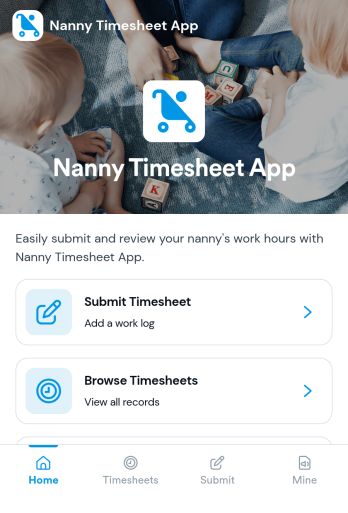
Nanny Timesheet App
Nanny Timesheet App helps families and caregivers track hours in one place so weekly or monthly timesheets don’t get lost in texts or paper notes. Nannies can submit a new timesheet in seconds, review open entries, and keep a personal record in My Submissions. Parents or household managers can browse timesheets to confirm dates and hours, making it easier to spot gaps, clarify schedules, and stay consistent across multiple caregivers or recurring shifts.Built with Jotform, this app template turns time tracking into a simple self-service experience you can share by link or QR code. Use a no-code app builder with a drag-and-drop interface to tailor pages, adjust the navigation, and connect the built-in form to your data collection workflow. As timesheets come in, everything stays organized and easy to access, so you can spend less time chasing details and more time focusing on care.
Go to Category:HR Portal Apps