Reply to Submissions
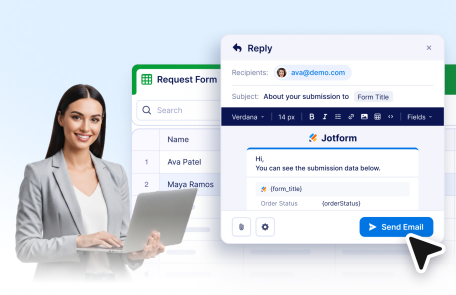
Reply to form submissions from Jotform Tables. Send personalized emails with submission details for easy follow-ups.
Reply & Forward Submissions
Reply to or forward entries to others directly from Jotform Tables. Simplify communication, share important responses, and manage follow-ups with ease.
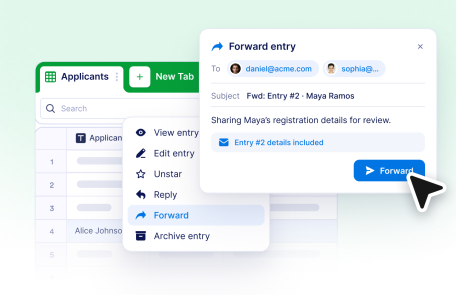
Forward form submissions to teammates, clients, or other contacts directly from Jotform Tables. Share important response details through personalized emails without exporting files or sharing your entire table.
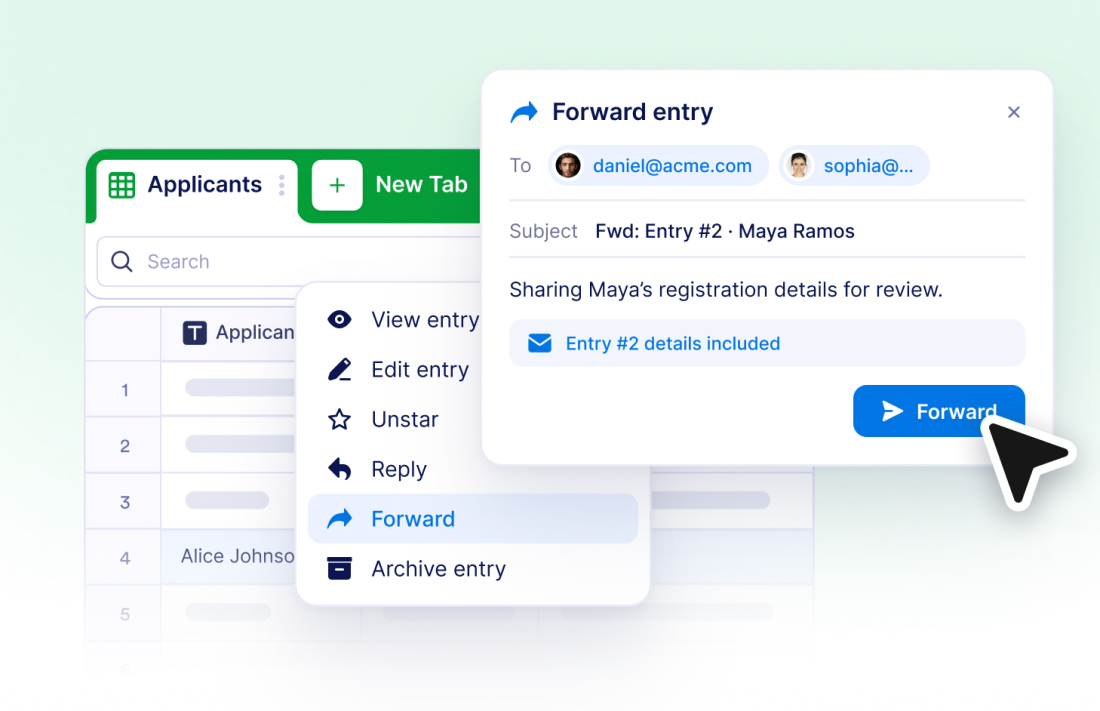
Keep information moving with easy submission forwarding. Send relevant form responses to the right people, personalize your message, and simplify communication.
Make individual submission records easy to share with colleagues or external contacts. Forward relevant answers, provide additional context, and keep everyone informed without granting access to your table.
Customize email subjects and messages using answers from the selected submission. Include relevant details to provide context and make forwarded information easier for recipients to understand.
Enter recipient addresses, add CC or BCC contacts, and adjust email settings. Choose which submission fields to include so you can tailor forwarded messages to different communication needs.
Select a submission and choose Forward from its row menu, the top submission menu, or Single Entry View. Enter the recipient's email address, customize your message, and send the submission details.
Yes. Forward Entry lets you email an individual submission to someone without giving them access to your Jotform Table. This is useful when you need to share specific information with clients, colleagues, or external contacts.
Yes. You can personalize the email subject and message with form field answers, select which submission details to include, and adjust sender settings or add CC and BCC recipients.