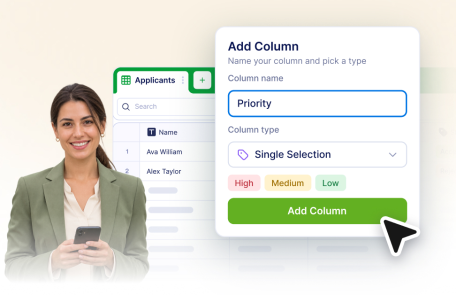
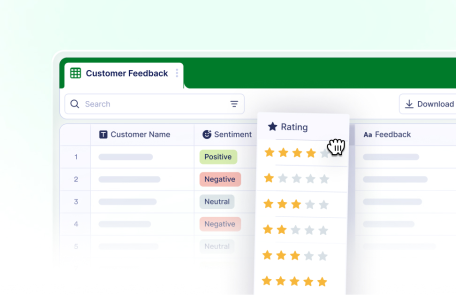
Learn More: Add ColumnAdd ColumnExpand your tables by adding new columns for text, numbers, dates, connections, formulas, and more.
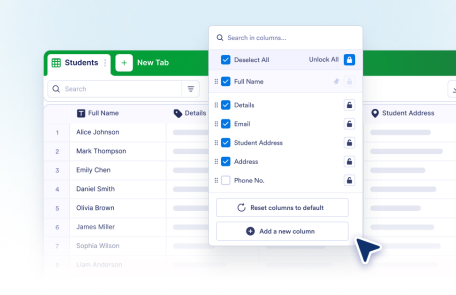
Learn More: Show/Hide ColumnsShow/Hide ColumnsFocus on what matters by showing or hiding columns to create a cleaner, distraction-free view of your data.
Learn More: Reorder and Resize ColumnsReorder and Resize ColumnsCustomize your table layout by reordering columns with drag-and-drop controls and adjusting their widths.
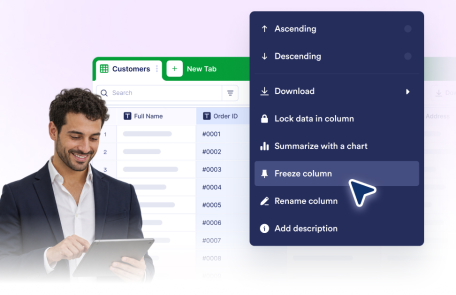
Learn More: Freeze ColumnsFreeze ColumnsKeep important information visible at all times by freezing columns on the left side of your table.
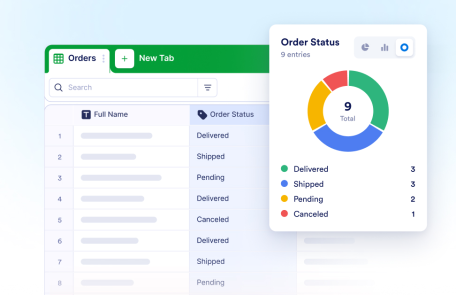
Learn More: Summarize with a ChartSummarize with a ChartTurn your submission data into visual charts to spot trends, compare values, and share insights at a glance.
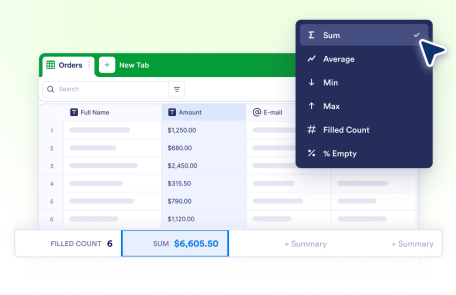
Learn More: Add SummaryAdd SummaryAdd a summary row to calculate totals, averages, counts, and more; including text-based functions like Empty, Filled, and Unique.
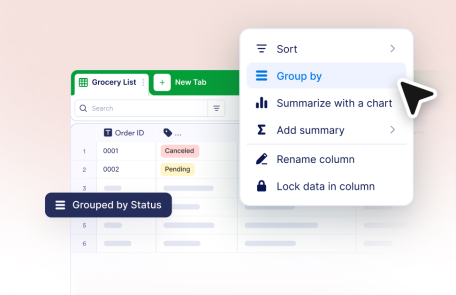
Learn More: Group by ColumnsGroup by ColumnsAutomatically group rows by a selected column to spot patterns, organize categories, and analyze data with ease.
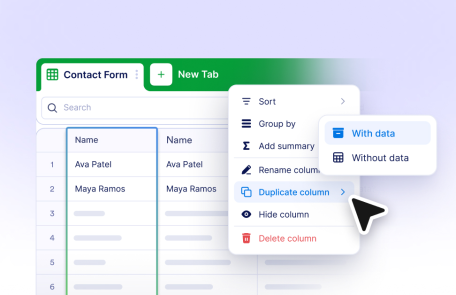
Learn More: Duplicate ColumnDuplicate ColumnQuickly duplicate any column to reuse its setup, options, or structure without starting from scratch.
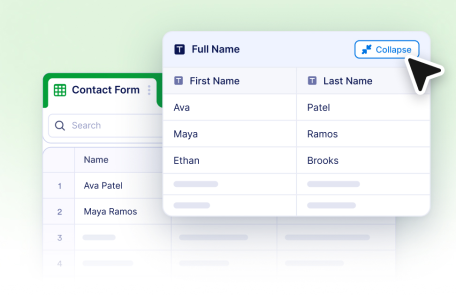
Learn More: Expand / Collapse ColumnsExpand / Collapse ColumnsExpand or collapse grouped columns to focus on the details you need, while keeping your table organized and easy to navigate.
Learn More: Lock Data in ColumnLock Data in ColumnProtect sensitive or important information by locking a column so its data can’t be edited or changed.
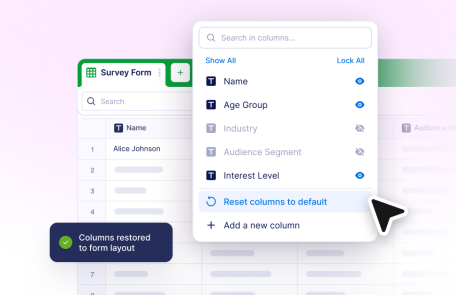
Learn More: Reset Columns to DefaultReset Columns to DefaultReset your Jotform Tables columns to their original layout with a single click.