View Payment Submissions
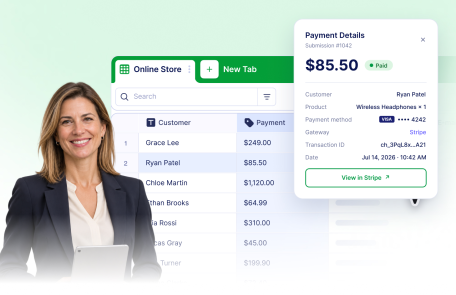
Review transaction details, track payment records, and keep financial information organized alongside submissions.
Payment Data
View and manage payment data in Jotform Tables. Track transactions, review payment details, and keep your financial records organized in one place.
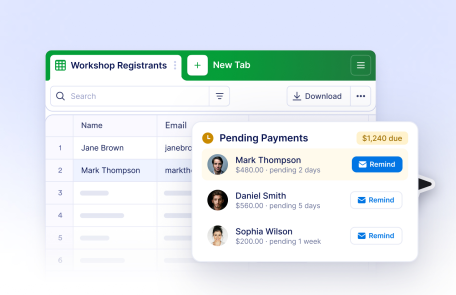
View and manage incomplete payment submissions directly in Jotform Tables. Review pending transaction records, mark submissions as completed, or remove entries you no longer need.
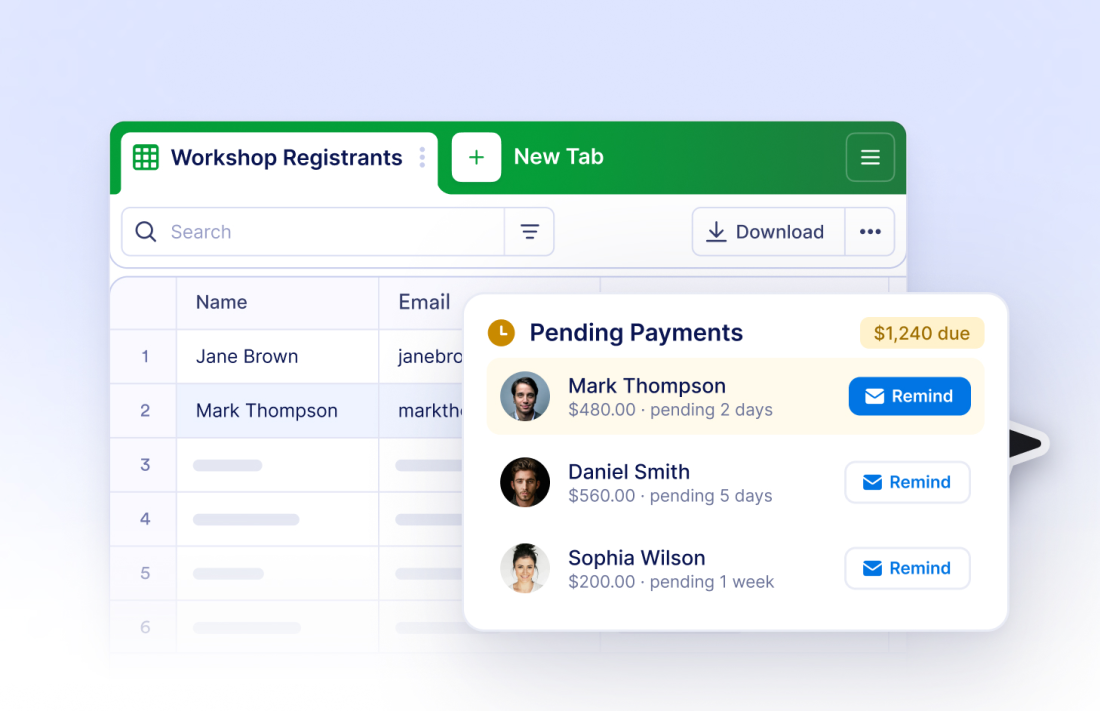
Keep payment submissions organized for incomplete transactions. Find specific records, review payment details, and manage unfinished entries from one place.
Access incomplete payment submissions to understand which transactions need attention. Review available information, manage outstanding records, and keep your submission data organized.
Access pending payment records from Jotform Tables. Search for specific entries, review submission details, and identify transactions that need further attention.
Mark an incomplete payment submission as completed to add it to your regular submission records. Manage entries when payment confirmation has been handled separately.
Open the menu next to your main submissions tab and select Pending Payments or Incomplete Payments, depending on the interface. You can review the available records and examine their details.
No. The Complete action marks an incomplete payment submission as completed and adds it to your regular submission records. It does not retry the transaction or charge the customer. Supported payment authorization integrations offer a separate Charge Now option.
Yes. You can select unwanted entries and choose Delete Forever to remove them. Incomplete payment submissions that remain pending for more than 30 days are automatically deleted.