Open and Switch Between Jotform Tables
Open another Jotform Table directly from your current workspace.
Table Options
Customize table settings and manage workspace options in Jotform Tables. Adjust preferences, organize your data, and tailor tables to your workflow.
Open another Jotform Table directly from your current workspace. Quickly switch between different datasets, access important records, and keep your workflow moving without returning to the dashboard.
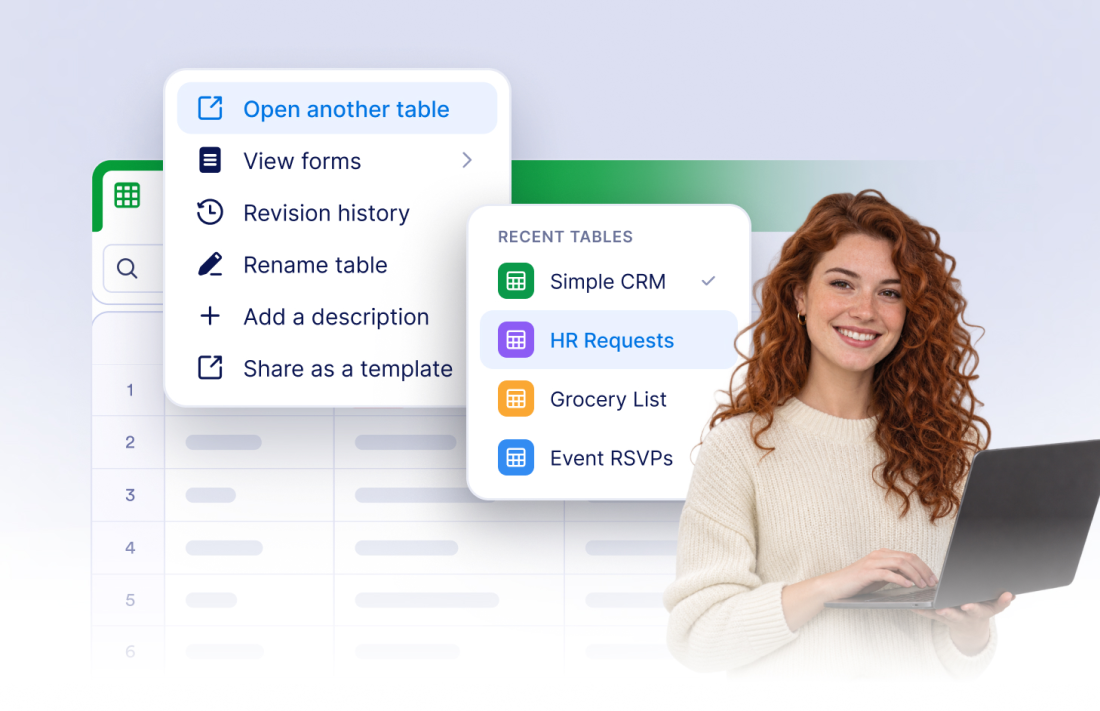
Manage multiple tables without unnecessary navigation. Move between projects, review information from different forms, and find the data you need.
Simplify how you navigate between Jotform Tables. Open existing tables directly from your workspace to review submissions, manage records, and continue working across different datasets.
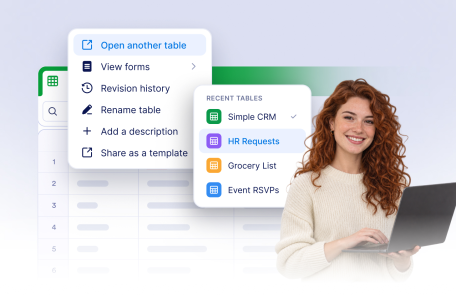
Access your other Jotform Tables directly from the current table's options menu. Switch to a different dataset without returning to your dashboard or searching through separate pages.
Quickly access tables containing submission data from different forms or projects. Keep related information within reach and manage multiple workflows with fewer interruptions.
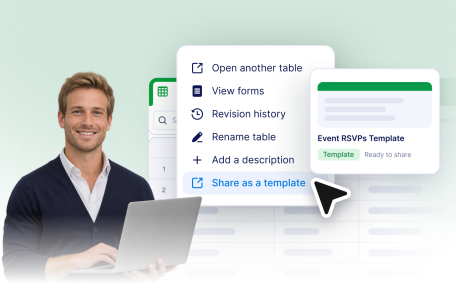
Click your table title to open the Table Options menu, then select Open Another Table. Choose the table you want to access from your available tables.
Yes. Open Another Table lets you navigate directly to another available table from your current workspace, saving time when working with multiple datasets.
Yes. You can access other available Jotform Tables, including tables associated with different forms, making it easier to manage separate datasets and workflows.