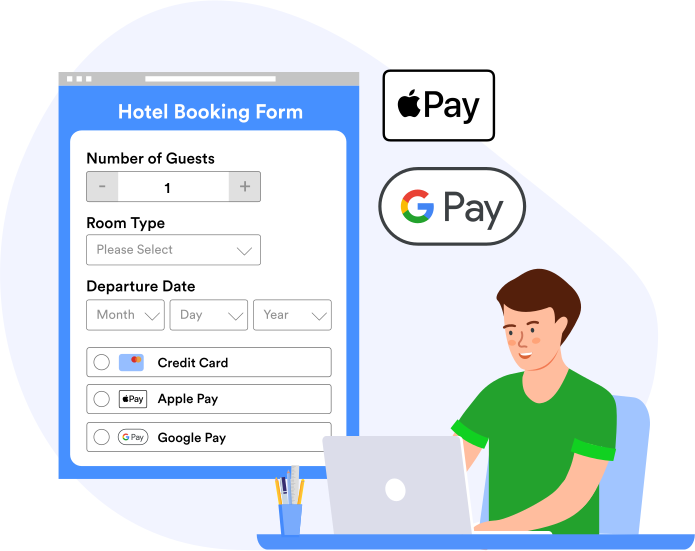
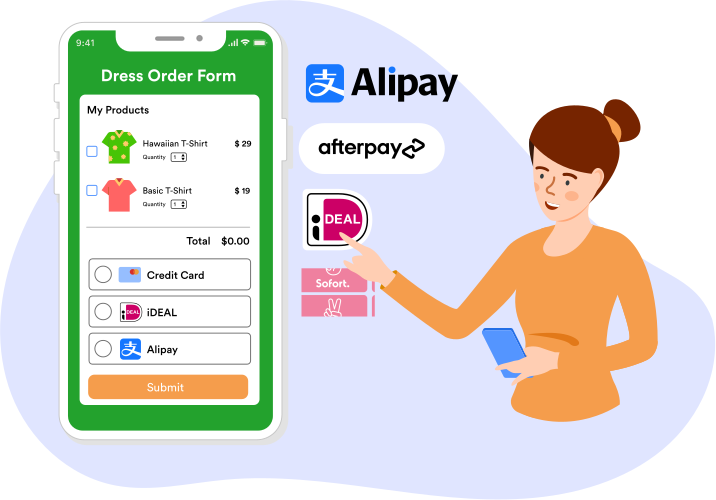
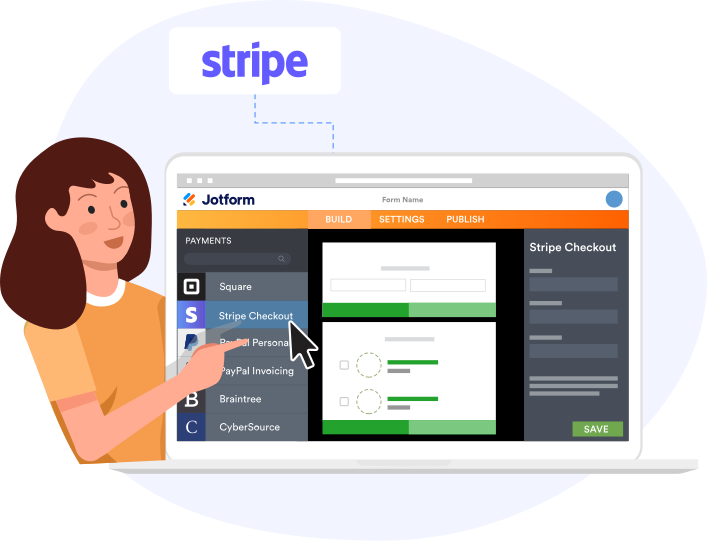
# Create Stripe Checkout Forms Online | Jotform # Create Stripe Checkout Forms with Jotform Sell your products or book your services with Jotform’s free Stripe Checkout integration. Accept payments via Apple Pay, Google Pay, and other payment methods in 25+ languages. Customize your checkout to match your branding — no coding required. Apply discounts, collect taxes, add store policies, and validate cards in real time. Sign Up with Google Sign Up with Apple OR Sign Up with an email It's free! ## Free Stripe Checkout Form Templates Save time creating your custom Stripe Checkout-integrated form with our free, customizable templates. Simply use our Form Builder to make any form template meet your needs and match your branding. ![Image 1: Grocery Order Form](https://cdn.jotfor.ms/image/r/aHR0cHM6Ly9jZG4uam90Zm9yLm1zL3Avc3RyaXBlL2Fzc2V0cy9pbWctbWluL2NoZWNrb3V0L2dyb2NlcnkucG5n/grocery.png?w=1024&t=1) Use template ![Image 2: Headphone Order Form](https://cdn.jotfor.ms/image/r/aHR0cHM6Ly9jZG4uam90Zm9yLm1zL3Avc3RyaXBlL2Fzc2V0cy9pbWctbWluL2NoZWNrb3V0L2hlYWRwaG9uZS5wbmc=/headphone.png?w=1024&t=1) Use template ![Image 3: Dress Store Form](https://cdn.jotfor.ms/image/r/aHR0cHM6Ly9jZG4uam90Zm9yLm1zL3Avc3RyaXBlL2Fzc2V0cy9pbWctbWluL2NoZWNrb3V0L2RyZXNzLnBuZw==/dress.png?w=1024&t=1) Use template ## No Additional Fees Stripe Checkout is included in your Stripe account, so you only have to pay the standard processing fee. Plus, Jotform will never charge you extra fees for accepting payments through your Stripe Checkout forms. ## Receive Payments with Apple Pay & Google Pay Increase conversions by giving your customers more ways to pay. Our Stripe Checkout forms collect 135+ currencies and support local payment methods as well as Apple Pay and Google Pay for a faster checkout. ![Image 4: Apple Pay, Google Pay, and More](https://cdn.jotfor.ms/p/stripe/assets/img-min/checkout/payment.svg) ## Accept Alternative Payments With custom Stripe Checkout forms, you’ll be able to support alternative payment methods such as Apple Pay, Google Pay, Alipay, iDEAL, Afterpay, and Sofort. By enabling local payment methods, you’ll make it easier for customers to pay you — helping to increase your sales and grow your business! ![Image 5: Accept Alternative Payments](https://cdn.jotfor.ms/p/stripe/assets/img-min/checkout/accept.svg) ![Image 6: Grab](https://cdn.jotfor.ms/p/stripe/assets/img-min/gateways/grab.png) ![Image 7: Ideal](https://cdn.jotfor.ms/p/stripe/assets/img-min/gateways/ideal.png) ![Image 8: Preauth](https://cdn.jotfor.ms/p/stripe/assets/img-min/gateways/preauth.png) ![Image 9: Przelewy](https://cdn.jotfor.ms/p/stripe/assets/img-min/gateways/przelewy.png) ![Image 10: Sepa](https://cdn.jotfor.ms/p/stripe/assets/img-min/gateways/sepa.png) ![Image 11: Sofort](https://cdn.jotfor.ms/p/stripe/assets/img-min/gateways/sofort.png) ![Image 12: Alipay](https://cdn.jotfor.ms/p/stripe/assets/img-min/gateways/alipay.png) ![Image 13: Afterpay](https://cdn.jotfor.ms/p/stripe/assets/img-min/gateways/afterpay.png) ![Image 14: Bancontact](https://cdn.jotfor.ms/p/stripe/assets/img-min/gateways/bancontact.png) ![Image 15: Debit](https://cdn.jotfor.ms/p/stripe/assets/img-min/gateways/debit.png) ![Image 16: Eps](https://cdn.jotfor.ms/p/stripe/assets/img-min/gateways/eps.png) ![Image 17: Fpx](https://cdn.jotfor.ms/p/stripe/assets/img-min/gateways/fpx.png) ![Image 18: Giropay](https://cdn.jotfor.ms/p/stripe/assets/img-min/gateways/giropay.png) ![Image 19: Grab](https://cdn.jotfor.ms/p/stripe/assets/img-min/gateways/grab.png) ![Image 20: Ideal](https://cdn.jotfor.ms/p/stripe/assets/img-min/gateways/ideal.png) ![Image 21: Preauth](https://cdn.jotfor.ms/p/stripe/assets/img-min/gateways/preauth.png) ![Image 22: Przelewy](https://cdn.jotfor.ms/p/stripe/assets/img-min/gateways/przelewy.png) ![Image 23: Sepa](https://cdn.jotfor.ms/p/stripe/assets/img-min/gateways/sepa.png) ![Image 24: Sofort](https://cdn.jotfor.ms/p/stripe/assets/img-min/gateways/sofort.png) ![Image 25: Alipay](https://cdn.jotfor.ms/p/stripe/assets/img-min/gateways/alipay.png) ![Image 26: Afterpay](https://cdn.jotfor.ms/p/stripe/assets/img-min/gateways/afterpay.png) ![Image 27: Bancontact](https://cdn.jotfor.ms/p/stripe/assets/img-min/gateways/bancontact.png) ![Image 28: Debit](https://cdn.jotfor.ms/p/stripe/assets/img-min/gateways/debit.png) ![Image 29: Eps](https://cdn.jotfor.ms/p/stripe/assets/img-min/gateways/eps.png) ![Image 30: Fpx](https://cdn.jotfor.ms/p/stripe/assets/img-min/gateways/fpx.png) ## Accept Payments Globally By letting you accept payments in 135+ currencies, 25+ languages, and 35+ countries, Stripe Checkout gives you the broad payment coverage you need to take your business global. ![Image 31: Improve the Customer Experience](https://cdn.jotfor.ms/p/stripe/assets/img-min/checkout/covarage.svg) ## High-Level Security Keep customer cardholder data secure with Jotform and Stripe. When collecting payments through your Stripe Checkout form, payments are protected with PSD2 compliance, PCI compliance, Strong Customer Authentication (SCA), fraud protection, and CAPTCHAs to mitigate card testing attacks. ![Image 32: High-Level Security](https://cdn.jotfor.ms/p/stripe/assets/img-min/checkout/security.svg) ## Improve the Customer Experience When you build a better checkout, you build a better relationship with your customers. Stripe Checkout supports 25+ languages, offers a mobile-friendly design, and gives you the ability to apply discounts, collect taxes, add store policies, send email receipts, and customize the branding of your checkout page — in short, everything you need for a great user experience. ![Image 33: Improve the Customer Experience](https://cdn.jotfor.ms/p/stripe/assets/img-min/checkout/improve.svg) ## How to use Jotform's Stripe Checkout Integration Discover Jotform’s newest payment integration — Stripe Checkout! Learn how to create a polished checkout experience to make a good impression on your customers and keep them coming back for more. ![Image 34: How to use Jotform's Stripe Checkout Integration](https://cdn.jotfor.ms/image/r/aHR0cHM6Ly9jZG4uam90Zm9yLm1zL3Avc3RyaXBlL2Fzc2V0cy9pbWctbWluL2NoZWNrb3V0L3ZpZGVvLXRodW1iLmpwZw==/video-thumb.png?w=40&t=1) Watch Now!