
Top Microsoft Copilot Alternatives
For most working professionals and organizations deep in the Microsoft ecosystem, Copilot is usually the first option when you need an AI tool. By Microsoft 365 Copilot, I mean the AI work assistant built into Office apps. GitHub Copilot, the coding assistant, is a separate tool and isn’t covered here.
As a generative AI work assistant, Microsoft 365 Copilot can draft content in Word, analyze data in Excel, search across emails in Outlook, summarize Teams meetings with action items, and create PowerPoint decks from existing documents, all without you switching apps. But that convenience comes at a cost. The AI productivity tool costs $18 to $30 per user, per month (billed annually), depending on your plan, and that’s on top of an existing Microsoft 365 license. Its value is also tied to Microsoft 365, as Copilot does its best work from the data in your emails, files, and chats, so once your work moves into tools outside that ecosystem, it has nothing to draw from. And going by a steady stream of user reviews, output quality varies a lot depending on which app you’re in.
If you’re here looking for a Microsoft Copilot alternative, you’ve probably hit one of these ceilings and need an AI work assistant that functions where your most important work happens. So, in this guide, I’ve tested and outlined the eight best Microsoft 365 Copilot alternatives that work across tools and cover general chat, research, workplace search, project management, and AI workflow automation. I’ll also show where Jotform AI fits in for teams that need to connect AI to their daily business workflows, such as handling customer interactions and collecting structured information.
| Tool | Best for | Standout feature | Pricing |
|---|---|---|---|
 ChatGPT |
All-purpose AI work |
Deep research reports |
Free plan; paid from $20/month |
 Claude |
Document-heavy work |
Cowork agentic tasks |
Free plan; paid from $20/month |
 Google Gemini |
Google Workspace teams |
AI built into Workspace |
Free plan; paid from $4.99/month |
 Perplexity |
Cited research |
Inline source citations |
Free plan; paid from $20/month |
 Notion AI |
Notion-based teams |
AI Autofill for databases |
Free plan; paid from $20/member/month |
 ClickUp Brain |
Project management |
AI Fields for tasks |
Free plan; AI add-on from $9/user/month |
 Glean |
Enterprise knowledge search |
Permission-aware search |
No free plan; quote-based |
 Zapier Agents |
Cross-app automation |
Actions across 9,000+ apps |
Free plan; paid from $33.33/month |
1. ChatGPT
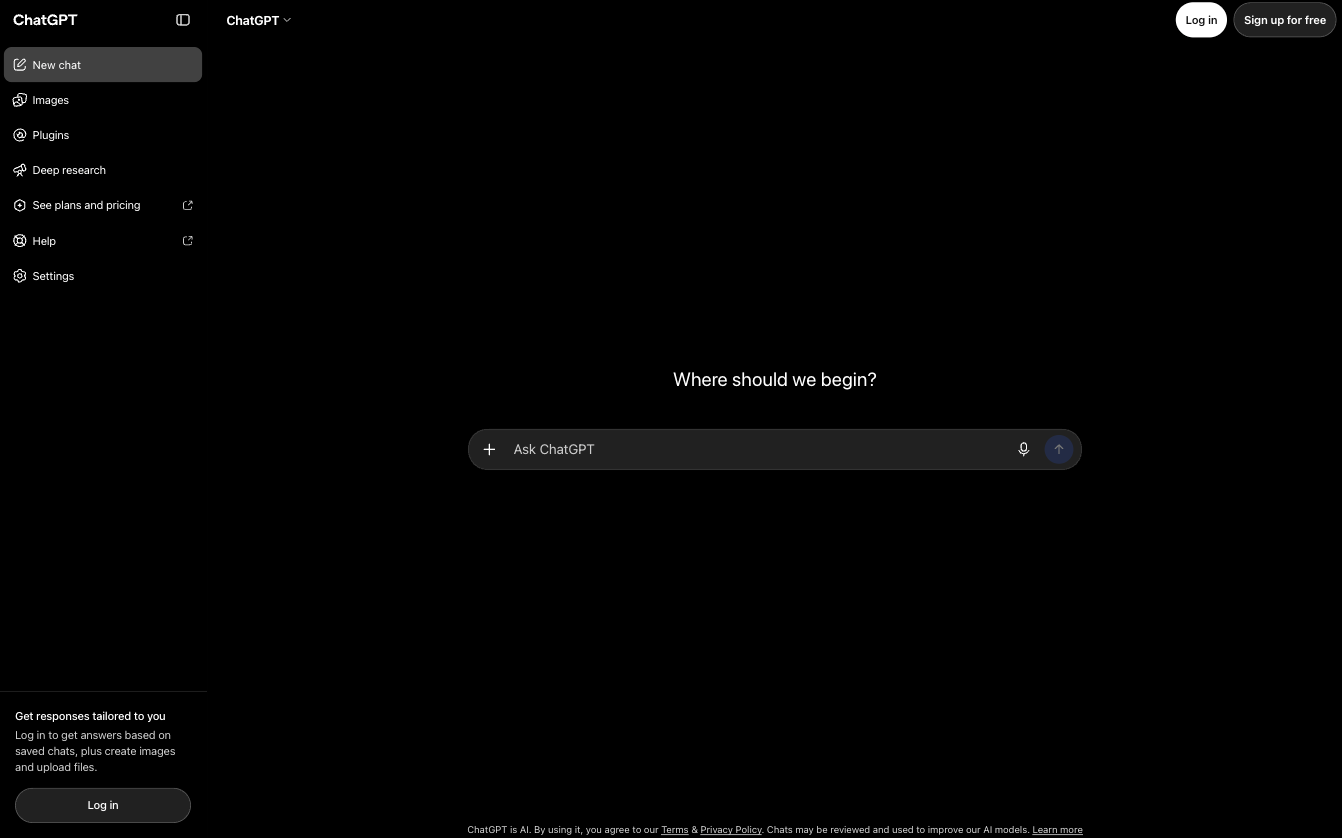
Why it made the list: ChatGPT is a general-purpose AI work assistant that analyzes files from almost any source. On the Business plan, it connects to the work apps your team already uses, not just Microsoft’s own.
Key strengths
- Strong document analysis and summarization across a wide range of file types, with Deep Research mode for pulling multiple sources into a long-form report
- Handles multistep tasks with ChatGPT Work
- Pulls context from connected work apps
Key drawback
- Standard Business seats have a five-hour usage limit. Removing it requires a Premium seat at five times the price
ChatGPT is best for users and teams that need one AI assistant that can handle drafting, research, and data analysis across a mix of tools. It takes in spreadsheets, PDFs, and slide decks, and Business plan users can add company knowledge from connected apps like Slack, Microsoft 365, Google Drive, and HubSpot. ChatGPT handles data analysis through plain-language questions. For instance, a marketing manager can upload a campaign spreadsheet and ask which channels drive the best return; ChatGPT responds with a summary of top performers and outliers, plus a bar chart of revenue by channel. It can identify sentiment and themes in datasets, spot errors, and write or fix formulas. For bigger research questions, Deep Research can pull information from approved websites, uploaded files, and connected apps into a cited report you can download as a PDF or DOCX.
For even bigger tasks, ChatGPT Work can take a multistep goal, gather context from connected tools, plan and complete the work, and check in when it needs approval. When you connect other apps to ChatGPT, it only surfaces content you already have permission to view. On the Business plan, ChatGPT works as a conversational interface inside Slack and Microsoft Teams. A team can tag @ChatGPT in a channel to turn a long discussion into a project brief, pull in files from connected tools, or schedule a recurring task like a weekly status update.
Usage limit is the main constraint. If you’re a heavy user on the Business Standard seat, you may run into the five-hour usage limit. Business Premium seats, which remove the limit, cost five times as much as Standard.
Pro Tip
If you’re already collecting data with Jotform, the Jotform ChatGPT App lets you build forms, pull submissions, and ask ChatGPT to summarize responses and spot trends without leaving the chat.
ChatGPT pricing
- Free individual plan.
- Paid personal plans range from $8 to $100 per month.
- Business plan starts at $20 per user, per month for a Standard seat and $100 per user, per month for a Premium seat, all billed annually.
- Enterprise plan is custom.
2. Claude
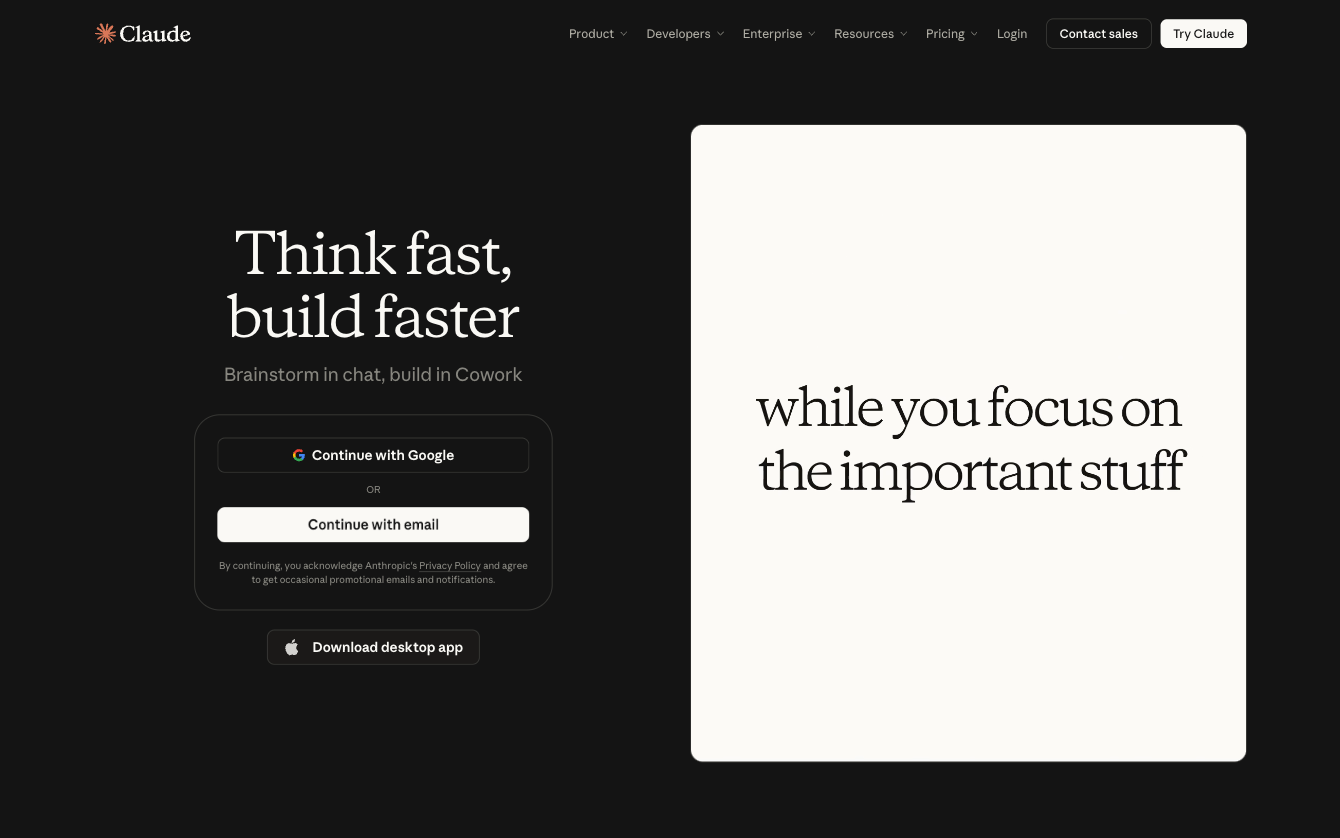
Why it made the list: Claude is the AI productivity tool that takes on full tasks for you. With Cowork built in, it works directly in your files and connected tools and returns finished documents, spreadsheets, or decks for your review.
Key strengths
- Long-context document analysis with consistently strong writing on complex, nuanced material
- Agentic task execution across Cowork for multistep work across files
- Works inside Microsoft 365 apps and connects to tools like Intercom, Google Drive, and HubSpot
Key drawback
- Agentic tasks use up usage limits faster than regular chat
Claude is the best Microsoft Copilot alternative for professionals whose weeks are filled with recurring reports, document reviews, and research. With a built-in AI agent, it can complete multistep work after you grant it access to specific folders and tools and describe the outcome you want. Claude can read, edit, and create files itself and split bigger projects into parts that run at the same time. You can schedule tasks to run daily, weekly, or monthly, and they keep running even after you’ve closed your laptop. Claude shows each step as it works, so you can check progress from your phone and redirect it when needed. By default, it asks before taking an action and cannot delete anything without your approval.
Claude also handles unstructured data well. For instance, it can take messy sales call notes and return a detailed report on where each deal stands and which objections keep coming up, each one quoted from its source note. With customer feedback, it groups comments into themes, gauges urgency from how users describe their problems, and tracks whether each issue is growing.
If your team works in Microsoft 365, you can use Claude inside Excel to build models with working formulas, edit content in Word with tracked changes, and build PowerPoint slides in your brand templates with native charts. Claude for Outlook (currently in beta) can triage your inbox, find time across your calendars, and draft replies that wait for you to send them. Context also carries across open files, so changes in one file are reflected in others. As with ChatGPT, usage limits are Claude’s biggest constraint, and agentic tasks use them up faster.
Pro Tip
Add Jotform as a connector in Claude, and you can create forms from a prompt, edit them in conversation, and analyze submissions without switching tabs. Learn more about the Jotform Claude App.
Claude pricing
- Free plan available.
- Individual paid plans range from $20 to $200 per month (billed monthly).
- Team plan starts at $20 per user, per month for Standard seats and $100 per user, per month for Premium seats, all billed annually.
- Enterprise starts at $20 per seat, per month (billed annually), plus usage at API rates.
3. Google Gemini
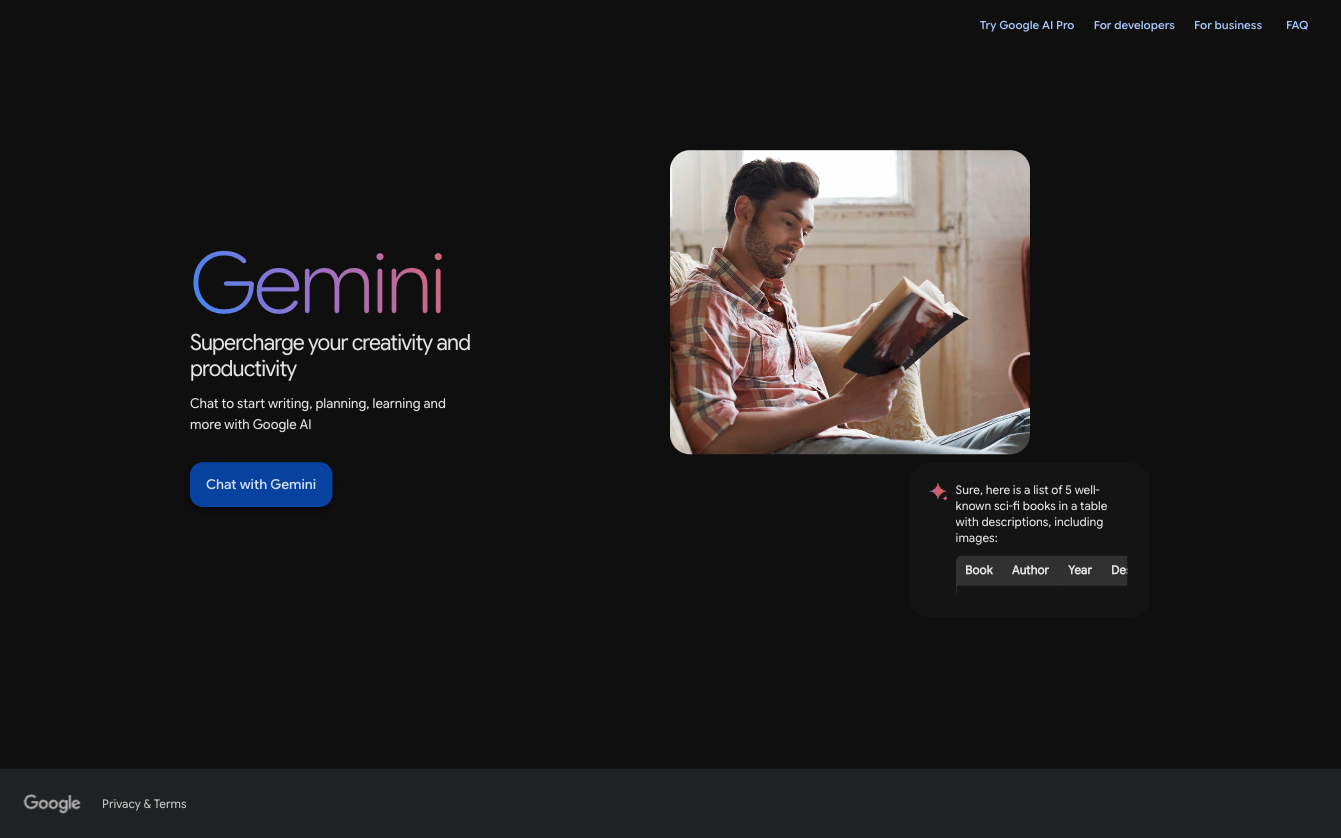
Why it made the list: It’s the closest Microsoft Copilot alternative for organizations already running Google Workspace.
Key strengths
- AI included in the Workspace Business Standard plan and above without requiring a separate AI license for core features
- Workspace Studio automates recurring work across Gmail, Drive, and other Workspace apps
- Gemini Notebook handles research and grounds its answer in your own documents
Key drawback
- Most of its value is within Google Workspace. Reaching Microsoft 365 or other business apps requires Gemini Enterprise, a separate subscription.
Gemini makes the most sense for organizations that already run on Google Workspace or are considering a move away from Microsoft 365. From Business Standard up, Gemini works inside Gmail, Docs, Sheets, Slides, Drive, Meet, and Chat at no extra cost. In Meet, it takes notes and translates captions so participants can stay in the conversation. In Drive, it searches, summarizes, and pulls insights from across your stored files. Workspace Studio goes a step further, letting you build AI-powered flows for recurring work like meeting prep and inbox organization.
Gemini helps with data analysis across multiple tools. In Sheets, you can write AI prompts in plain language, and Gemini can build spreadsheets, fill tables with new data, and work through optimization problems. You can use Gemini Notebook for research and upload your own sources while the AI grounds its responses in your documents without including answers from outside information. If you’re running wider research, Deep Research can autonomously plan, analyze hundreds of web sources or Workspace data, and produce comprehensive multipage reports with citations.
Google Gemini’s trade-off is that it lives inside Google Workspace. If your team keeps files in SharePoint or customer records in HubSpot, you’ll need Gemini Enterprise to connect them securely, and that platform is billed separately from Workspace.
Gemini pricing
- Free plan available for personal use.
- Personal plans: Google AI Plus $4.99 per month; Google AI Pro $19.99 per month; Google AI Ultra starts at $99.99 per month (all billed monthly)
- Google Workspace: Business Starter $7 per user, per month; Business Standard $14 per user, per month; Business Plus $22 per user, per month (all billed annually)
4. Perplexity
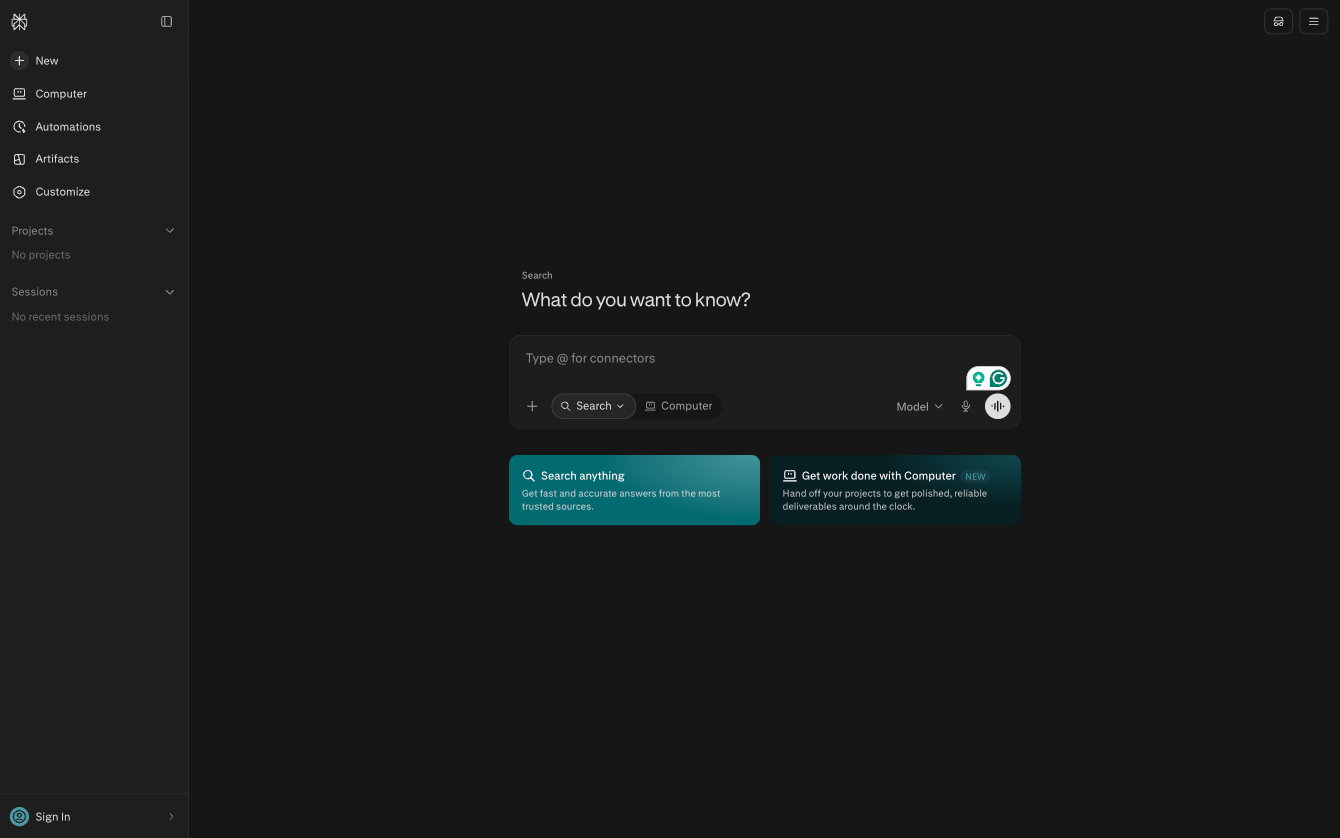
Why it made the list: Perplexity is a research-first AI assistant that searches the web, your files, and connected apps together before delivering reports with inline citations, so teams can see where each claim comes from before acting on it.
Key strengths
- Inline citations on every answer, plus premium data sources like PitchBook, Statista, and S&P Capital IQ on paid plans
- Strong on fast-moving or current-event topics because it pulls live web results instead of relying only on a training cutoff
- Connects to work apps like Google Drive, OneDrive, HubSpot, and Salesforce
Key drawback
- Its value is concentrated in research, so teams looking for one all-purpose assistant may still need a second tool.
If you’re a data analyst, researcher, or comms professional whose day-to-day work depends on finding and synthesizing verifiable information, Perplexity is the AI work assistant for you. You can ask a question in plain language, and Perplexity searches the live web, your uploaded files, and connected apps, then links each claim in its answer to a source. Paid plans add premium sources for finance and market intelligence work, including PitchBook, Statista, and S&P Capital IQ. Every answer also comes with suggested follow-up questions, so you can keep digging into a topic without starting over.
Perplexity also handles some of the work that happens after research. Perplexity Computer coordinates multiple AI models to complete tasks and return finished deliverables, such as formatted briefs and audit reports. For customer insight work, it can pull together reviews, support tickets, and social signals, then surface sentiment trends by journey stage, customer segment, and product, with every finding cited. Comet, Perplexity’s AI browser, can handle smaller tasks from your browser window, such as answering questions and responding to emails.
All of this comes at a premium. Perplexity’s team plan, Enterprise Pro, starts at $34 per seat, per month. If your team’s work centers on research, the premium can pay for itself. But if you’re looking for one assistant to cover everything, the pricing can be harder to justify.
Perplexity pricing
- Free personal plan
- Perplexity Pro: $17 per month (billed annually)
- Perplexity Max: $167 per month (billed annually)
- Enterprise Pro: $34 per seat, per month (billed annually)
- Enterprise Max: $271 per seat, per month (billed annually)
5. Notion AI
Why it made the list: Notion AI works across a single connected workspace of docs, wikis, and project databases, helping draft, organize, and act on work without you copying anything in from somewhere else.
Key strengths
- Notion Agent completes multistep tasks using context from your workspace, connected apps, and the web
- AI Autofill summarizes, tags, and categorizes database entries as they come in
- AI meeting notes provide automatic follow-up generation, cutting out the need for a separate note-taking bot
Key drawback
- Custom Agents, its always-on automations, run on Notion credits that are billed on top of seat prices
Notion AI is best for teams that already run projects, documentation, and planning in Notion and want AI productivity tools that work in their workspace. For instance, if your product team collects customer feedback in a Notion database, Notion AI Autofill can summarize each new entry, pull out key details, and tag it with predefined categories such as bug, feature request, or pricing concern. If you add a sentiment property with positive, neutral, and negative options, Autofill can sort each entry by sentiment too. And because everything lives in a database, the tags feed into Notion’s charts and dashboards so your team can see which themes are growing week after week.
Notion’s Custom Agent can also handle intake. For instance, it can monitor a Slack channel for bugs and feature requests, route each one to the right team’s channel, and file a new ticket. The AI updates its routing rules over time. When it’s time to review what customers are saying, its Research mode can pull from your workspace, connected tools, and the web to produce a detailed report. For teams that spend a lot of time in meetings, AI Meeting Notes can capture, transcribe, and summarize discussions without adding a bot to your call. Notion’s biggest trade-off is that the AI work assistant is only as useful as what’s in Notion. If your work lives in SharePoint, Outlook, and Word, you’ll get less value out of it.
Notion AI pricing
- Free plan available, with a limited AI trial
- Plus: $10 per member, per month (billed annually)
- Business: $20 per member, per month (billed annually)
- Enterprise: Custom
- Custom agents: $10 per 1,000 monthly Notion credits
6. ClickUp Brain
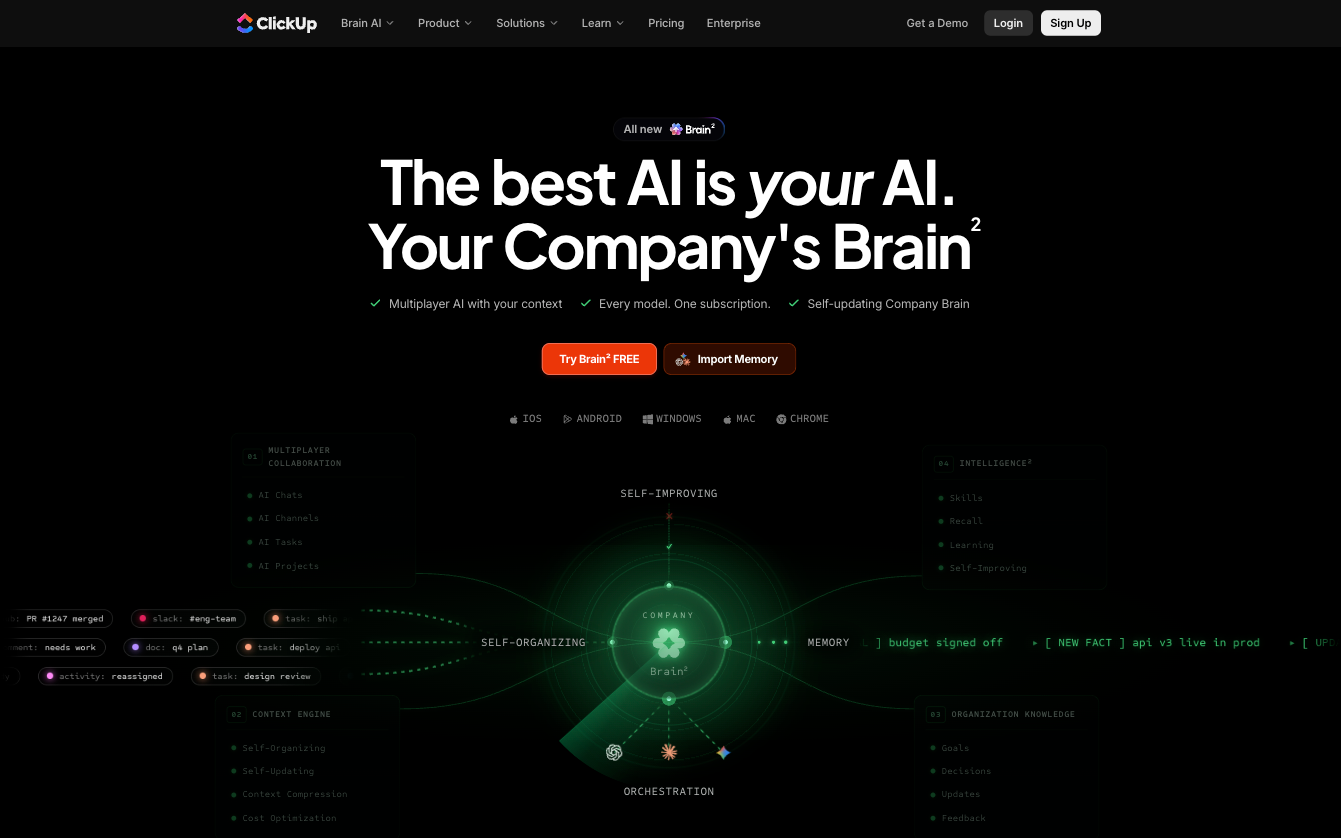
Why it made the list: ClickUp Brain puts AI directly inside task, project management, and dashboard workflows.
Key strengths
- AI-driven task and project management: auto-generated subtasks, status summaries, and updates to the workflows teams already run
- Answers project questions using context from tasks, docs, chat, and connected apps like Google Drive and Salesforce
- Access to GPT, Claude, and Gemini models in one subscription
Key drawback
- The full AI suite, including the AI Notetaker and unlimited AI fields, costs $28 per user, per month on top of the ClickUp plan
ClickUp Brain is best for project and operations teams that already plan, assign, and track their work in ClickUp. Because Brain sits inside your tasks, docs, chat, and calendar, you can ask it questions about your project, and it answers from what’s already in the workspace. It includes an AI Field that can classify incoming tasks such as feature requests or bugs and gauge sentiment as positive, neutral, or negative based on task descriptions and comments. Summary fields also condense long task threads into short overviews so teams can review the state of a project without reading every update.
Brain also handles reporting around work. It can build charts from workspace data, parse uploaded files, cross-reference them against your task lists, and export the results as spreadsheets. The AI Notetaker joins your calls, takes notes, and adds what it hears to the context Brain draws on later. ClickUp Brain can also pull from connected apps like Google Drive, GitHub, and Salesforce, and you can switch between GPT, Claude, and Gemini models within one subscription.
That said, the AI work assistant comes at a steep cost. It is priced separately from ClickUp’s plans, starting at $9 per user, per month. Features like the AI Notetaker, unlimited AI fields, and AI dashboards sit on the Everything AI plan at $28 per user, per month, which costs more per user than the Business plan itself.
ClickUp Brain pricing
- Free forever plan with trial AI access
- Unlimited: $7 per user, per month (billed annually)
- Business: $12 per user, per month (billed annually)
- Enterprise: Custom
- AI plans: Brain AI at $9 per user, per month and Everything AI at $28 per user, per month; Extra AI super credit: $10 per 10,000 credits
7. Glean
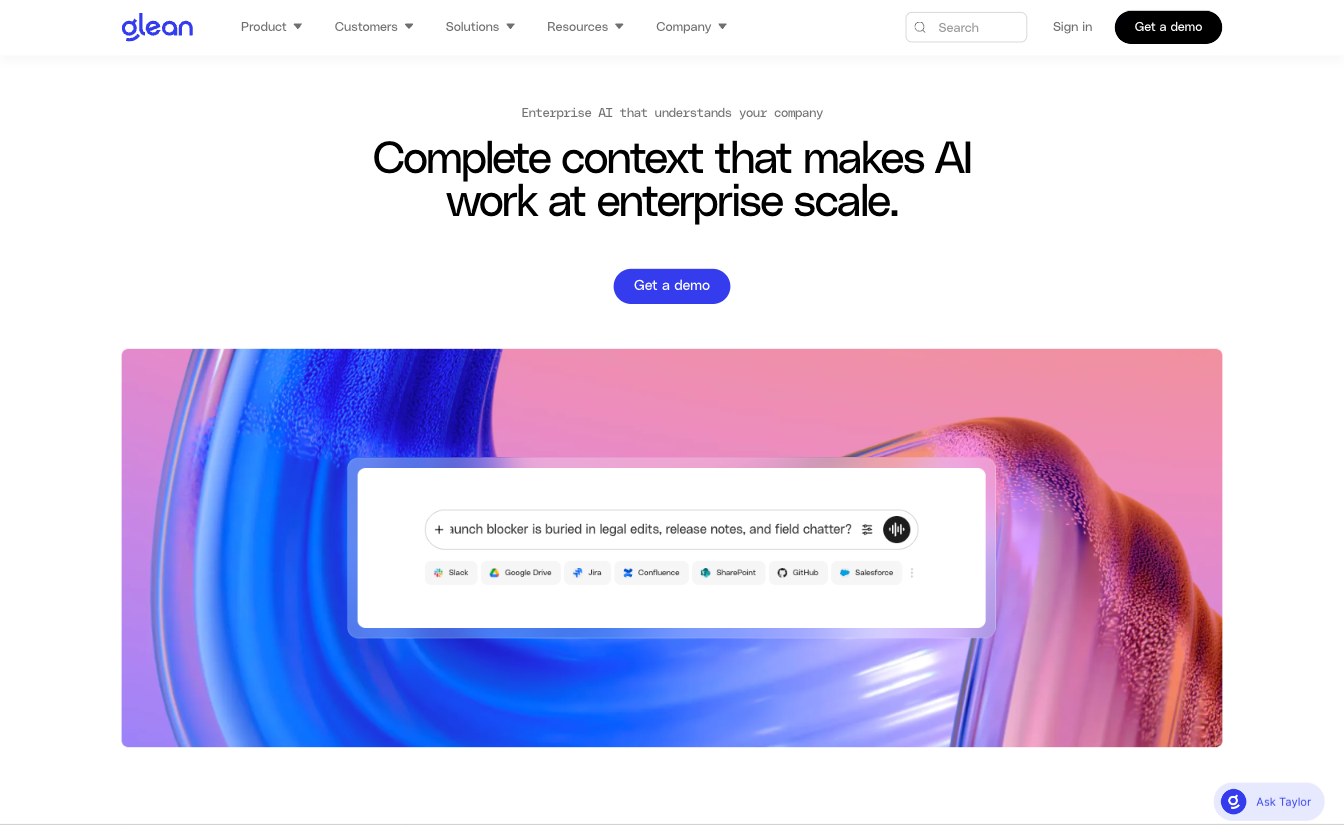
Why it made the list: Glean allows you to search, analyze, and act on information across 275 work tools from one place, with every answer respecting existing permissions.
Key strengths
- Permission-aware search across more than 275 apps, including SharePoint, Slack, Google Drive, Salesforce, and Jira
- A company-wide knowledge graph that surfaces relevant context regardless of which app it originally lives in
- Actions and scheduled agents that draft emails, create tickets, and update records in connected apps
Key drawback
- Pricing isn’t published, and getting started goes through a sales demo.
Glean is best for large organizations whose knowledge is spread across many tools and teams. It indexes your company’s apps, documents, conversations, and tickets, and each answer draws only on content the employee asking already has permission to see. Its analysis also extends beyond documents. Glean translates plain-language questions into SQL, queries data warehouses like Snowflake and Databricks, and combines those results with unstructured sources like support tickets and internal conversations. From there, it surfaces patterns, explains what the data means, and delivers cited outputs, including interactive dashboards and spreadsheets your team can explore and share.
Glean’s AI work assistant also turns context into action. It drafts emails, creates tickets, and updates records in connected apps. Teams can schedule it to prepare updates, summarize changes, and flag blockers across projects, tickets, and accounts. For recurring reporting, a Glean agent can query your data warehouse on a schedule and generate the report. Admins manage and govern agents from a central view, and Glean routes each request to the right model from more than 40 supported LLMs.
Glean is an enterprise AI assistant alternative to Microsoft Copilot. It doesn’t publish pricing, and access starts with a sales demo, which makes it a difficult fit for smaller teams that want to test before committing.
Glean pricing: Quote-based only.
8. Zapier Agents
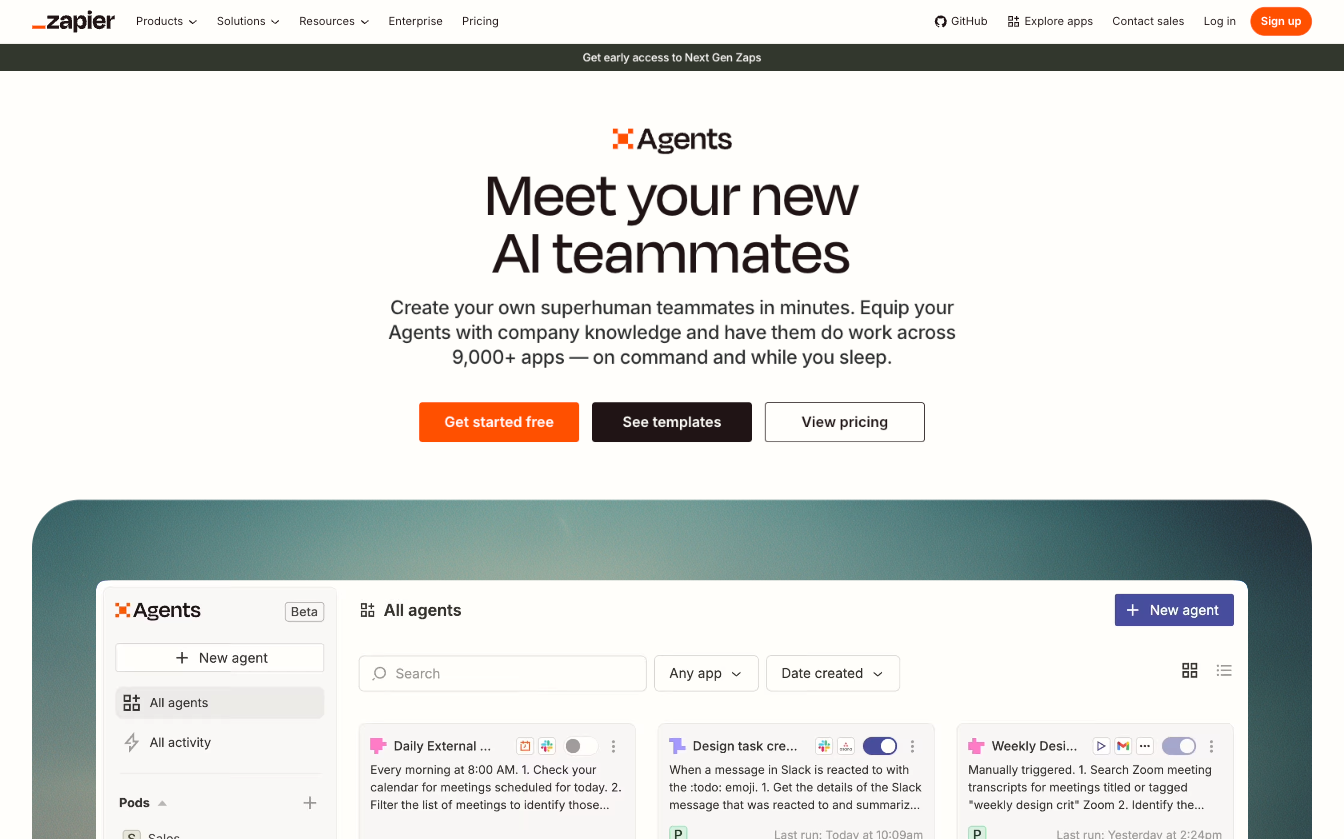
Why it made the list: Zapier Agents lets teams build no-code AI agents that do work across more than 9,000 apps, including Microsoft tools like Teams.
Key strengths
- Works from live business data that stays synced, plus web browsing for outside information
- No-code agent builder that sets up an agent from a plain-language description of its goal
- Takes action across more than 9,000 apps, including Microsoft Teams, Salesforce, HubSpot, Slack, and Zendesk
Key drawback
- Agents are priced separately from Zapier’s automation plans, which means teams using both pay for two subscriptions.
Zapier Agents is best for operations, sales, marketing, and support teams that spend much of their day moving information between apps. With it, you can build an agent by describing what it should do, and Zapier Copilot helps set it up. From there, you can connect the agent to the apps, documents, and data sources it needs. Those sources stay synced, so the agent always works from your latest data, and it can browse the web when a task calls for outside information. Zapier Agents can research and enrich new leads, score incoming submissions, summarize discussions, categorize records, and draft replies from your knowledge base. It can then push the results into the apps your team already uses.
Once an agent is set up, it runs on command or in the background. You can monitor each agent’s activity, step in through chat when needed, and work with agents directly in your browser through the Chrome extension. For teams that already use Zapier, agents work alongside Zaps, Tables, and Forms, so one platform can collect data, store it, and hand it over to an agent to act upon.
Zapier Agents’ main trade-off is that it’s built to act on information more than analyze it. It can summarize and categorize data, but teams that need in-depth data analysis or reporting will still need another tool.
Pro Tip
Want to build automations from a plain-language prompt? See how Zapier’s Copilot compares with other AI workflow generators we tested and ranked.
Zapier Agents pricing
- Agents Free: free
- Agents Pro: $33.33 per month, billed annually
- Agents Enterprise: Custom pricing
Use Jotform to turn AI assistance into actual workflows
All the Microsoft Copilot competitors we’ve covered so far are built to help you produce and find information faster. They can draft documents, summarize meetings, analyze files, and search across your apps. But they don’t generally handle the operational side of your day-to-day work, like collecting information in a consistent format, interacting with customers, routing processes for approval, and making sure follow-ups go through.
That’s where Jotform comes in. Jotform connects AI to your day-to-day business processes. With it, you can collect structured data and handle customer interactions, analyze incoming information, and move data between the tools and processes your business depends on.
It begins with forms. Jotform offers more than 20,000 form templates you can use for customer intake, applications, orders, feedback, and more. Or you can build a custom form with the Jotform AI Form Builder by describing what you need in a plain-language prompt, then refining it with your brand kit and conditional logic.
From there, Jotform AI Agents can handle the customer-facing side of your business. You can train AI agents with your documents, website pages, and FAQs, then deploy them to handle customer interactions across touchpoints such as chat, phone, SMS, WhatsApp, and Messenger. As a Jotform AI chatbot on your website, an agent can guide people through forms and answer common questions. They can also schedule appointments in Google Calendar, send email and Slack messages, and trigger workflows based on each person’s needs.
As forms and AI agents collect information, each submission can trigger Jotform Workflows to assign tasks, route approvals to one or more reviewers, set due dates, and send reminders to anyone with a pending action. Every submission lands in Jotform Tables automatically, where your team can organize, assign, and track records in one shared workspace. Jotform AI Data Assistant works inside Tables to help analyze your data, summarize open-ended responses, identify common themes, classify sentiment, and generate charts. It can also prepare replies, reminders, and follow-up messages directly from the data.
For professionals and teams looking to become more productive, choosing an AI work assistant is usually the first step. But once you’ve done that, you need to connect that AI to how work moves through your business, and Jotform is the natural next step. Start by creating your first Jotform AI Agent for free, then connect it to a form and a workflow to see how Jotform uses AI to move business processes from requests and first contact to final approval.
FAQ about Microsoft Copilot alternatives
Yes, ChatGPT, Claude, Google Gemini, and Perplexity all offer free plans with limited usage, and Zapier Agents includes 400 free activities per month.
It depends on how your team works. Microsoft 365 Copilot works inside Word, Excel, Outlook, and Teams and draws from your Microsoft 365 data. ChatGPT works across a wider mix of tools, analyzes files from almost any source, and can connect to apps like Slack, Google Drive, and HubSpot on the Business plan.
Both are AI assistants built into productivity suites. Microsoft 365 Copilot works inside Microsoft apps like Word, Excel, and Teams, while Gemini works inside Google Workspace apps like Gmail, Docs, and Sheets. Gemini is included in Workspace from Business Standard up, while Microsoft 365 Copilot costs extra on top of a Microsoft 365 license.
Zapier Agents and ClickUp Brain work well for automating tasks across apps and projects. For workflows that involve structured intake, customer interactions, approvals, and follow-ups, Jotform connects AI Agents to Forms, Workflows, and Tables. That way, every request moves from first contact to final approval in one place.
Start with where your team’s work lives and which apps the AI needs to reach. Then consider per-seat pricing, usage limits, security and admin controls, and whether the tool can take action or only answer questions. Most Microsoft Copilot alternatives offer free plans, so you can test them to see how they support your workflow.
This article is for business teams, operations leaders, marketers, support teams, founders, and Microsoft 365 users evaluating alternatives to Microsoft Copilot because of pricing, workflow fit, ecosystem limitations, AI quality, or the need for more flexible automation.










Send Comment: