
Best omnichannel customer support platforms
Modern customers expect seamless, personalized help no matter how they contact you. Omnichannel customer support makes this possible by unifying every channel into a consistent experience that keeps conversations connected and context intact.
Consumers expect companies to understand their unique needs and expectations, and they want consistency across channels. When that continuity is broken, as when a customer must repeat their issue to a new agent, frustration spikes. Omnichannel systems solve this by syncing data across touchpoints, ensuring agents always have full context.
In this guide, we’ll explore what omnichannel customer support really means, how it differs from multichannel approaches, and why it’s now essential for customer retention and operational efficiency. We’ll also examine 10 leading omnichannel solutions — including key features, limitations, pricing, and best use cases — to help you select the right fit for your business.
What is omnichannel customer support?
Omnichannel customer support consolidates all communication channels into a single, connected experience rather than treating email, chat, phone, and social media as separate touchpoints. That way, customers can move effortlessly between channels, and agents always have the whole story.
In a typical multichannel setup, each interaction is isolated. For example, a customer might initiate a live chat, follow up with an email, and later call for an update, only to have to repeat the same details each time. Omnichannel support eliminates that friction by giving agents instant access to shared data, past conversations, and customer history.
Imagine a shopper checking the delivery status through a website chatbot (see What is a chatbot?), then calling to confirm a return. The agent doesn’t need to ask for background information because it’s already onscreen. That continuity saves time, builds trust, and demonstrates to customers that you value them and their time.
Key benefits of omnichannel customer support
Great support teams don’t win customers through a single interaction — they earn loyalty through consistency. The real strength of omnichannel support lies in its ability to empower both customers and teams. When every touchpoint contributes to a shared view, service becomes more human.
For customers, that consistency translates into smoother experiences. According to Invesp, 90 percent of consumers expect consistent cross-channel experiences, and PwC reports 73 percent consider customer experience (CX) a key factor in their purchasing decisions.
While the numbers are compelling, looking at some tangible benefits can help you visualize how these capabilities fit into your workflow:
- Higher efficiency: Agents can access the full customer history from a single location, reducing response times.
- Reduced churn: Better service quality leads to higher satisfaction, boosting long-term loyalty.
- Actionable insights: Centralized data reveals patterns, empowering leaders to identify friction points and enhance processes.
- Team alignment: Shared visibility fosters connections between departments, enhancing collaboration among marketing, sales, and support.
Together, these benefits transform customer support from a cost center into a growth driver — one that scales sustainably without compromising the personal touch that customers value most.
The best omnichannel customer support solutions
Choosing the right omnichannel platform is more than connecting channels. It’s about delivering seamless experiences that scale with your business. The best solutions integrate virtual agents, automate routine work, and provide real-time insights into customer needs. Here are 10 leading omnichannel tools that help teams work smarter and build stronger relationships.
| Tool | Best for | Key features | Plans/Pricing* |
|---|---|---|---|
 Jotform AI Agents |
AI-powered omnichannel automation and 24-7 customer engagement |
|
Free Bronze ($34/month) Silver ($39/month) Gold ($99/month) |
 Zendesk |
Large teams that need enterprise-grade omnichannel support and analytics |
|
Support Team ($19/agent/month) Suite Team ($55/agent/month) Suite Professional ($115/agent/month) Suite Enterprise ($169/agent/month) |
 Intercom |
Conversational support and proactive engagement across web and mobile |
|
Essential ($29/seat/month) Advanced ($85/seat/month) Expert ($132/seat/month) |
 Freshdesk |
Small to mid-sized businesses seeking affordable, easy-to-scale omnichannel support |
|
Free Growth ($15/agent/month) Pro ($49/agent/month) Enterprise ($79/agent/month) |
 HubSpot Service Hub |
Businesses that want unified customer data and support tied directly to their CRM |
|
Free Starter ($9/seat/month) Professional ($90/seat/month) Enterprise ($150/seat/month) |
 Zoho Desk |
Growing businesses that need a customizable, budget-friendly omnichannel help desk |
|
Free Express ($7/agent/month) Standard ($14/agent/month) Professional ($23/agent/month) Enterprise ($40/agent/month) |
 Salesforce Service Cloud |
Large enterprises seeking advanced automation, analytics, and CRM-driven support |
|
Starter Suite ($25/user/month) Pro Suite ($100/user/month) Enterprise ($175/user/month) Unlimited ($350/user/month) |
 LiveAgent |
Small and medium-sized businesses that prioritize fast, real-time omnichannel support |
|
Free Small business ($15/agent/month) Medium business ($29/agent/month) Large business ($49/agent/month) Enterprise ($69/agent/month) |
 Genesys Cloud CX |
Enterprises needing advanced voice, contact center, and AI-driven analytics in one platform |
|
Cloud CX 1 ($75/user/month) Cloud CX 2 ($115/user/month) Cloud CX 3 ($155/user/month) Cloud CX 4 ($240/user/month) |
 Help Scout |
Small to mid-sized teams that want a simple, human-centered support platform |
|
Free Standard ($25/user/month) Plus ($45/user/month) Pro ($75/user/month) |
1. Jotform AI Agents
Jotform AI Agents (see What are AI agents?) bring omnichannel support to life through intelligent automation and natural conversation across multiple platforms. Businesses can deploy these AI Agents to handle inquiries via website chatbots, phone, SMS, WhatsApp, QR codes, or even Zoom, maintaining full context across every interaction.
Best for: AI-powered omnichannel automation and 24-7 customer engagement
Developer: Jotform Inc.
Supported channels at a glance
- Standalone Agent: Share a direct link or embed on any device.
- Chatbot Agent: Embed on websites.
- Phone Agent: Handle customer calls via purchased phone numbers or extensions.
- Voice Agent: Support web-based voice calls with customizable voice options.
- WhatsApp Agent: Connect with users on WhatsApp.
- Messenger Agent: Integrate with Facebook Messenger.
- SMS Agent: Send and receive texts using a dedicated number.
- Email: Enable email-based interactions.
- QR Code: Generate a QR code for instant access.
- Agent App: Convert the AI Agent into an installable app.
- Zoom Agent: Participate in Zoom meetings.
- Presentation Agent: Deliver live or automated presentations.
- Shopify & Kiosk Agents: Embed in Shopify stores or in-person kiosks.
- Limitations: Jotform does not offer a full, traditional help desk. Its AI Agents are best suited for conversational and automation-driven workflows.
- Key features:
- Unified customer experience across web, phone, email, and messaging platforms
- Role-based automation for greetings, scheduling, and follow-ups
- Seamless customer relationship management (CRM) system integrations (Salesforce, HubSpot, Zoho) with GDPR compliance
- Multilingual support and smart escalation to human agents with full context
- Pros:
- Highly flexible and deploys across digital and voice channels
- Reduces agent workload through AI automation
- Integrates easily with existing customer service and marketing tools
- Cons:
- Requires setup and fine-tuning for optimal AI responses
- Phone capabilities depend on purchased numbers or extensions
Plans/Pricing:
| Plan | Features included | Best for | Price* |
|---|---|---|---|
| Free | Basic AI Agent setup, chat, email channels | Small teams testing AI support | Free |
| Bronze | Customizable workflows, limited phone/SMS channels | Small businesses | $34/month |
| Silver | Expanded automation, CRM integrations, advanced analytics | Medium-sized businesses | $39/month |
| Gold | Full omnichannel deployment, advanced AI logic, dedicated support | Large teams or enterprises | $99/month |
*Pricing based on annual billing (as of 2025).
G2 rating: 4.4/5
2. Zendesk

Zendesk stands out for its scalability and data-driven design. While many platforms unify channels, Zendesk takes it a step further by turning customer interactions into actionable insights. Its AI-driven ticket triage, workflow automation, and real-time analytics enable large organizations to manage complex support environments while maintaining personalization.
Best for: Large teams that need enterprise-grade omnichannel support and analytics
Developer: Zendesk, Inc.
- Limitations: Deep customization often requires administrator expertise or developer support, adding to operational cost.
- Key features:
- Unified inbox for all customer conversations
- AI-powered bots and automated workflows
- Advanced analytics and customer satisfaction tracking
- Seamless integrations with Salesforce, Shopify, Slack, and over 1,000 other apps
- Pros:
- Robust automation and reporting tools
- Scalable architecture for global teams
- Extensive third-party integration ecosystem
- Cons:
- Can be complex to configure for smaller teams
- Pricing increases quickly as features scale
Plans/Pricing:
| Plan | Features included | Best for | Price* |
|---|---|---|---|
| Support Team | Basic ticketing, email/social channel support | Small teams | $19/agent/month |
| Suite Team | Omnichannel (email, chat, voice, social), AI agents, basic analytics | Growing businesses | $55/agent/month |
| Suite Professional | Advanced analytics, skills-based routing, HIPAA friendly | Larger companies | $115/agent/month |
| Suite Enterprise | Custom roles, sandbox, advanced data privacy | Enterprise scale | $169/agent/month |
*Pricing based on annual billing (as of 2025).
G2 rating: 4.3/5
3. Intercom

Intercom redefined how businesses approach support by combining messaging, automation, and human interaction into a single interface. Unlike traditional ticketing systems, Intercom focuses on real-time, conversational experiences — allowing teams to support, onboard, and retain customers through personalized chat and in-app messages.
Best for: Conversational support and proactive engagement across web and mobile
Developer: Intercom, Inc.
- Limitations: Intercom is optimized for real-time engagement, not case-management depth. It offers limited service level agreements (SLAs) and escalation controls.
- Key features:
- AI-powered chatbot Fin for instant, context-aware answers
- Unified inbox for live chat, email, and social channels
- In-app messaging, product tours, and automated onboarding flows
- Robust integrations with tools like HubSpot, Slack, and Jira
- Pros:
- Excels for software-as-a-service (SaaS) and product-led teams that value customer engagement
- Clean, modern interface supports collaboration between sales and support
- AI features reduce repetitive workload and boost response speed
- Cons:
- Lacks full enterprise-style ticketing depth compared to Zendesk
- Pricing can rise quickly with larger user volumes
Plans/Pricing:
| Plan | Features included | Best for | Price* |
|---|---|---|---|
| Essential | Core messaging & shared inbox, chatbot, basic automation | Startups/small teams | $29/seat/month |
| Advanced | Full chat, automation builder, multiple team inboxes | Growing businesses | $85/seat/month |
| Expert | Multi-brand support, single sign-on (SSO), advanced analytics, large teams | Larger organizations | $132/seat/month |
*Pricing based on annual billing (as of 2025).
G2 rating: 4.5/5
4. Freshdesk
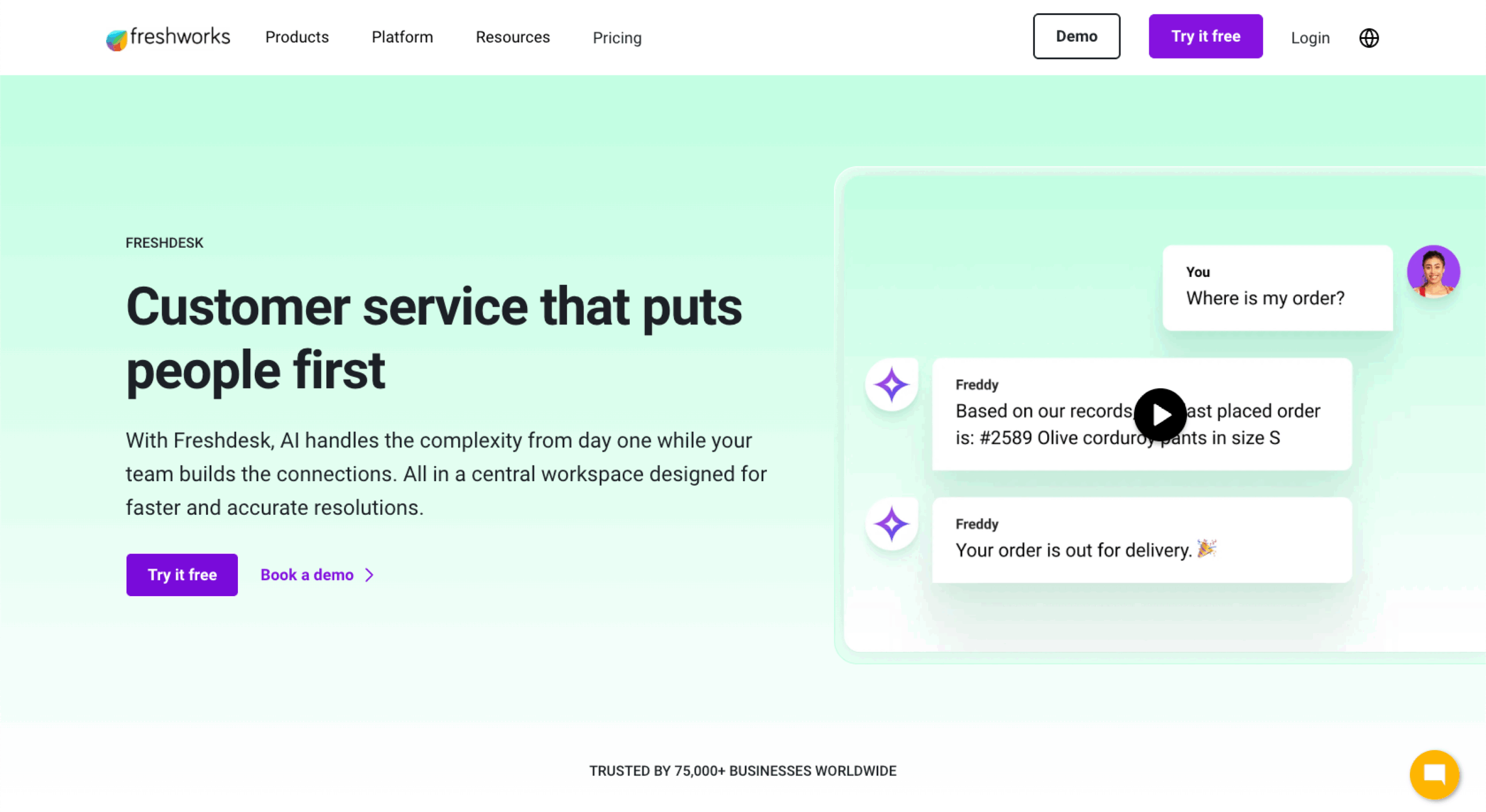
Freshdesk delivers enterprise-grade omnichannel capabilities without the complexity or cost of larger platforms. Its intuitive interface and quick setup make it ideal for teams transitioning from email-based support to unified workflows.
Best for: Small to mid-sized businesses seeking affordable, easy-to-scale omnichannel support
Developer: Freshworks Inc.
- Limitations: Cross-department data sharing (e.g., with marketing or production) is limited outside the Freshworks ecosystem.
- Key features:
- Unified inbox for chat, email, and social media messages
- AI-driven ticket categorization and agentic assistance through Freddy AI
- Built-in phone system (Freshcaller) for call support
- Collaboration tools for internal ticket sharing and resolution tracking
- Pros:
- Quick to implement with minimal training
- Affordable pricing with strong core automation features
- Easy integration with Freshsales, Slack, and WhatsApp
- Cons:
- Some advanced analytics locked behind higher plans
- Limited customization compared to enterprise tools like Zendesk
Plans/Pricing:
| Plan | Features included | Best for | Price* |
|---|---|---|---|
| Free | Email ticketing, team collaboration | Small teams | Free |
| Growth | Automation, chat, reporting | Growing businesses | $15/agent/month |
| Pro | AI-powered routing, multiple SLAs, custom roles | Mid-sized companies | $49/agent/month |
| Enterprise | Advanced analytics, sandbox, audit logs | Enterprises | $79/agent/month |
*Pricing based on annual billing (as of 2025).
G2 rating: 4.4/5
5. HubSpot Service Hub
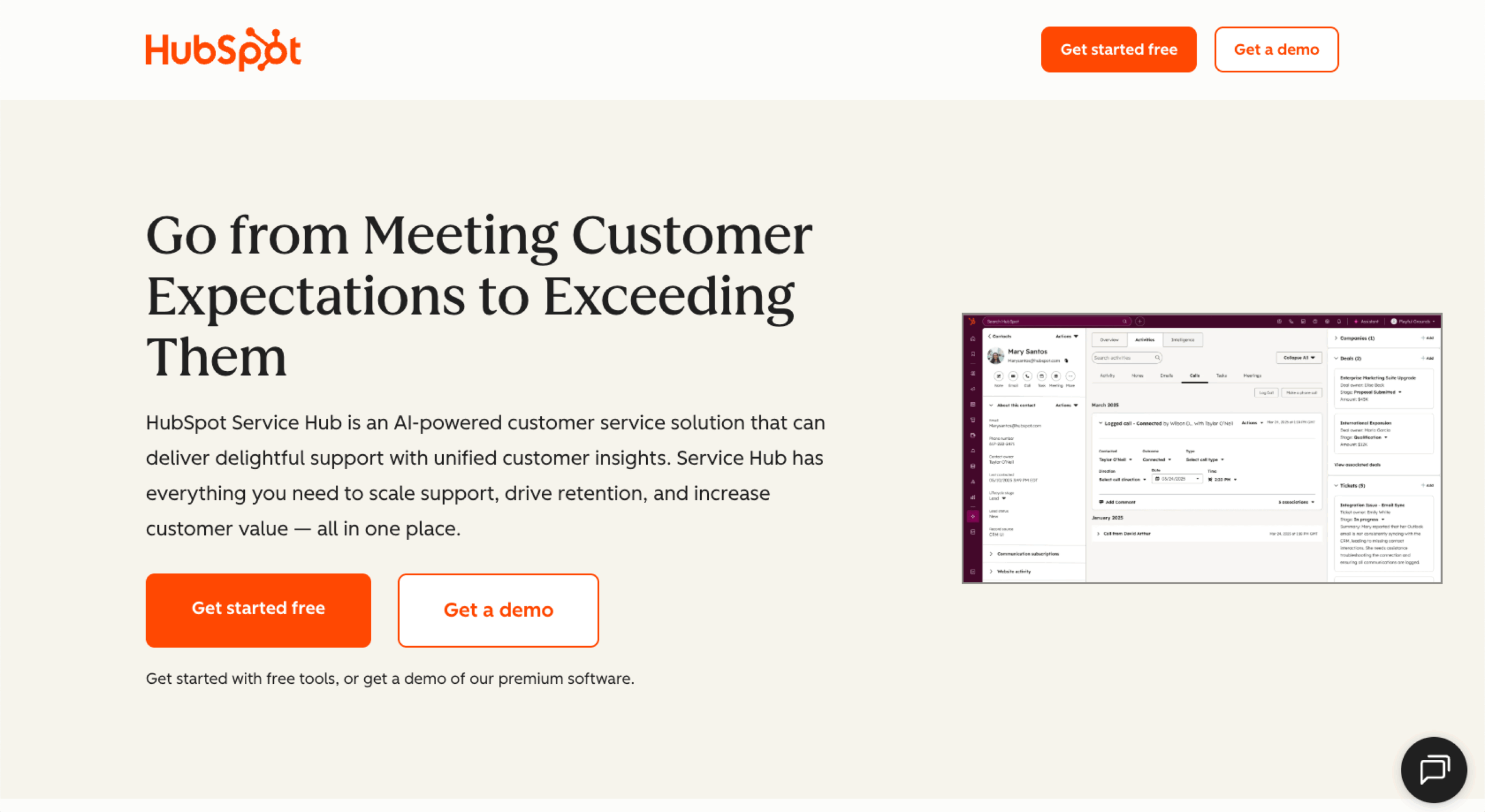
HubSpot Service Hub extends the company’s powerful CRM into the customer support space, giving teams a single source of data. It’s built to help service, sales, and marketing teams collaborate in real time, offering shared customer timelines, automation tools, and AI-powered chatbots that personalize every response.
Best for: Businesses that want unified customer data and support tied directly to their CRM
Developer: HubSpot, Inc.
- Limitations: Customers receive the best value only when using HubSpot’s full CRM platform due to limited interoperability with external CRMs.
- Key features:
- Shared CRM database for support, marketing, and sales teams
- AI chatbots and automated ticket routing
- Customer feedback surveys and satisfaction tracking
- Integrated knowledge base and help-desk tools
- Pros:
- Deep CRM integration for context-rich support
- Excellent alignment between customer service and marketing workflows
- Easy to scale with HubSpot’s ecosystem of connected hubs
- Cons:
- Some advanced features require higher-tier plans
- Can be overkill for small businesses that don’t need full CRM functionality
Plans/Pricing:
| Plan | Features included | Best for | Price* |
|---|---|---|---|
| Free | Basic ticketing, live chat, shared inbox | Small teams | Free |
| Starter | Simple automation, reporting, team inbox | Growing businesses | $9/seat/month |
| Professional | AI tools, knowledge base, customer portal | Medium-sized businesses | $90/seat/month |
| Enterprise | Advanced routing, analytics, team permissions | Large organizations | $150/seat/month |
*Pricing based on annual billing (as of 2025).
G2 rating: 4.4/5
6. Zoho Desk

Zoho Desk combines omnichannel support with the flexibility and cost efficiency Zoho is known for. It integrates seamlessly with Zoho CRM and other Zoho applications, making it an excellent option for teams seeking a unified ecosystem.
Best for: Growing businesses that need a customizable, budget-friendly omnichannel help desk
Developer: Zoho Corporation
- Limitations: Reporting capabilities lag behind those of its competitors, and advanced analytics require the Zoho Analytics add-on.
- Key features:
- Omnichannel ticket management (email, phone, chat, social)
- AI assistant Zia for sentiment analysis and response suggestions
- Workflow automation for ticket routing and escalation
- Custom dashboards and reports for agent performance
- Pros:
- Highly customizable workflows and interface
- Tight integration with Zoho’s business suite (Zoho CRM, Zoho Projects, Zoho Analytics)
- Excellent value for the price
- Cons:
- Interface feels dated compared to newer competitors
- Some advanced AI features are limited to higher tiers
Plans/Pricing:
| Plan | Features included | Best for | Price* |
|---|---|---|---|
| Free | Core ticketing, email support (up to 3 agents) | Small teams/startups | Free |
| Express | Email + social + web-forms, workflows, mobile app (up to 5 agents) | Small businesses | $7/agent/month |
| Standard | Unlimited agents, social & community channels, custom dashboards | Growing businesses | $14/agent/month |
| Professional | Multi-department, telephony, time tracking, team workflows | Mid-sized teams | $23/agent/month |
| Enterprise | AI sentiment analysis (Zia), live chat, multi-brand help center | Larger organizations | $40/agent/month |
*Pricing based on annual billing (as of 2025).
G2 rating: 4.4/5
7. Salesforce Service Cloud

Salesforce Service Cloud brings customer support, CRM, and AI together in one robust ecosystem. Built on the Salesforce Customer 360 platform, it gives teams a unified view of every customer across sales, marketing, and service.
Best for: Large enterprises seeking advanced automation, analytics, and CRM-driven support
Developer: Salesforce, Inc.
- Limitations: Implementation can take months due to the required architecture and data model configuration.
- Key features:
- AI-powered routing and case management with Einstein AI
- Omnichannel console integrating phone, chat, email, and social media
- Advanced analytics and real-time performance dashboards
- Deep customization with low-code tools and AppExchange extensions
- Pros:
- Extremely flexible and scalable for complex enterprise environments
- Powerful automation and predictive analytics capabilities
- Seamless integration with other Salesforce products
- Cons:
- Time-intensive setup and customization
- Higher price point than most tools oriented toward small and medium-sized businesses (SMBs)
Plans/Pricing:
| Plan | Features included | Best for | Price* |
|---|---|---|---|
| Starter Suite | Core case management, automation, reporting | Small teams | $25/user/month |
| Pro Suite | Service console, routing, integrations | Mid-sized teams | $100/user/month |
| Enterprise | Advanced automation, analytics, AI workflows | Large teams | $175/user/month |
| Unlimited | Full platform access, AI insights, 24/7 support | Global enterprises | $350/user/month |
*Pricing based on annual billing (as of 2025).
G2 rating: 4.4/5
8. LiveAgent

LiveAgent focuses on speed and simplicity. It offers a unified help desk that connects email, chat, phone, social media, and contact forms in one place. LiveAgent’s biggest differentiator is its real-time responsiveness. Its live chat loads in under 2.5 seconds — that’s among the fastest in the industry.
Best for: Small and medium-sized businesses that prioritize fast, real-time omnichannel support
Developer: Quality Unit, s.r.o.
- Limitations: LiveAgent’s omnichannel support is functional but less unified, as certain modules (chat, call, and ticketing) still operate semi-independently.
- Key features:
- Real-time live chat, call center, and ticketing, all on one platform
- Automation rules for ticket routing and prioritization
- CRM-style contact management and internal notes
- 200+ integrations, including Shopify, WordPress, and Slack
- Pros:
- Excellent real-time performance and reliability
- Strong feature set at an accessible price point
- Easy to set up and maintain for smaller teams
- Cons:
- Interface feels slightly dated compared to newer SaaS tools
- AI capabilities seem limited compared to higher-end competitors
Plans/Pricing:
| Plan | Features included | Best for | Price* |
|---|---|---|---|
| Free | Basic ticket history, email ticketing, live chat support, call center support (limited) | Startups/ freelancers | Free |
| Small business | Email ticketing, knowledge base, mobile app, basic automation | Early teams | $15/agent/month |
| Medium business | Live chat, real-time visitor monitoring, proactive chat invitations | Growing teams | $29/agent/month |
| Large business | Social media integration, call center support, branding removal | Mid-sized support | $49/agent/month |
| Enterprise | Dedicated account manager, priority support, large-scale features such as assisted channels and custom billing setups | Large organizations | $69/agent/month |
*Pricing based on annual billing (as of 2025).
G2 rating: 4.5/5
9. Genesys Cloud CX

Genesys Cloud CX is a leading enterprise-grade solution for organizations that rely heavily on phone and contact center operations. What sets it apart is its AI-powered routing and speech analytics, which use real-time data to detect sentiment and match customers with the right agent.
Best for: Enterprises needing advanced voice, contact center, and AI-driven analytics in one platform
Developer: Genesys Telecommunications Laboratories, Inc.
- Limitations: It’s designed for enterprise-scale contact centers, so smaller teams may underutilize its capabilities.
- Key features:
- AI-based call routing and voice analytics
- Omnichannel dashboard for chat, voice, and messaging
- Workforce engagement management (WEM) and quality assurance tools
- Advanced reporting and customer journey analytics
- Pros:
- Powerful AI and analytics tailored for enterprise contact centers
- Excellent uptime and scalability for global teams
- Comprehensive integration ecosystem (Salesforce, ServiceNow, Microsoft Teams)
- Cons:
- Pricing is higher than most SMB-focused tools
- Initial configuration can be complex
Plans/Pricing:
| Plan | Features included | Best for | Price* |
|---|---|---|---|
| Cloud CX 1 | Comprehensive interface, voice channel | Smaller call centers | $75/user/month |
| Cloud CX 2 | Digital and voice channels, omnichannel routing | Mid-sized contact centers | $115/user/month |
| Cloud CX 3 | WEM, speech and text analytics | Large-scale enterprise | $155/user/month |
| Cloud CX 4 | Advanced AI, journey management | Enterprise with heavy AI | $240/user/month |
*Pricing based on annual billing (as of 2025).
G2 rating: 4.4/5
10. Help Scout

Help Scout takes a minimalist, customer-first approach to omnichannel support. Instead of overwhelming users with complexity, it provides an intuitive workspace where teams can manage email, live-chat, and knowledge-base content in one clean interface.
Best for: Small to mid-sized teams that want a simple, human-centered support platform
Developer: Help Scout PBC
- Limitations: Help Scout is not designed for tiered or multi-brand support environments.
- Key features:
- Shared inbox with real-time collaboration tools
- Beacon widget for live chat and self-service
- Integrated knowledge base and customer history view
- Reporting on response times, satisfaction, and conversation volume
- Pros:
- Clean, distraction-free interface built for efficiency
- Excellent collaboration tools for smaller teams
- Strong documentation and onboarding support
- Cons:
- Fewer channels than enterprise-level tools (limited phone and social integration)
- No native AI chatbot or automation suite
Plans/Pricing:
| Plan | Features included | Best for | Price* |
|---|---|---|---|
| Free | Shared inbox, knowledge base, live chat | Small teams (up to 5 users) | Free |
| Standard | Advanced reports, application programming interface (API) access, basic workflows | Growing teams | $25/user/month |
| Plus | Advanced workflows, integrations with HubSpot, Jira, and Salesforce | Larger organizations | $45/user/month |
| Pro | Unlimited workflows, enterprise security, SSO, concierge onboarding | Large teams requiring highest level of security | $75/user/month |
*Pricing based on annual billing (as of 2025).
G2 rating: 4.4/5
Choosing the right omnichannel customer support solution
The best omnichannel platform for you depends on your team’s size, workflow, and customer engagement goals. Start by defining what “seamless support” means for your organization, whether that’s faster response times, unified data, or AI-assisted efficiency.
When evaluating options, be sure to consider these key factors:
- Ease of integration: Select software that integrates seamlessly with your existing CRM, marketing, and collaboration tools.
- Scalability: Look for systems that can handle growing ticket volumes and additional channels without major reconfiguration.
- Automation and AI capabilities: Find platforms that offer smart routing, chatbots, and AI-driven insights to dramatically improve your organization’s efficiency.
- Reporting and analytics: Seek out solutions that can offer detailed insights to help you identify trends, reduce bottlenecks, and improve satisfaction over time.
- User adoption: Even the best software fails if your team can’t use it effectively, so prioritize intuitive interfaces and strong onboarding support.
Pro Tip
Run a pilot with a small group of agents before committing to a long-term solution. Testing how a platform handles your real-world ticket flow, integrations, and automation needs will reveal whether it can scale or if it will create friction down the line.
Start building better customer experiences
Delivering great support isn’t about being everywhere — it’s about being connected. The best omnichannel strategies make every interaction feel effortless, whether customers reach out by chat, phone, or social media. When data, context, and automation work together, service becomes faster, smarter, and more personal.
Getting started doesn’t have to be complicated. Begin by centralizing your most active channels, automating repetitive tasks, and training your team to collaborate across tools. From there, you can layer in the best AI tools, self-service options, and deeper analytics to refine your customer experience strategy.
Tools like Jotform AI Agents make it easy to unify these elements. You can use our AI Chatbot Builder and connect it to your CRM, or deploy a virtual agent across multiple channels to deliver 24-7 service. Explore more about the benefits of AI and how to choose the best AI models for your customer support workflow.
Omnichannel support is the foundation of customer loyalty. Start creating a connected experience today, and build relationships that last.
This article is for website operators, customer experience managers, marketing teams, and anyone who wants to explore top omnichannel customer support solutions to improve customer satisfaction, boost loyalty, and streamline support operations across multiple channels.






















































Send Comment: