

Top ChatGPT apps for document management
- Dropbox: Best for AI search and summarization in Dropbox
- Google Drive: Best for AI search across Google Workspace files
- Box: Best for compliance-heavy teams running on Box
A staggering 74 percent of enterprise IT leaders now manage more than 5 petabytes of unstructured data, including emails, PDFs, and images — a 57 percent increase since 2024. That’s an enormous amount of information to store, organize, and act on.
At the same time, research commissioned by OpenAI suggests AI tools can save employees 40-60 minutes per day on tasks like searching for information and pulling insights from documents.
We’re moving away from the era of search and into the era of intent. Companies are drowning in documents, yes, but AI is finally good enough to help them make sense of it.
This guide will walk you through the best AI document management tools powered by ChatGPT.
Build faster with Jotform AIDescribe what you need, and let Jotform AI build it for you instantly.
Get Started Now
What is a ChatGPT-powered document management app?
A ChatGPT-powered document management app is a document system that uses large language models (LLMs) to understand, search, summarize, and organize files based on meaning.
In the old days, if you needed to find a specific clause in a 50-page contract, you’d spend twenty minutes hitting Ctrl+F. Now, the AI acts as a cognitive layer over your data.
Here’s how it works behind the scenes:
- Natural language search: Instead of searching for “Vendor_Contract_v2_FINAL.pdf,” you just ask, “When does our deal with the catering company expire?” The AI reads through your documents and gives you the specific date, even if the filename is gibberish.
- Instant summarization: You can ask the app to “Give me the three biggest risks mentioned in this report,” and it’ll distill the wall of text into bullet points in seconds.
- Auto-tagging: You know that chore of dragging files into the right folders? The AI handles it for you. For example, it can recognize an invoice, extract the vendor name and amount, and file it under “Finance” without you touching a key.
- Version comparison: Instead of manually scanning two nearly identical documents side by side, you can ask, “What changed between this version and the last one?” The AI highlights added clauses, removed language, and modified terms in plain English.
- Document understanding and extraction: A ChatGPT-powered system can pull out renewal dates, payment terms, contract values, or policy updates and turn them into structured data. That means you can trigger reminders, approvals, or alerts based on what the document says.
But if you can just drag a PDF into ChatGPT and ask questions, why bother with a dedicated app? Well, if you only upload one contract into ChatGPT, that’s useful. But what happens when you have 4,000 contracts across departments? Or when you need alerts for renewal dates? Or when only legal should see certain clauses?
- Dedicated apps use retrieval-augmented generation (RAG): They can scan thousands of pages across hundreds of different files simultaneously to find patterns. A standard chat would likely crash or get confused by that much data.
- If you use a standalone chat, that “smart” conversation is trapped in your private history: With an integration, the AI’s understanding of your documents is shared with your whole team.
- Standard chat uploads often carry privacy risks: Dedicated apps use enterprise-grade security (like SOC 2 and HIPAA compliance), ensuring your sensitive data isn’t used to train public AI models.
How we chose these ChatGPT document organization integrations
We evaluated dozens of ChatGPT-powered knowledge base AI tools based on the zero-friction framework. For a document analysis tool to make this list, it had to prove it can really save time by meeting these four benchmarks:
| The big question | Evaluation criteria |
|---|---|
| Can I trust the answer it just gave me? | The best apps use RAG and provide clickable links to the exact page they cited. |
| Does it understand what documents mean, not just what they’re named? | True semantic retrieval is powered by document-indexing AI. |
| Does it work at scale? | Performance across thousands of documents, support for multiple file types, and integration with cloud storage platforms. |
| Is my data safe? | Role-based access controls, encryption, audit logs, and clear compliance documentation. |
1. Dropbox: Best for AI search and summarization in Dropbox
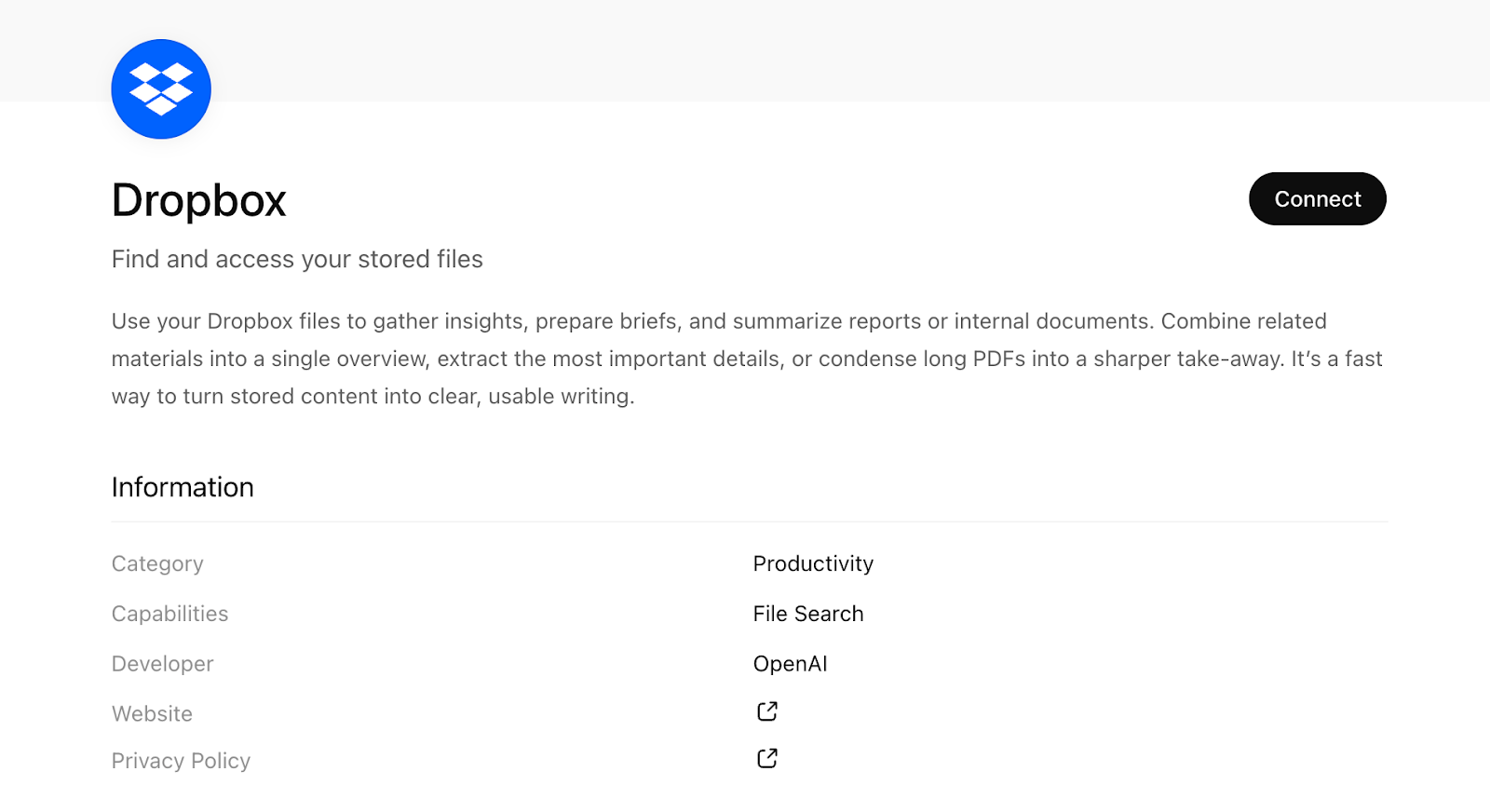
The Dropbox app in ChatGPT connects your Dropbox account directly to the chatbot and indexes supported files so you can search and analyze them using natural language.
The app currently indexes
- .docx
- .pptx
- .xlsx
At the time of writing, it does not index images, videos, compressed files, or design files.
This integration uses secure OAuth linking and lets ChatGPT reason over your Dropbox content based on your existing permissions, so it respects who can see what.
- Key features
- Natural language search across your Dropbox: Ask questions like “When does our catering contract expire?” and ChatGPT scans indexed files to surface the answer
- Document summarization: Generate summaries of long PDFs, reports, or slide decks without downloading or copying content manually
- Metadata visibility: ChatGPT can read file content and metadata (including sharing settings and collaborators) for documents you have access to
- Automatic sync (with setup): Once sync is enabled, your Dropbox files are indexed so that you don’t need to upload documents individually
- Pros
- You don’t need exact file names — you ask questions like you would in a search bar
- Familiar storage layered with AI insights keeps your existing folder structures while adding summarization and semantic access
- Cons
- Not a full document management system replacement — it adds AI to your stored files but doesn’t provide advanced document lifecycle tools like document workflow automation or contract analytics out of the box
- Summaries and answers are only as good as the underlying file text
- Heavily encrypted or scanned image PDFs need optical character recognition (OCR)
- Plans/pricing
- Dropbox offers a free plan with limited storage, and paid plans start at $9.99 per month
2. Google Drive: Best for AI search across Google Workspace files
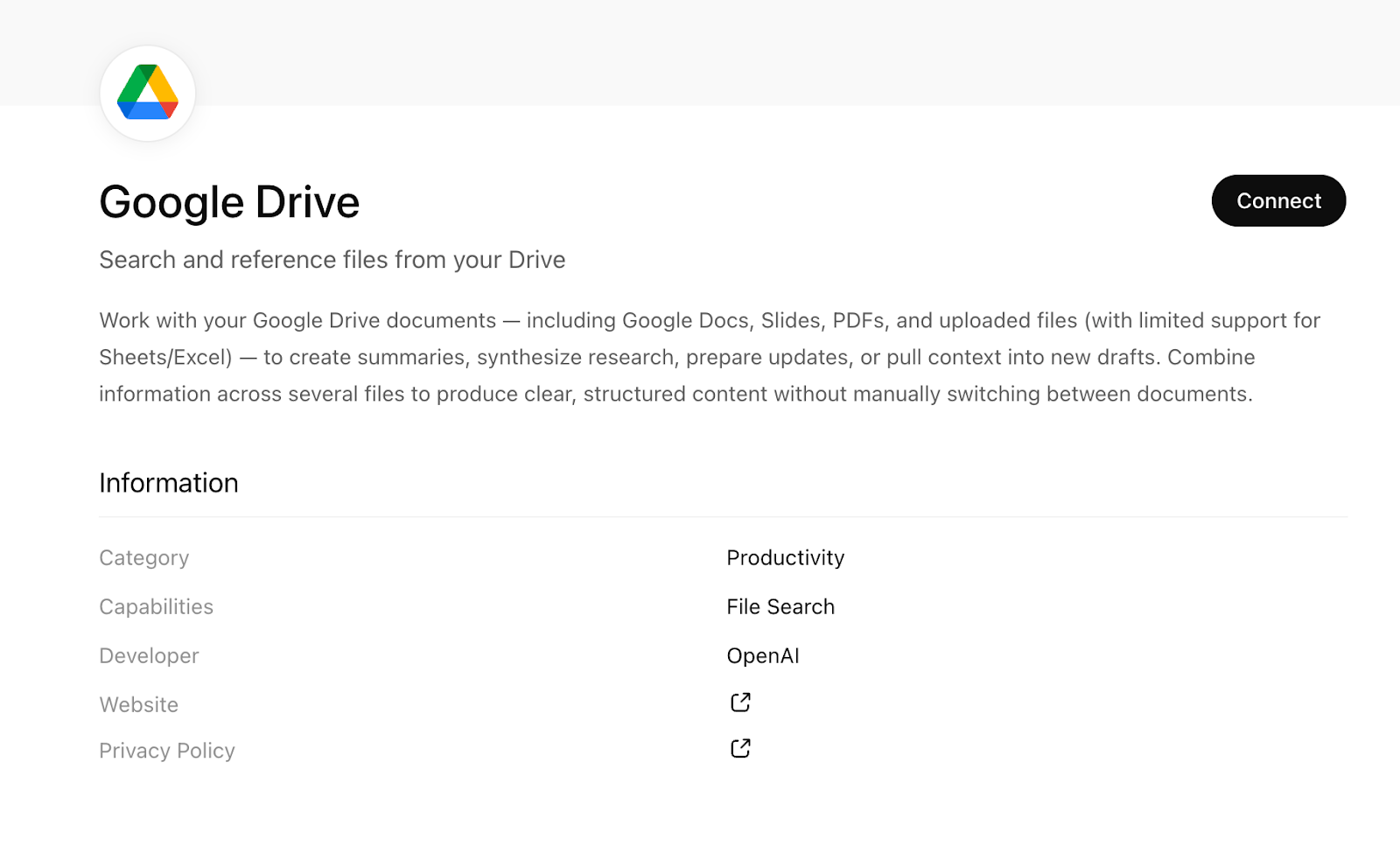
Google Drive’s app in ChatGPT lets you connect your Drive account so that the AI can reference, search, and summarize your documents directly.
The integration works with common document formats in Drive, including
- Google Docs
- Google Sheets
- Google Slides
- PDFs
- Microsoft Office files uploaded to Drive (e.g., .docx, .xlsx, .pptx)
Files that aren’t text-based or lack extractable text won’t be searchable through the connector alone.
- Key features
- Semantic search across Drive files: Ask questions like “Summarize key points from the Q4 deck” or “What deadlines are in our policy doc?” and ChatGPT uses indexed content to respond
- Cross-document context: ChatGPT can pull related context from more than one file to help with reports, briefings, or research
- Permission-aware access: The app only sees the files you have permission to view in Google Drive; workspace admins can control who connects and syncs
- Sync option for up-to-date content: Enabling sync means your Drive files are indexed ahead of time so responses work from the latest versions — with setup steps outlined in the official Google Drive app with sync guide
- Pros
- This is a strong fit for Docs- and Slides-heavy teams — if most of your institutional knowledge lives in Google Docs, the app makes it searchable in plain English
- The integration works effortlessly on top of your existing Drive setup
- Cons
- In Workspace environments, someone may need to enable the connector before you can use it
- Not a full workflow engine — it can read and summarize documents, but it won’t natively route approvals or enforce document lifecycle rules
- Plans/pricing
- Google Drive is included with Google Workspace, which offers a free tier with limited storage
- Paid Workspace plans start at $6 per user per month
3. Box: Best for compliance-heavy teams running on Box
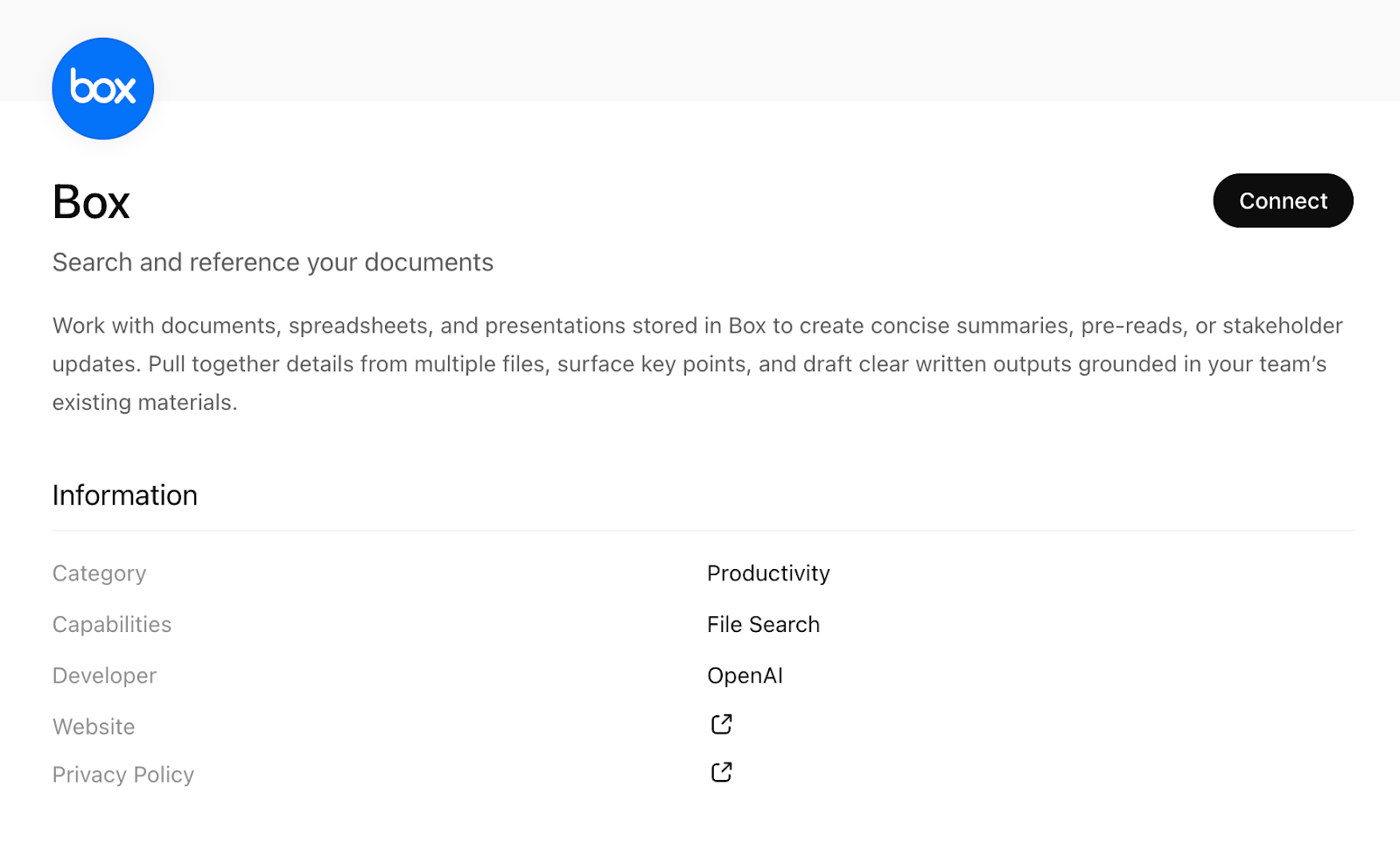
The Box app with sync in ChatGPT lets you connect your Box account so the AI chatbot can securely reference your Box content when answering questions.
- Key features
- Natural language search across Box content: Ask things like “What are the key risks in our vendor contracts?” and get responses informed by your Box files
- Cross-file synthesis: Pull relevant information from multiple files to create overviews or consolidated insights
- Sync indexing: Once connected and synced, ChatGPT can reference your Box data in responses without uploading each file manually
- Permission-aware access: The connector respects your Box permissions, meaning it only sees content you’re allowed to view
- Pros
- A great choice for enterprise governance — Box’s permissions model carries through the ChatGPT integration, so sensitive files stay protected; particularly useful for legal, HR, and finance teams managing document-heavy environments
- Cons
- In enterprise environments, enabling sync and managing access typically isn’t self-serve; text-based documents work best — image-heavy or non-text files won’t return meaningful results without OCR
- Plans/pricing
- Box offers a free plan with limited storage, and paid business plans start at approximately $15 per user per month
Introducing the Jotform ChatGPT App
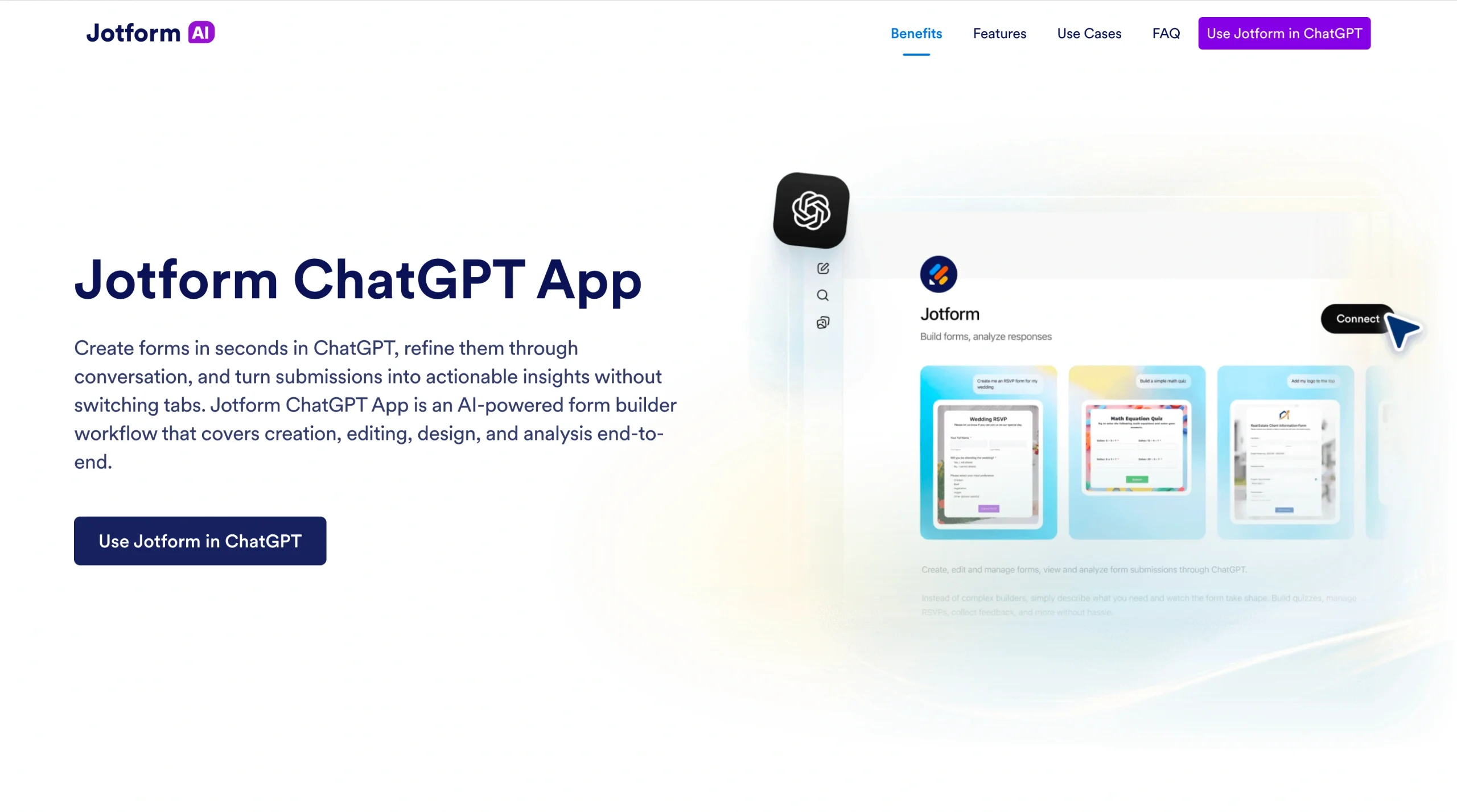
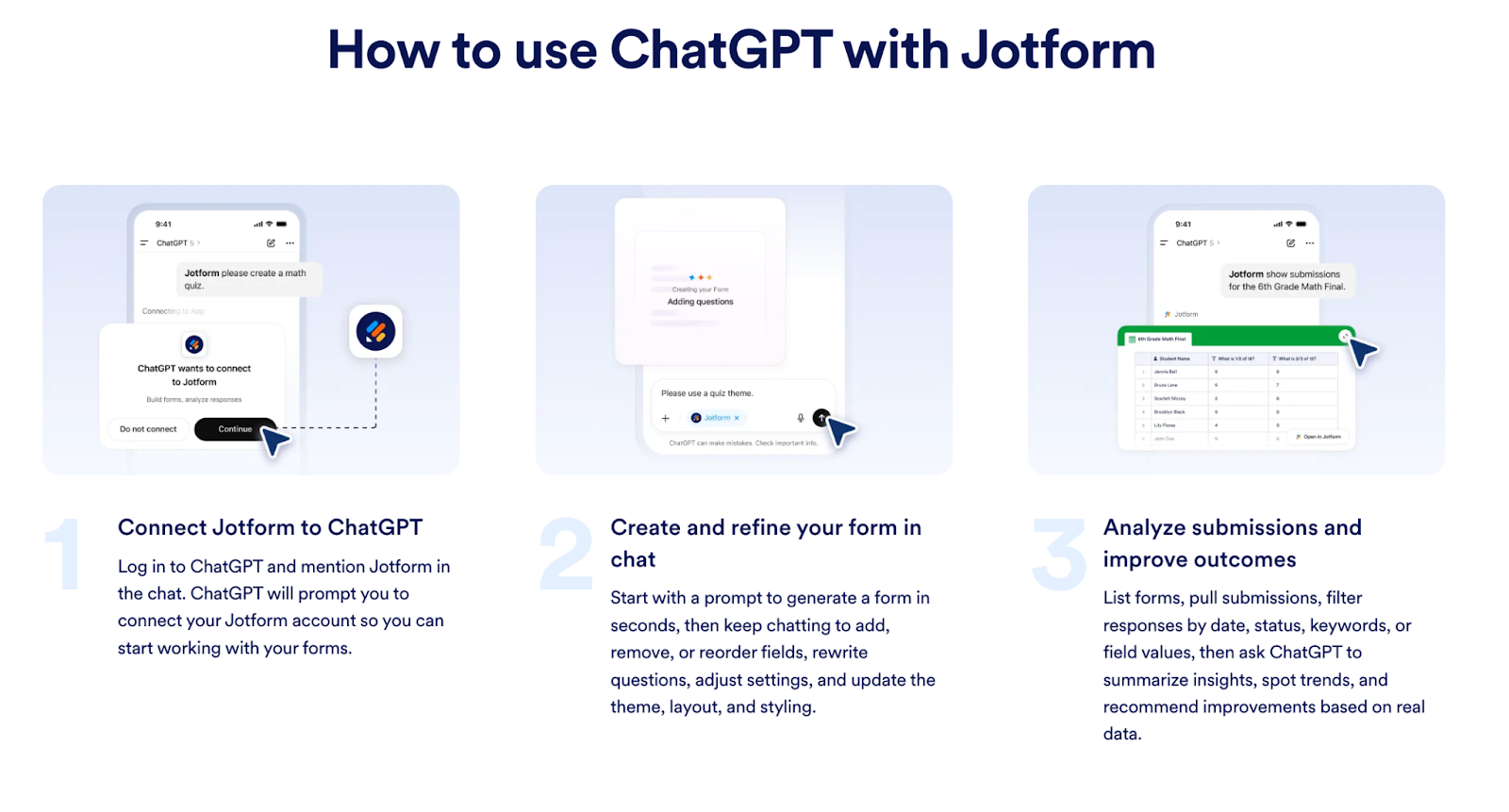
If Dropbox, Drive, and Box help you search and analyze the documents you already have, the Jotform ChatGPT App focuses on the other side of the coin: creating the documents you need.
This native integration turns three separate, often annoying chores into one smooth conversation:
- Creation: Describe a form and see it appear in seconds.
- Editing and design: Tweak fields, logic, and look and feel through simple prompts.
- Analysis: Ask the AI to turn a pile of responses into a clear report or a list of next steps.
If you want to go even further, explore Jotform AI for the same conversational experience natively inside Jotform, and it’s free!
Best ChatGPT apps for document management FAQs
Reliability depends on integration depth and governance controls. A reliable ChatGPT app should
- Respect existing file permissions.
- Sync consistently with cloud storage.
- Provide accurate document search with AI.
- Support auditability and admin controls.
For larger organizations, reliability often means choosing tools that support enterprise document AI standards.
The Jotform ChatGPT App ticks all the boxes.
Yes — but only through an authorized integration.
This article is for teams and organizations that manage large libraries of files and want to use ChatGPT-powered tools to search, summarize, and extract insights from documents securely, without disrupting existing storage and access controls.



































































































Send Comment: