
Top ChatGPT communication apps
ChatGPT communication apps are tools that use conversational AI to manage, automate, or improve real conversations across chat, messaging, and customer communication channels. Teams turn to them to respond faster, reduce manual work, and keep communication consistent at scale.
Support, sales, and operations teams rely on these apps most often, especially when chat is a primary way that they interact with customers or internal stakeholders.
What are ChatGPT communication apps?
ChatGPT communication apps use large language models to understand messages written in natural language and respond conversationally across chat-based workflows. Instead of relying on fixed scripts or rule-based bots, they generate responses dynamically based on context, intent, and available data.
What sets these tools apart from traditional chat platforms is their ability to interpret meaning, not just match keywords. They can summarize conversations, answer follow-up questions, route requests, or assist human agents in real time. Many also integrate into existing messaging channels such as websites, help desks, or internal collaboration tools, so AI becomes part of everyday communication rather than a separate system.
Top 3 ChatGPT communication apps
These apps use ChatGPT to make everyday team communication more actionable by summarizing conversations, searching messages, and creating clear next steps from chats or meetings across collaboration tools.
1. ChatGPT app in Slack
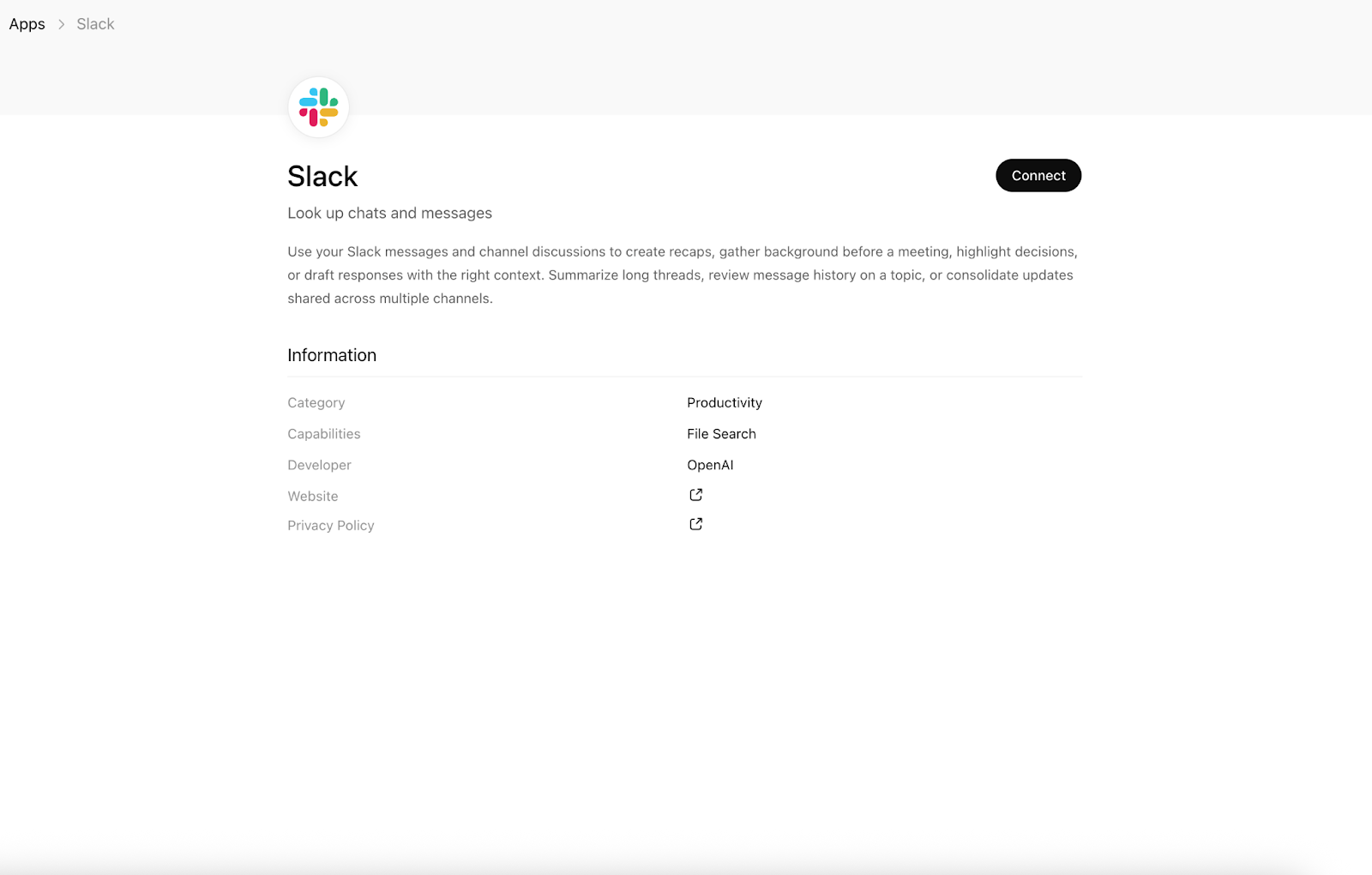
The ChatGPT app in Slack brings conversational AI into your team’s everyday communication. Once connected, you can chat with ChatGPT in a dedicated Slack sidebar to draft messages, summarize discussions, search messages and files, and turn long threads into clear action items without ever leaving Slack.
Conversations you start in Slack also appear in the ChatGPT sidebar, so you can pick up where you left off and move between tools without losing context.
- Best for: Internal teams that rely on Slack for daily communication and need faster ways to write, search, and stay aligned
- Primary workflow: AI-assisted internal communication, summarization, and knowledge discovery
- Key features
- Have one-on-one ChatGPT conversations inside a Slack sidebar.
- Draft and refine posts, updates, and replies directly in Slack.
- Summarize long channels or threads and surface clear action items.
- Search Slack messages and files using keyword or semantic search.
- Sync conversations between Slack and ChatGPT for continuity.
- Pros
- Reduces time spent catching up on conversations
- Helps teams write clearer messages faster
- Keeps AI support embedded in existing workflows
- Cons
- Designed for internal communication, not customer-facing chat
- Slack API limits impacted by heavy usage
- Limitations
- Requires installation and admin approval at the workspace level
- Semantic search limited to Slack Business and Enterprise plans
- Not available to Plus and Pro users in some regions due to geographical restrictions
- Developer: Slack
2. Microsoft Teams app for ChatGPT
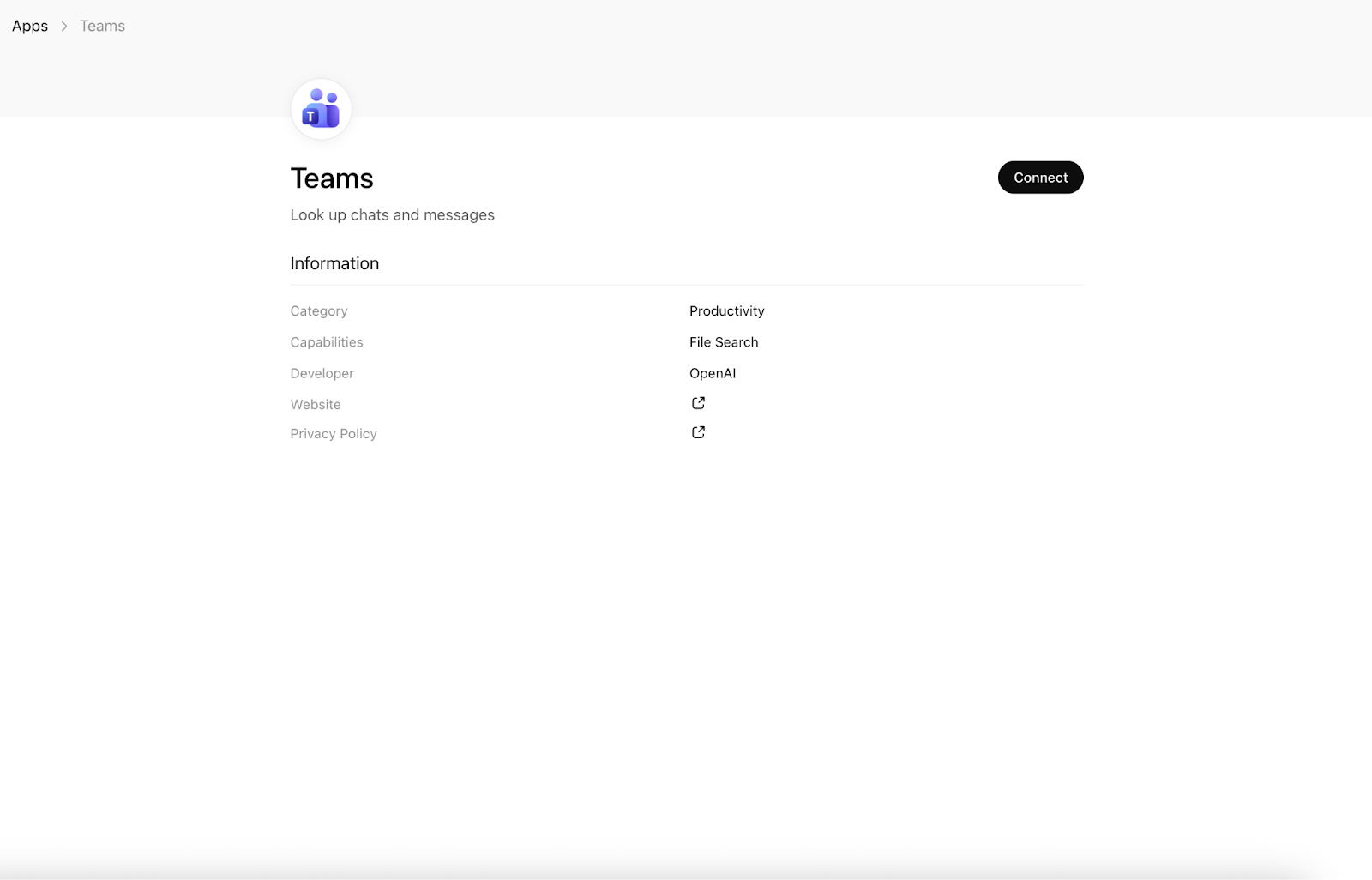
The Microsoft Teams app for ChatGPT makes team conversations more actionable by allowing ChatGPT to securely search your one-on-one and group chats on demand. Instead of scrolling through long threads or overflowing inboxes, you can surface relevant messages and reference them directly within a ChatGPT conversation.
This setup turns Teams into a searchable knowledge hub that supports writing, organization, and lightweight reporting tasks without interrupting daily workflows.
- Best for: Teams using Microsoft Teams for internal communication who need faster access to chat context and message history
- Primary workflow: AI-assisted search, summarization, and analysis of internal Teams conversations
- Key features
- Search one-on-one and group chats securely from ChatGPT.
- Summarize recent conversations or specific chats.
- Draft replies based on previous messages or emails.
- Find messages using keyword and structured filters (sender, subject, date).
- Extract metadata such as sender, subject, timestamps, and message text.
- Pros
- Saves time locating past conversations and emails
- Supports lightweight reporting and message analysis
- Cons
- Not designed for real-time chat automation
- No direct message actions within Teams
- Limitations
- Read-only access (cannot send, edit, or delete messages)
- Results limited to conversations the authenticated user participates in
- Developer: Microsoft Teams
3. Zoom for ChatGPT
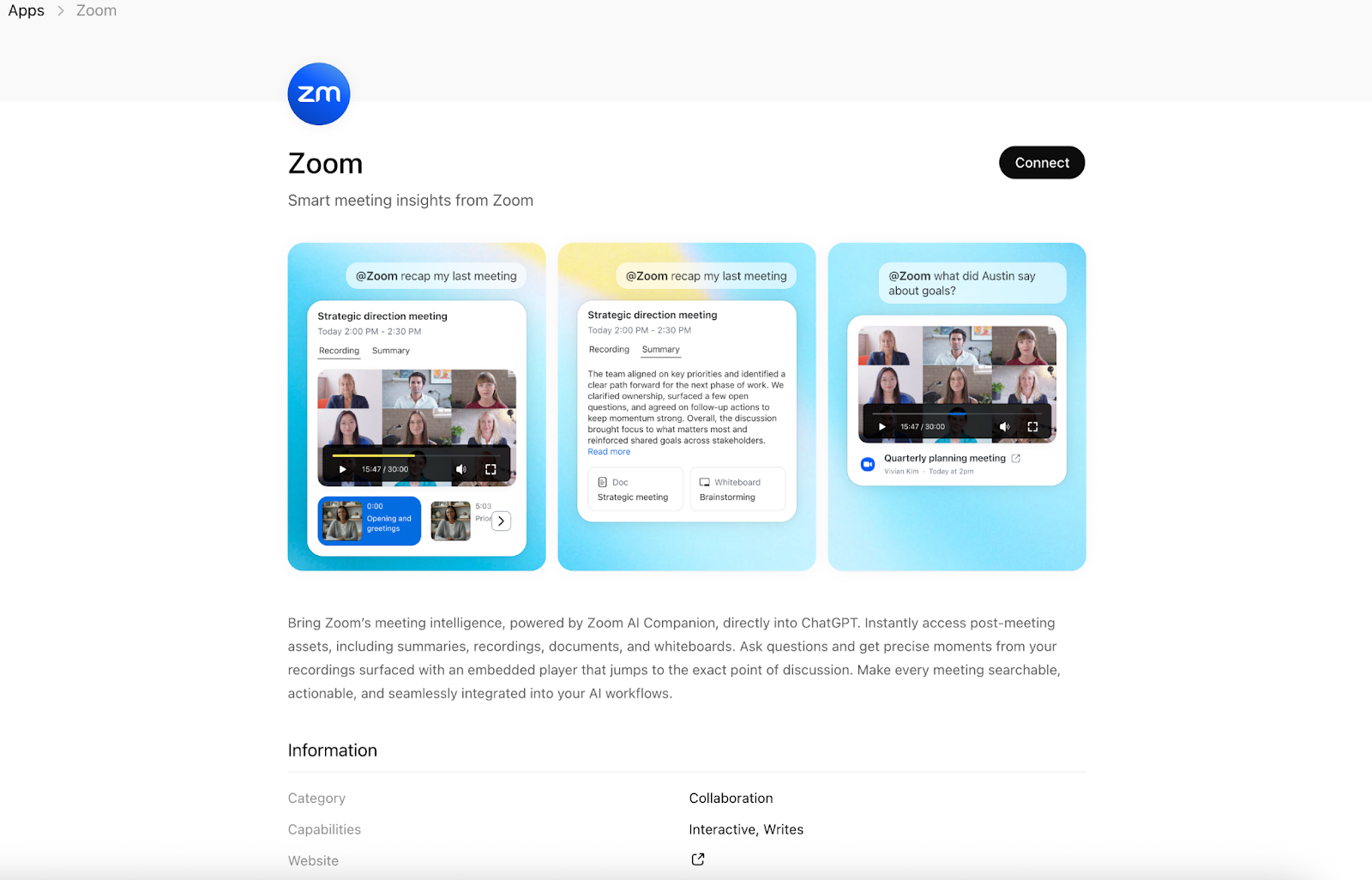
The Zoom for ChatGPT app brings meeting content into the ChatGPT conversation, so it’s easier to actually use what was discussed after a meeting ends. You can access summaries, transcripts, recordings, and shared documents, then ask questions to quickly find key moments, decisions, or follow-ups without rewatching entire meetings.
Instead of sitting as static recordings, completed Zoom meetings become searchable, actionable resources you can return to any time.
- Best for: Teams that rely heavily on Zoom meetings and want faster ways to review discussions and track action items
- Primary workflow: AI-assisted meeting review, summarization, and action item extraction
- Key features
- Access meeting summaries, transcripts, recordings, and shared files in ChatGPT.
- Ask questions to locate where a topic was discussed in a meeting.
- Generate agendas, notes, and action items from meeting content.
- Jump directly to specific timestamps in cloud recordings.
- Create follow-up materials such as Zoom Docs from meeting insights.
- Pros
- Saves time reviewing long meetings
- Makes follow-ups and accountability clearer
- Cons
- Depends on meeting recording and AI Companion setup
- Not designed for real-time, in-meeting interaction
- Limitations
- Requires Zoom AI Companion features (Smart Recording and/or Meeting Summary)
- Meetings only accessible if hosted by or shared with the user
- Requires cloud recordings with smart recording enabled to access video-based features
- Developer: Zoom
How to choose the right ChatGPT communication app
The right ChatGPT communication app depends on where conversations happen and what you need to do with them afterward. Some tools focus on internal chat, others on meeting follow-ups, and some on turning conversations into structured outputs.
Use this checklist to shortlist the right option:
- Primary communication channel: Choose a tool that integrates with where your team already talks, such as Slack, Microsoft Teams, or Zoom.
- Type of interaction: Decide whether you need help with real-time chat, conversation summaries, meeting analysis, or follow-up actions.
- Search and context depth: Look for tools that can search past messages, transcripts, or recordings and surface relevant context quickly.
- Security and permissions: Make sure the app respects existing access controls and only retrieves conversations the user is authorized to view.
- Workflow handoff: Consider whether conversations need to turn into next steps, documents, or structured data, and choose a tool that supports that transition.
Shortlisting tools based on these criteria helps teams avoid overengineering and adopt AI where it delivers the most value.
Bonus: Introducing the Jotform ChatGPT App
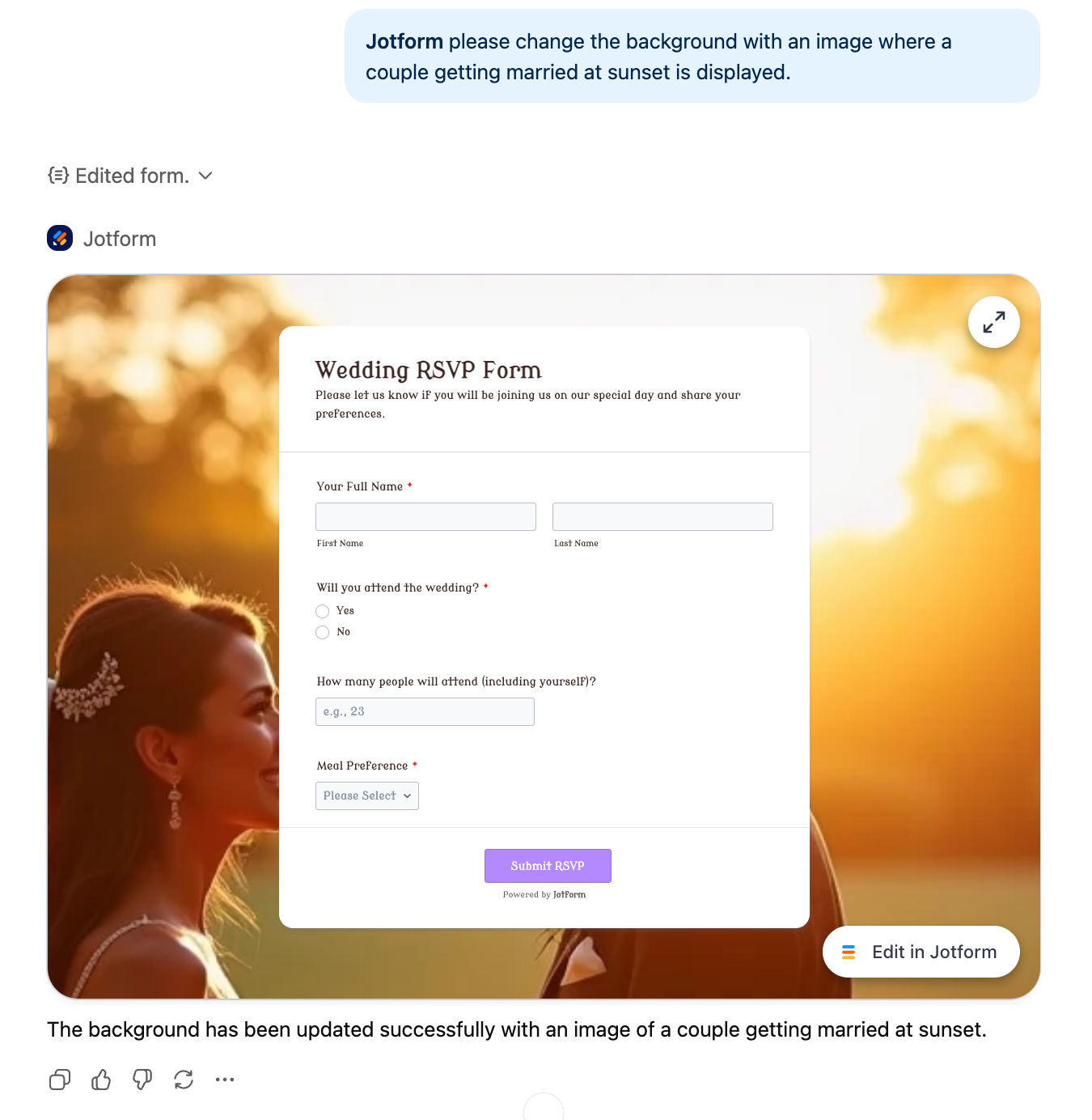
People come to ChatGPT to get things done, from planning workflows to working more efficiently with their data. The Jotform ChatGPT App extends that experience by bringing form creation and data exploration directly into the conversation.
Instead of switching between tools, you can create forms, edit them, find existing ones, and work with submissions using natural language, all without leaving ChatGPT.
The app is built inside ChatGPT’s Apps and Connectors ecosystem, offering an interactive, in-chat experience. You can describe the form you need, preview it as it’s generated, and continue refining it with follow-up prompts. You can also list your forms with filters, retrieve submissions, and apply conditions to focus on specific responses.
Where the Jotform ChatGPT App really shines is after data collection. You can ask questions about submissions, calculate averages, review individual responses, or summarize results, all in a clean, table-style view that makes scanning easy. Because the data already lives in Jotform, there’s no need to export files or jump between platforms.
For teams already using ChatGPT as part of their communication workflows, the Jotform ChatGPT App adds a practical layer. It turns conversations into structured data and actionable insights, cutting down on context switching and making both forms and form data easier to access, understand, and use right inside ChatGPT.
Jotform also has a built-in AI that goes beyond the ChatGPT App, letting you build, design, and automate forms entirely within Jotform AI.
Build faster with Jotform AIDescribe what you need, and let Jotform AI build it for you instantly.
Get Started Now
Where ChatGPT communication apps add the most value
ChatGPT communication apps work best when they reduce friction around everyday conversations rather than trying to replace them. Instead of adding more messages, they help teams find information faster, summarize what matters, and turn discussions into clear next steps.
Tools such as Slack and Microsoft Teams make internal communication easier to navigate by summarizing chats and surfacing relevant messages. Zoom helps teams make better use of meetings after they end by turning recordings and transcripts into insights and action items. The Jotform ChatGPT App extends these workflows by transforming conversational inputs into structured data that teams can analyze and act on.
Together, these tools show that the value of conversational AI is clarity and continuity. When used thoughtfully, ChatGPT communication apps support long-term workflows by helping teams stay aligned, reduce manual follow-ups, and move more smoothly from conversation to action.
This article is for teams evaluating ChatGPT-powered communication tools and looking to streamline chat, messaging, and meeting follow-ups. If you want faster summaries, better search, and clearer next steps across collaboration apps, these options can help.







































































































Send Comment: