

Top ChatGPT website builder apps
ChatGPT website builders can handle design, content, layout, and even interactive elements. It’s easy to see why designers, entrepreneurs, freelancers, and small businesses are rapidly adopting ChatGPT web design tools. Sites that used to take weeks to build are now ready in minutes. Automation allows the AI to write copy, select layouts, and generate images, and there’s no coding experience required.
We’ve reviewed the five best ChatGPT apps for website-building. Our rankings are based on the apps’ generative web design capabilities inside ChatGPT, the level of automation they provide, and how easily nontechnical users can turn an idea into a live website.
The top 5 ChatGPT apps to create websites
These five apps lead the pack of AI no-code website apps. They represent different approaches to building websites inside ChatGPT and include autonomous AI development agents and beginner-friendly assistants for building business sites.
Build faster with Jotform AIDescribe what you need, and let Jotform AI build it for you instantly.
Get Started Now
1. Lovable
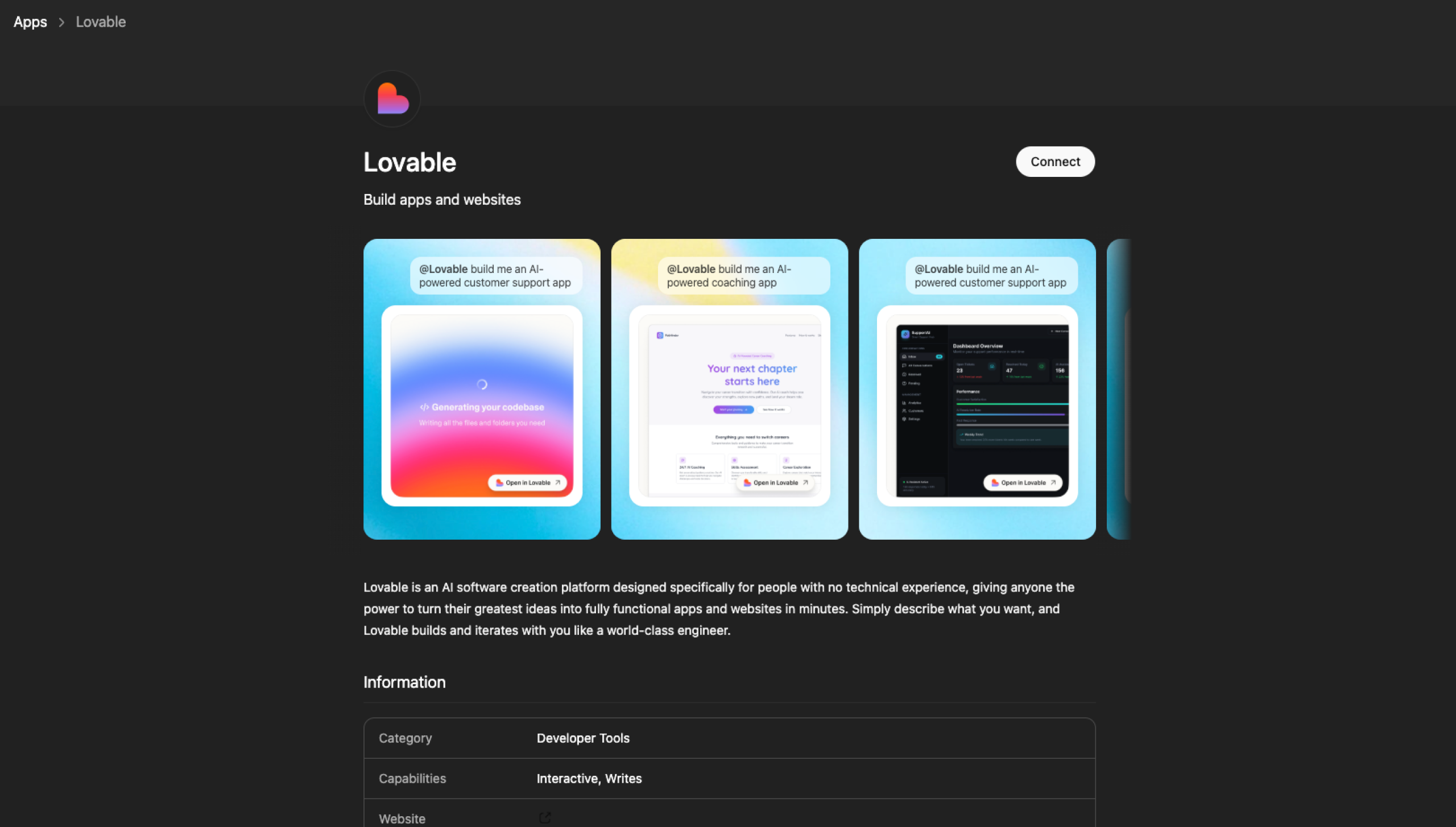
Lovable is one of the best options for anyone who needs a full-stack application, as opposed to a simple, attractive landing page. Use Lovable on the app’s website, or tag “@Lovable” within a ChatGPT conversation.
The app turns your brainstorm into a deployable React app, including front-end interface, back end, and database. This takes minutes, and you can continue iterating within your chat until you’re ready to hop into Lovable’s editor to polish and publish the site. Unlike a traditional website builder, Lovable is more like an AI developer that produces code you can export and extend.
Best for: Founders, product teams, and developers who don’t want to build and launch web apps from scratch
Developer: Lovable
Key features
- Simple, complete app creation: Describe your idea in plain English, and Lovable generates the complete codebase, including a React front end, Lovable Cloud back end (built on Supabase infrastructure but managed automatically within Lovable), and database schema.
- Automation: Lovable autonomously debugs errors, searches documentation, and iterates fixes.
- Visual edits: Click any element on the live preview, describe the change you want, and watch Lovable update the code in real time.
- Third-party integrations: Native integrations include Stripe and Supabase Auth. You can connect other services (including OpenAI, Twilio, Resend, and Clerk) via API keys, edge functions, or community connectors.
- One-click deployment: Publish instantly to a Lovable subdomain (with optional custom domains), or export your code via GitHub to deploy anywhere.
Pros
- Produces professional, on-brand designs without human intervention
- Has exportable code that doesn’t lock you into a proprietary ecosystem
- Turns a ChatGPT brainstorm into a prototype
Cons
- Technical expertise is recommended for complex backend logic.
- You may hit ChatGPT’s conversation limit if you proceed with a lot of iteration.
- The Select & Edit feature is good for simple user interface tweaks but not complex changes.
2. Wix
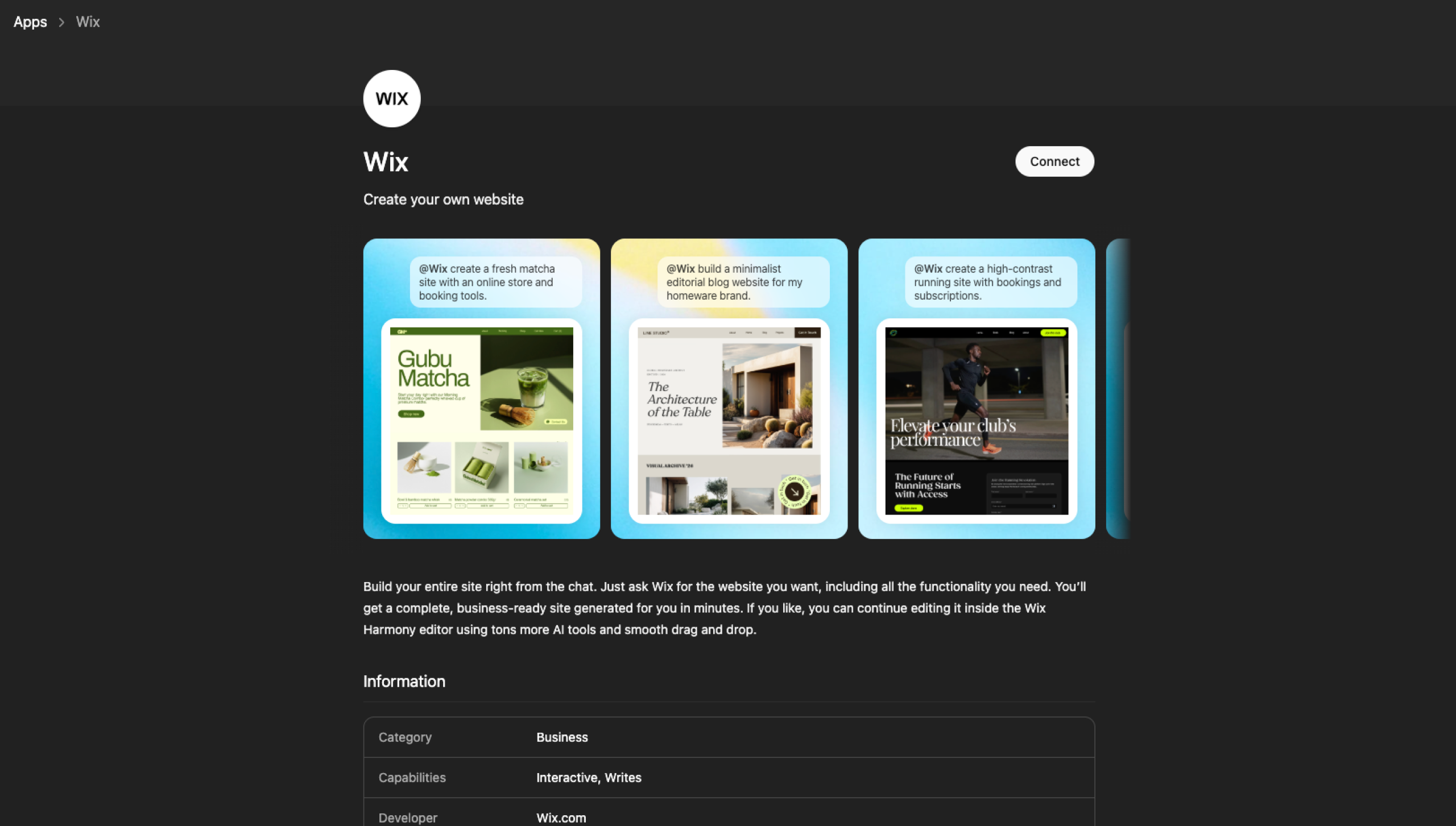
Wix launched its ChatGPT app in early March 2026, and it’s already one of the most polished AI website creator experiences. Type “@Wix” in a ChatGPT conversation, describe the site you want by typing or speaking, and the app generates a Wix Harmony site that can then be refined in the Wix editor. Existing Wix users can connect and manage their sites from the same chat. Unlike most of the other tools on this list, Wix pairs AI generation with drag-and-drop editing and a large marketplace of add-ons.
Best for: Small businesses that want a complete, business-ready site
Developer: Wix.com Ltd.
Key features
- Voice and text prompts: A simple prompt generates a complete site.
- Full Wix Harmony infrastructure: Commerce, scheduling, payments, security, accessibility, performance tooling, and SEO are built in.
- Conversational site management: Update your site, add features, and analyze performance in a continued ChatGPT conversation.
- Full editor access: After they are generated, sites can be refined through Wix’s visual editing tools.
Pros
- Enterprise-grade infrastructure on one of the world’s most reliable platforms
- Wix marketplace and template library access once editing moves into the main Wix platform
Cons
- Limited custom-code workflows compared with developer-focused builders
- Less portable than code-export tools, such as Lovable
- Classic Wix editor possibly preferable to the Harmony editing workflow
3. Manus
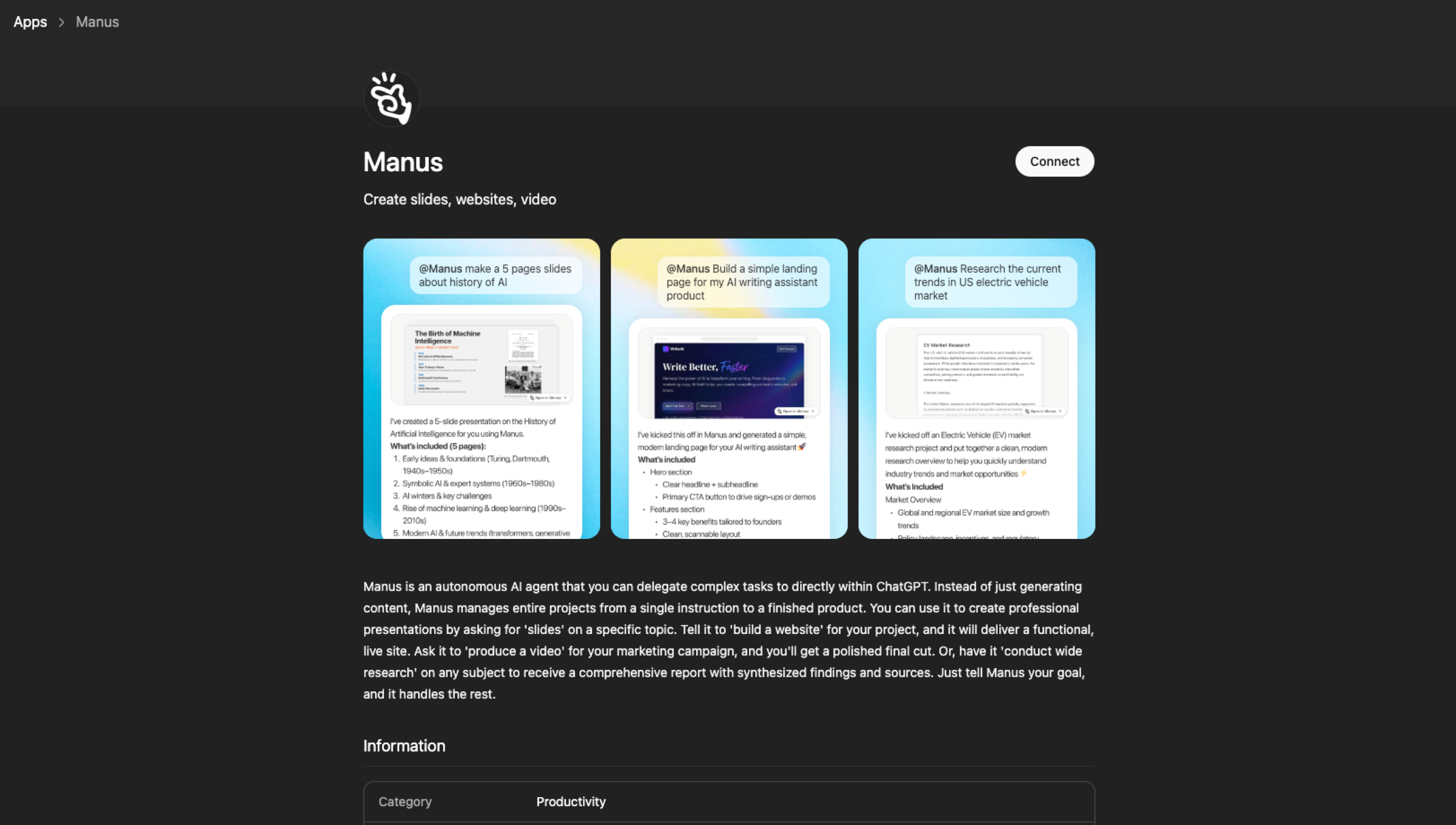
Manus isn’t a website builder; it’s a general-purpose, autonomous AI agent that builds full-stack websites for you. While other apps provide a construction framework, the official Manus app within ChatGPT executes the entire project. From a single prompt, Manus handles research, content, code, SEO, and deployment, all in one conversation.
Best for: Entrepreneurs and marketers who need complete AI development and don’t want to touch a line of code or manage several tools
Developer: Butterfly Effect (now part of Meta)
Key features
- Autonomous full-stack generation: With one prompt, Manus builds a complete React/Tailwind front end, integrated back end, database, and authentication flows.
- Integrated search and content: Manus independently researches your market, writes SEO-optimized copy, and generates custom images.
- Built-in SEO: Clean semantic code, meta tags, schema markup, and indexing readiness are standard.
- Full code ownership: You retain complete ownership of the React/Tailwind source code, which you can export for use with any host.
Pros
- Is the most autonomous of all the AI site-builder apps
- Produces unique designs, rather than relying on recycled templates
- Completes complex, multistep projects in minutes
Cons
- Manus offers less granular drag-and-drop tweaking than traditional visual builders.
- Its autonomous capability may be more than you need for basic, static landing pages.
- Complex backend logic and custom integrations still benefit from developer review before launch.
4. B12 Website Generator
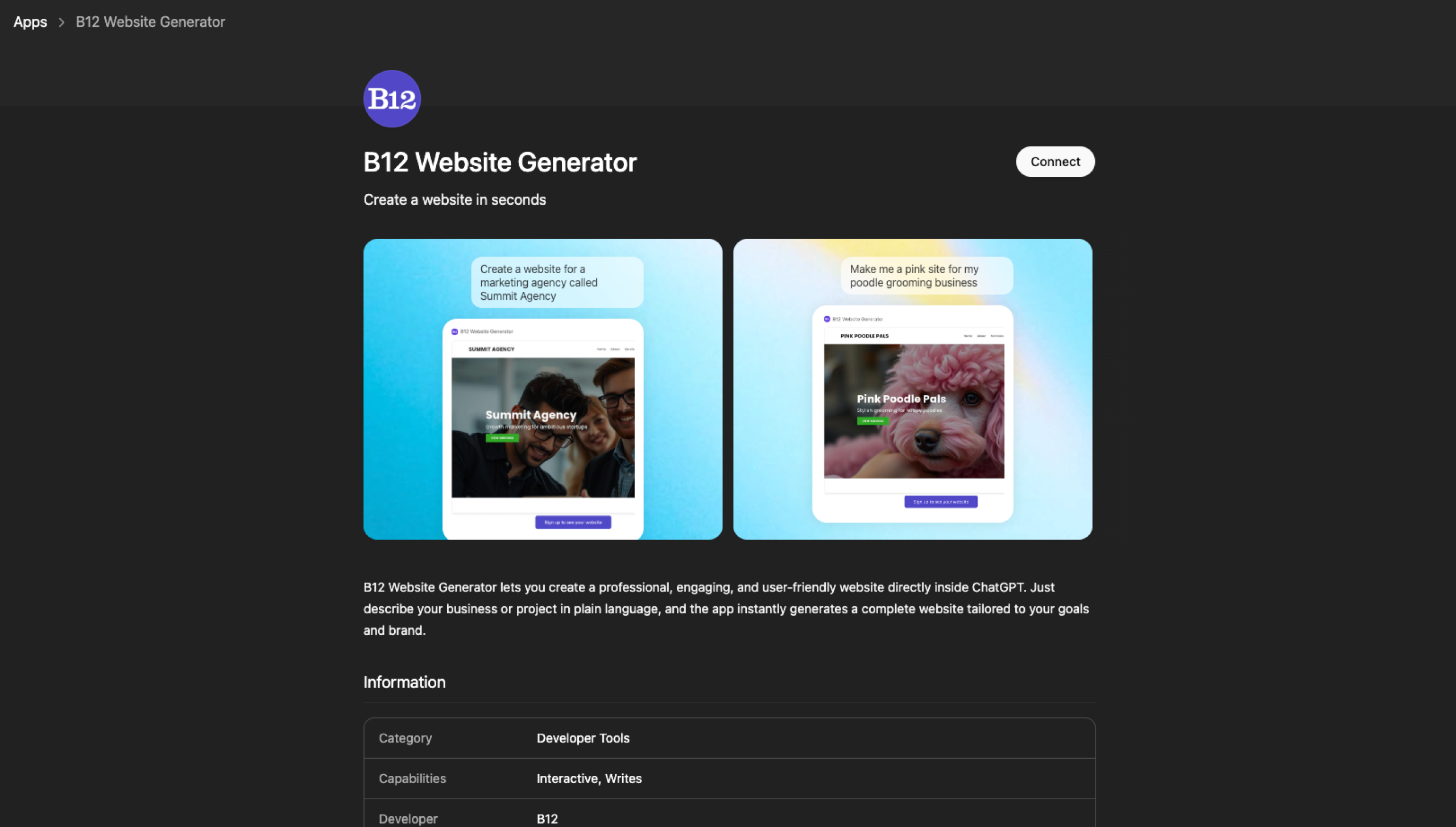
B12 is the most intuitive tool in this roundup and was made mainly for professional services businesses (such as consultants, coaches, lawyers, and designers) that need a professional website quickly. When you share your business name and a single-line description in the B12 ChatGPT tool, it generates a draft mobile-optimized website in about a minute.
You can then continue editing and publish the site within B12’s no-code editor. The app also generates logos and images within the conversation using AI image-generation tools. B12 combines AI site creation with business tools such as scheduling, client intake, and invoicing.
Best for: Service-based businesses that need a professional website in a short time frame
Developer: B12
Key features
- Fast site generation: The AI produces a complete, industry-specific website draft with just one prompt.
- DALL-E image generation: You can create custom logos and header images right inside the chat.
- AI assistance: It generates taglines, website copy, blog posts, and emails using information about your business.
- Built-in business tools: Scheduling, invoicing, payments, and client intake forms are accessible within the platform, with advanced features available on paid plans.
Pros
- It offers the fastest way for nontechnical users to create a professional website.
- It integrates with your business tools.
- The free plan doesn’t require credit card information to start.
Cons
- The AI-written copy can be generic and may require tweaking to match your brand voice.
- The platform has fewer third-party integrations than larger website builders, such as Wix.
5. Jimdo
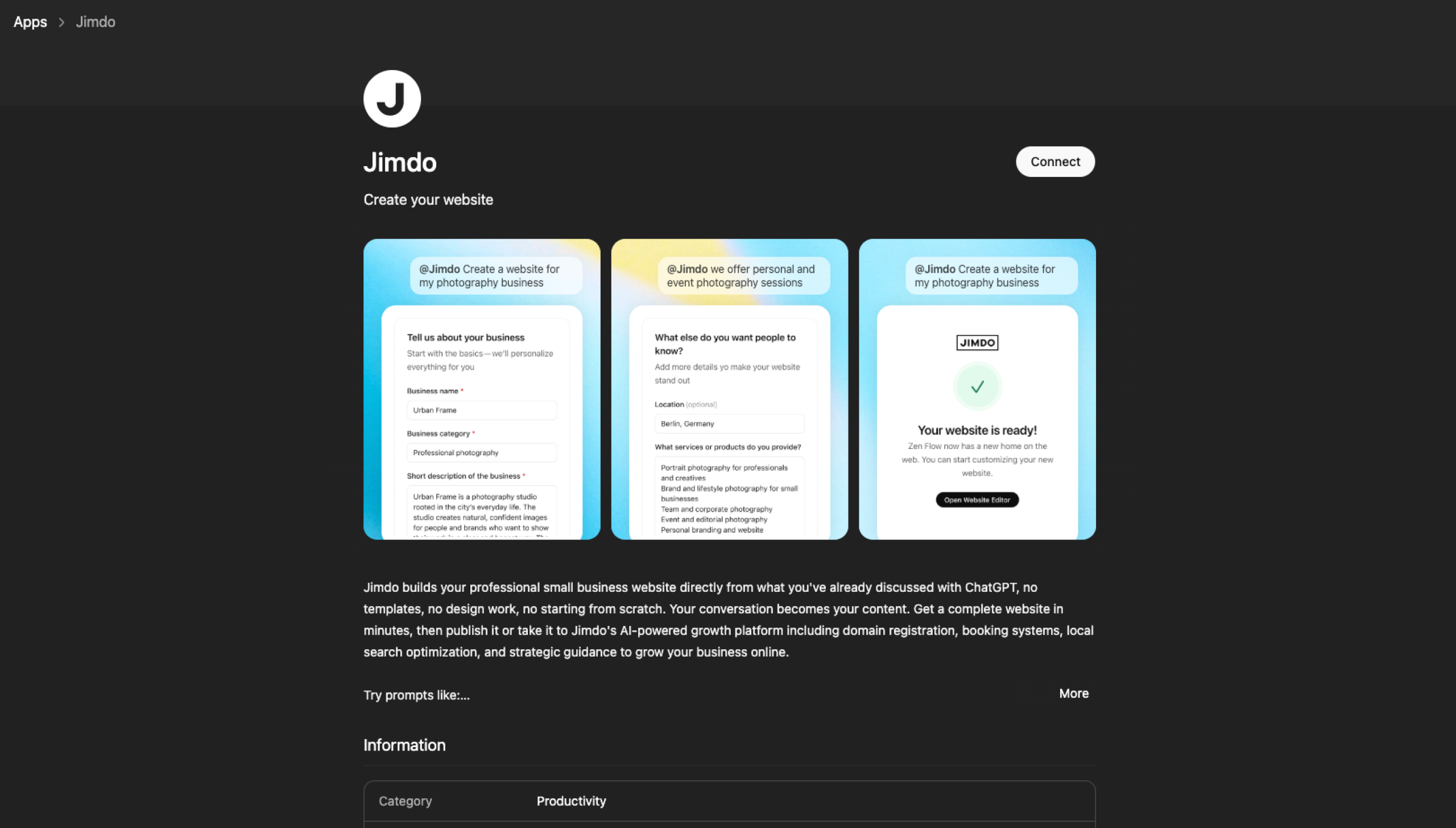
Jimdo launched its ChatGPT app in February 2026. Because many small-business owners already use ChatGPT, the company brought its website-building tools to that platform. After you answer a short series of questions about your business, Jimdo generates a complete website automatically, without any design-setup intervention or template selection. The platform prioritizes simplicity over customization, making it especially useful for solo business owners who want a simple online presence.
Best for: Solopreneurs and very small businesses that want a simple way to create and manage a website
Developer: Jimdo GmbH
Key features
- Guided conversational site creation: You answer a brief series of questions about your business, services, and audience. Based on those responses, Jimdo automatically generates a complete website structure and design.
- Jimdo companion AI: An integrated AI assistant suggests improvements for visibility and site performance after launch.
- Integrated business tools: Once the site is generated, it connects to the broader Jimdo platform, which can include e-commerce features, SEO settings, and marketing integrations, depending on your plan.
Pros
- One of the most beginner-friendly tools on our list
- Built-in legal document tools to simplify EU compliance requirements
- Companion AI for ongoing suggestions (rather than leaving you with a static site)
Cons
- It has limited design control compared with builders like Wix.
- Customization options are intentionally minimal.
- Larger or more complex businesses may outgrow the platform.
How to choose the right ChatGPT app
Choose a ChatGPT website creator app based on your goals, the amount of design control you want, your company’s SEO needs, and your comfort level with AI automation.
Match the tool to your goal
If you need a web app with a database and back end, go with Lovable or Manus. For a polished business site with commerce features, choose Wix or Jimdo. If being client-ready within an hour is your priority, select B12. If you’re specifically shopping for ChatGPT landing page tools, B12 and Jimdo are your quickest options.
Consider design control
If you want to keep tweaking your site after it’s been generated, Wix gives you the most breathing room. If you trust the AI to do the work, Manus or Lovable will genuinely surprise you.
Factor in SEO
Manus builds SEO into the code from minute one, while Wix offers a solid SEO toolkit. B12 and Jimdo handle the basics.
Be honest about technical comfort
Lovable and Manus produce exportable code, which is great if you think you might have a developer expand on it later. But it’s overkill if you just want to publish and be done. B12 and Jimdo are built for people who want nothing to do with coding.
Introducing Jotform ChatGPT App
Most websites need forms to capture leads, collect payments, or handle client requests. Enter Jotform ChatGPT App.
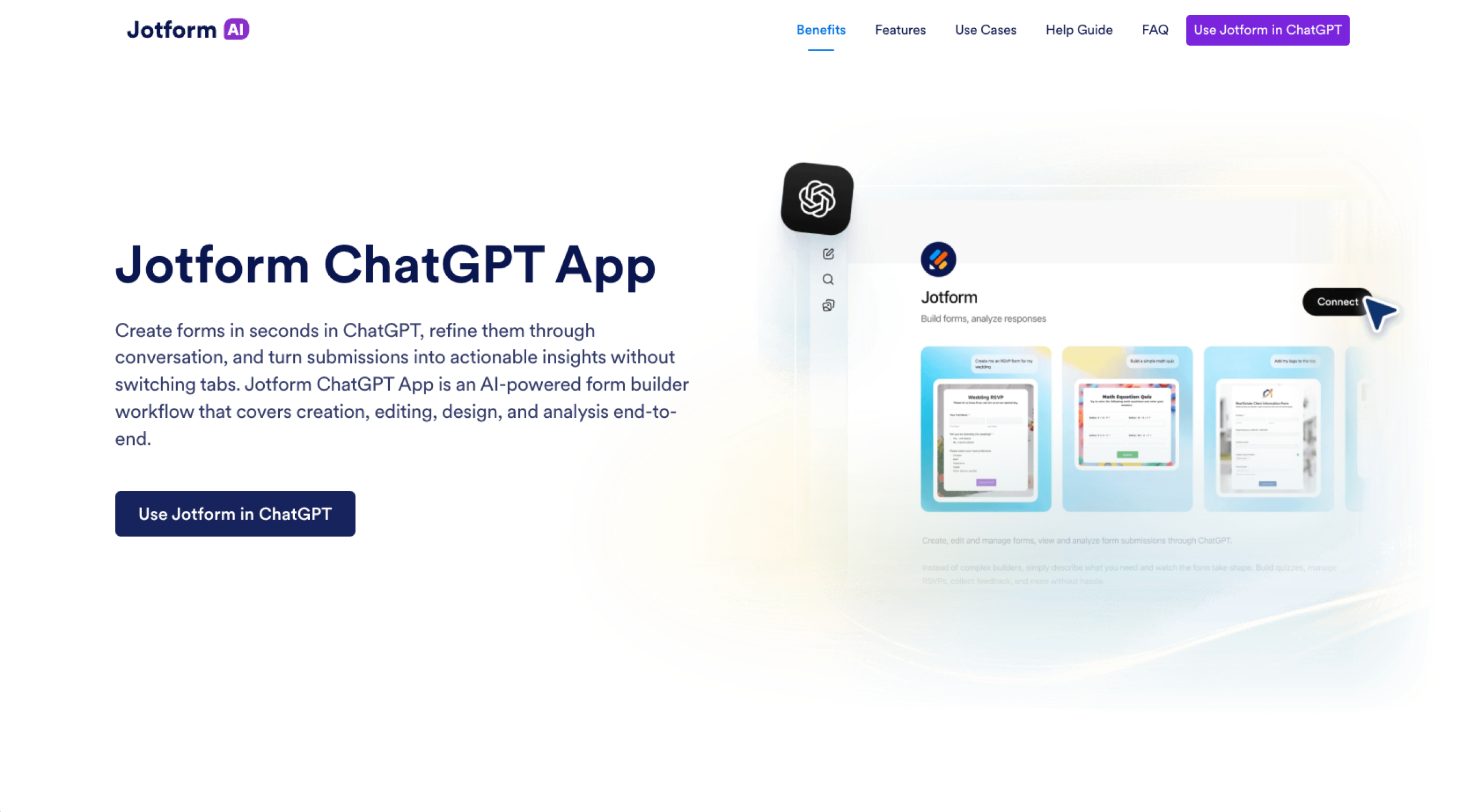
This app, accessible within ChatGPT, handles form creation from start to finish, including creation, editing, design, and response analysis. You simply describe the form you want, edit it through conversation, and ask Jotform to analyze incoming submissions, all without leaving the chat.
The Jotform ChatGPT App is a natural next step after using any of the building tools we’ve discussed.
How ChatGPT fits into web creation workflows
The best ChatGPT website builder apps have removed the barrier between having a website idea and publishing a live site. As good as they are, though, they lack the human element. AI-generated copy usually needs a personal touch. AI layouts sometimes need adjustments, and complex integrations and long-term performance optimization are still best when they involve human judgment.
The ChatGPT web creation tools reviewed here can augment your workflow rather than replace your human staff. They help you create more faster and with a much lower barrier to entry. AI handles the heavy lifting, but the final decisions are still up to the person building the site: you.
This article is for founders, freelancers, marketers, and small business owners who want to turn a website idea into a live site quickly using ChatGPT, without learning code or spending weeks in a traditional builder.



























































































Send Comment: