Expand your app’s reach without complicating your workflow. With Jotform AI App Builder, you can easily add multiple languages to your app and tailor your content for different regions and audiences. This makes it easier to create a more inclusive and accessible experience, helping users interact with your app in a way that feels natural and familiar, wherever they are.
Whether you’re creating a new app or updating an existing one, you can easily add multiple languages with Jotform AI Builder in just a few steps. Here’s what to do:
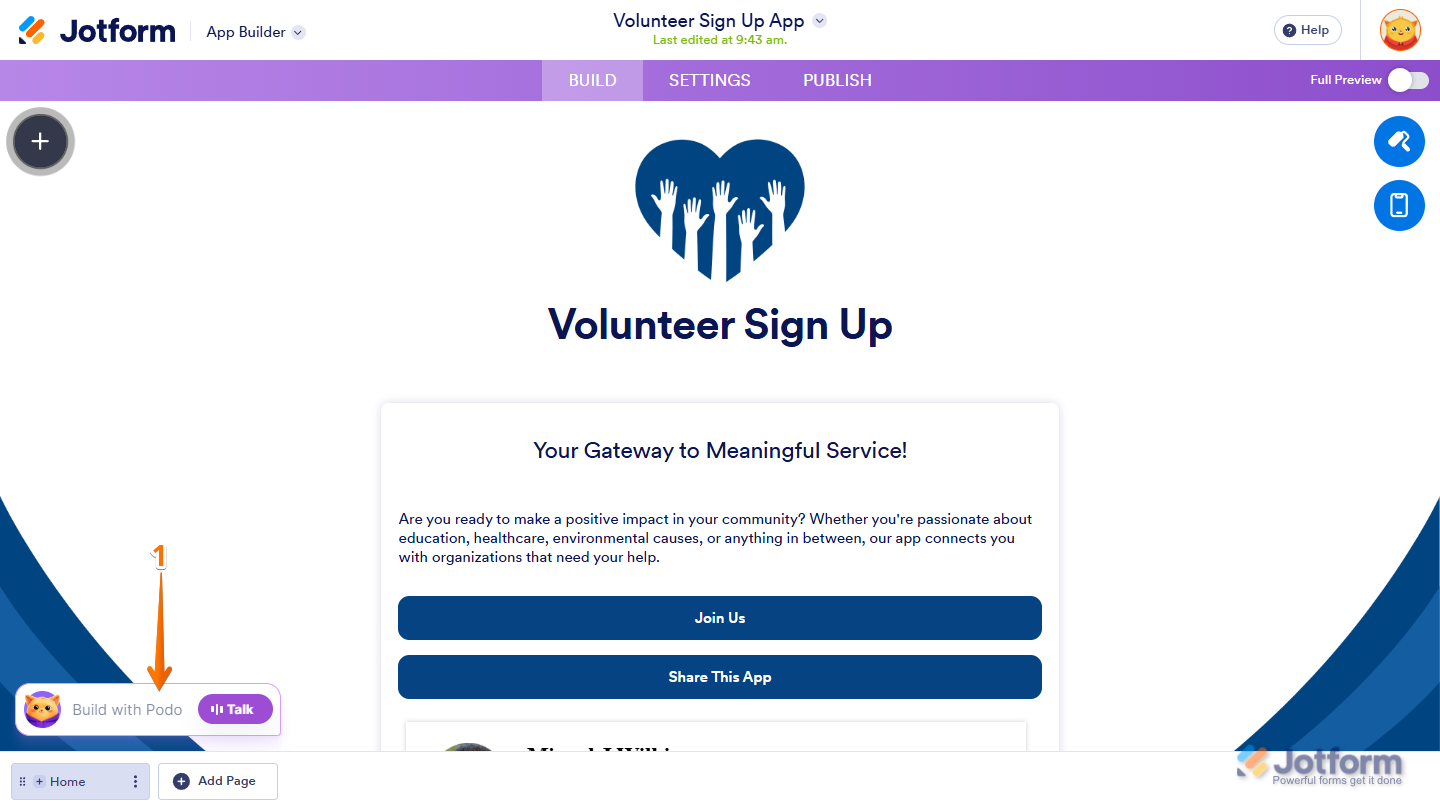
- In App Builder, click on Build with Podo at the bottom left side of the page.
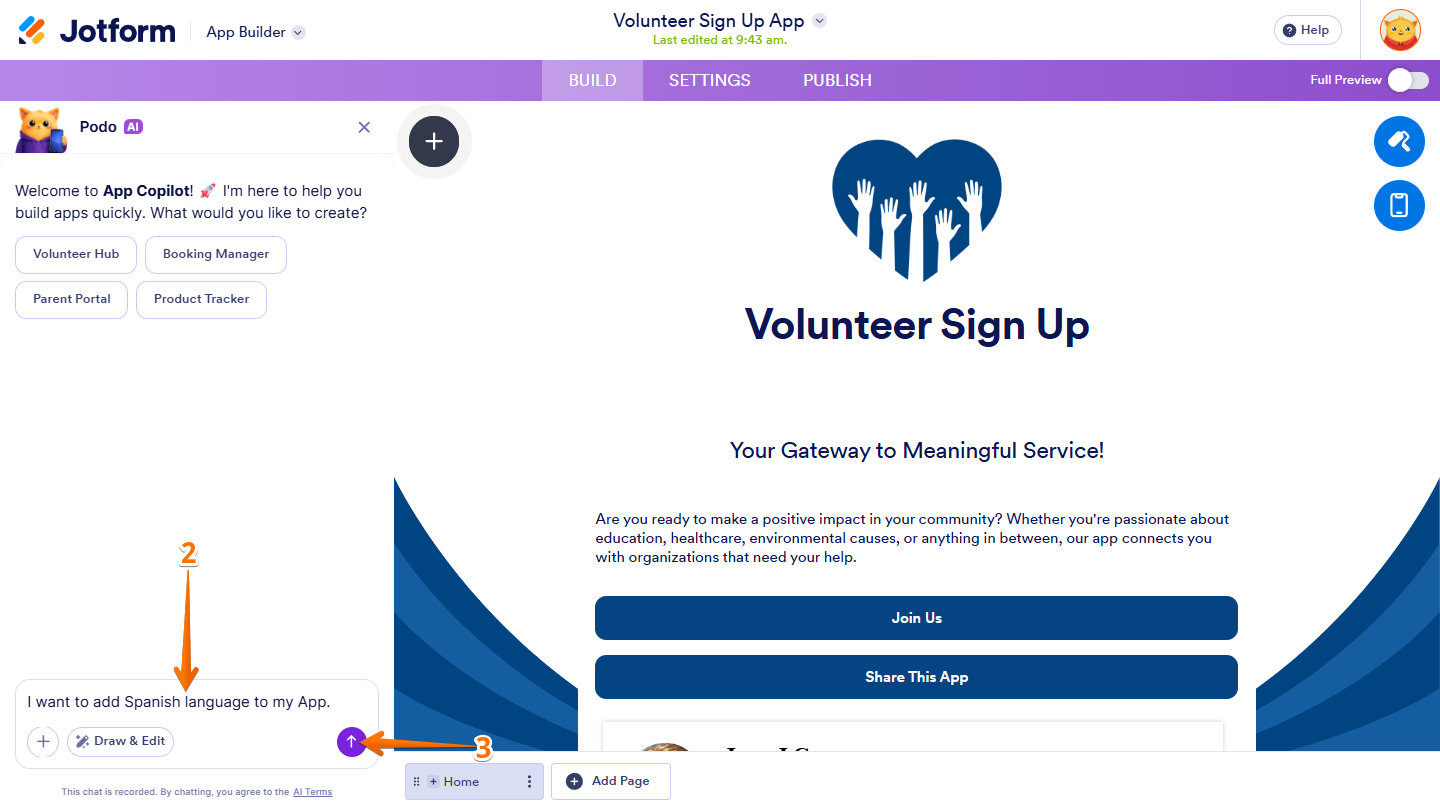
- Then, in the App Copilot AI menu that opens on the left side of the page, enter your language request in the App Copilot AI chatbox at the bottom. Here are direct prompts you can try to add a single or multiple languages to your form:
- I want to add [Add Language Here] language to my App
- I want to add [Language] and [Another Language] languages to my App
- Next, press the Enter key on your keyboard or click on the Upward Arrow icon on the right side of the Prompt box to send the add language request.
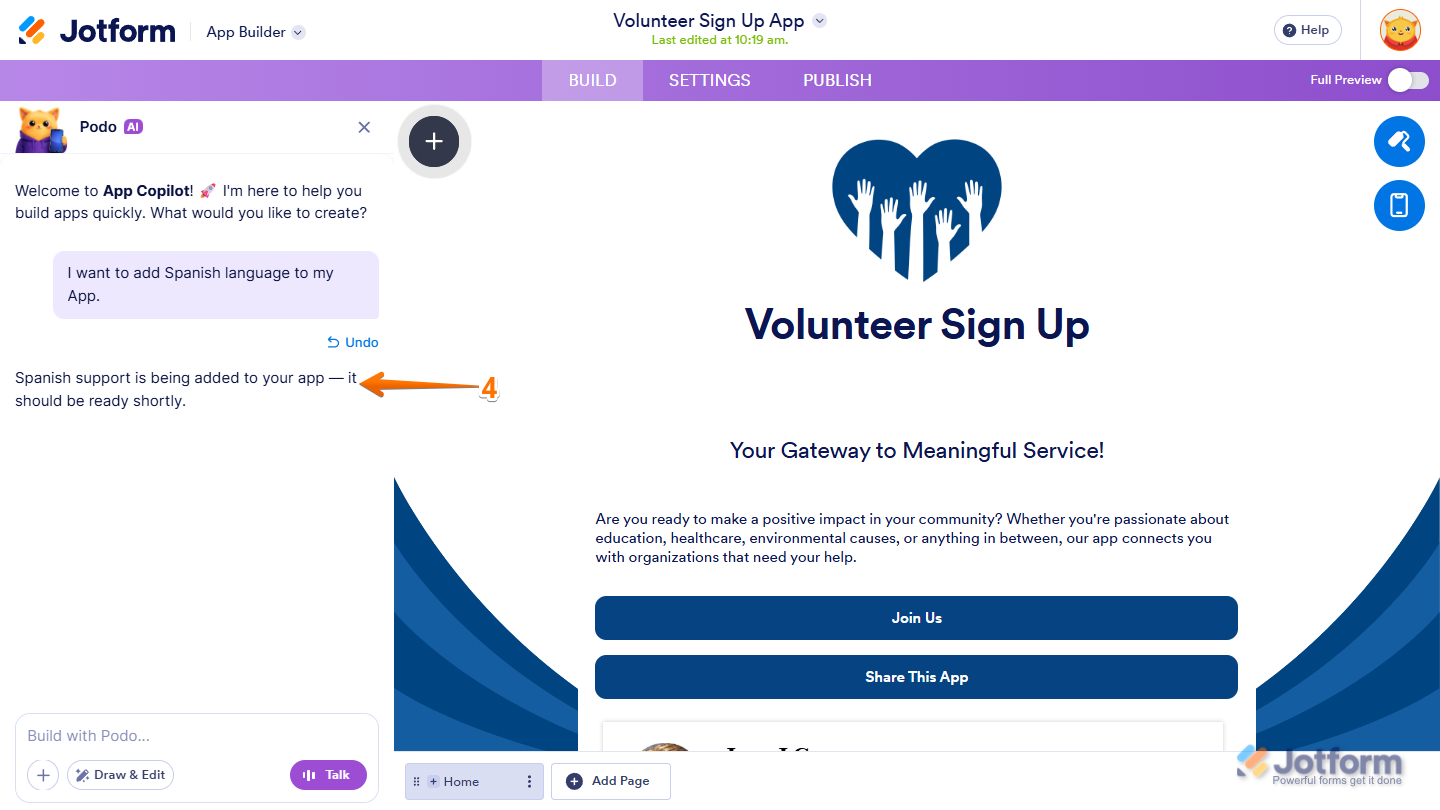
- Now, App Copilot AI confirms and adds the language to your app.
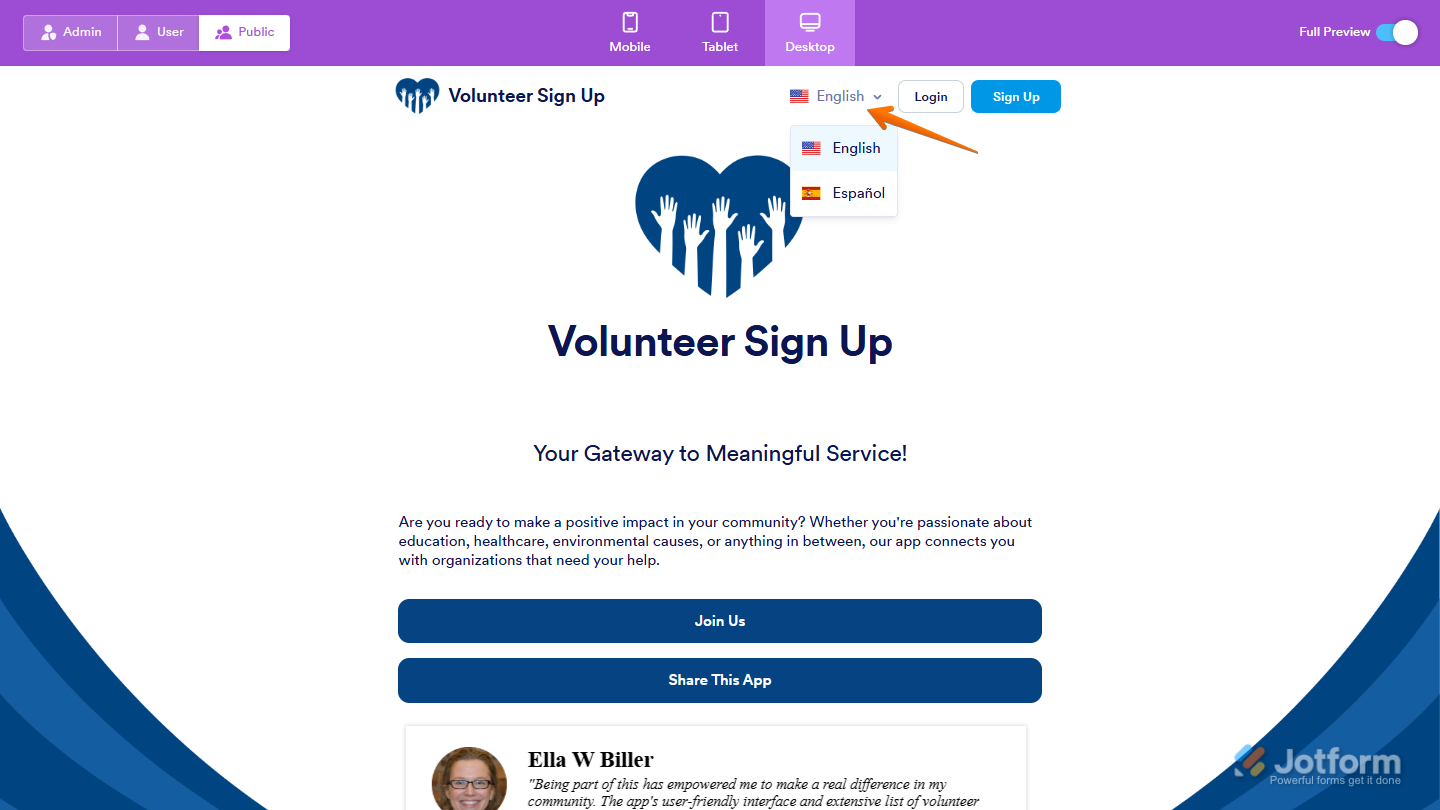
- In the Full Preview page, you will see the Language dropdown menu at the top right side of the app.
Note
At the moment, multiple languages can only be added through Podo AI and can’t be added manually within the app.

Send Comment: